Skip to content
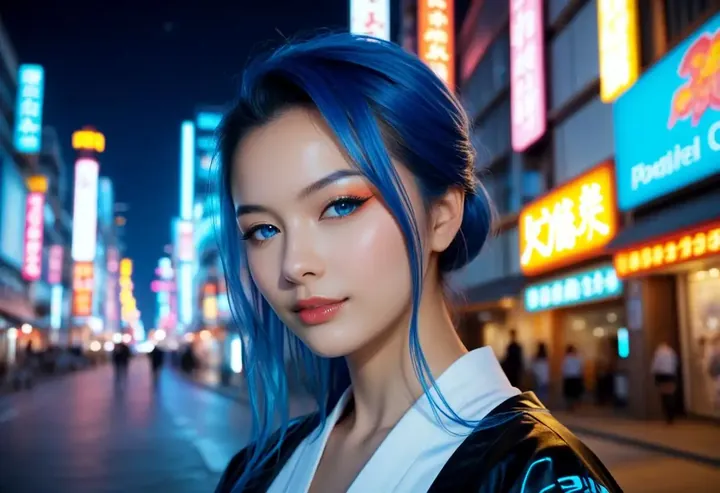
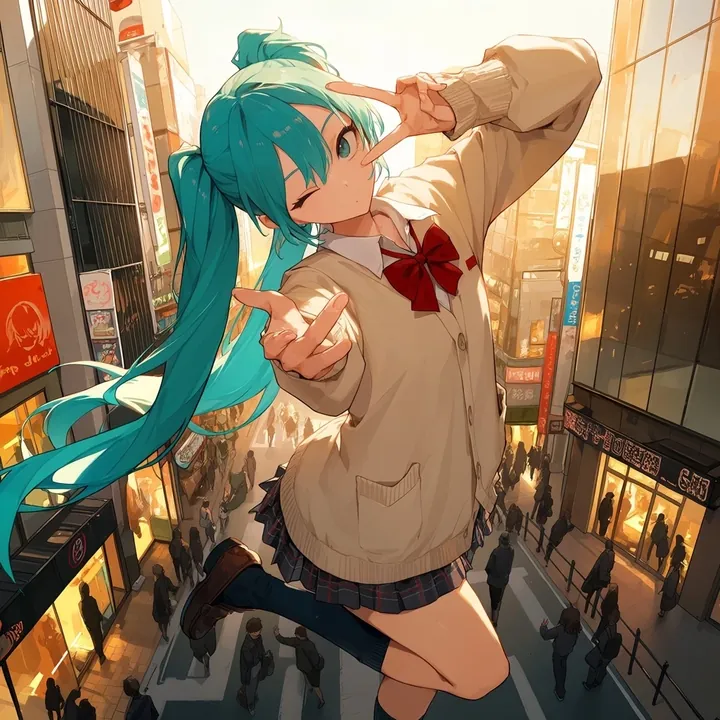
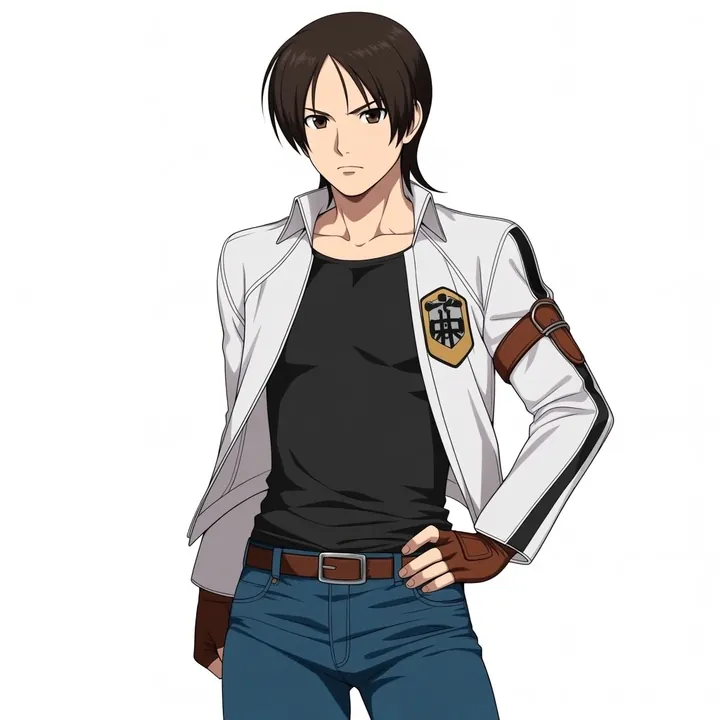
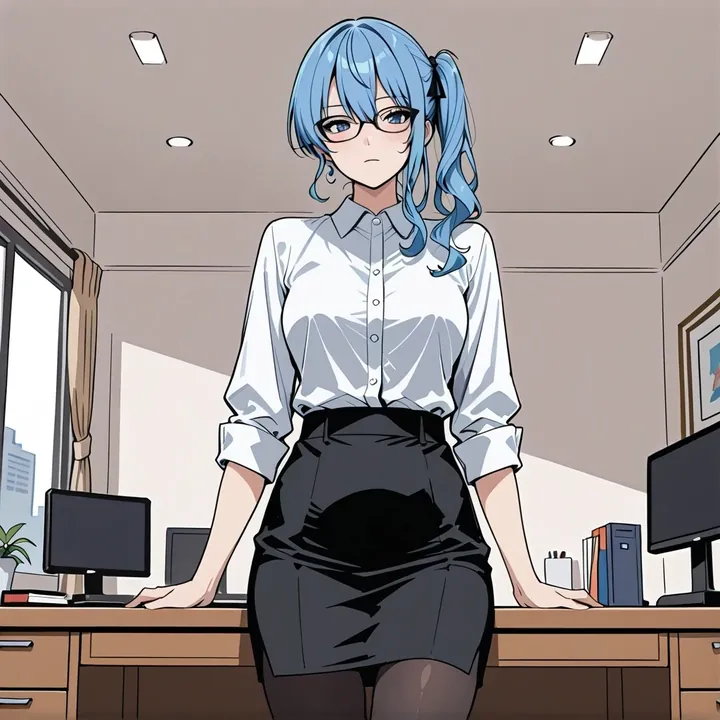
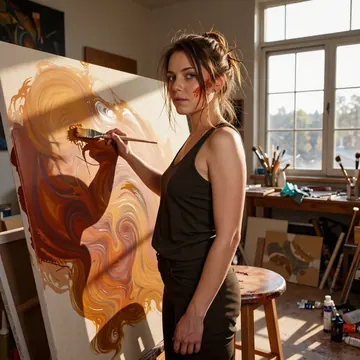
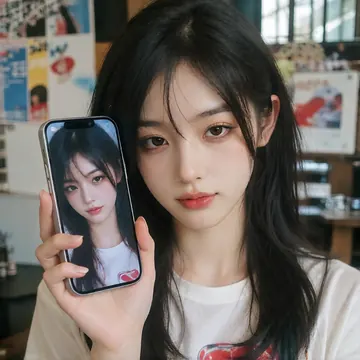
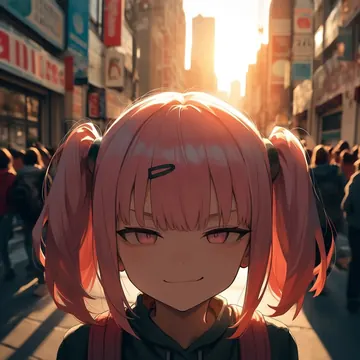
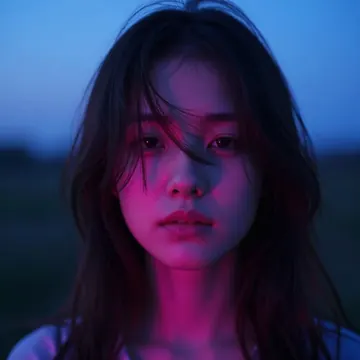
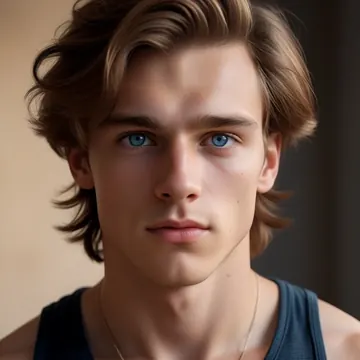
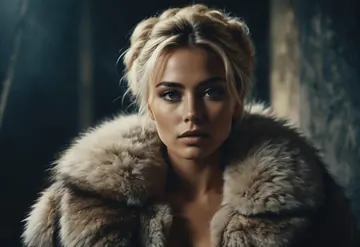
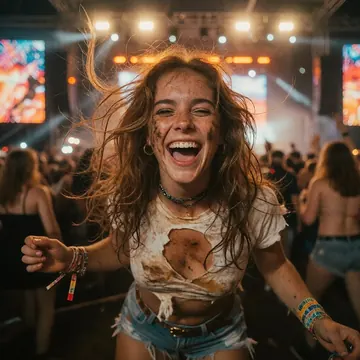
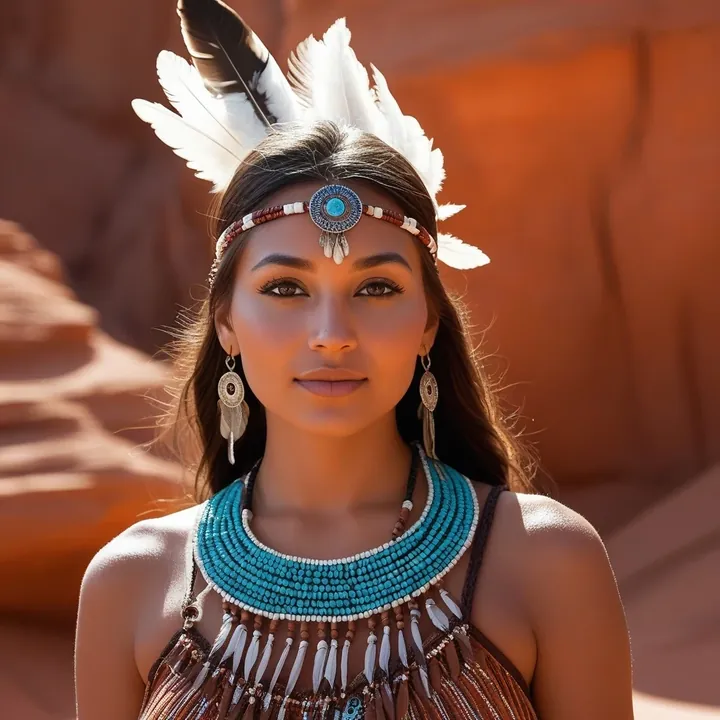
Sample image made with ReaPony
Pony Image Local Cloud Image input

ReaPony

ReaPony delivers quasi-real portraits that read like pro photography: crisp eyes, believable skin texture, and creamy bokeh. It shines with soft window light and golden-hour glow, from casual sofa shots to fashion looks and bedroom scenes. Try it if you want photoreal character shoots, beauty close-ups, or tasteful adults-only sets without fuss.

$0.003

per image in the cloud

$0

on your own GPU

Vibe

  • Natural, lifelike skin with visible pores and freckles; sharp eyes and clean catchlights.
  • Soft window light and moody shadows; warm skin tones against cooler, darker backgrounds.
  • Rich contrast with smooth tonal rolloff; saturated accents (think a vivid red lace dress) that pop without looking plastic.
  • Shallow depth of field and creamy bokeh for intimate close-ups and half-body frames.
  • Compositions that feel like real photo sets: candid seated portraits on a sofa, outdoor dusk looks, and relaxed bedroom scenes on white linens.


Best for

  • Realistic female portraits and beauty shots
  • Fashion/glamour looks, lookbook mockups, and thumbnails
  • Character renders that need a believable, lightly idealized finish
  • Boudoir and adults-only sets with a clean, natural-light aesthetic
  • Photoreal fantasy characters when you add accessories and styled wardrobe

Prompting tips

  • Lighting cues: "soft window light," "golden hour backlight," "cinematic rim light," "overcast daylight," "moody indoor shadows."
  • Lens/feel words: "shallow depth of field," "prime lens look," "creamy bokeh," "tight close-up," "three-quarter portrait."
  • Styling cues: "freckles," "natural makeup," "glossy lips," "loose waves," "lace red dress," "casual gray t-shirt," "leather sofa," "white bedsheets."
  • Mood/color: "warm skin tones," "cool dark background," "rich contrast," "subtle film grain," "bokeh lights."

Use it

Three ways to run ReaPony

  1. Download Imference Desktop and open it.
  2. In Local models, pick ReaPony. It downloads once.
  3. Write a prompt and press Generate. Free, on your GPU.
Get the app
Make an image with ReaPony ("reapony"): a lighthouse on a cliff at dusk, cinematic light
curl https://imference.com/generate \
  -H "Authorization: Bearer $IMFERENCE_API_KEY" \
  -H "Content-Type: application/json" \
  -d '{"model": "reapony",
       "format_code": "square",
       "prompt": "a lighthouse on a cliff at dusk, cinematic light"}'

Claude needs the MCP server. API details in the reference.

Specs

The details

Price
$0.003 · 3 credits
$5 buys
1,666 images
Prompt style
Tags
Runs
Local and cloud
Default steps
30
Default CFG
4
Reference images
Up to 1
Model code
reapony

Formats

Square

1024×1024

Portrait

896×1152

Landscape

1152×896

Portrait Large

832×1216

Landscape Large

1216×832

Portrait Wide

768×1344

Landscape Wide

1344×768

Portrait Ultra-Wide

640×1536

Landscape Ultra-Wide

1536×640

LoRAs

Styles that work with it

Sample of the Detail Tweaker XL LoRA
Detail Tweaker XL
Sample of the ExpressiveH LoRA
ExpressiveH

Similar

You might also like

All 76 models

Try ReaPony tonight