Skip to content
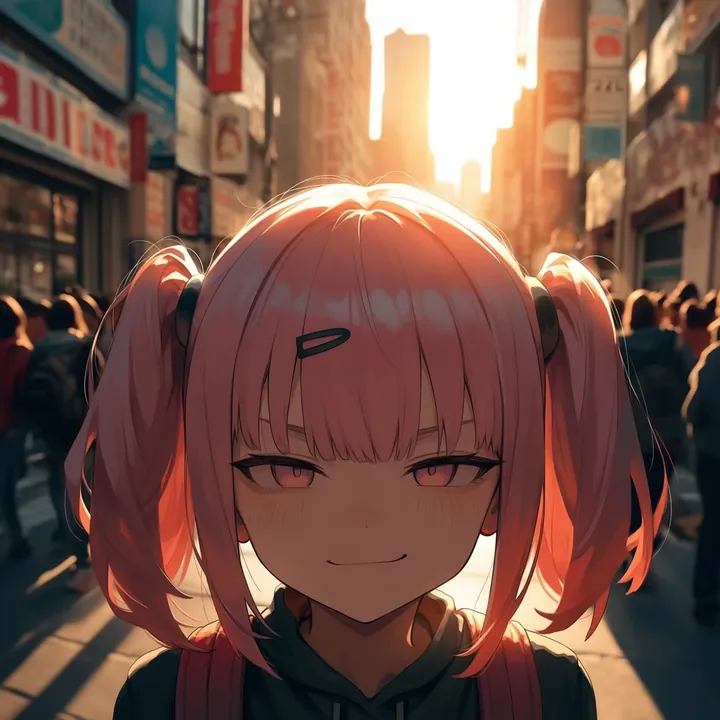
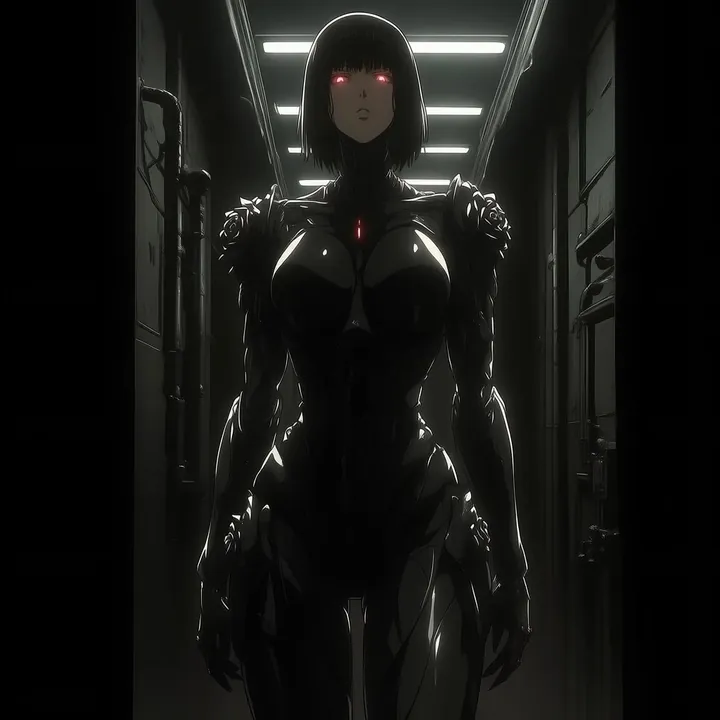
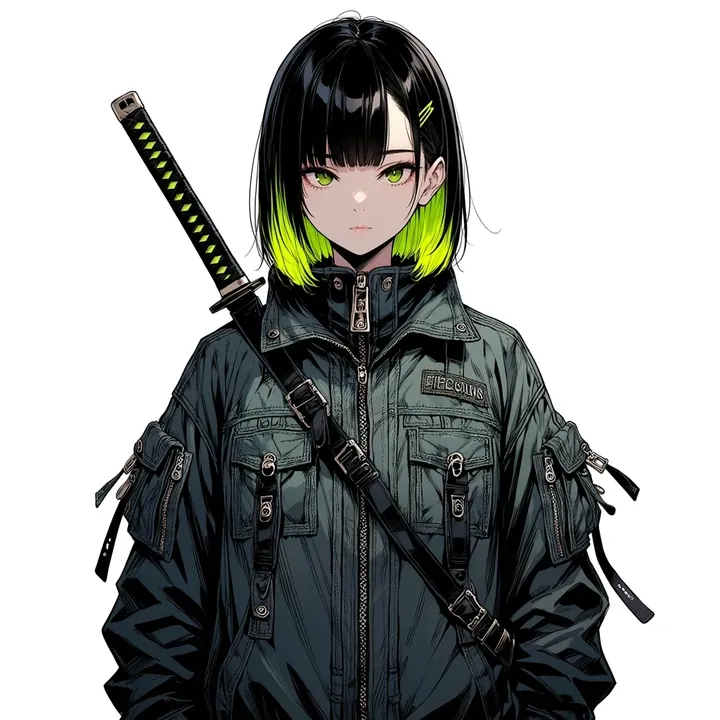
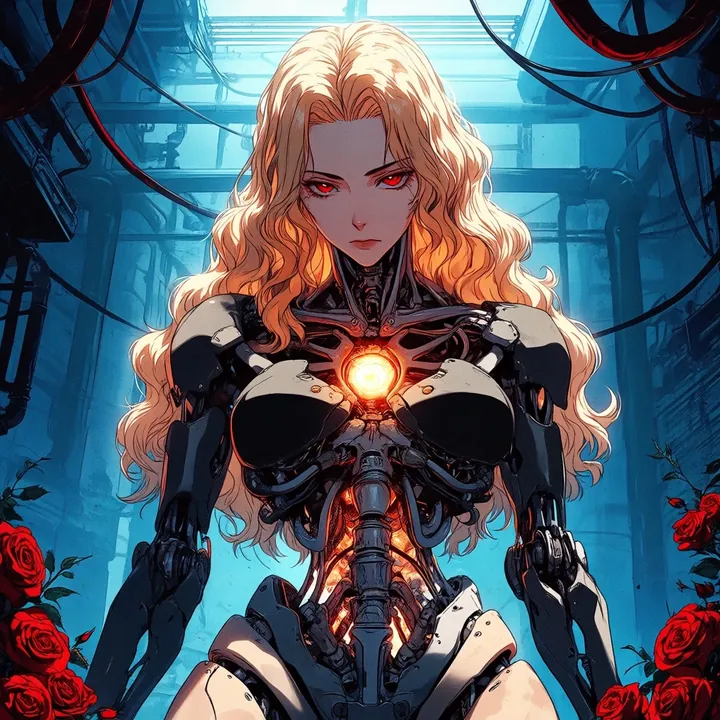
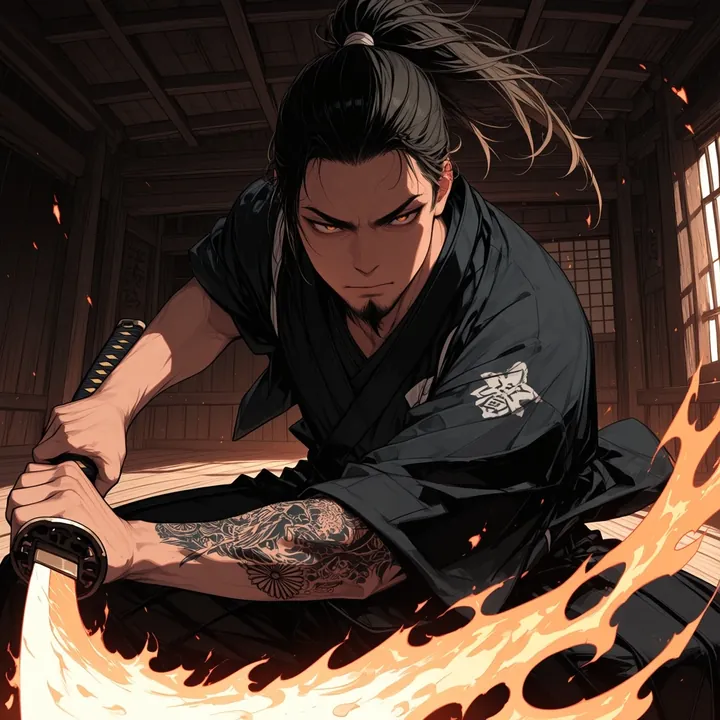
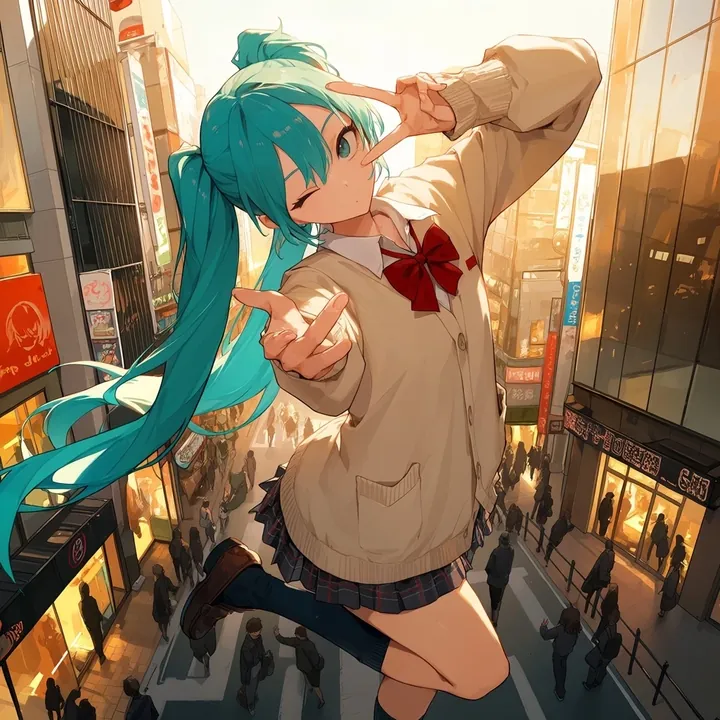
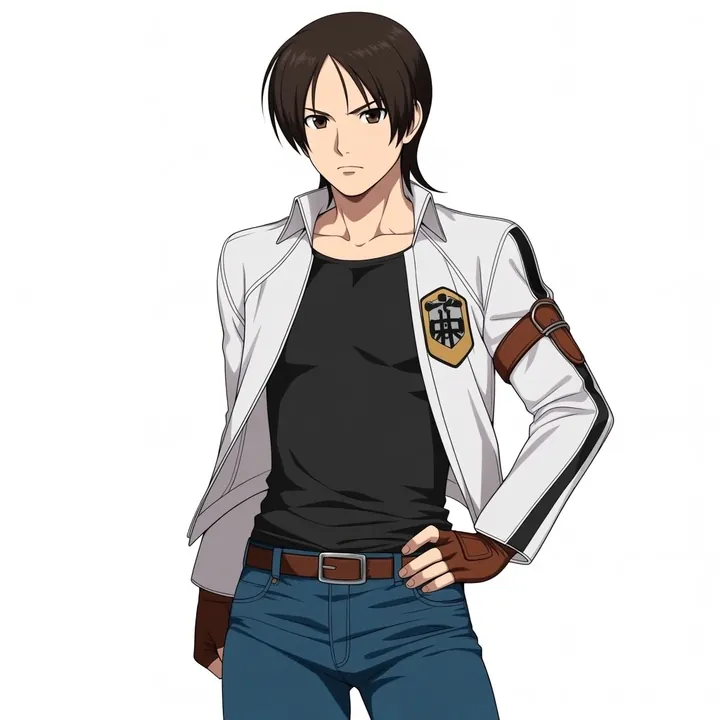
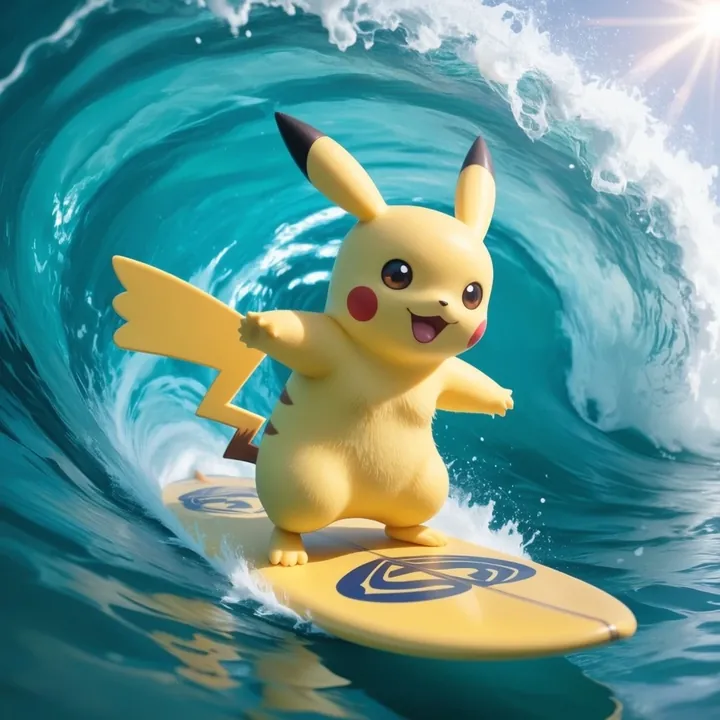
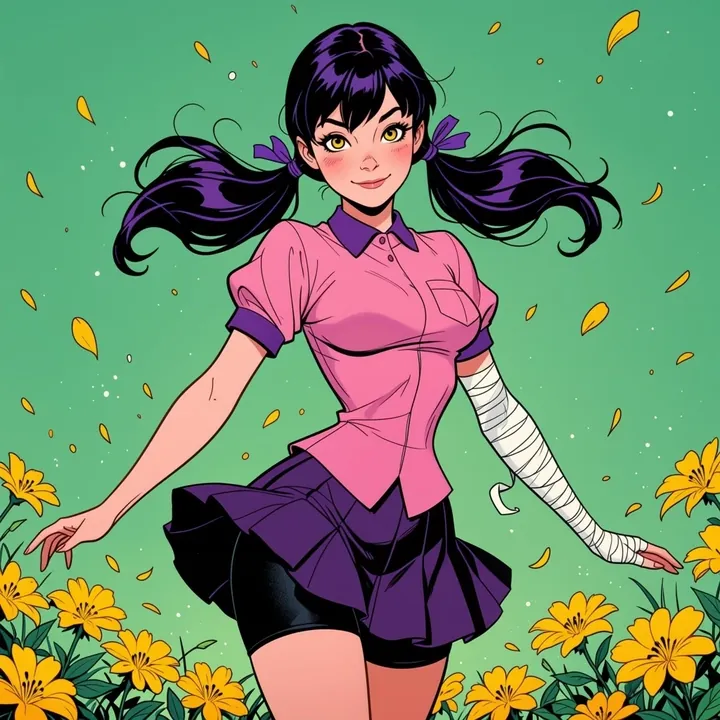
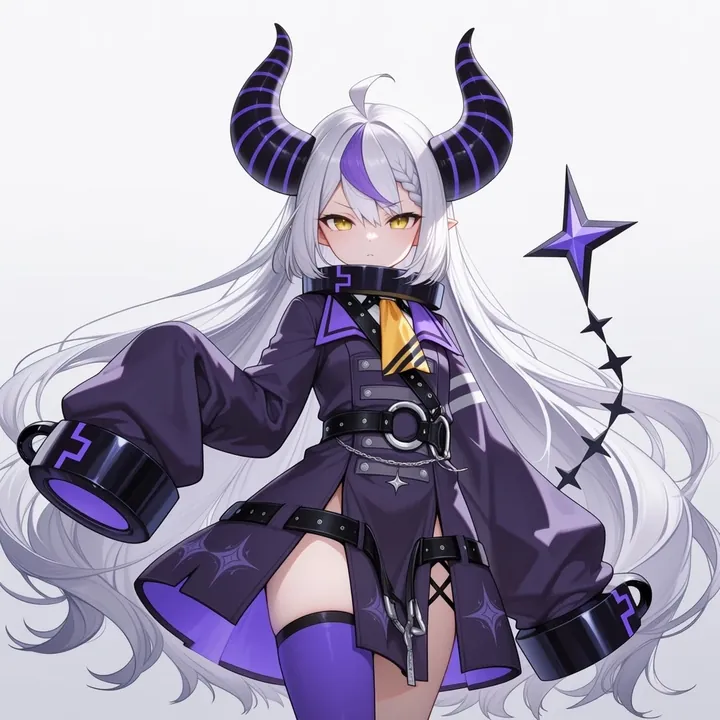
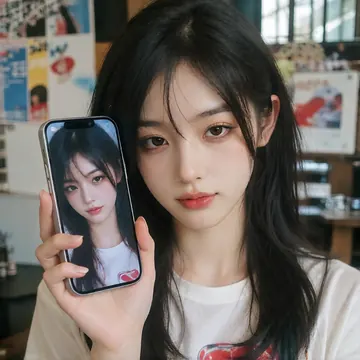
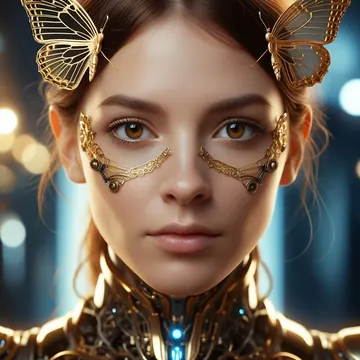
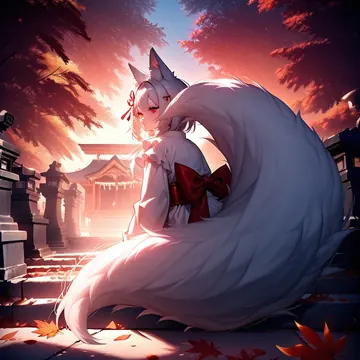
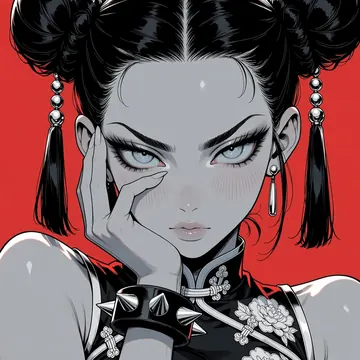
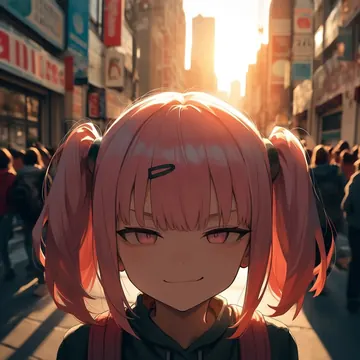
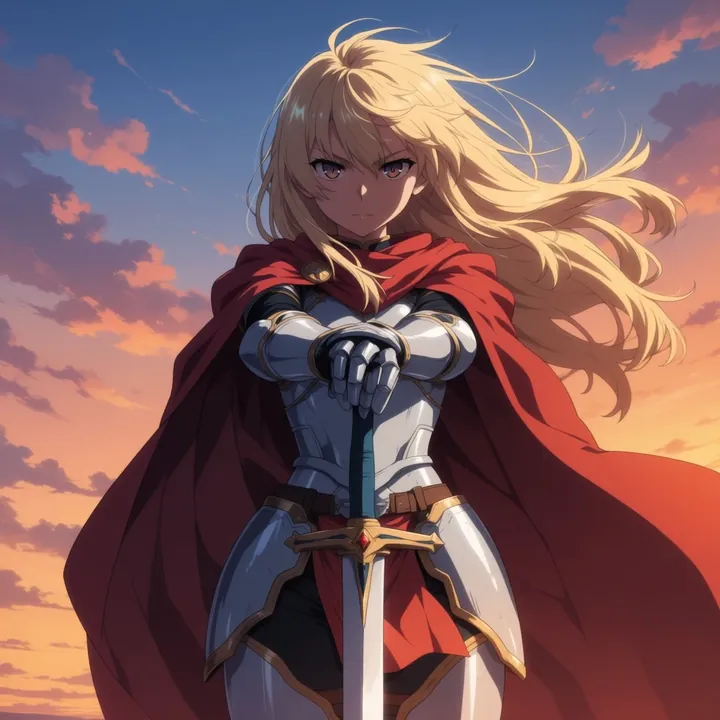
Sample image made with Anima Turbo
Anima Image Local Cloud Image input

Anima Turbo

Anima specializes in clean linework, bold cel shading, and expressive characters. It shines at action shots, cute fantasy moments, and magical effects, think low‑angle skaters under bright blue skies, fairies on red toadstools with soft forest bokeh, and mages glowing against a night sky. If you want polished anime art over realism, this is an easy win.

$0.005

per image in the cloud

$0

on your own GPU

Vibe

  • Clean, confident lineart with crisp edges and smooth cel shading
  • Saturated palette: sky blues, forest greens, and punchy reds with warm gold accents
  • Dynamic perspective and motion (low-angle skate tricks, wind-swept hair)
  • Whimsical fantasy and magic: glowing circles, soft particles, night skies
  • Soft depth-of-field in backgrounds; character-focused compositions
Best for

  • Character art, avatars, and full‑body hero shots
  • Action posters and key visuals with dramatic angles
  • Fantasy worlds: elves, fairies, mages, staffs and sigils
  • Webcomics, light‑novel covers, stickers, and thumbnails
  • Any non‑photorealistic illustration where you want a polished anime look

Prompting tips

  • Style cues: “clean lineart”, “cel‑shaded”, “bold outlines”, “flat colors with soft gradients”
  • Lighting and mood: “bright daylight with fluffy clouds”, “dappled forest light”, “moonlit night”, “blue glow”, “rim light”, “sparkles/particles”
  • Composition: “low angle”, “dynamic perspective”, “hero pose”, “full body”, “close‑up portrait”, “rule of thirds”, “motion lines”
  • Fantasy details: “glowing magic circle”, “runic symbols”, “floating spell effects”, “wind-blown cape”
  • Color language: “vibrant palette”, “cool blues + warm highlights”, “punchy reds”, “soft bokeh background”

Note: Anima is for illustrations and anime aesthetics, it won’t aim for photorealism.

Use it

Three ways to run Anima Turbo

  1. Download Imference Desktop and open it.
  2. In Local models, pick Anima Turbo. It downloads once.
  3. Write a prompt and press Generate. Free, on your GPU.
Get the app
Make an image with Anima Turbo ("anima-turbo"): a lighthouse on a cliff at dusk, cinematic light
curl https://imference.com/generate \
  -H "Authorization: Bearer $IMFERENCE_API_KEY" \
  -H "Content-Type: application/json" \
  -d '{"model": "anima-turbo",
       "format_code": "square",
       "prompt": "a lighthouse on a cliff at dusk, cinematic light"}'

Claude needs the MCP server. API details in the reference.

Specs

The details

Price
$0.005 · 5 credits
$5 buys
1,000 images
Prompt style
Tags
Runs
Local and cloud
Default steps
8
Default CFG
1
Reference images
Up to 1
Model code
anima-turbo

Formats

Square

1024×1024

Portrait

896×1152

Landscape

1152×896

Portrait Large

832×1216

Landscape Large

1216×832

Portrait Wide

768×1344

Landscape Wide

1344×768

Portrait Ultra-Wide

640×1536

Landscape Ultra-Wide

1536×640

LoRAs

Styles that work with it

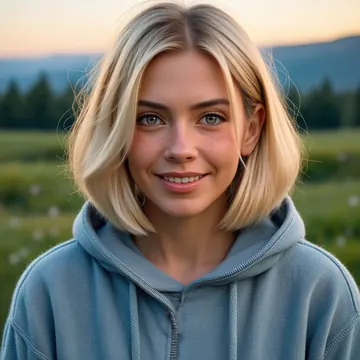
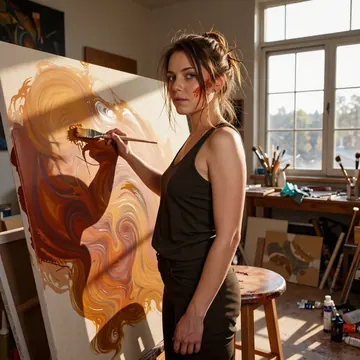
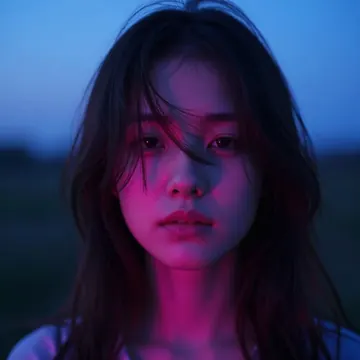
Sample of the Anime Flat Style LoRA
Anime Flat Style
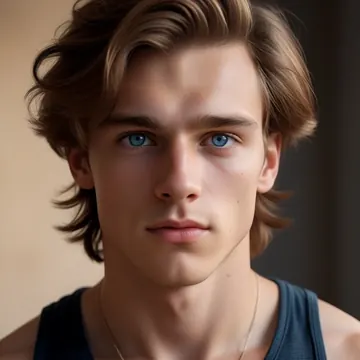
Sample of the Anime in real LoRA
Anime in real
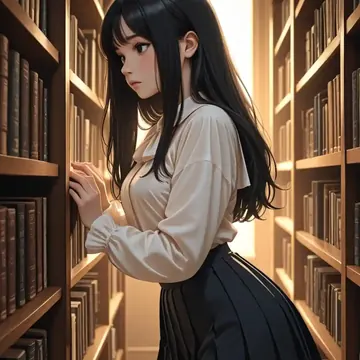
Sample of the Dark Art Style LoRA
Dark Art Style
Sample of the Detail Tweaker LoRA
Detail Tweaker
Sample of the Retro Sci-fi 90's an LoRA
Retro Sci-fi 90's an
Sample of the Velvet's Mythic Fant LoRA
Velvet's Mythic Fant

Similar

You might also like

All 76 models

Try Anima Turbo tonight