Skip to content
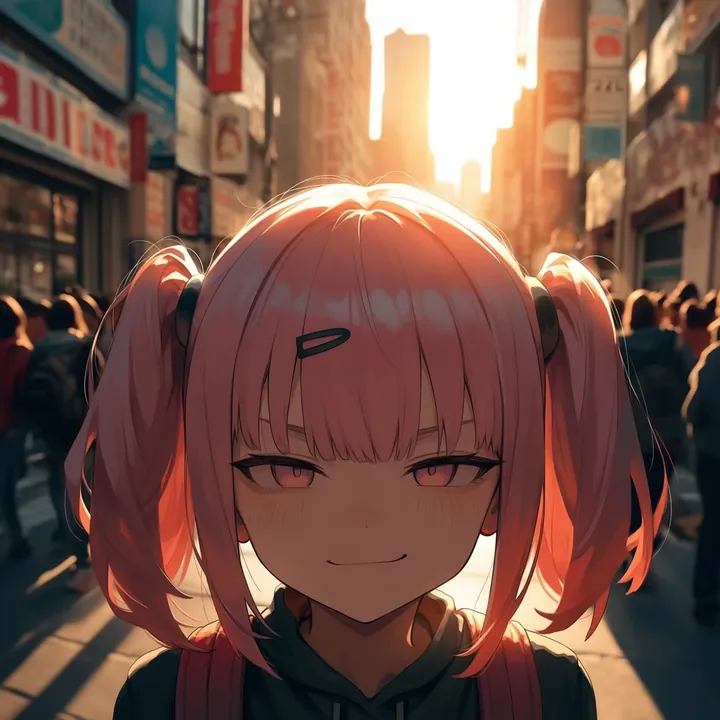
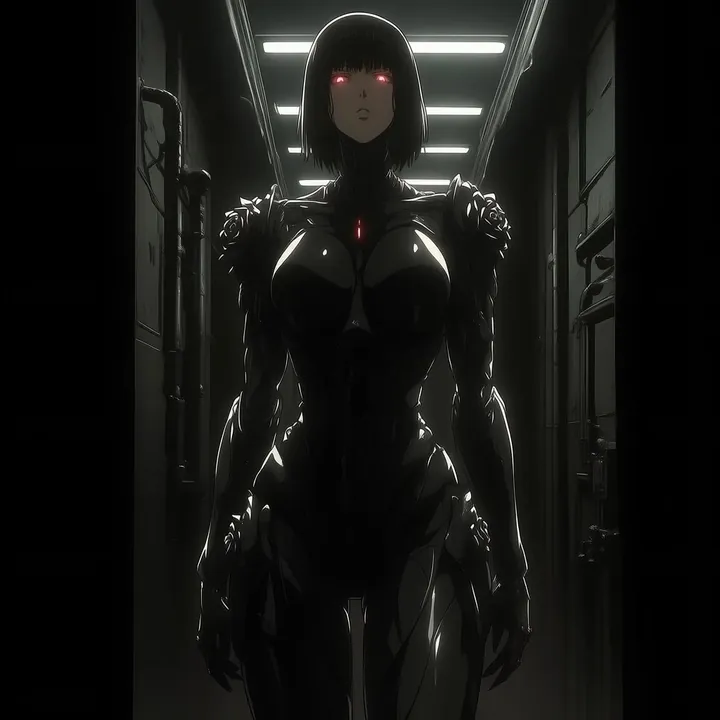
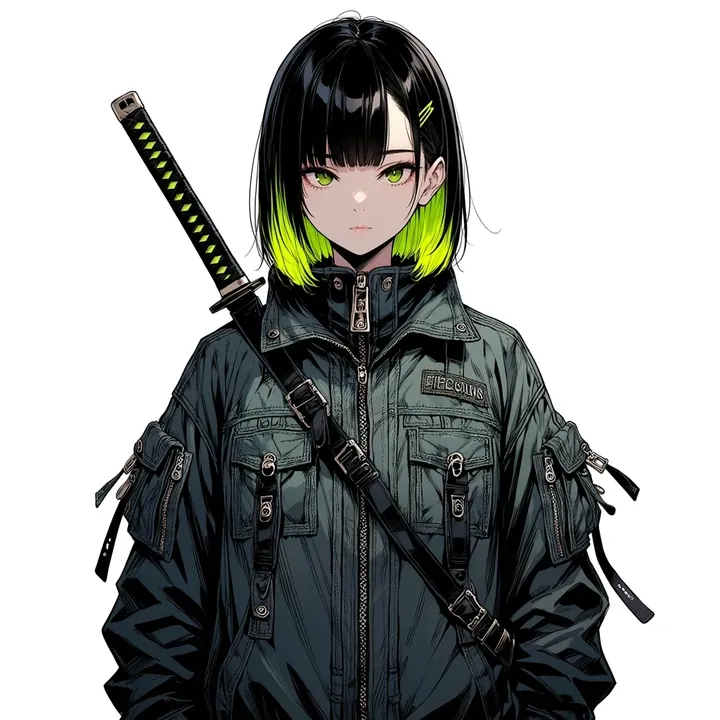
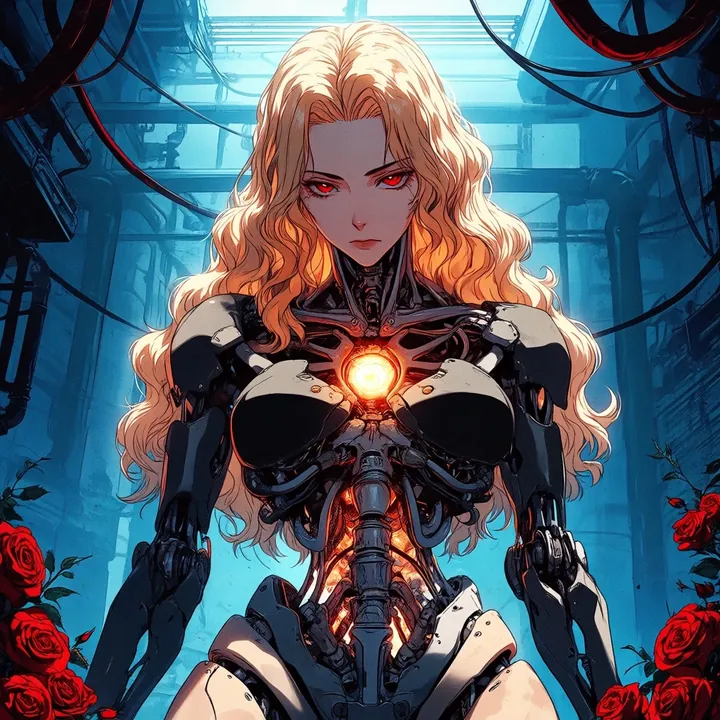
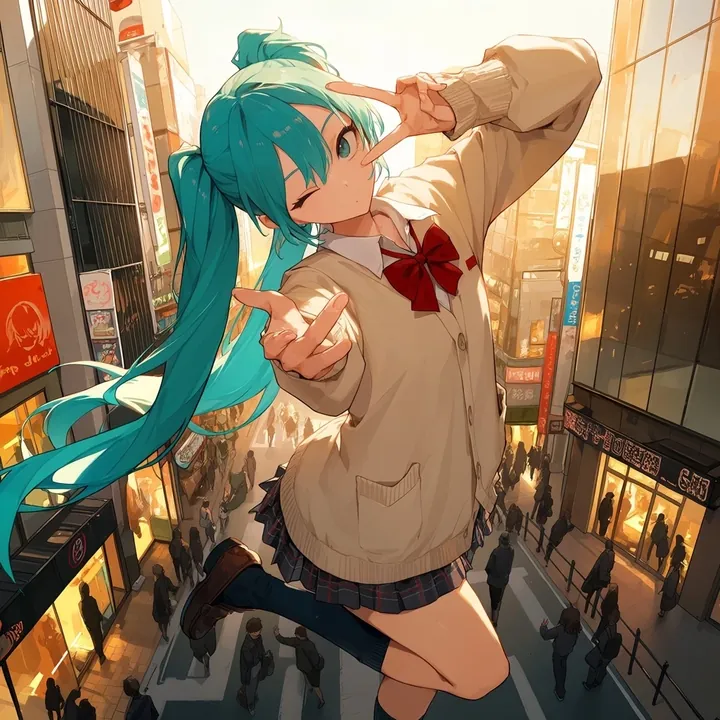
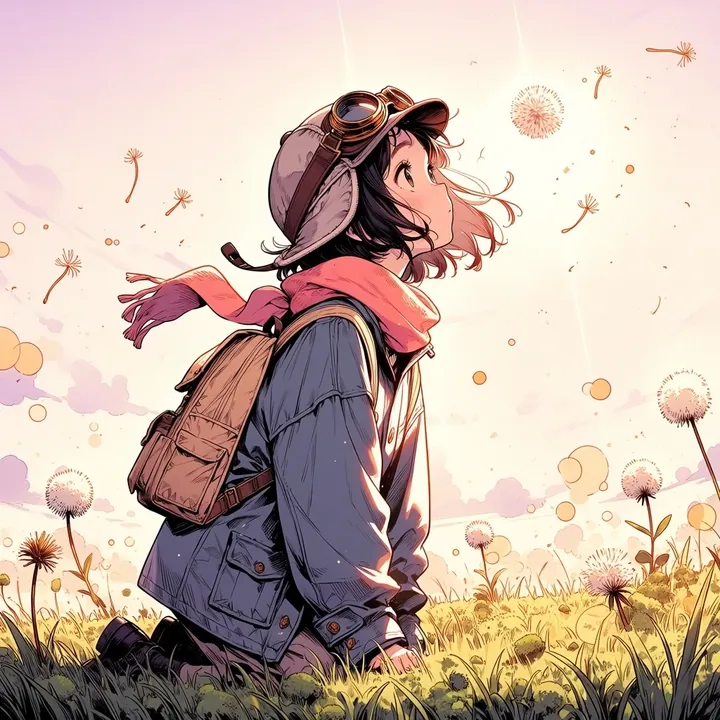
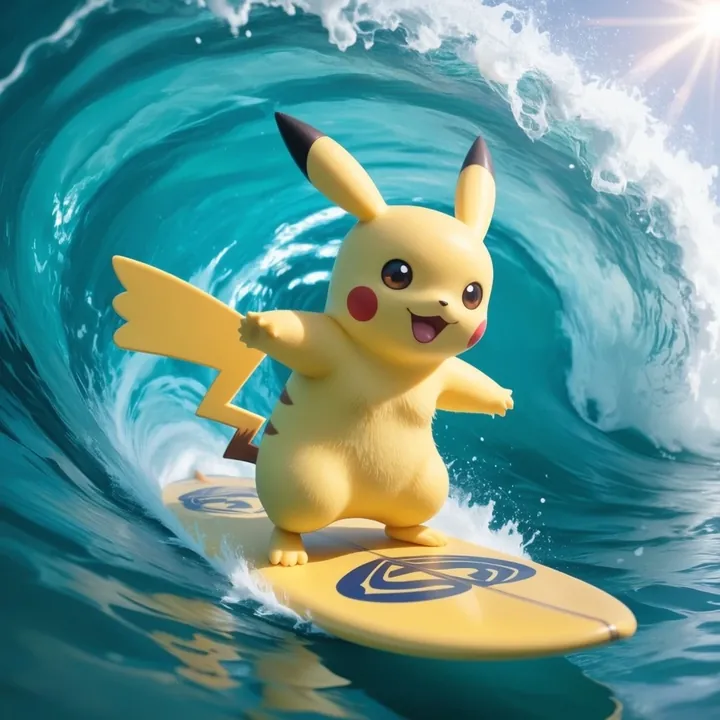
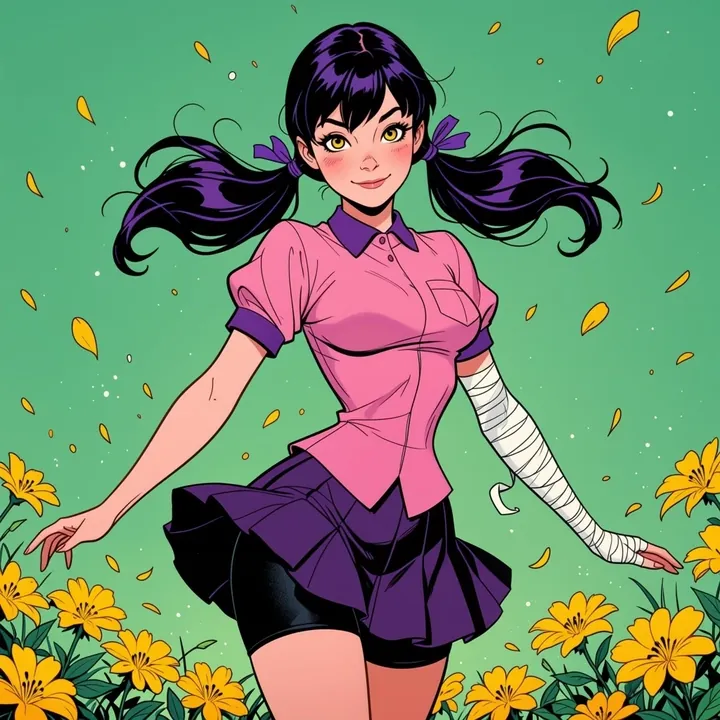
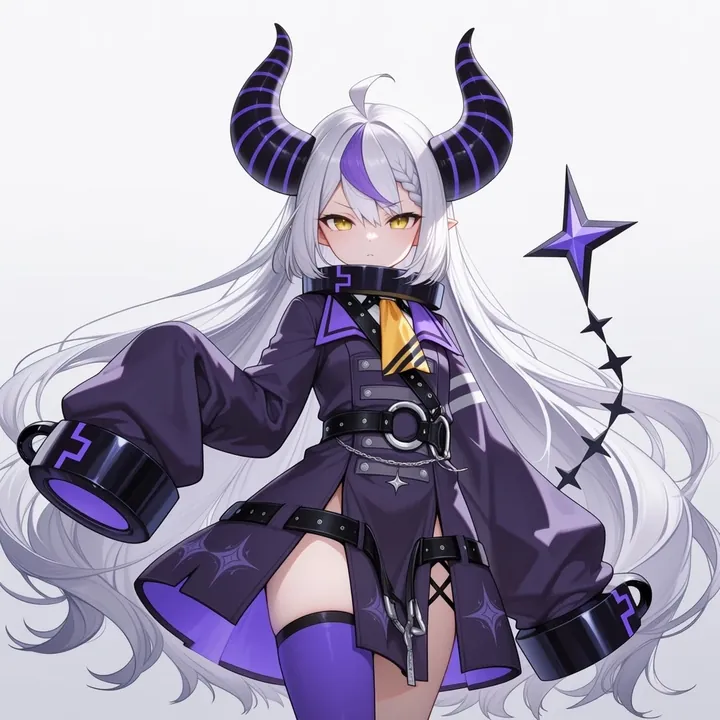
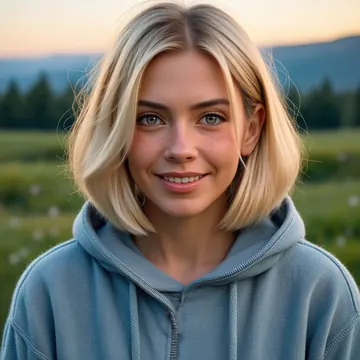
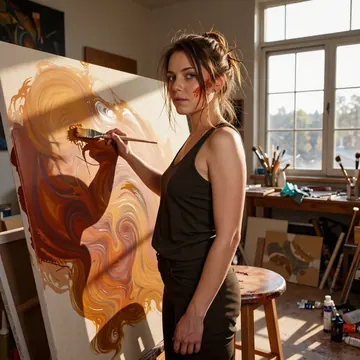
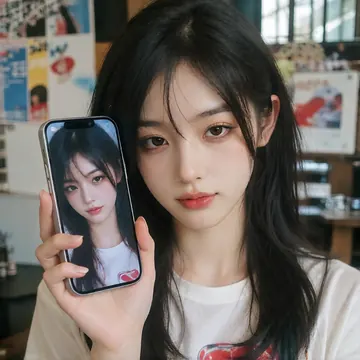
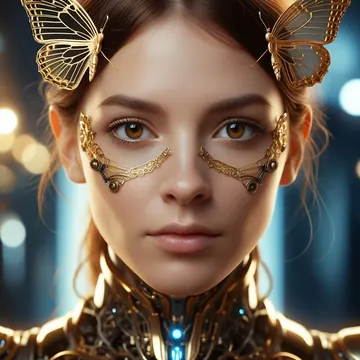
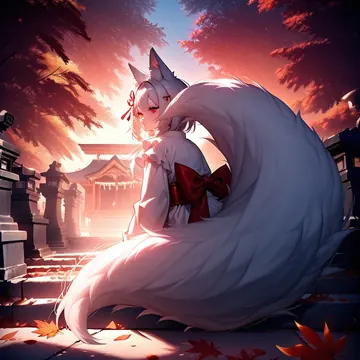
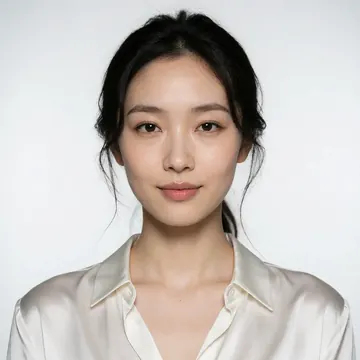
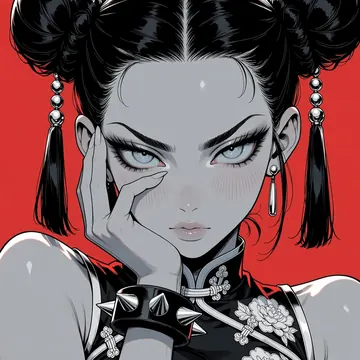
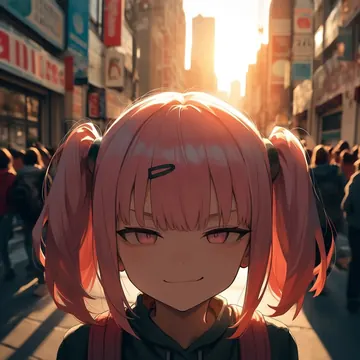
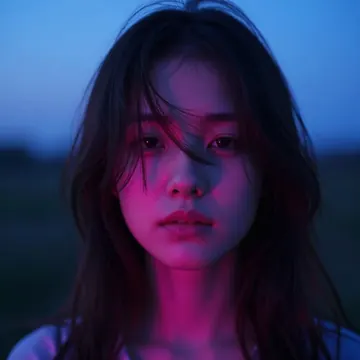
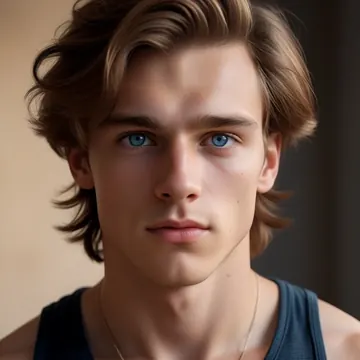
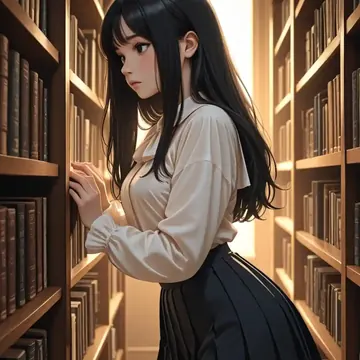
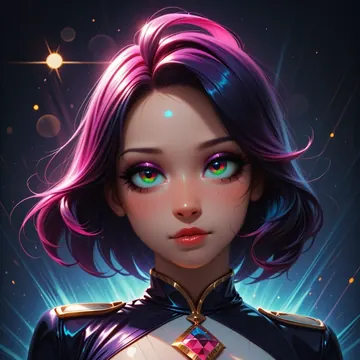
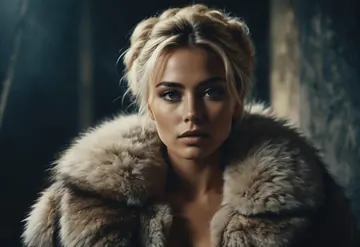
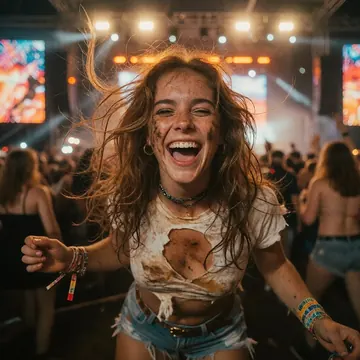
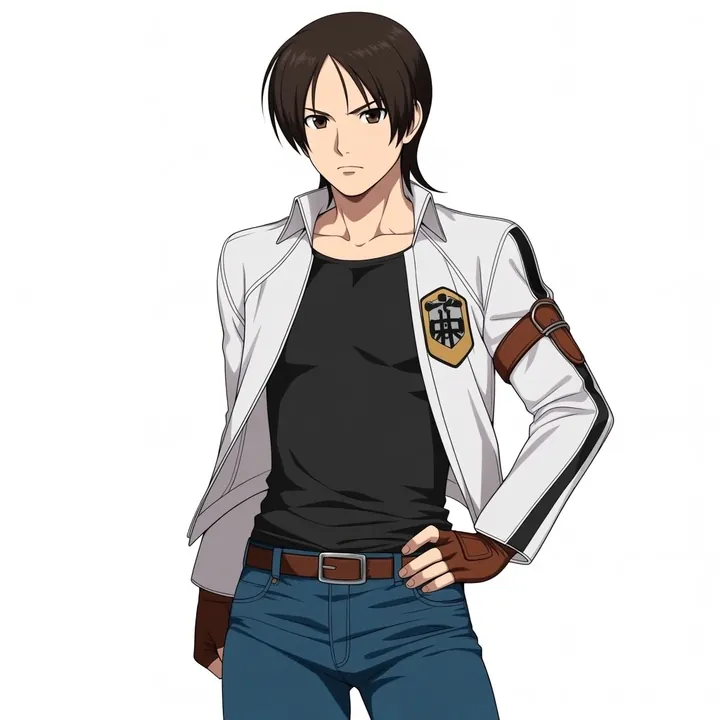
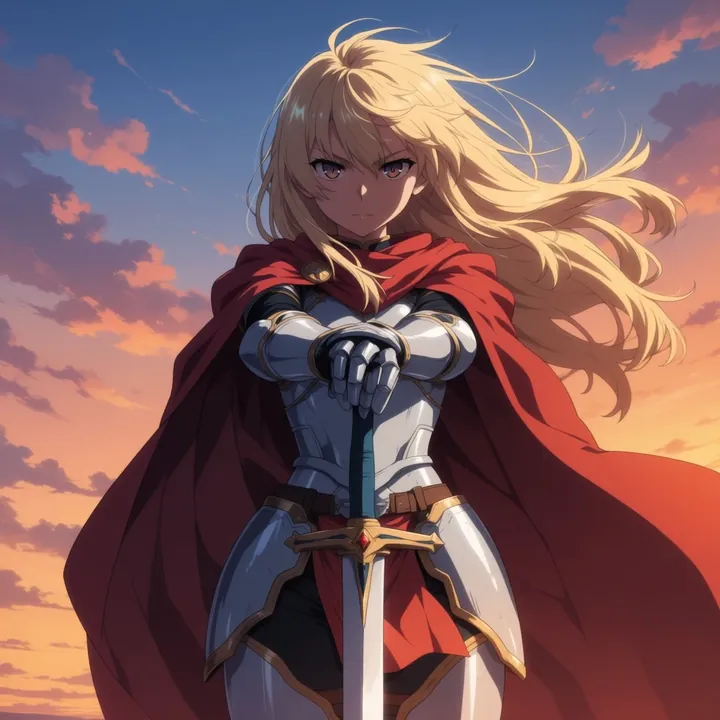
Sample image made with AnimaYume
Anima Image Local Cloud Image input

AnimaYume

AnimaYume delivers crisp, expressive anime art with punchy color and smooth linework. It shines on character portraits, lively group scenes, and sunlit outdoor shots, think sparkly eyes, glossy highlights, and scenic coastlines. If you like vibrant, polished anime with a mix of cel-shaded pop and soft painterly light, you’ll feel right at home.

$0.005

per image in the cloud

$0

on your own GPU

Vibe

  • Bold, saturated palette with clean outlines and smooth gradients.
  • Expressive faces: sparkly eyes, soft blush, playful poses (peace signs, cheeky smiles).
  • Two strong styles on tap: cel-shaded, comic-like frames with sparkles; or softly lit, painterly scenes with realistic bounce light.
  • Great lighting control: backlit curtains with rim light, sun-drenched coastlines, glossy highlights on hair and fabric.
  • Scenic backdrops: azure oceans, orange-tiled rooftops, bright skies; cozy interiors with houseplants and sheer drapes.
  • Light fantasy touches: halos, angel wings, and other whimsical elements.
Best for

  • Character portraits and fashion looks (hoodies to ornate dresses and wide-brim hats).
  • Group shots on sofas or lounge setups, balanced composition and readable hands.
  • VTuber-style fan art, posters, and banners with eye-catching shine.
  • Slice-of-life and travel vibes: seaside balconies, wind-in-hair moments.

Prompting tips

  • Lighting words: bright midday sun, golden hour, backlit, soft rim light, window light, bloom, glossy highlights.
  • Color cues: candy colors, vivid warm orange vs cool cyan, pastel sky, neon accents, teal glow, sparkling background.
  • Style/texture: cel shading, thick outlines, screen-tone dots, painterly anime, soft gradients.
  • Mood and expressions: bashful blush, serene smile, starry eyes, playful grin, melancholic gaze.
  • Scene cues: seaside town, balcony railing, wind in hair, sheer curtains, houseplants, plush toy on sofa, angel halo and wings.
  • Composition: close-up portrait, three-quarter view, over-the-shoulder, group on couch, look-back pose.

Use it

Three ways to run AnimaYume

  1. Download Imference Desktop and open it.
  2. In Local models, pick AnimaYume. It downloads once.
  3. Write a prompt and press Generate. Free, on your GPU.
Get the app
Make an image with AnimaYume ("animayume"): a lighthouse on a cliff at dusk, cinematic light
curl https://imference.com/generate \
  -H "Authorization: Bearer $IMFERENCE_API_KEY" \
  -H "Content-Type: application/json" \
  -d '{"model": "animayume",
       "format_code": "square",
       "prompt": "a lighthouse on a cliff at dusk, cinematic light"}'

Claude needs the MCP server. API details in the reference.

Specs

The details

Price
$0.005 · 5 credits
$5 buys
1,000 images
Prompt style
Tags
Runs
Local and cloud
Default steps
30
Default CFG
5.5
Reference images
Up to 1
Model code
animayume

Formats

Square

1024×1024

Portrait

896×1152

Landscape

1152×896

Portrait Large

832×1216

Landscape Large

1216×832

Portrait Wide

768×1344

Landscape Wide

1344×768

Portrait Ultra-Wide

640×1536

Landscape Ultra-Wide

1536×640

LoRAs

Styles that work with it

Sample of the Anime Flat Style LoRA
Anime Flat Style
Sample of the Anime in real LoRA
Anime in real
Sample of the Dark Art Style LoRA
Dark Art Style
Sample of the Detail Tweaker LoRA
Detail Tweaker
Sample of the Retro Sci-fi 90's an LoRA
Retro Sci-fi 90's an
Sample of the Velvet's Mythic Fant LoRA
Velvet's Mythic Fant

Similar

You might also like

All 76 models

Try AnimaYume tonight