Skip to content
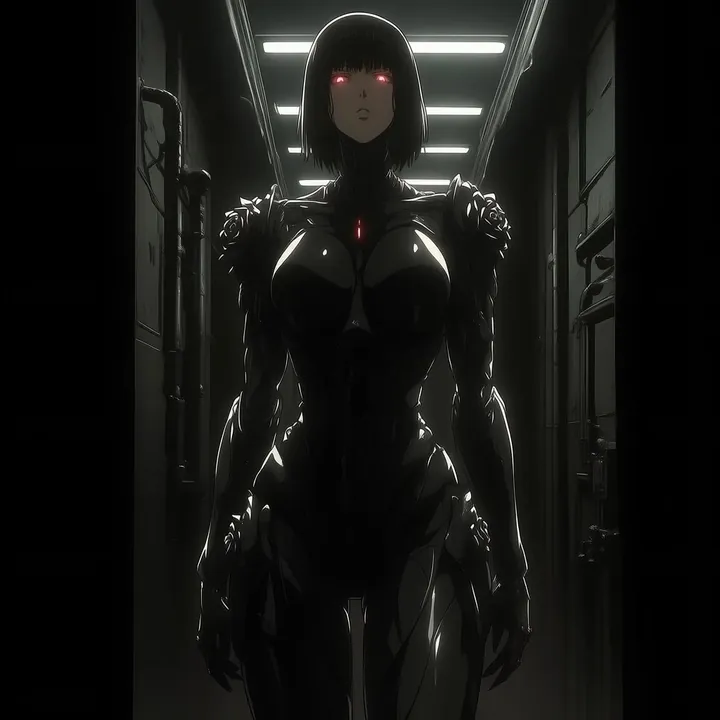
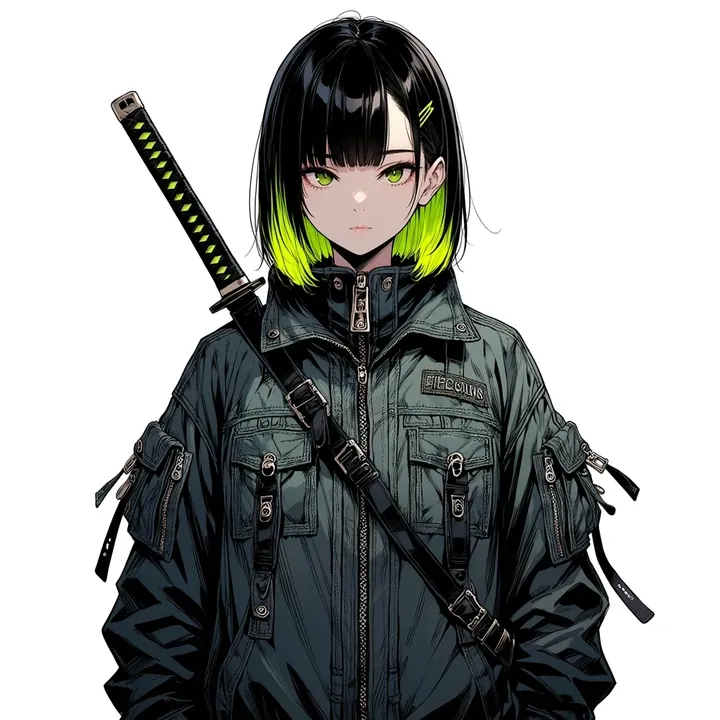
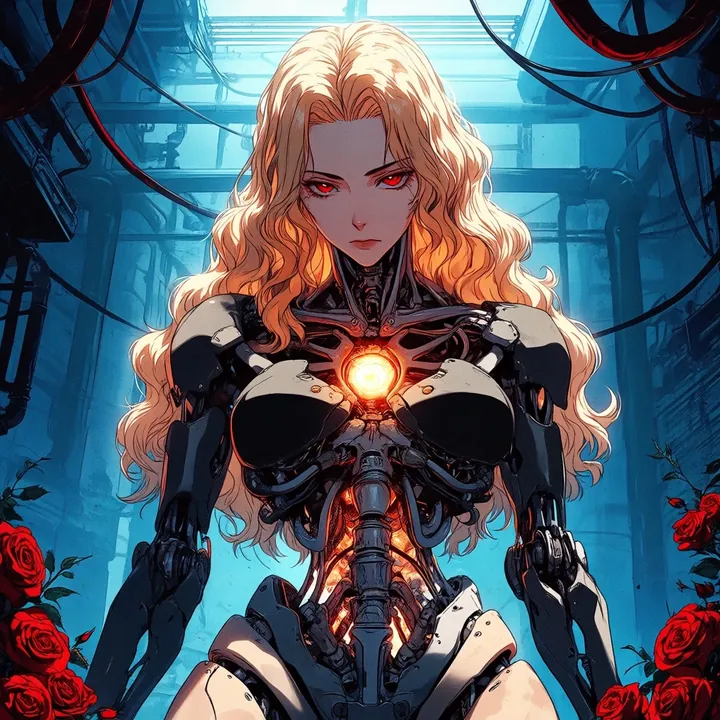
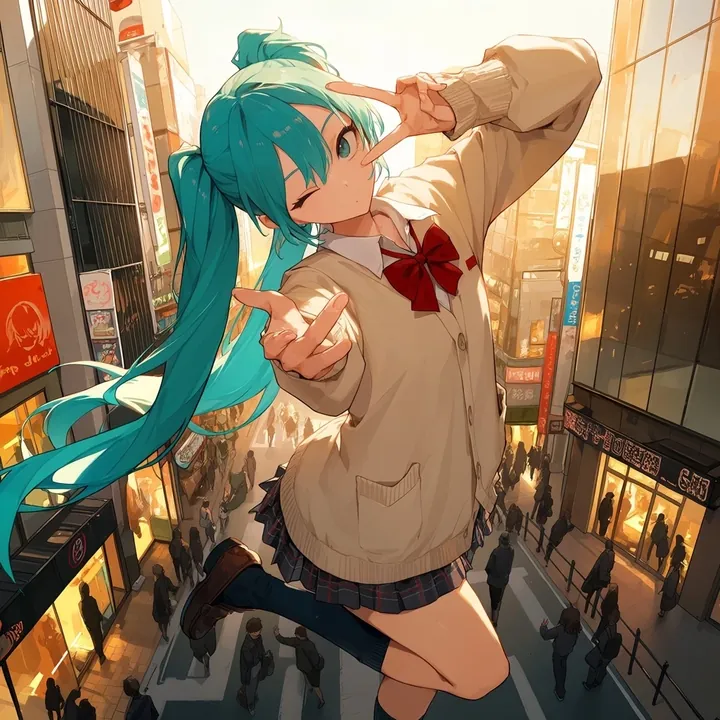
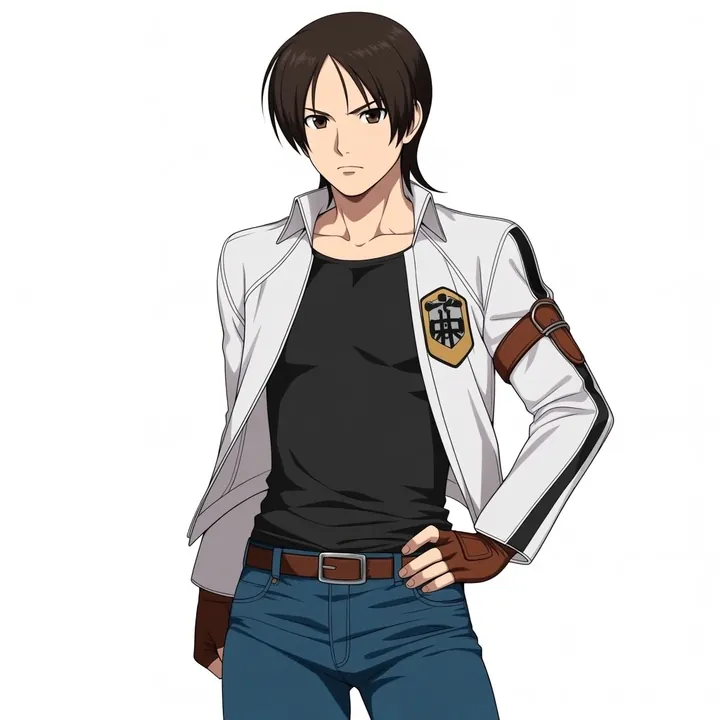
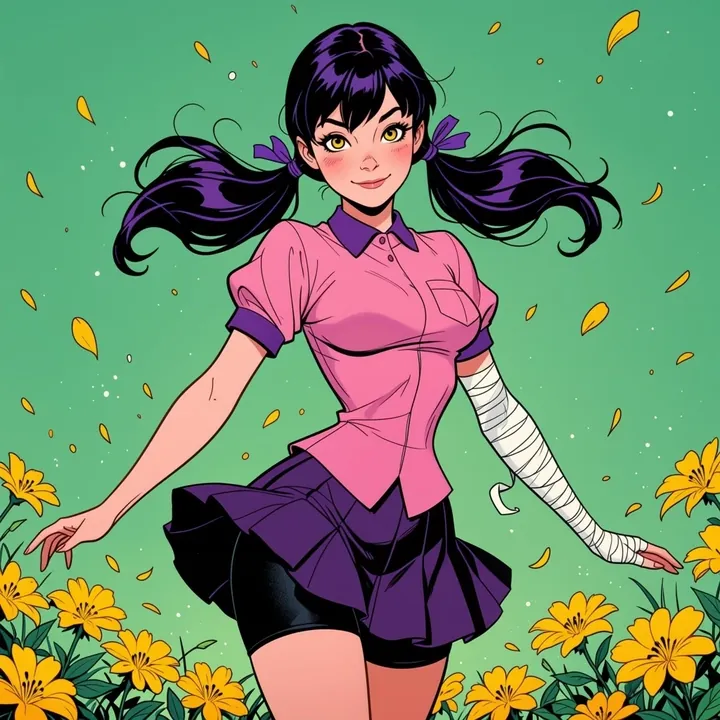
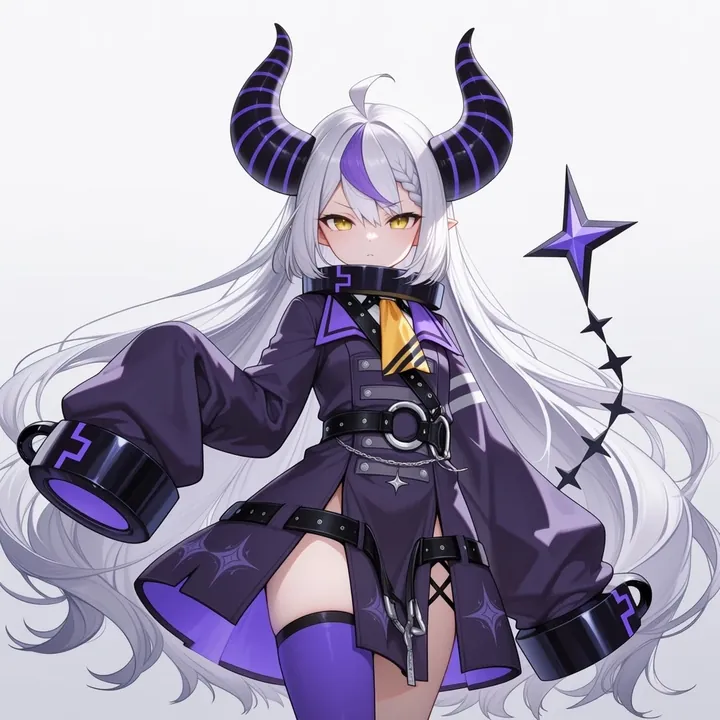
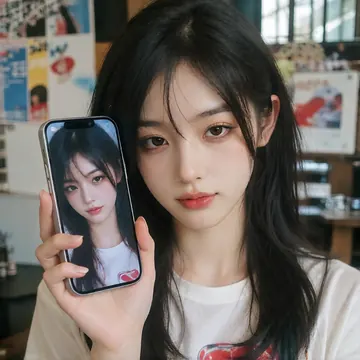
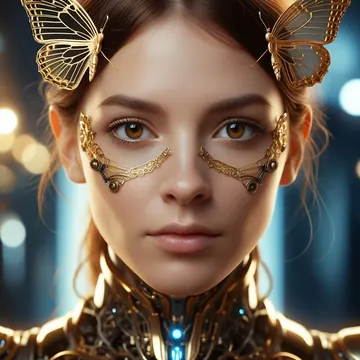
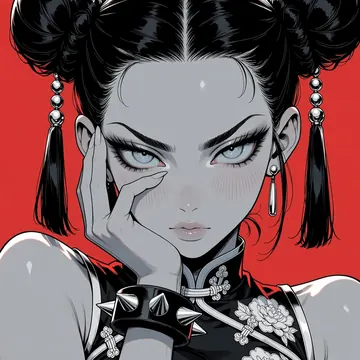
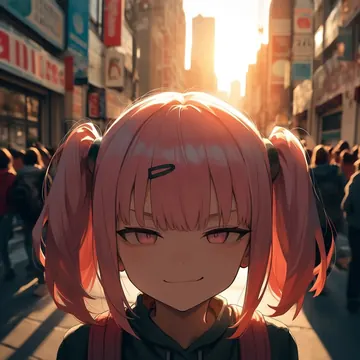
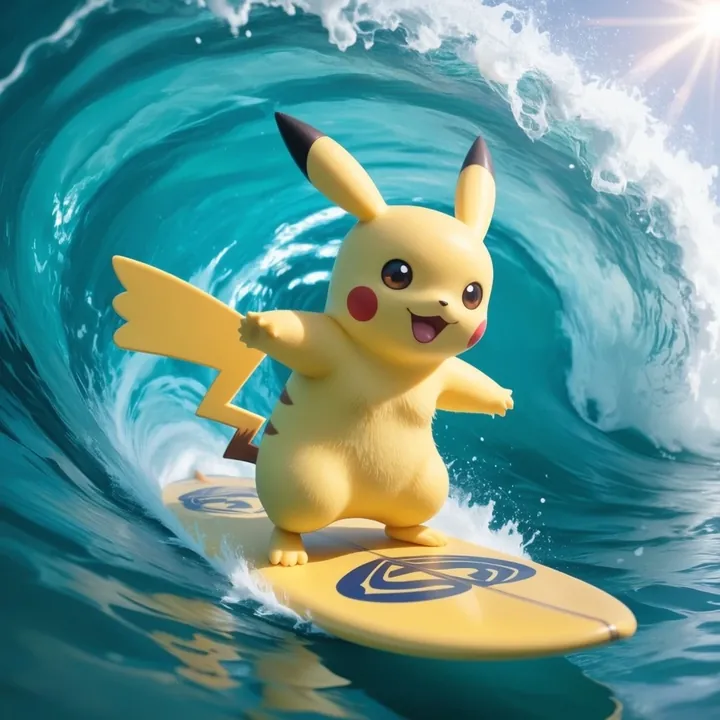
Sample image made with BlenderStyle_ByUrameshi
Anima Image Local Cloud Image input

BlenderStyle_ByUrameshi

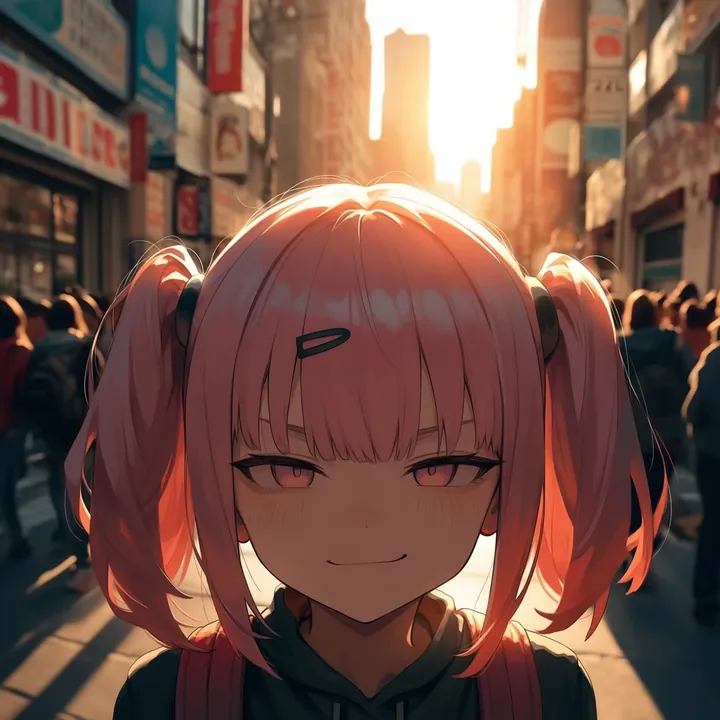
Bring a glossy, Blender-like CGI vibe to your anime art. This model nails expressive faces, clean 3D materials, and dynamic poses, great for figure-style portraits or cinematic action like waves and neon-lit rooms. It shines with single-subject shots, simple backdrops, and bold lighting, perfect for fan art, thumbnails, and posters.

$0.005

per image in the cloud

$0

on your own GPU

Vibe

  • Slick CGI look with a “rendered in Blender” feel: smooth skin, shiny vinyl/metallic outfits, and crisp edges.
  • Luminous eyes and clear facial expressions; great character identity and posing.
  • Cinematic lighting with rim lights and neon accents; palettes lean teal/cyan with magenta highlights.
  • Handles dramatic scenes (surfing through a wave) and clean studio sets (neon signage, soft haze) especially well.

Best for

  • Single-character portraits that read like high-end figurine photos.
  • Anime/game icons, VTuber mascots, and stylized character key art.
  • Posters, thumbnails, and banner art where glossy materials and bold lighting pop.
  • Action shots and dynamic poses; close-ups that showcase eyes and materials.

Prompting tips

  • Style cues: blender style, 3d render, cgi, glossy, plastic sheen, metallic, vinyl, reflective, subsurface glow.
  • Lighting: studio lighting, rim light, backlight, cinematic lighting, cyan and magenta glow, soft haze, bokeh.
  • Composition: solo, portrait, medium shot, full body, looking at viewer, dynamic angle, dutch angle, clean background, gradient backdrop.
  • Scene ideas: neon room, neon sign, ocean wave/tube, rainy street, stage spotlight.
  • Character details: expressive eyes, confident or cheerful expression, detailed hair, intricate accessories.
  • Materials that sing: latex jackets, metallic armor, polished boots, glossy surfboards and props.

Use it

Three ways to run BlenderStyle_ByUrameshi

  1. Download Imference Desktop and open it.
  2. In Local models, pick BlenderStyle_ByUrameshi. It downloads once.
  3. Write a prompt and press Generate. Free, on your GPU.
Get the app
Make an image with BlenderStyle_ByUrameshi ("blenderstyle-byurameshi"): a lighthouse on a cliff at dusk, cinematic light
curl https://imference.com/generate \
  -H "Authorization: Bearer $IMFERENCE_API_KEY" \
  -H "Content-Type: application/json" \
  -d '{"model": "blenderstyle-byurameshi",
       "format_code": "square",
       "prompt": "a lighthouse on a cliff at dusk, cinematic light"}'

Claude needs the MCP server. API details in the reference.

Specs

The details

Price
$0.005 · 5 credits
$5 buys
1,000 images
Prompt style
Tags
Runs
Local and cloud
Default steps
32
Default CFG
2.5
Reference images
Up to 1
Model code
blenderstyle-byurameshi

Formats

Square

1024×1024

Portrait

896×1152

Landscape

1152×896

Portrait Large

832×1216

Landscape Large

1216×832

Portrait Wide

768×1344

Landscape Wide

1344×768

Portrait Ultra-Wide

640×1536

Landscape Ultra-Wide

1536×640

LoRAs

Styles that work with it

Sample of the Anime Flat Style LoRA
Anime Flat Style
Sample of the Anime in real LoRA
Anime in real
Sample of the Dark Art Style LoRA
Dark Art Style
Sample of the Detail Tweaker LoRA
Detail Tweaker
Sample of the Retro Sci-fi 90's an LoRA
Retro Sci-fi 90's an
Sample of the Velvet's Mythic Fant LoRA
Velvet's Mythic Fant

Similar

You might also like

All 76 models

Try BlenderStyle_ByUrameshi tonight