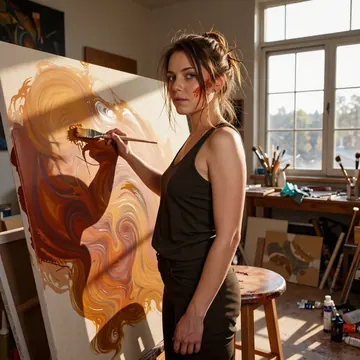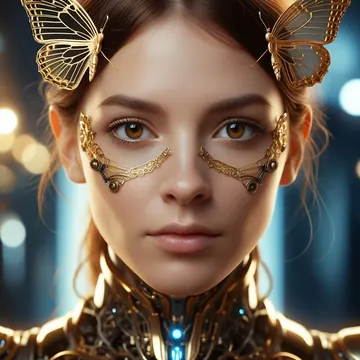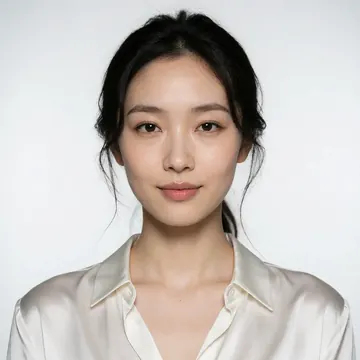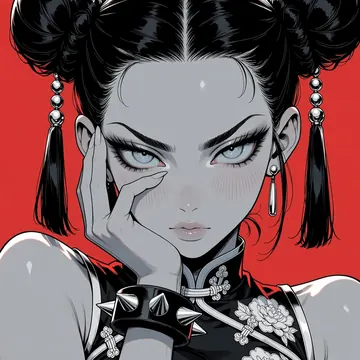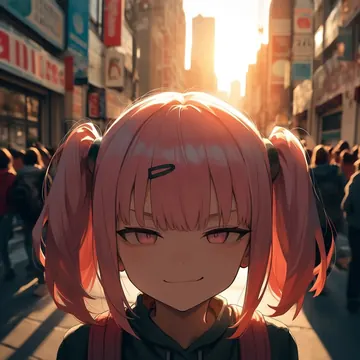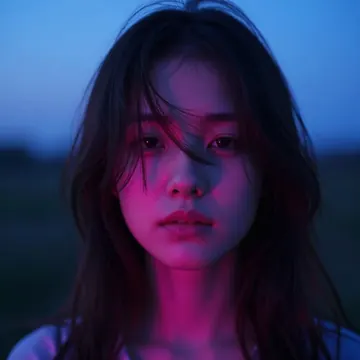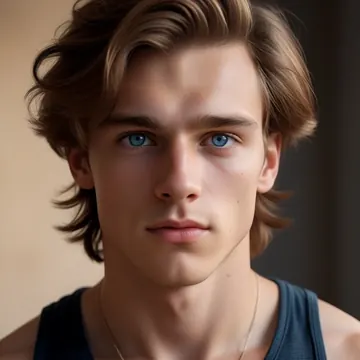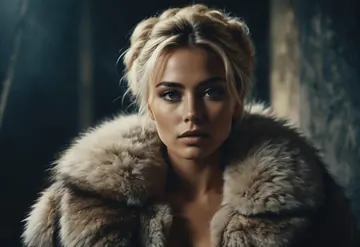

Models
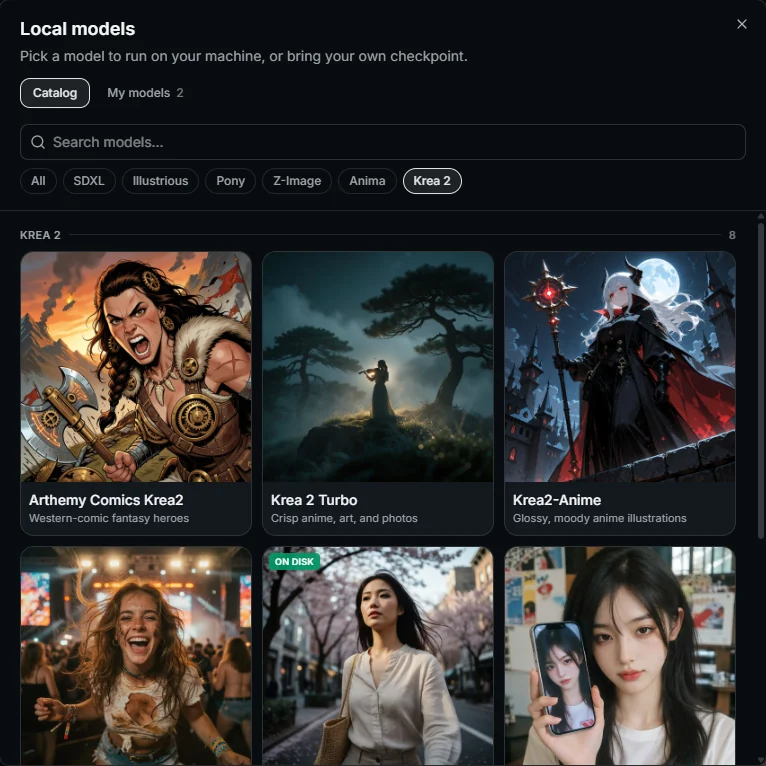
Pick a model. It installs itself.
Weights download on first use, tuned and ready. Or bring your own checkpoint.
AnimaSDXLIllustriousKrea 2PonyZ-Image
Local AI image generator · Free · Open source
70 models and a full set of editing tools that run on your own machine. Free, private, no limits.
Windows 10/11 · macOS 12+ · All releases

Models
Weights download on first use, tuned and ready. Or bring your own checkpoint.
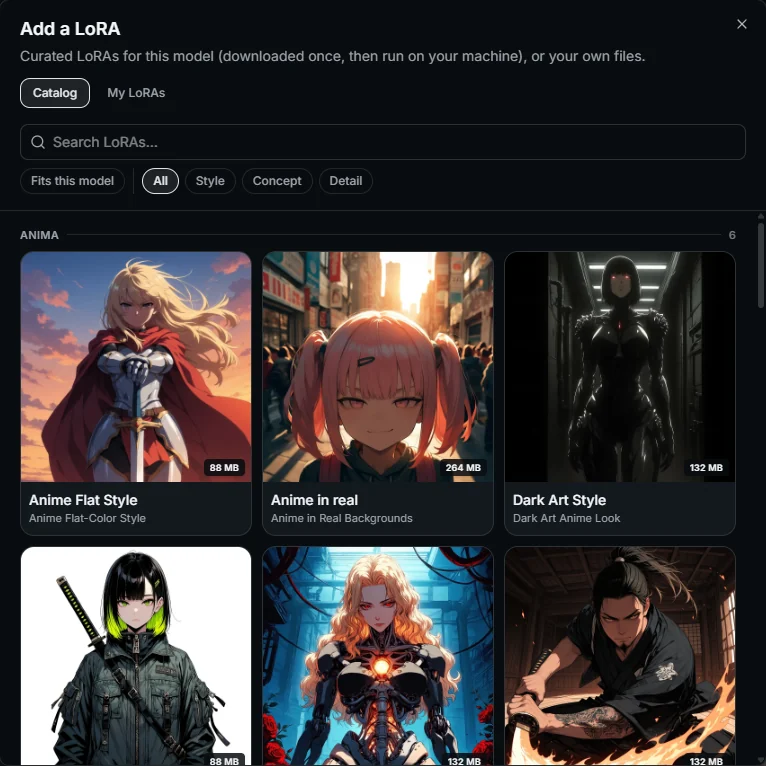
LoRAs
28 curated LoRAs, matched to the model you're using.
Edit
Open any image and say what to change: "make it summer", "remove the car", "turn it into a watercolor". Everything else stays.
Qwen-Image-Edit runs on your GPU. GPT Image edits in the cloud. Add up to two reference images.
How it works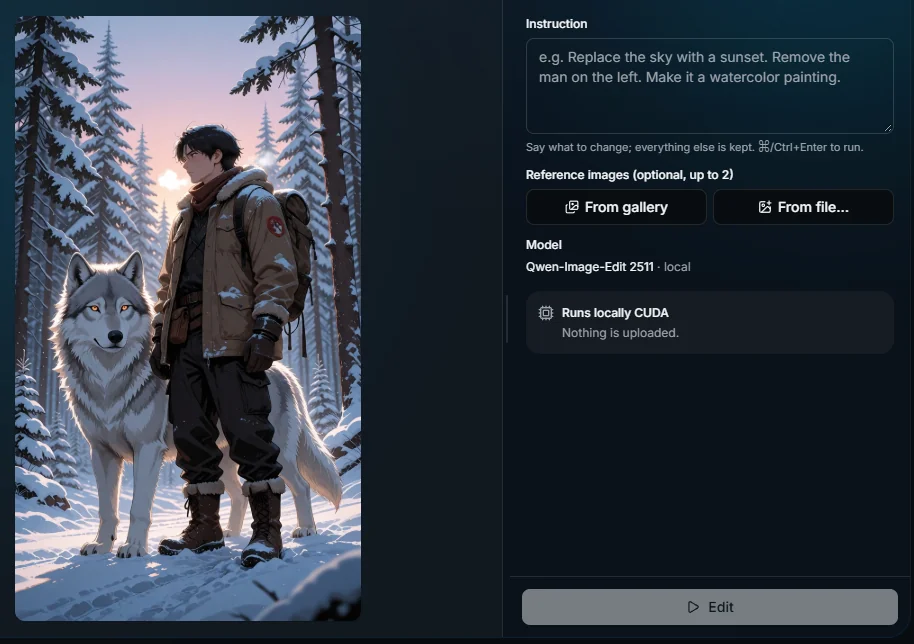
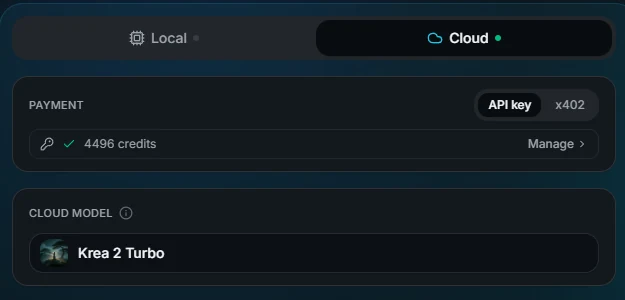
Cloud mode
All 75 models, video included, from $0.003 an image. Same window, same gallery.
Start from an image too: image-to-image on the image models, image-to-video on MiniMax-H3.
Editing tools


A transparent PNG in one click.
Brush or click an object, it's gone.
Real detail, not blur.
A fresh take, same composition.
Paint beyond the frame.
Sharp eyes on blurry faces.
Any image into a prompt.
Trim, join, convert, smooth.
Free on your machine. Most tools run without a GPU. In the cloud, a few credits per run.
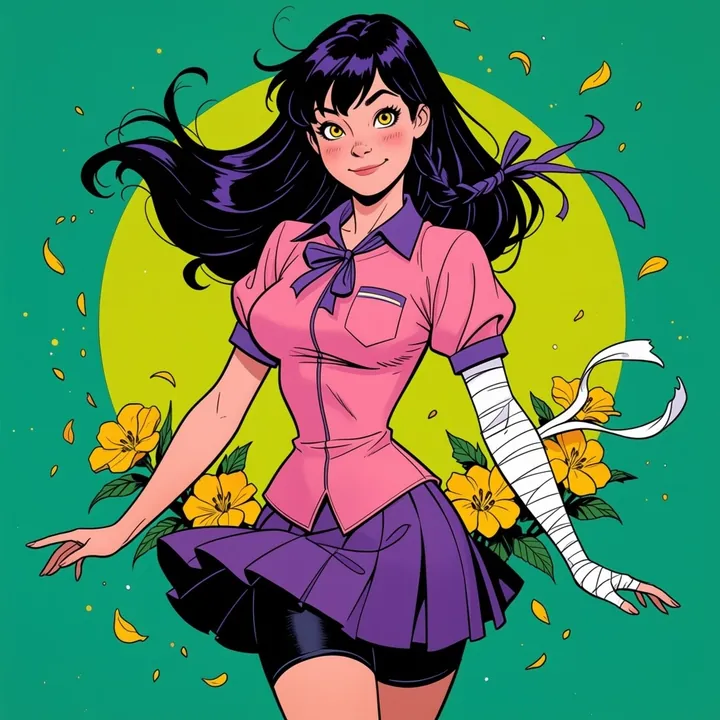
Gallery


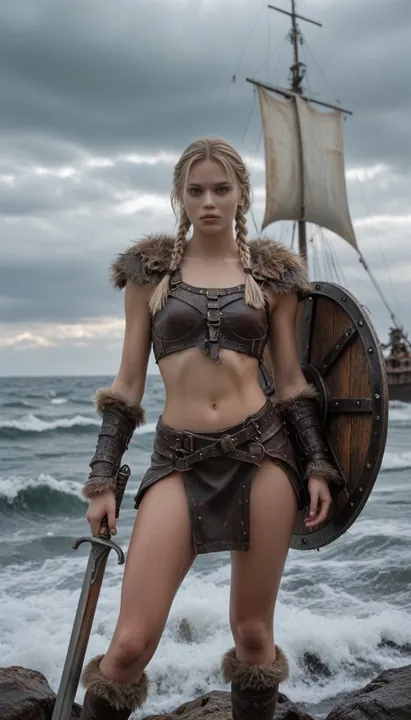
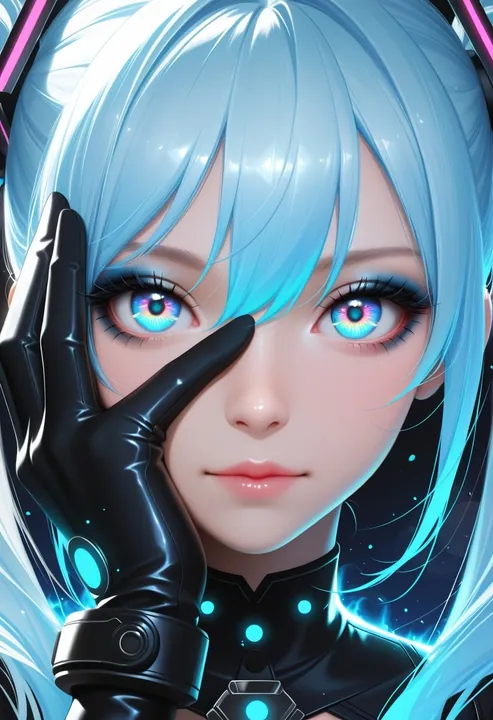

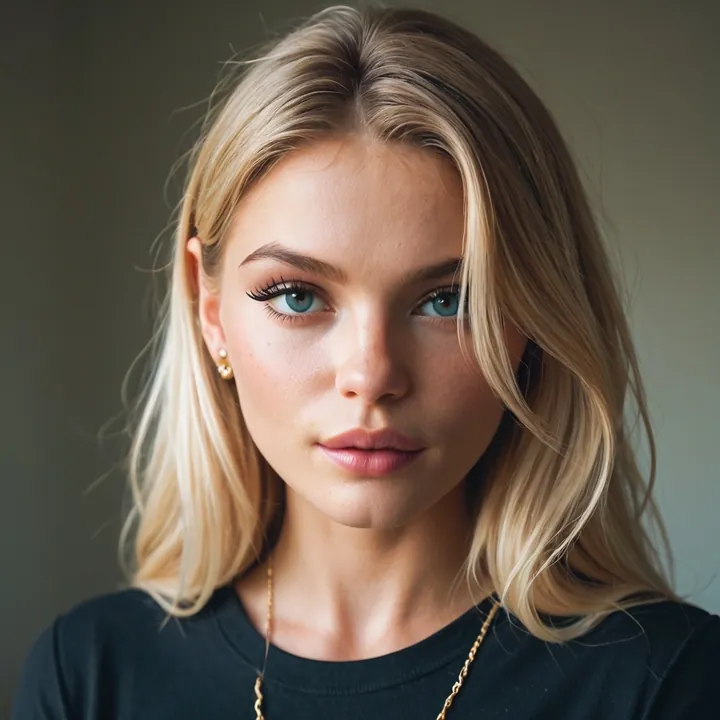
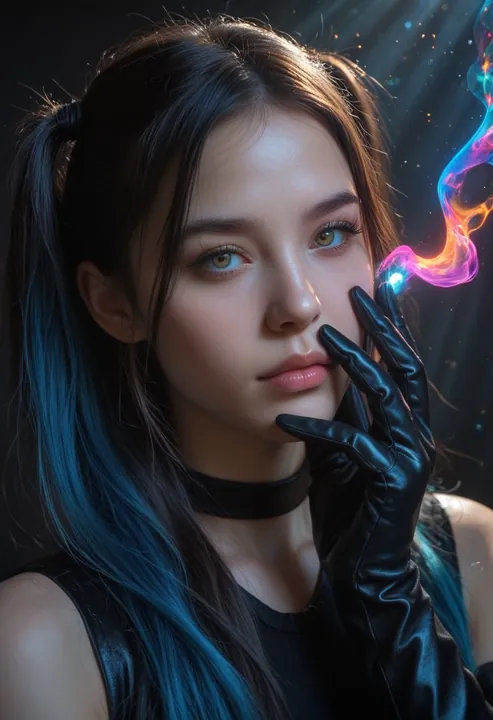
Compared
| Feature | Imference | ComfyUI | Midjourney |
|---|---|---|---|
| Runs on your GPU | |||
| Free to use | |||
| Open source | |||
| No subscription | |||
| No node graph to learn |
More options in our ComfyUI alternatives guide.
Good to know
The app isn't code-signed yet. On Windows, click More info, then Run anyway. On macOS, right-click the app and choose Open. Each release ships a checksums.txt to verify your download.
Yes. The app is free and MIT licensed, and images you make on your own GPU cost nothing. You only pay if you choose the cloud.
Once a model is downloaded, it runs entirely on your machine. Your images stay on your computer.
Yes. Open any image in Edit: change it with plain words, remove the background, erase objects, upscale or restore faces. Most tools run without a GPU. Editing with plain words needs an NVIDIA GPU with about 8 GB of VRAM, or the cloud.
Yes. Add a reference image in Create for image-to-image, locally or in the cloud. In the cloud, MiniMax-H3 turns it into a video.
NVIDIA (CUDA) on Windows and Apple Silicon on macOS. AMD Radeon RX 7000 and 9000 (ROCm) work in preview. No GPU? Use the cloud mode.