Skip to content
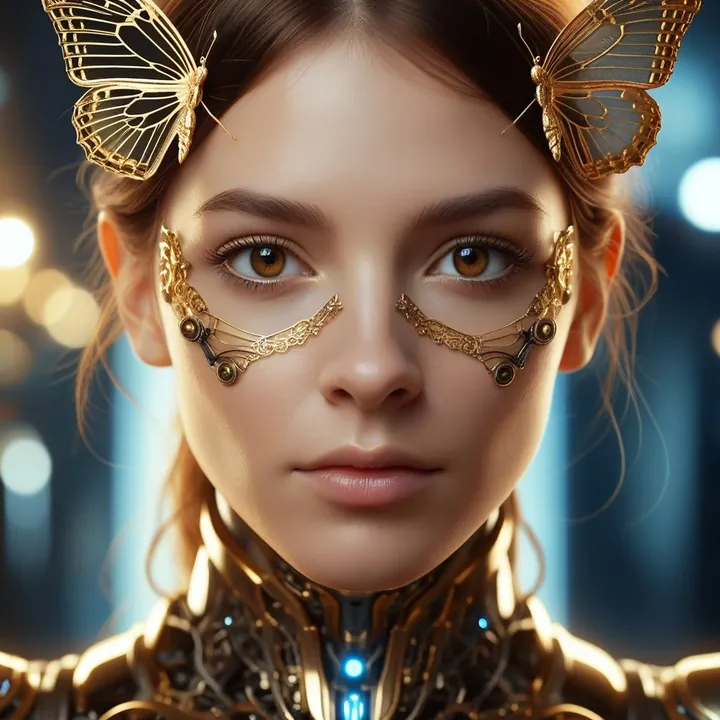
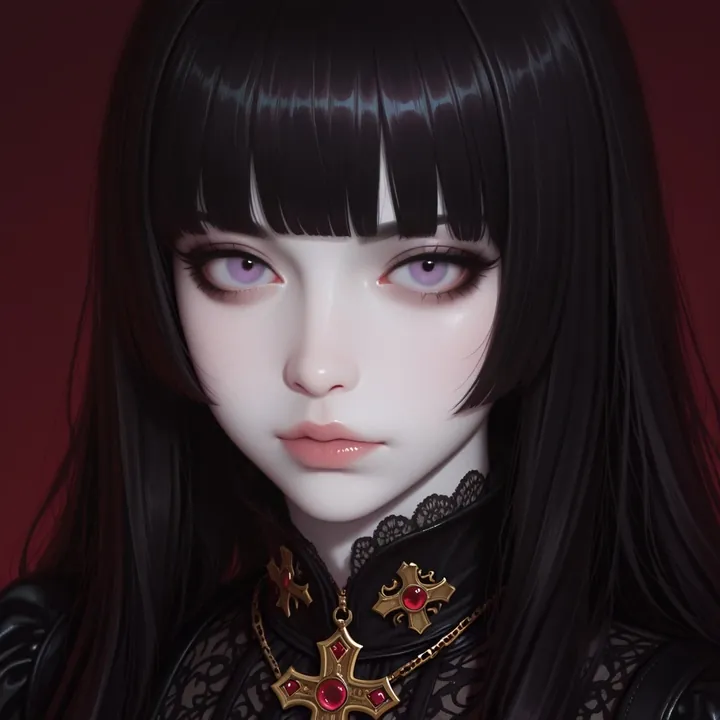
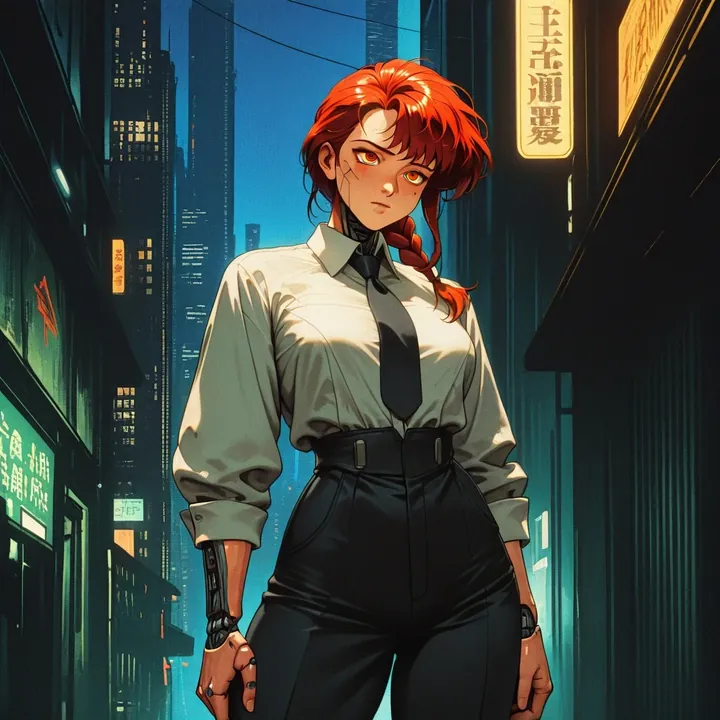
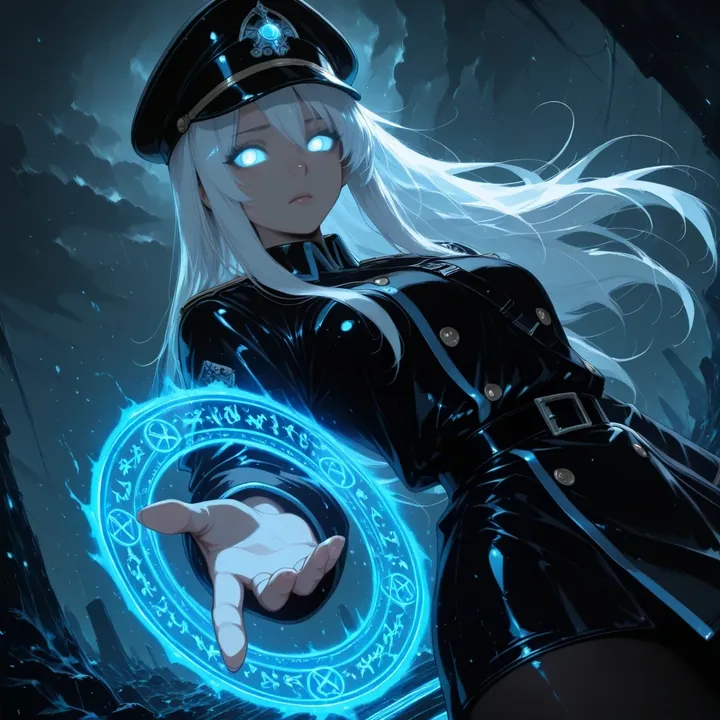
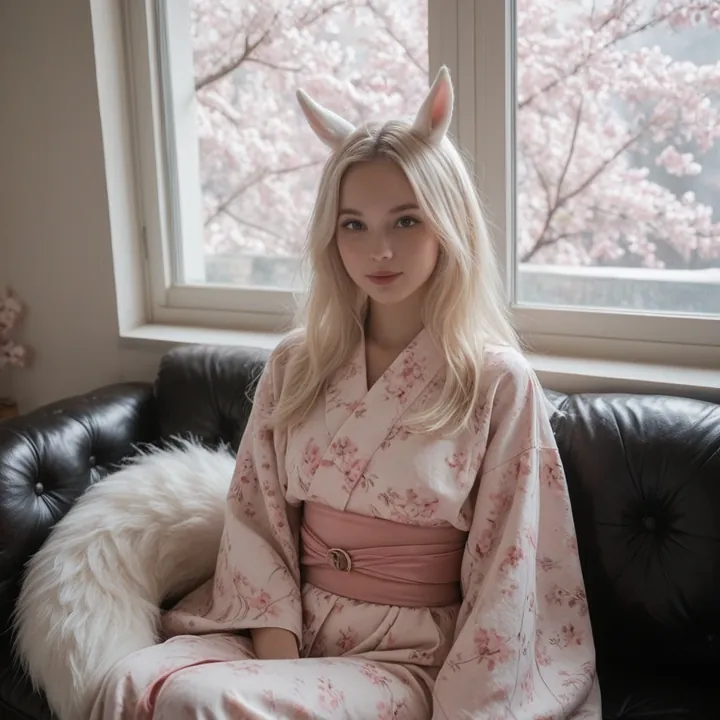
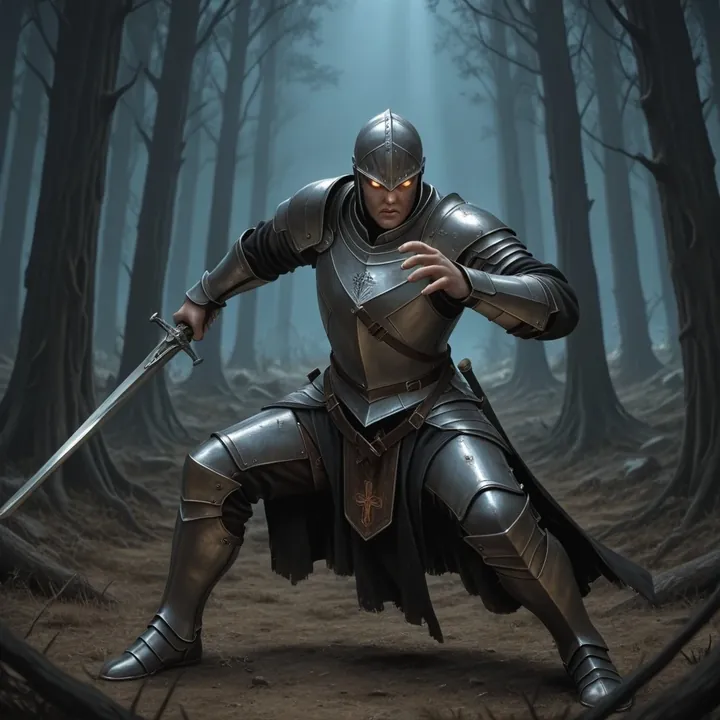
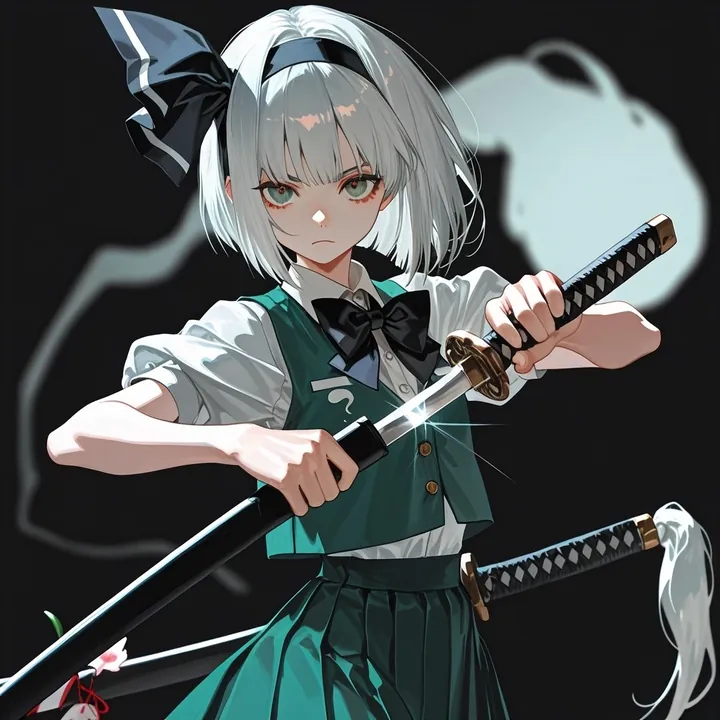
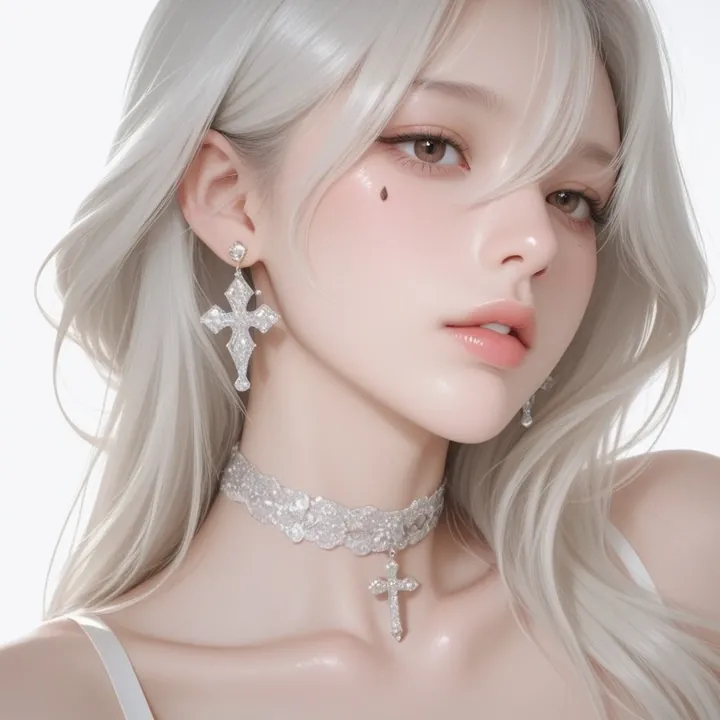
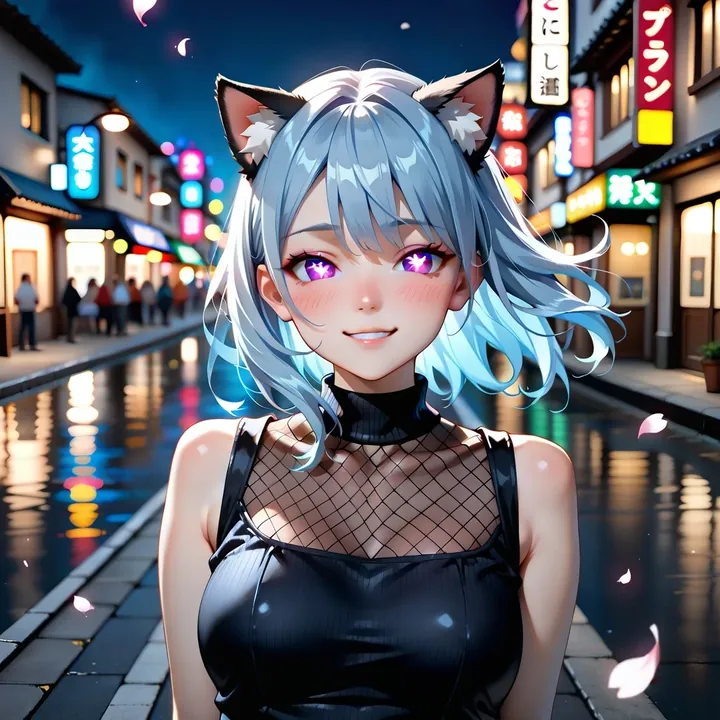
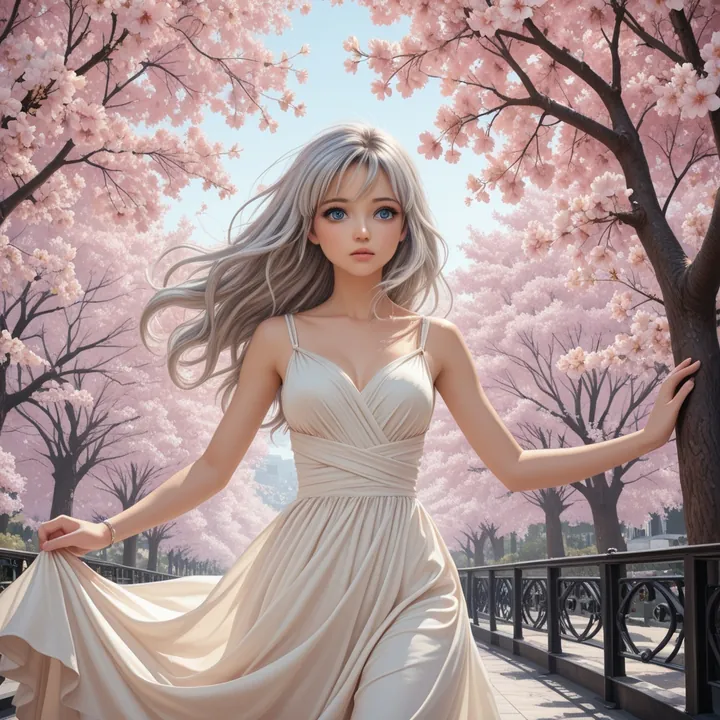
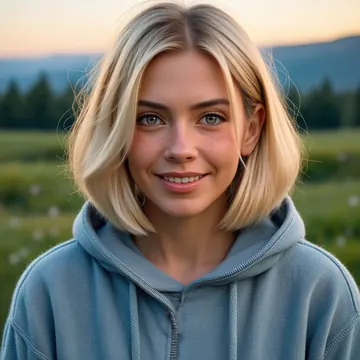
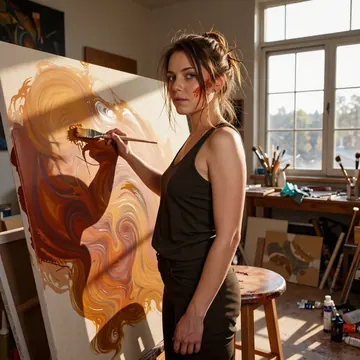
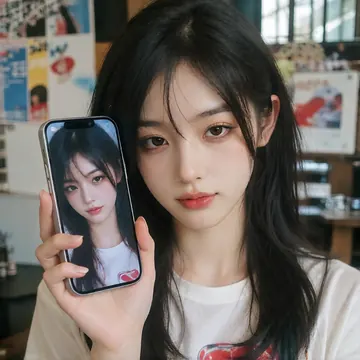
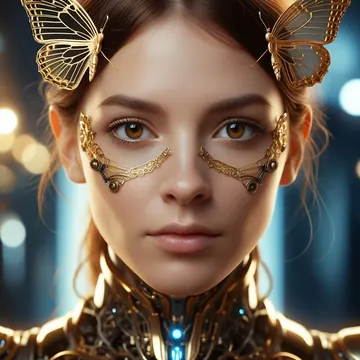
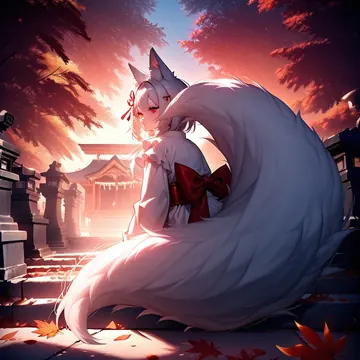
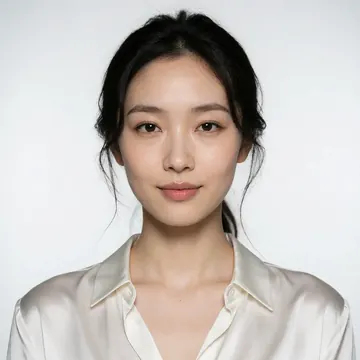
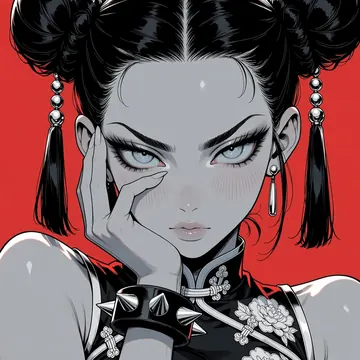
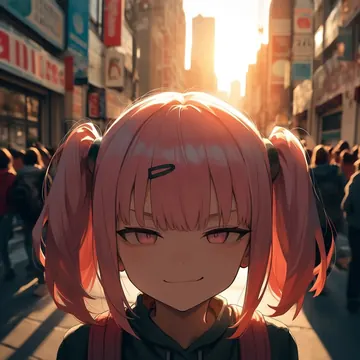
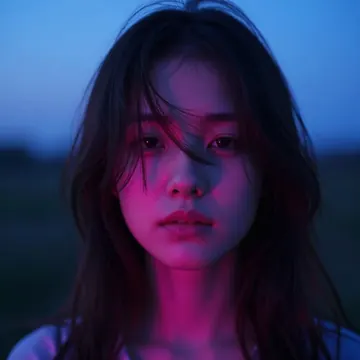
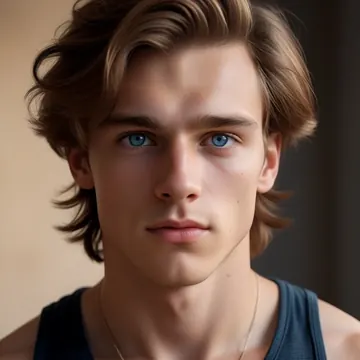
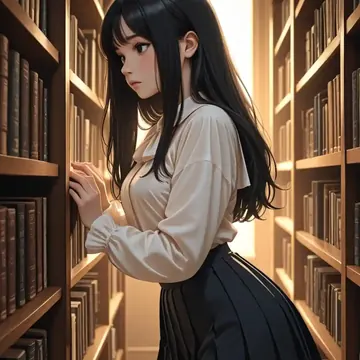
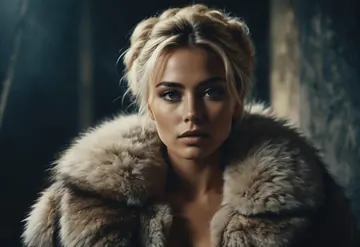
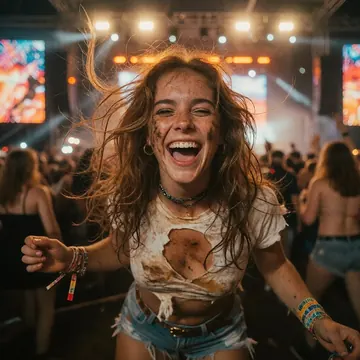
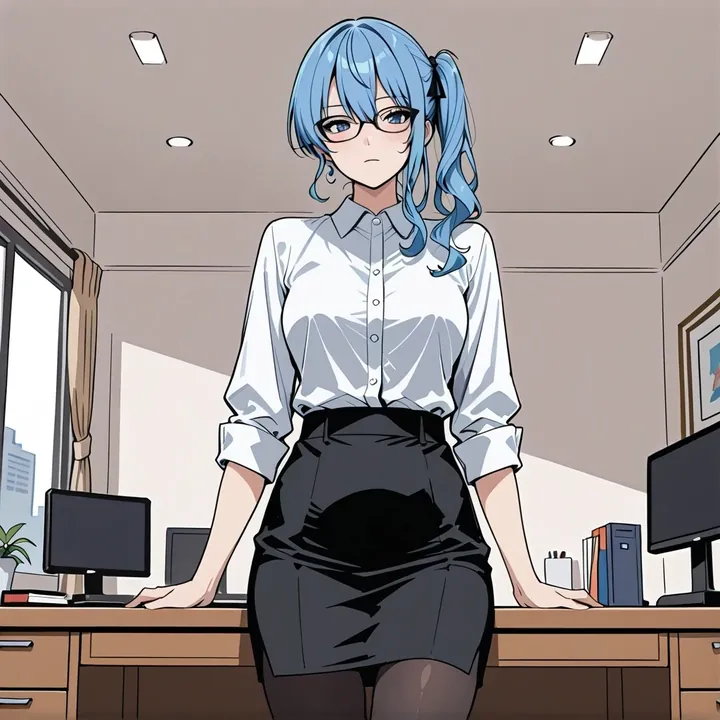
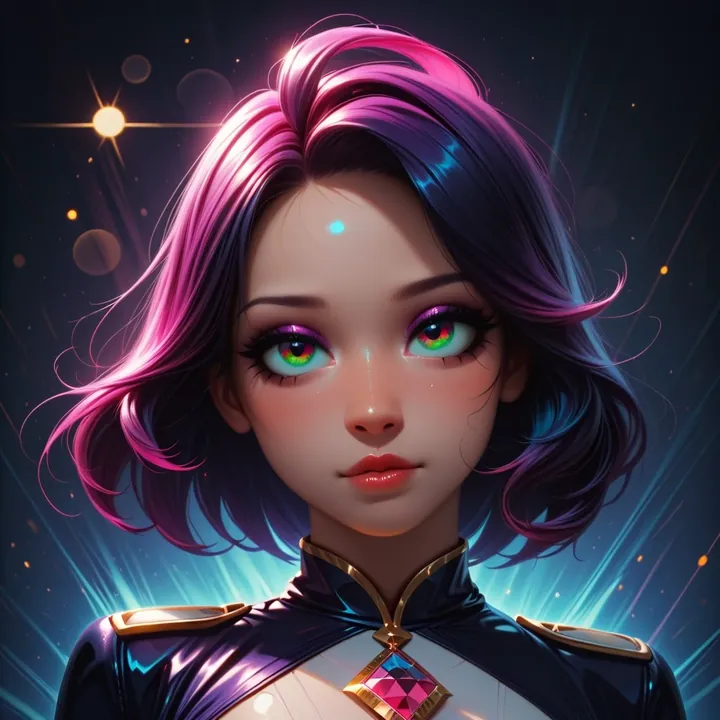
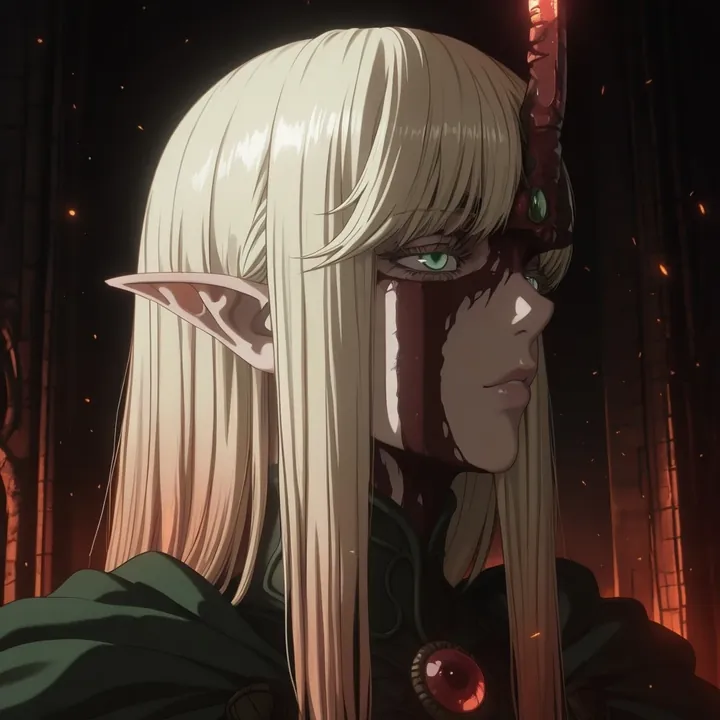
Sample image made with Animij
Illustrious Image Local Cloud Image input

Animij

Animij is a semi‑anime SDXL model with a soft, retro‑modern finish. It nails cozy close‑ups with creamy bokeh and glossy hair highlights, and just as easily flips to minimal, cinematic scenes, masked figures in deep shadow and blue‑on‑black poster looks. If you like expressive character art and stylish lighting, you’ll click with it fast. Works with natural prompts or tag‑style; try steps 20, CFG 6, Euler, plus a light negative prompt: worst quality, bad quality.

$0.003

per image in the cloud

$0

on your own GPU

Vibe

Semi‑anime with a soft, clean draw. Think warm lavender portraits with gentle background falloff, smooth skin sheen, and tidy speculars on hair; then jump to stark, graphic frames where a cloaked figure floats in near‑black and small warm glows (butterflies, dust) punctuate the dark. It also handles cool, cel‑shaded poster tones, icy blues on deep navy, with strong silhouettes and layered compositions.
Best for

  • Expressive character portraits with cozy lighting and bokeh
  • Minimal, dramatic scenes with lots of negative space
  • Blue‑toned, poster‑style key art and profile close‑ups
  • Clean silhouettes, rim‑lit figures, masks and moody night vibes

Prompting tips

  • Works with natural language or short tag strings. Keep it concise: subject + mood + lighting + a couple style cues.
  • For soft portraits: "warm indoor light, cable‑knit sweater, window bokeh, soft smile, close‑up, shallow depth of field".
  • For moody minimalism: "black background, cloaked figure, fox mask, glowing butterflies, rim light, dust particles".
  • For graphic blue looks: "cel shading, blue palette, profile close‑up, layered composition, starry particles, night".
  • Color control: mention warm/cool terms ("warm backlight, cool fill") to get that warm↔cool interplay.
  • Settings: steps 20, CFG 6.0, scheduler=euler. Negative: "worst quality, bad quality".
  • Avoid overstuffing styles; this model likes clean prompts and will separate subject from background nicely on its own.

Use it

Three ways to run Animij

  1. Download Imference Desktop and open it.
  2. In Local models, pick Animij. It downloads once.
  3. Write a prompt and press Generate. Free, on your GPU.
Get the app
Make an image with Animij ("animij"): a lighthouse on a cliff at dusk, cinematic light
curl https://imference.com/generate \
  -H "Authorization: Bearer $IMFERENCE_API_KEY" \
  -H "Content-Type: application/json" \
  -d '{"model": "animij",
       "format_code": "square",
       "prompt": "a lighthouse on a cliff at dusk, cinematic light"}'

Claude needs the MCP server. API details in the reference.

Specs

The details

Price
$0.003 · 3 credits
$5 buys
1,666 images
Prompt style
Tags
Runs
Local and cloud
Default steps
20
Default CFG
6
Reference images
Up to 1
Model code
animij

Formats

Square

1024×1024

Portrait

896×1152

Landscape

1152×896

Portrait Large

832×1216

Landscape Large

1216×832

Portrait Wide

768×1344

Landscape Wide

1344×768

Portrait Ultra-Wide

640×1536

Landscape Ultra-Wide

1536×640

LoRAs

Styles that work with it

Sample of the CAT - Citron Styles LoRA
CAT - Citron Styles
Sample of the Dark Art Style LoRA
Dark Art Style
Sample of the Detail Tweaker XL LoRA
Detail Tweaker XL
Sample of the MoriiMee Gothic Niji LoRA
MoriiMee Gothic Niji
Sample of the Retro Sci-fi 90's an LoRA
Retro Sci-fi 90's an
Sample of the Velvet's Mythic Fant ill LoRA
Velvet's Mythic Fant ill

Similar

You might also like

All 76 models

Try Animij tonight