Skip to content
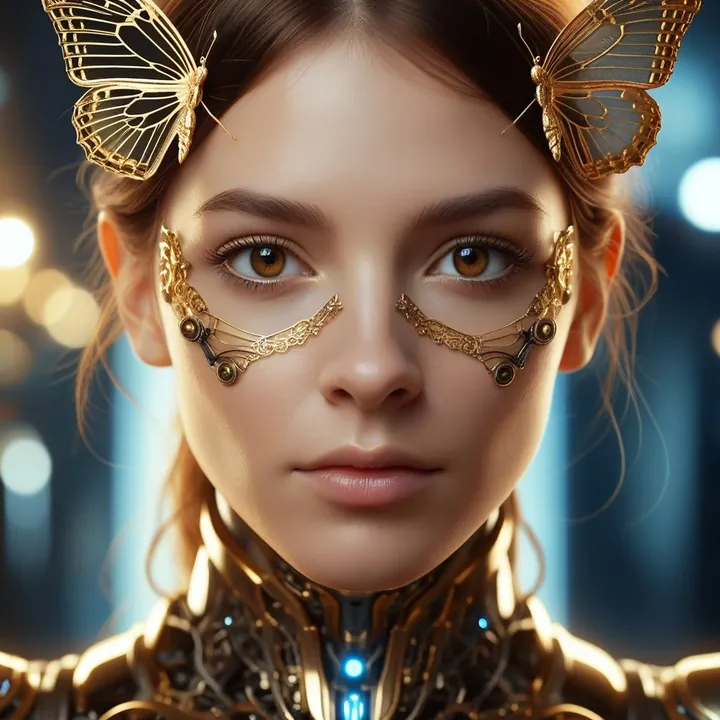
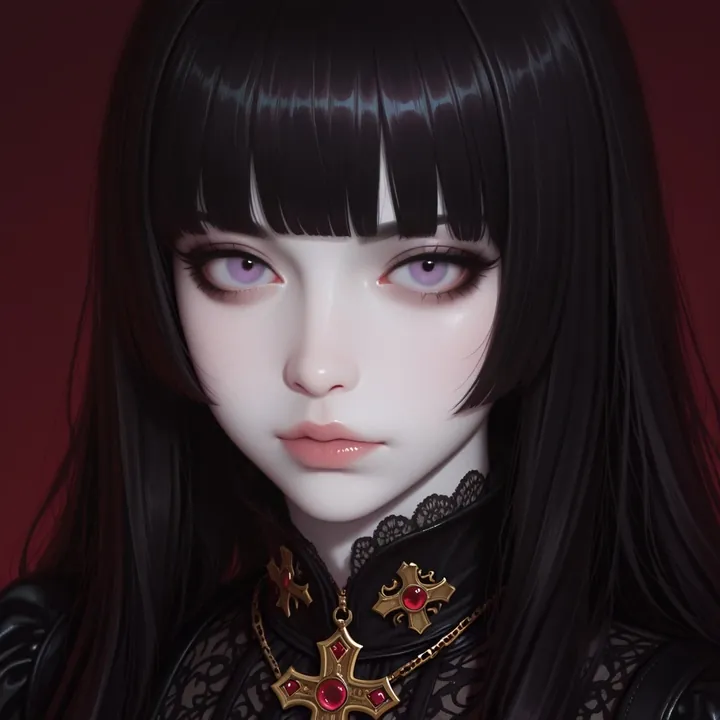
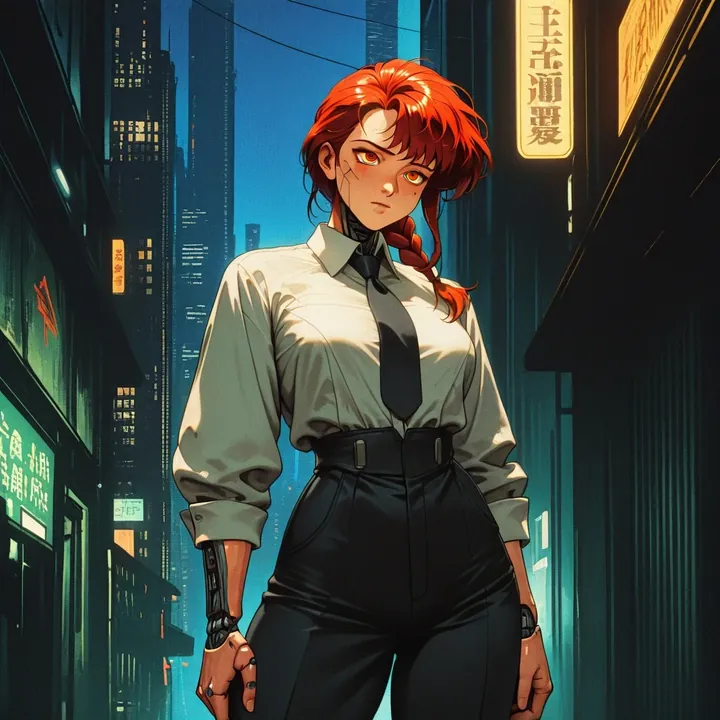
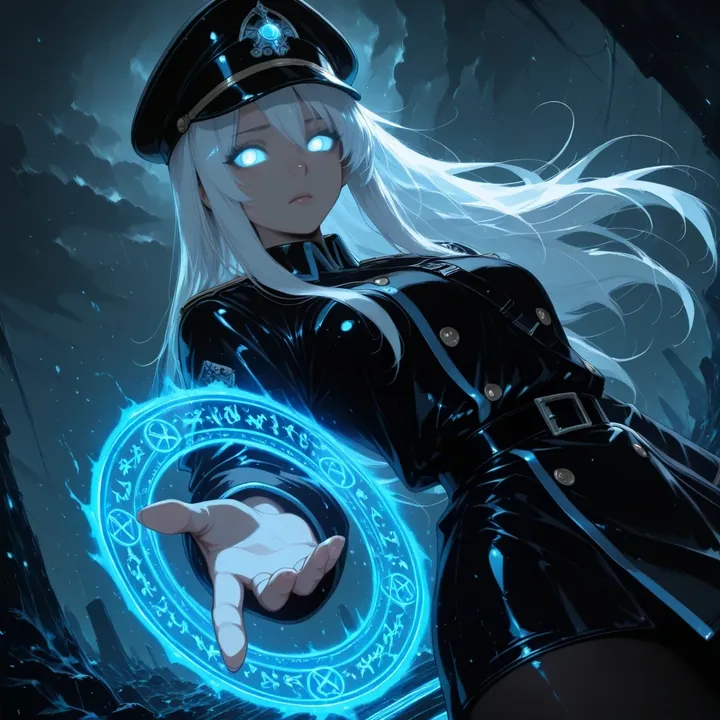
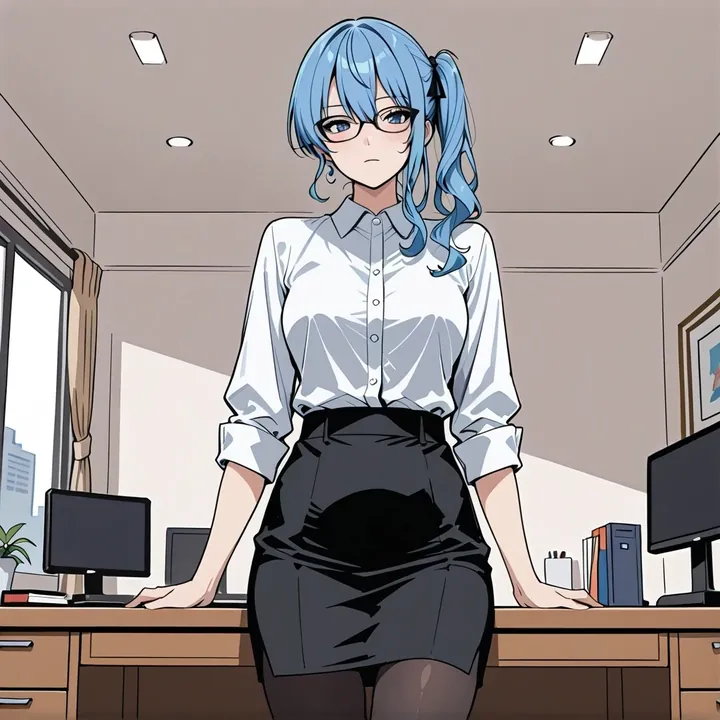
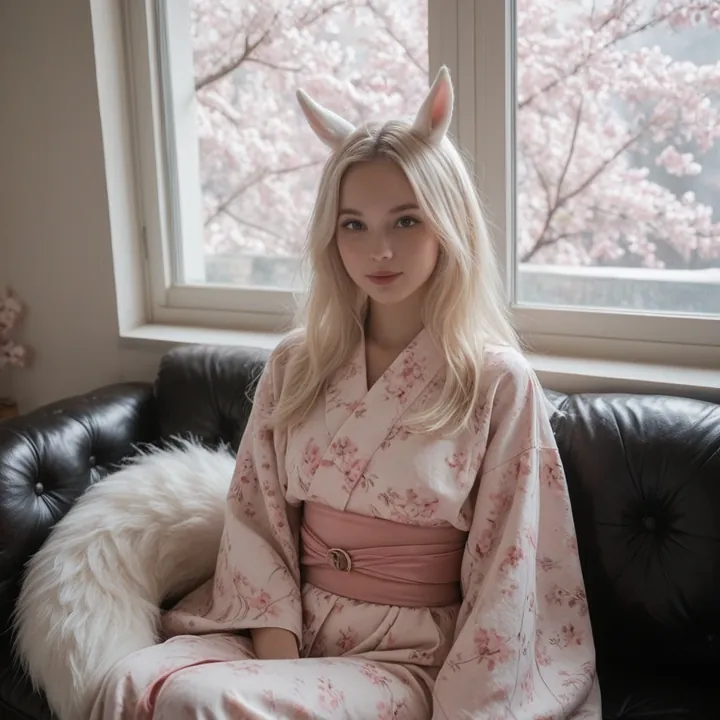
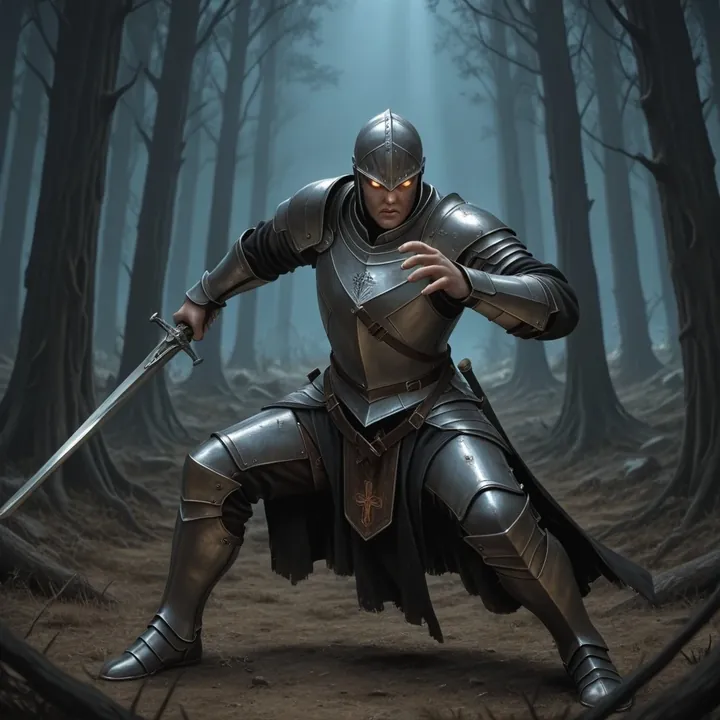
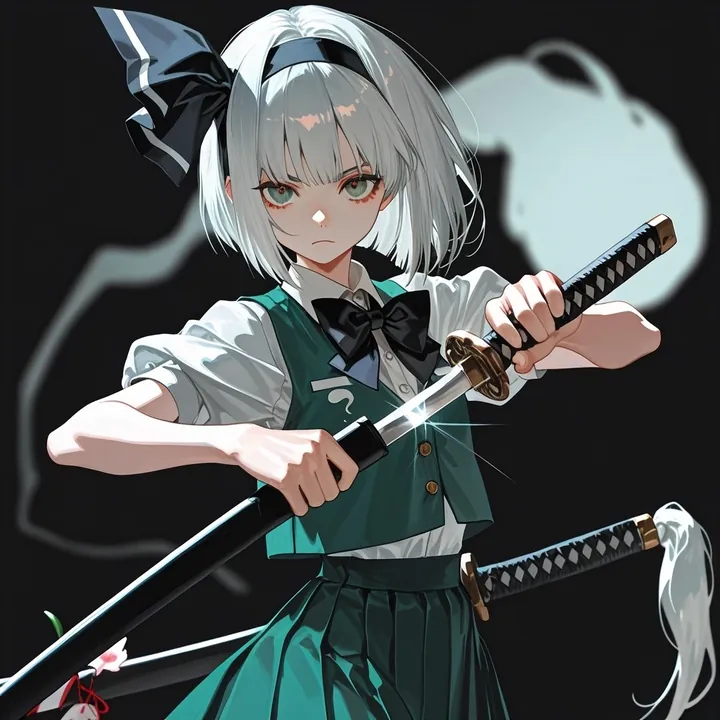
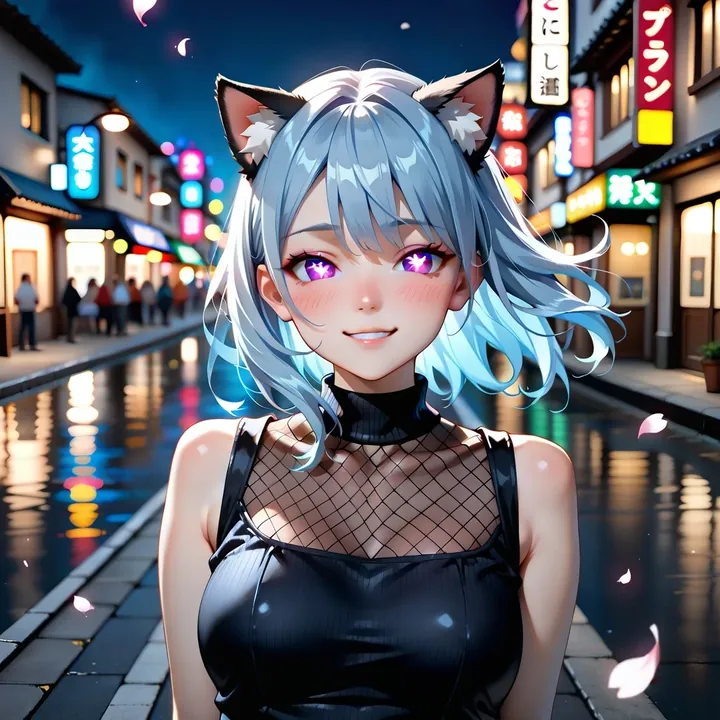
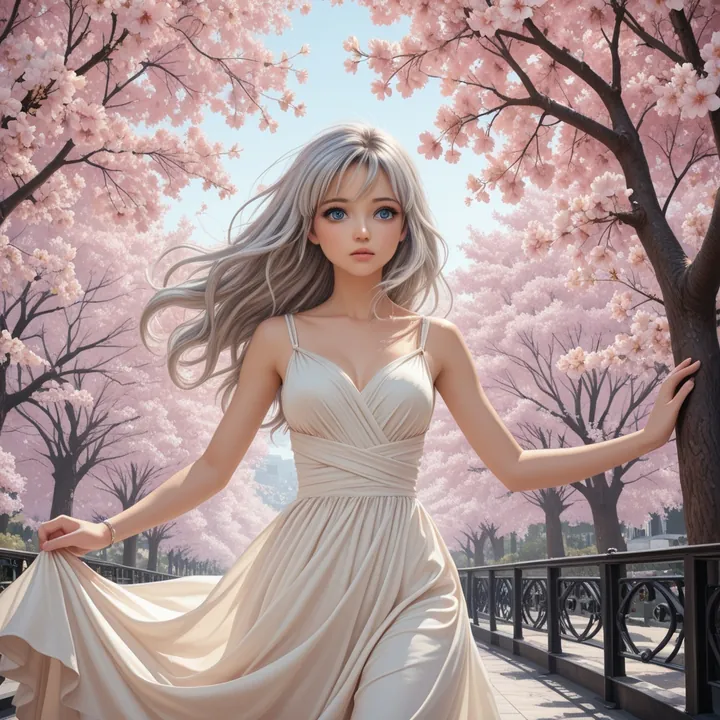
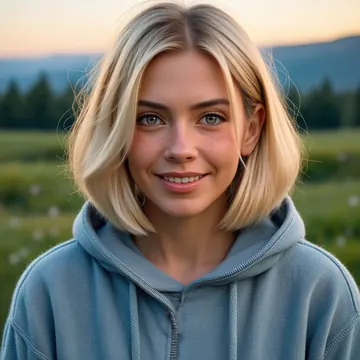
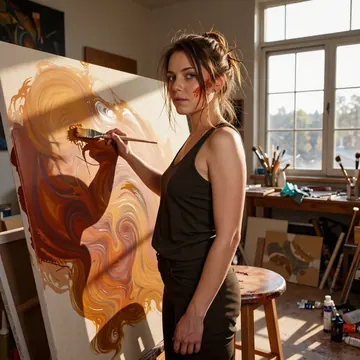
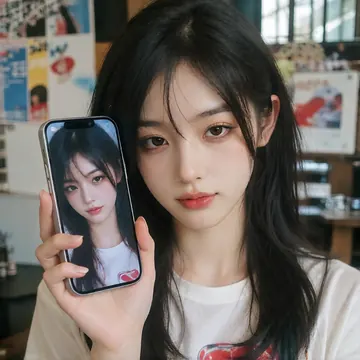
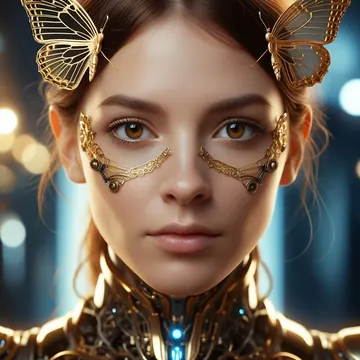
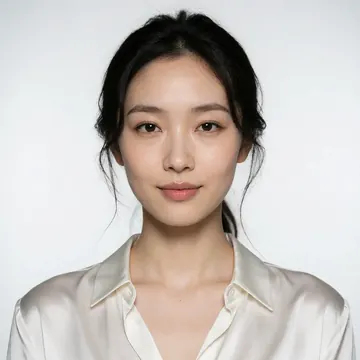
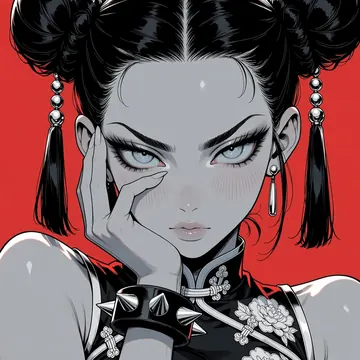
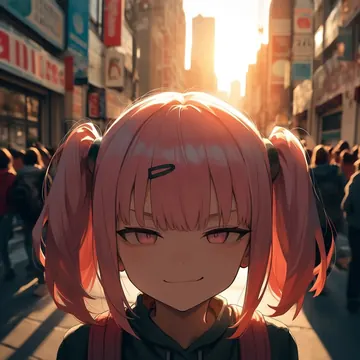
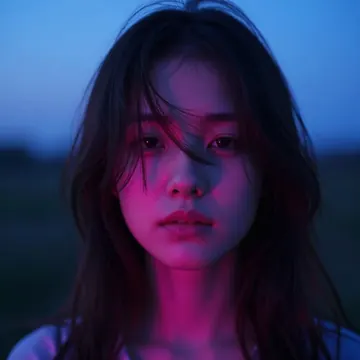
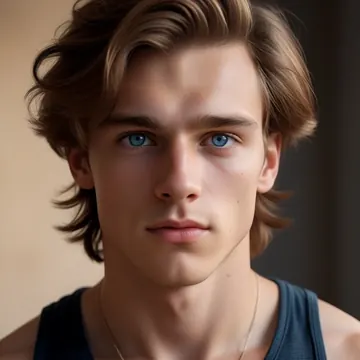
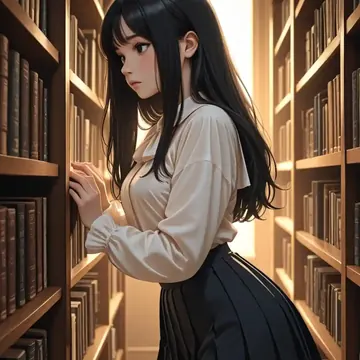
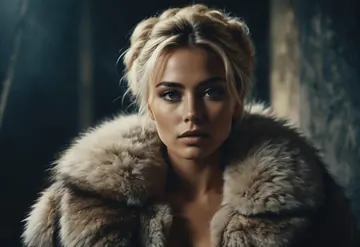
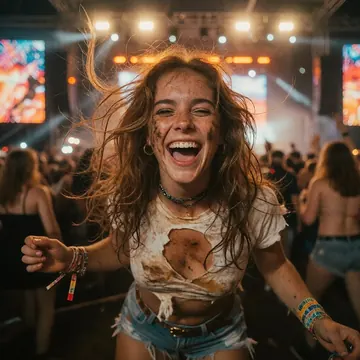
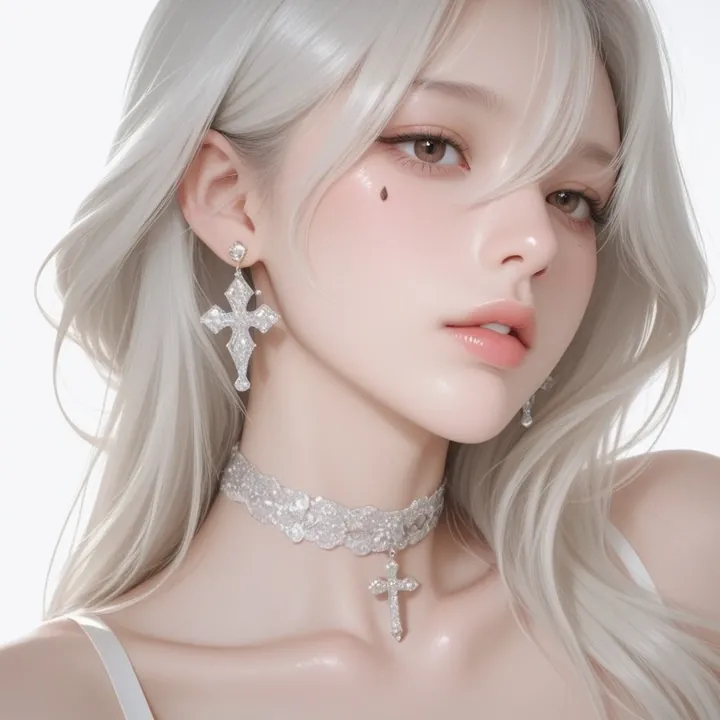
Sample image made with ExcelaXL
Illustrious Image Local Cloud Image input

ExcelaXL

ExcelaXL focuses on idealized Korean‑style beauty in a semi‑real look: dewy skin, soft glam makeup, and smooth, curvy figures. It shines for boudoir, fashion, and K‑beauty portraits with cozy daylight, clean studio, or night‑city bokeh. Prompts can stay simple, the model naturally delivers polished, eye‑catching shots.

$0.003

per image in the cloud

$0

on your own GPU

Vibe

Semi‑real meets photoreal: doll‑like yet believable faces with glassy skin and glossy lips. Warm neutrals and blush pinks dominate, with jet‑black outfits and accessories for contrast. Lighting ranges from soft window glow to clean studio white and festive night bokeh (city lights, Christmas tree). Compositions are centered and flattering, waist‑up to full‑body, featuring confident, flirty poses. Expect smooth curves, immaculate complexion, and recurring details like cross earrings, chokers, bows, and playful tees.

Best for

  • K‑beauty portraits and glam fashion sets
  • Boudoir/NSFW concepts with tasteful lighting
  • Cosplay or themed shoots (ribbons, holiday vibes)
  • Thumbnails, lookbooks, and banners where striking faces matter
  • Creators who want great results from short, simple prompts

Prompting tips

Use concise prompts. Helpful vocabulary:

  • Lighting: "soft window light", "golden hour glow", "studio white backdrop", "city night bokeh", "warm ambient"
  • Style/Mood: "soft glam", "dewy skin", "glossy lips", "subtle blush", "shallow depth of field", "centered composition"
  • Hair/Details: "loose wavy hair", "short bob with bangs", "cross earrings", "metal choker", "red ribbon bow"
  • Wardrobe: "lace bra and tie", "bunny print tee", "sleek black mini skirt"
  • Scenes/Palette: "bedroom morning light", "clean studio", "festive bar", "Christmas tree lights", "blush pinks and ivory", "jet black with cherry red accents"

Note: The model leans toward idealized Korean‑style beauty; add specific descriptors if you want a different vibe or a mature look.

Use it

Three ways to run ExcelaXL

  1. Download Imference Desktop and open it.
  2. In Local models, pick ExcelaXL. It downloads once.
  3. Write a prompt and press Generate. Free, on your GPU.
Get the app
Make an image with ExcelaXL ("excelaxl"): a lighthouse on a cliff at dusk, cinematic light
curl https://imference.com/generate \
  -H "Authorization: Bearer $IMFERENCE_API_KEY" \
  -H "Content-Type: application/json" \
  -d '{"model": "excelaxl",
       "format_code": "square",
       "prompt": "a lighthouse on a cliff at dusk, cinematic light"}'

Claude needs the MCP server. API details in the reference.

Specs

The details

Price
$0.003 · 3 credits
$5 buys
1,666 images
Prompt style
Tags
Runs
Local and cloud
Default steps
20
Default CFG
5
Reference images
Up to 1
Model code
excelaxl

Formats

Square

1024×1024

Portrait

896×1152

Landscape

1152×896

Portrait Large

832×1216

Landscape Large

1216×832

Portrait Wide

768×1344

Landscape Wide

1344×768

Portrait Ultra-Wide

640×1536

Landscape Ultra-Wide

1536×640

LoRAs

Styles that work with it

Sample of the CAT - Citron Styles LoRA
CAT - Citron Styles
Sample of the Dark Art Style LoRA
Dark Art Style
Sample of the Detail Tweaker XL LoRA
Detail Tweaker XL
Sample of the MoriiMee Gothic Niji LoRA
MoriiMee Gothic Niji
Sample of the Retro Sci-fi 90's an LoRA
Retro Sci-fi 90's an
Sample of the Velvet's Mythic Fant ill LoRA
Velvet's Mythic Fant ill

Similar

You might also like

All 76 models

Try ExcelaXL tonight