Skip to content
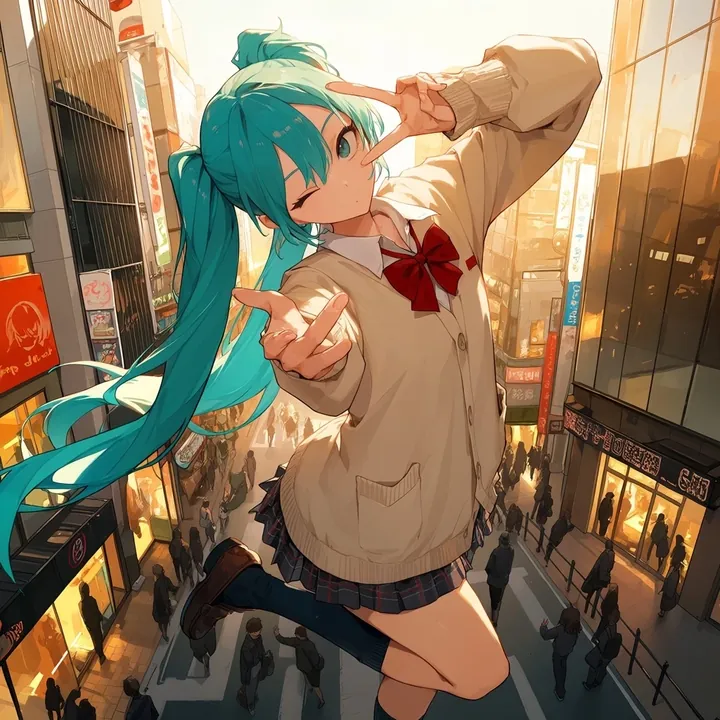
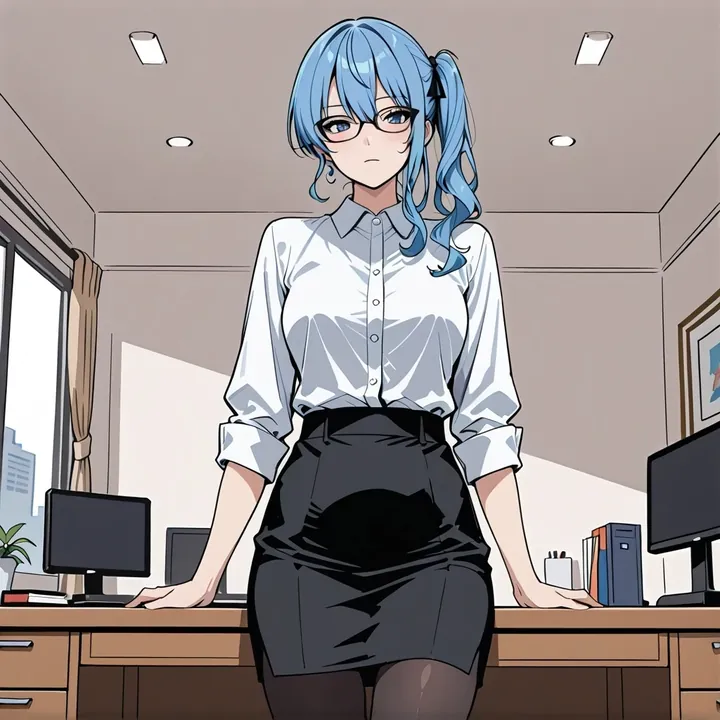
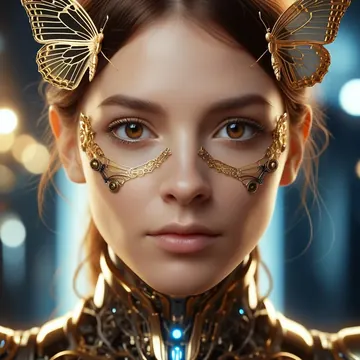
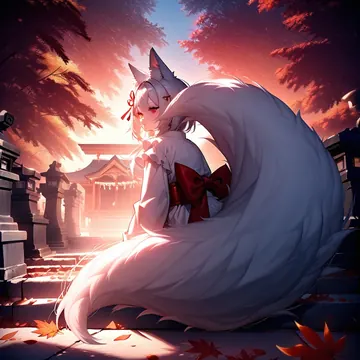
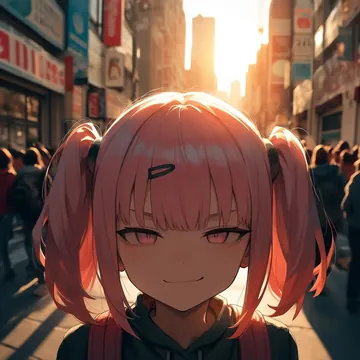
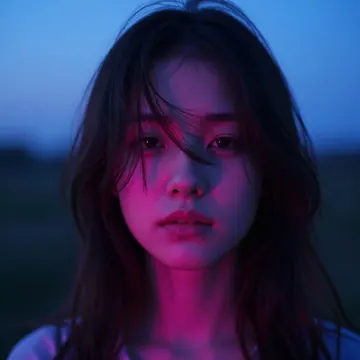
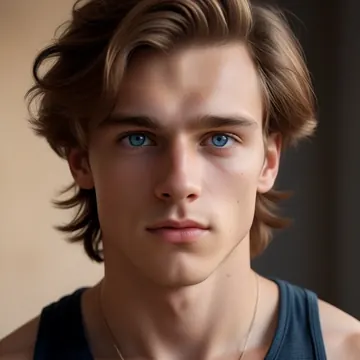
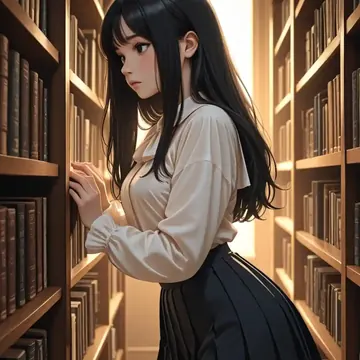
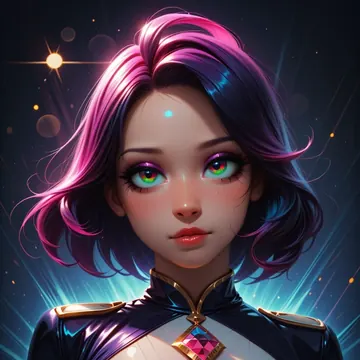
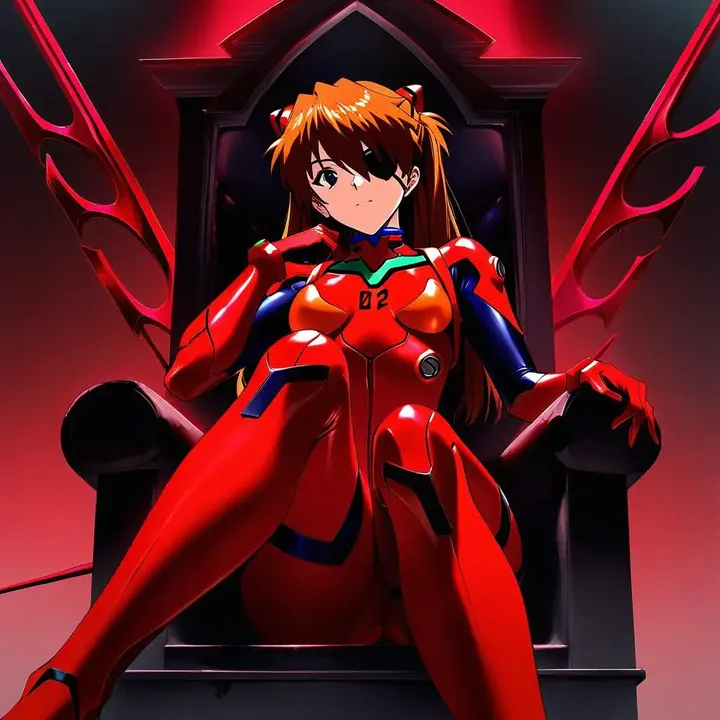
Sample image made with Animagine XL
SDXL Image Local Cloud Image input

Animagine XL

An SDXL-family anime image model for people who want clean lines, solid anatomy, and dependable character likeness. Run it free on your GPU in Imference Desktop or call it by API. Uses tag-style prompts and can take an input image. Defaults are tuned. Model code `anime-v1`.

$0.003

per image in the cloud

$0

on your own GPU

Good at

  • Anime illustrations with crisp lines and saturated color, from modern to retro looks.
  • Strong recall of well-known characters, keeps outfits, hair and faces on model.
  • Better hands and body proportions than base SDXL, solid for portraits and full-body shots.
  • Consistent output across a series, useful for sets, turnarounds and character sheets.

Running it

  • Local in Imference Desktop, free on your GPU, accepts image input for variations and references.
  • Hardware: comfortable on an 8 GB NVIDIA GPU, workable on 6 GB, runs on Apple Silicon Macs.
  • Or run it in the cloud through the REST API, no local setup required.
  • Agents can pick it via the Imference MCP server using the code anime-v1.

Prompting it

  • Use comma-separated tags, e.g., 1girl, school uniform, city at night, rain, dramatic lighting.
  • Add style hints, e.g., modern anime, 90s anime, shonen, or name the vibe you want.
  • For characters, include pose, expression, outfit and scene to steer composition tightly.
  • Defaults are tuned: 30 steps and guidance 6. You can override these in API or Desktop.

Use it

Three ways to run Animagine XL

Local · free

  1. Open Imference Desktop and stay on Local.
  2. In Local models, pick Animagine XL. It downloads once.
  3. Write a prompt and press Generate. It runs on your GPU.

Cloud · $0.003 per image

  1. Open Imference Desktop and switch to Cloud.
  2. Buy credits by card: your Imference key is created for you.
  3. Pick Animagine XL and press Generate. Nothing to download.

In your browser · $0.003 per image

  1. Open Imference Web. Nothing to install, no account.
  2. In Cloud model, pick Animagine XL.
  3. Write a prompt and press Generate. Buy credits by card the first time, no account.
Make an image with Animagine XL ("anime-v1"): a lighthouse on a cliff at dusk, cinematic light

Claude needs the MCP server.

Specs

The details

Price
$0.003 · 3 credits
$5 buys
1,666 images
Prompt style
Tags
Runs
Local and cloud
Default steps
30
Default CFG
6
Reference images
Up to 1
Model code
anime-v1

Formats

Square

1024×1024

Portrait

896×1152

Landscape

1152×896

Portrait Large

832×1216

Landscape Large

1216×832

Portrait Wide

768×1344

Landscape Wide

1344×768

Portrait Ultra-Wide

640×1536

Landscape Ultra-Wide

1536×640

LoRAs

Styles that work with it

Sample of the Detail Tweaker XL LoRA
Detail Tweaker XL

Similar

You might also like

All 85 models

Try Animagine XL tonight