Skip to content
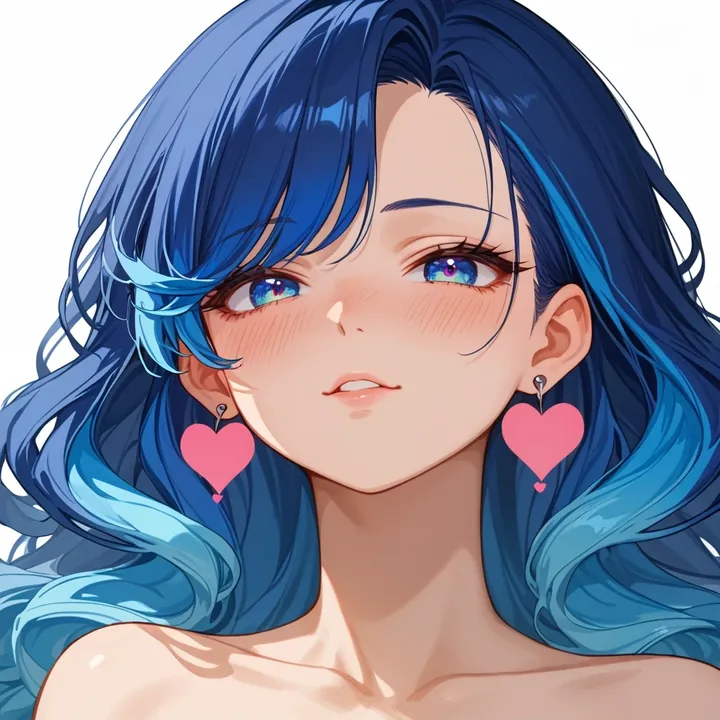
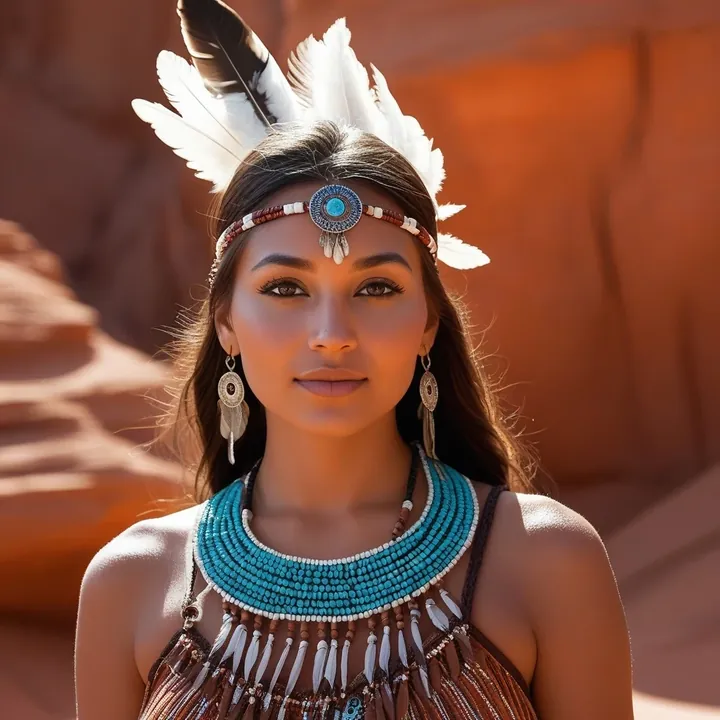
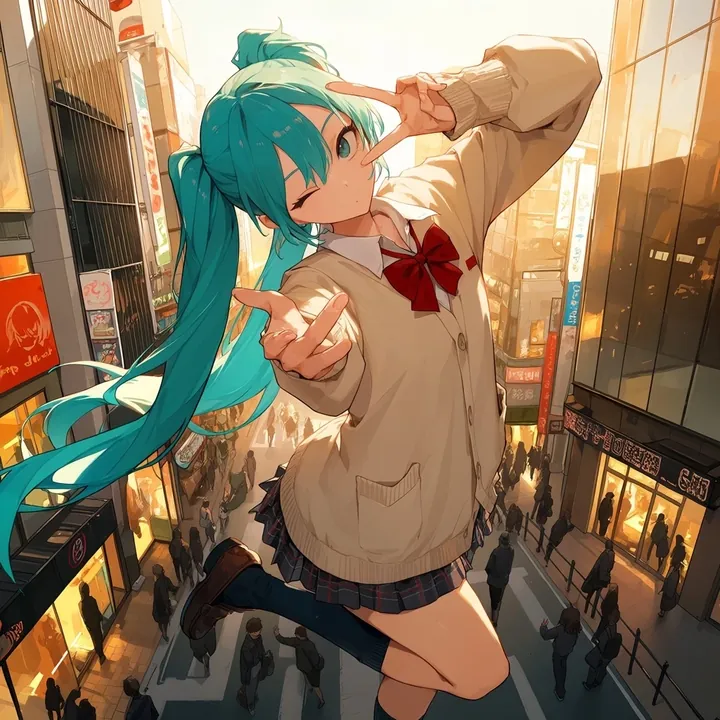
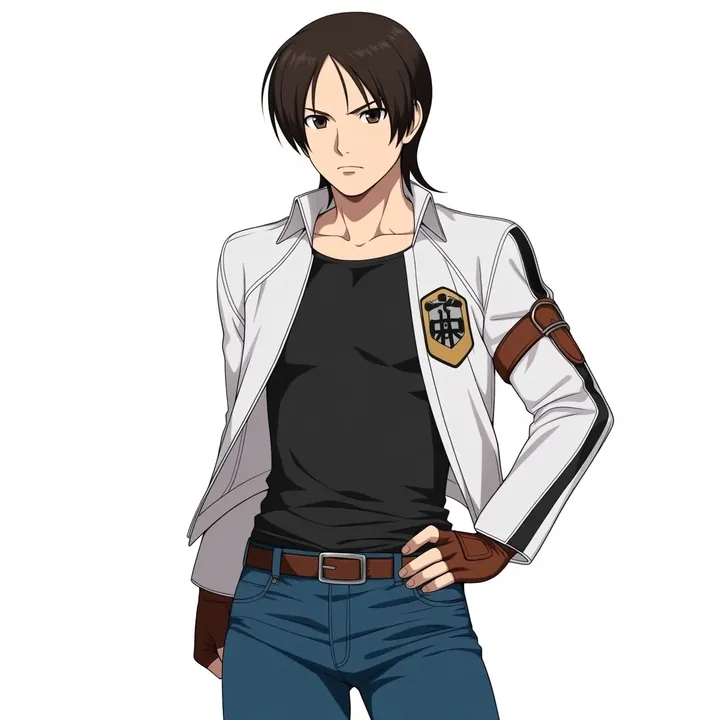
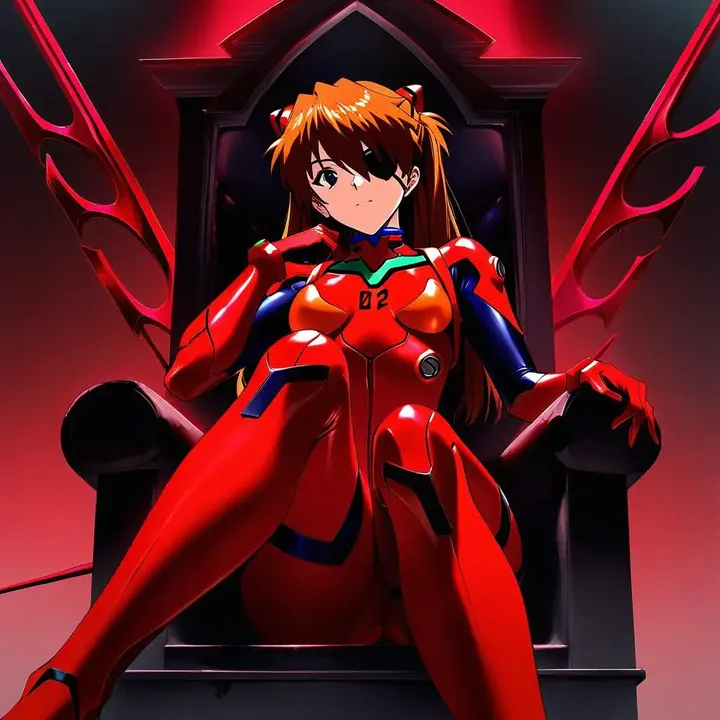
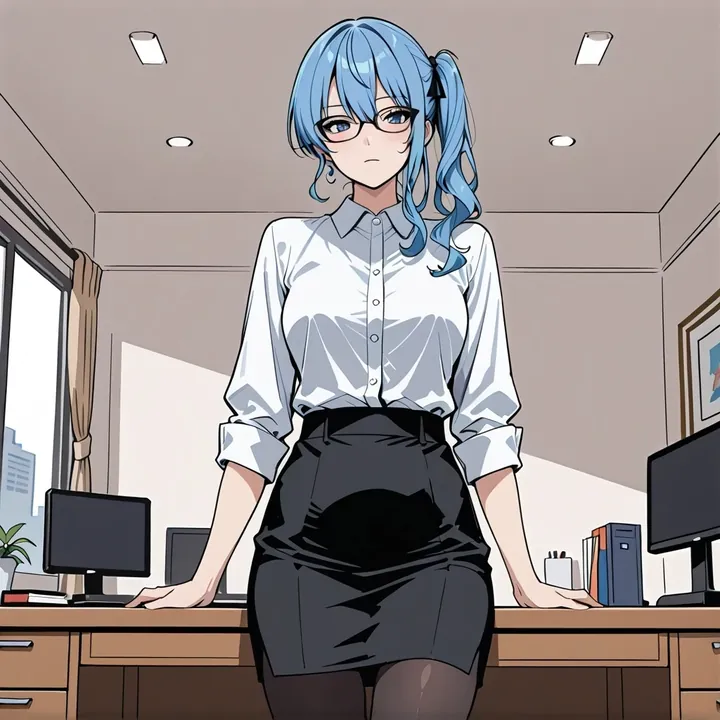
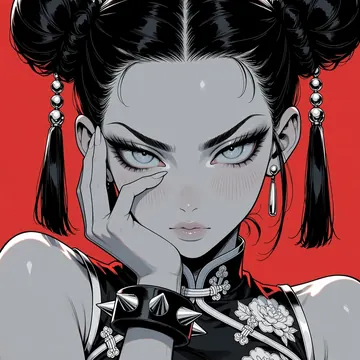
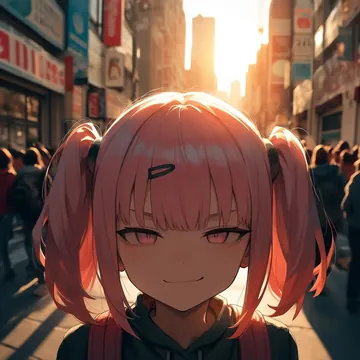
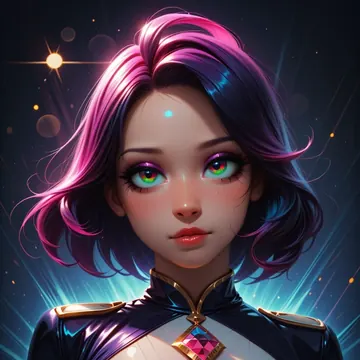
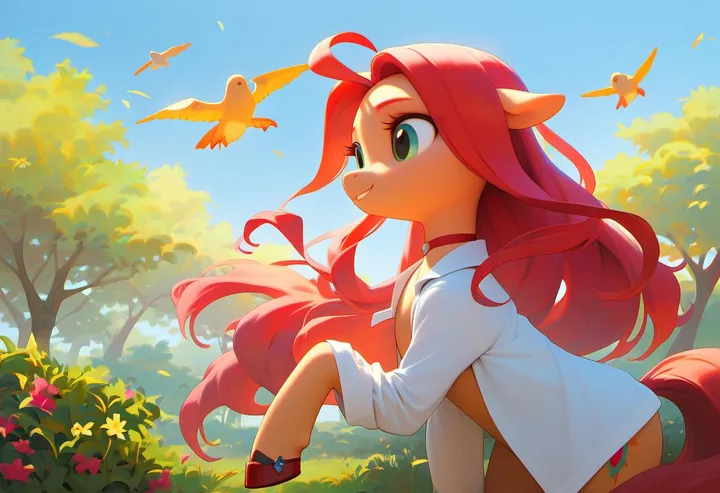
Sample image made with Pony Diffusion V6 XL
Pony Image Local Cloud Image input

Pony Diffusion V6 XL

Anime, cartoon, and anthro specialist with solid natural language handling. Pony Diffusion V6 XL produces clean character art from short prompts or comma-separated tags, and it can start from an image. Run it free on your GPU in Imference Desktop or call it by API for batch work.

$0.003

per image in the cloud

$0

on your own GPU

Good at

  • Anime, western cartoon, and anthropomorphic character art, from tight portraits to full-body shots.
  • Fan-inspired looks and mascot-style designs, while keeping poses, outfits, and props consistent.
  • Stylized character design exploration across cute, gritty, or semi-real aesthetics.
  • Following plain sentences or tag lists with strong adherence to requested details.

Running it

  • Use Imference Desktop to run locally, free. Comfortable on an 8 GB NVIDIA GPU, workable on 6 GB, and runs on Apple Silicon Macs.
  • Or use the cloud API when you want no setup and easy scaling, no download required.
  • Part of the Pony family, and it accepts an input image for image-to-image, reference matching, or controlled variations.
  • Keep one install per project and cache your favorite samplers and schedulers alongside this model for repeatable results.

Prompting it

  • Works with comma-separated tags or plain sentences. Example tags: anime illustration, western cartoon, furry art, score_9, score_8_up.
  • Defaults are tuned: steps 30, guidance 6. API users can override, but you usually do not need to.
  • For characters, specify pose, expression, outfit layers, camera angle, and background to set composition.
  • In API or an MCP agent, select model ponydiffusionxlv6. Provide an init image for style or pose transfer, then adjust strength in your img2img call.

Use it

Three ways to run Pony Diffusion V6 XL

Local · free

  1. Open Imference Desktop and stay on Local.
  2. In Local models, pick Pony Diffusion V6 XL. It downloads once.
  3. Write a prompt and press Generate. It runs on your GPU.

Cloud · $0.003 per image

  1. Open Imference Desktop and switch to Cloud.
  2. Buy credits by card: your Imference key is created for you.
  3. Pick Pony Diffusion V6 XL and press Generate. Nothing to download.

In your browser · $0.003 per image

  1. Open Imference Web. Nothing to install, no account.
  2. In Cloud model, pick Pony Diffusion V6 XL.
  3. Write a prompt and press Generate. Buy credits by card the first time, no account.
Make an image with Pony Diffusion V6 XL ("ponydiffusionxlv6"): a lighthouse on a cliff at dusk, cinematic light

Claude needs the MCP server.

Specs

The details

Price
$0.003 · 3 credits
$5 buys
1,666 images
Prompt style
Tags
Runs
Local and cloud
Default steps
30
Default CFG
6
Reference images
Up to 1
Model code
ponydiffusionxlv6

Formats

Square

1024×1024

Portrait

896×1152

Landscape

1152×896

Portrait Large

832×1216

Landscape Large

1216×832

Portrait Wide

768×1344

Landscape Wide

1344×768

Portrait Ultra-Wide

640×1536

Landscape Ultra-Wide

1536×640

LoRAs

Styles that work with it

Sample of the Detail Tweaker XL LoRA
Detail Tweaker XL
Sample of the ExpressiveH LoRA
ExpressiveH

Similar

You might also like

All 85 models

Try Pony Diffusion V6 XL tonight