Skip to content
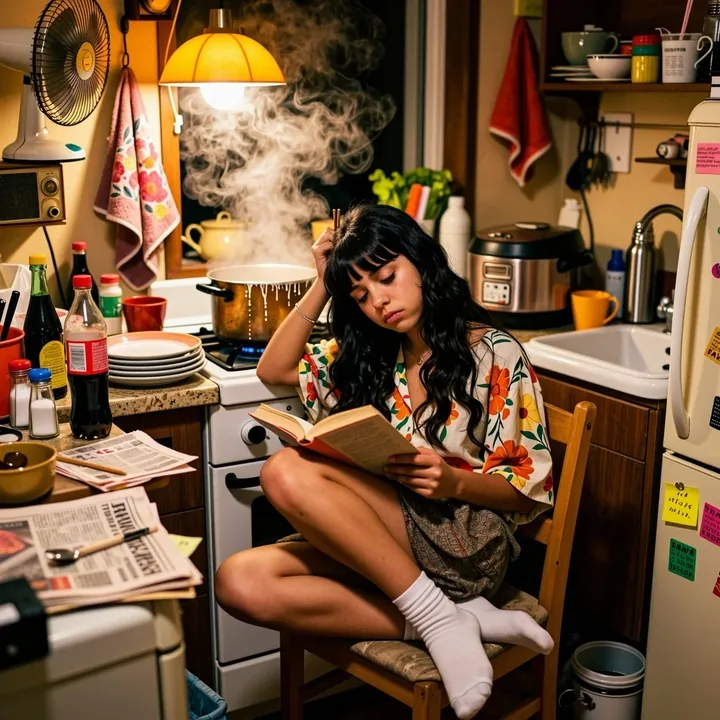
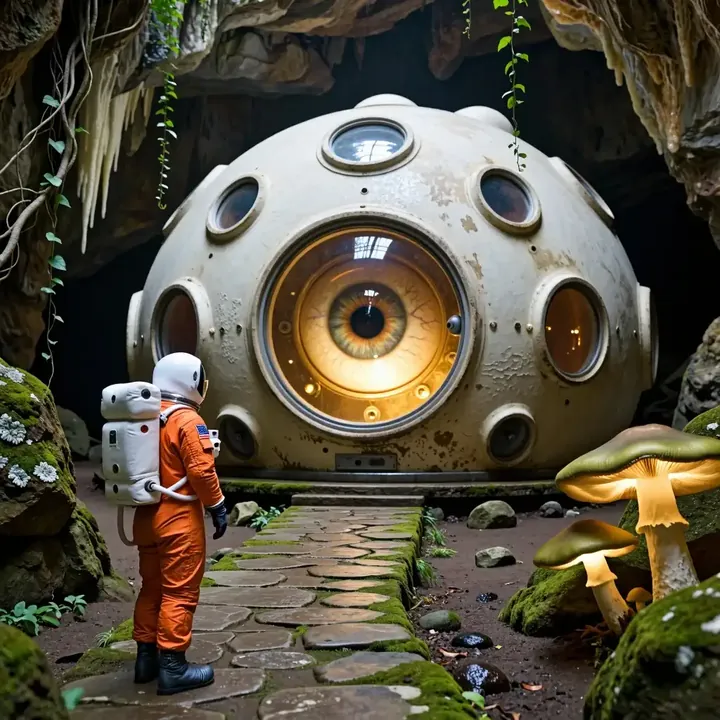
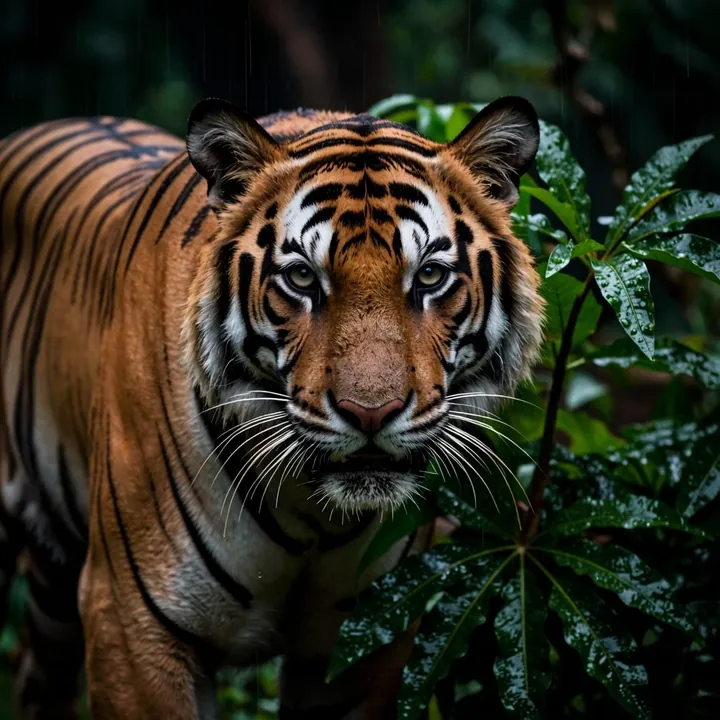
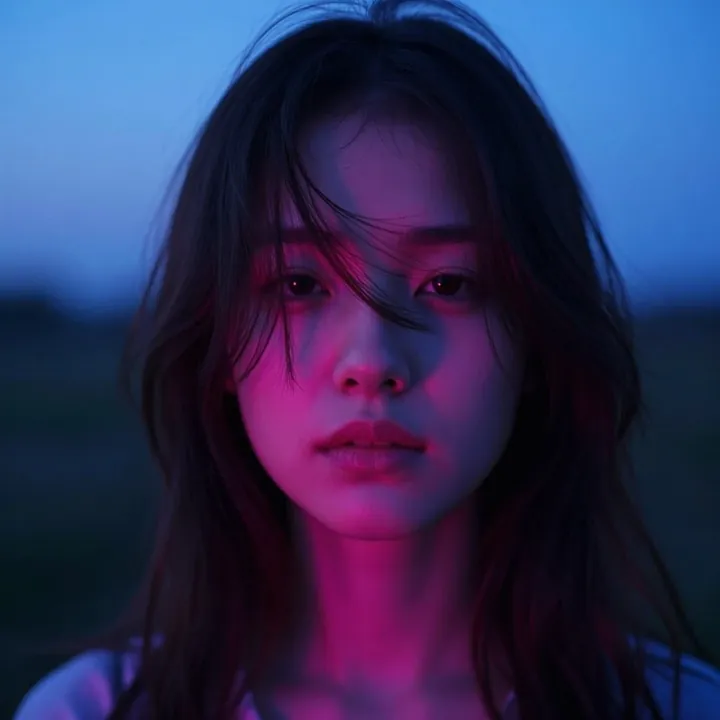
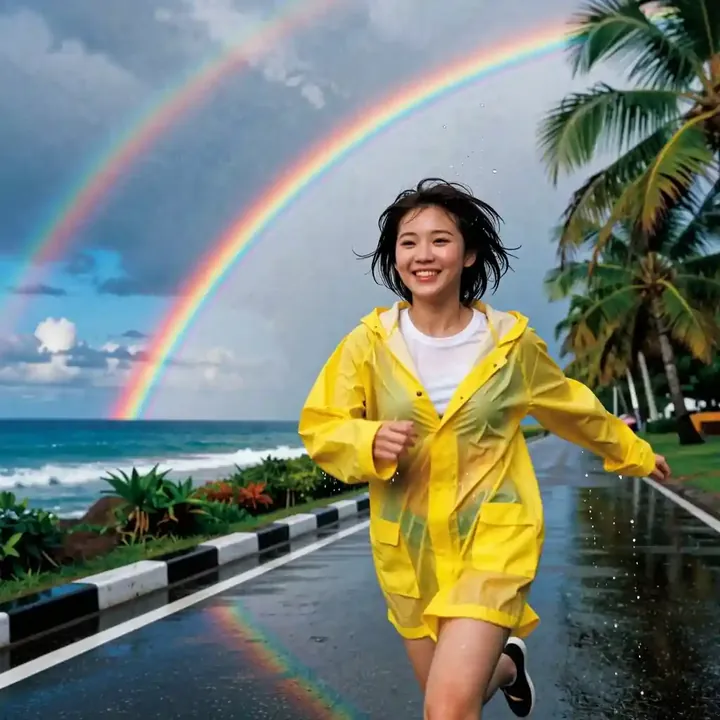
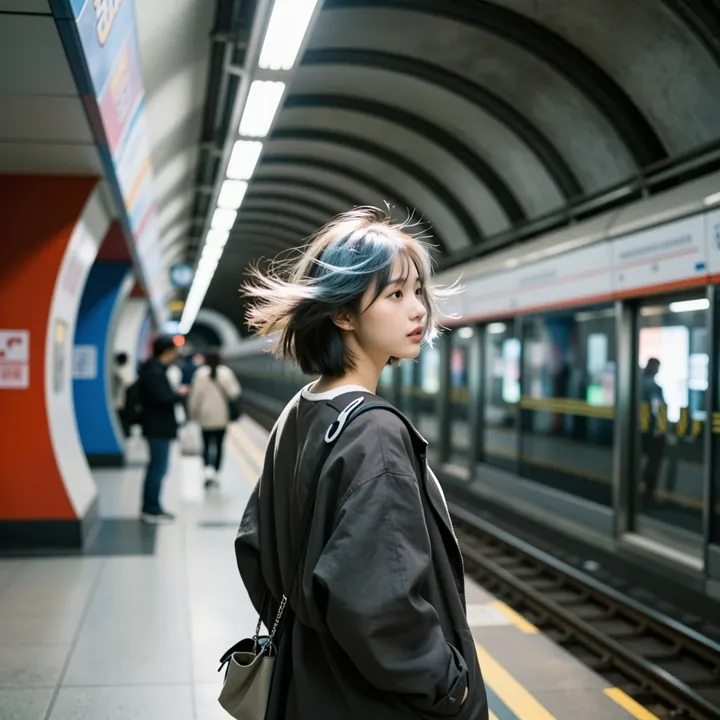
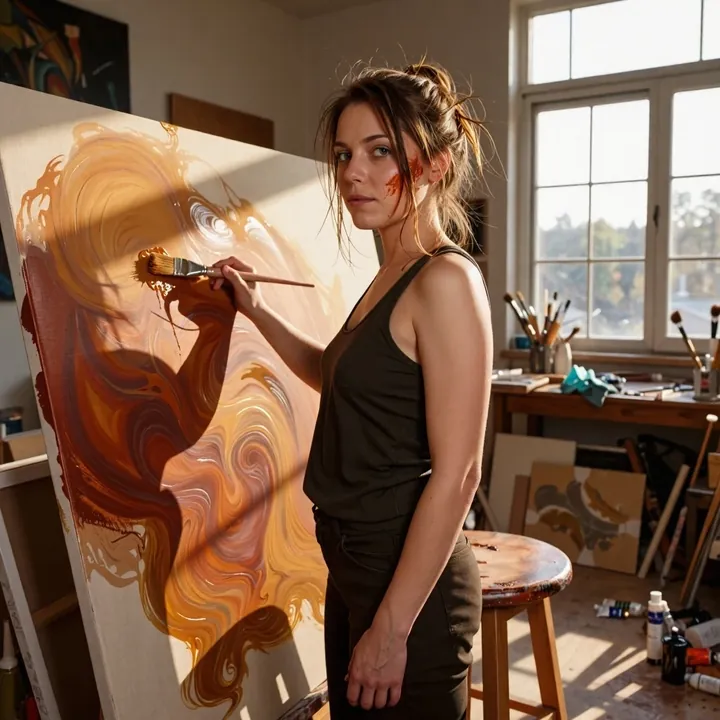
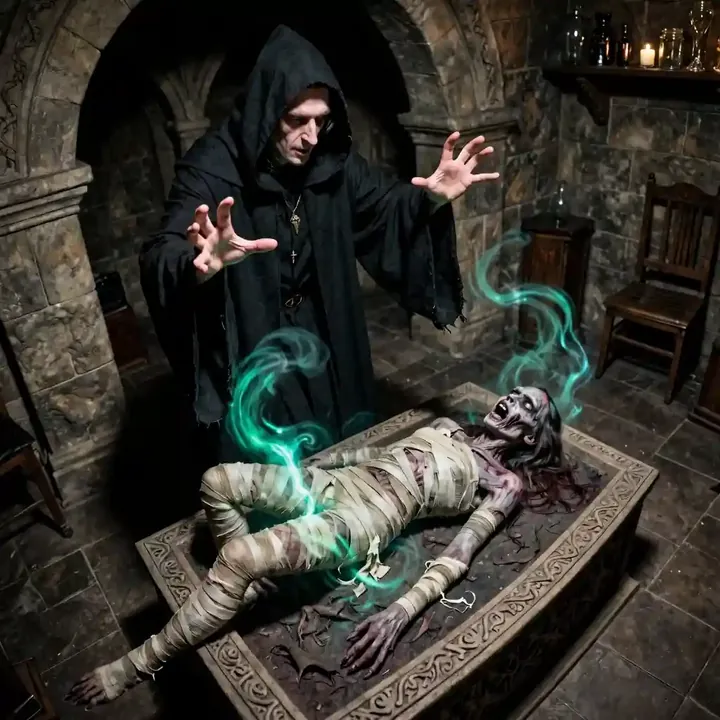
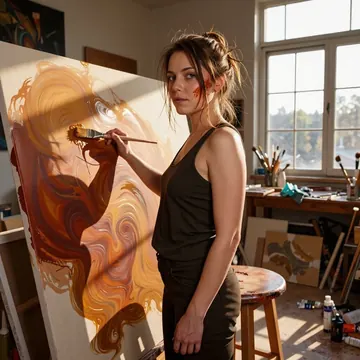
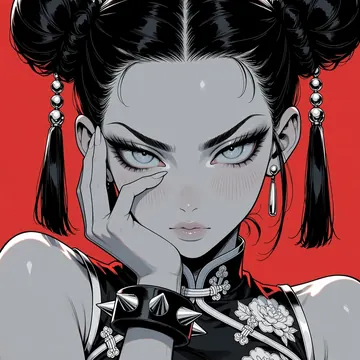
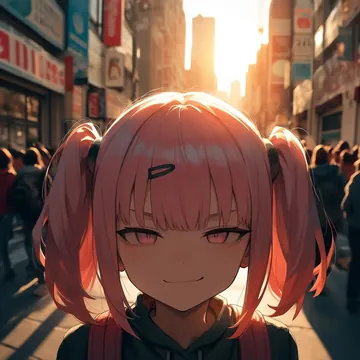
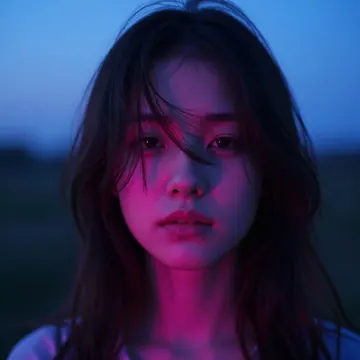
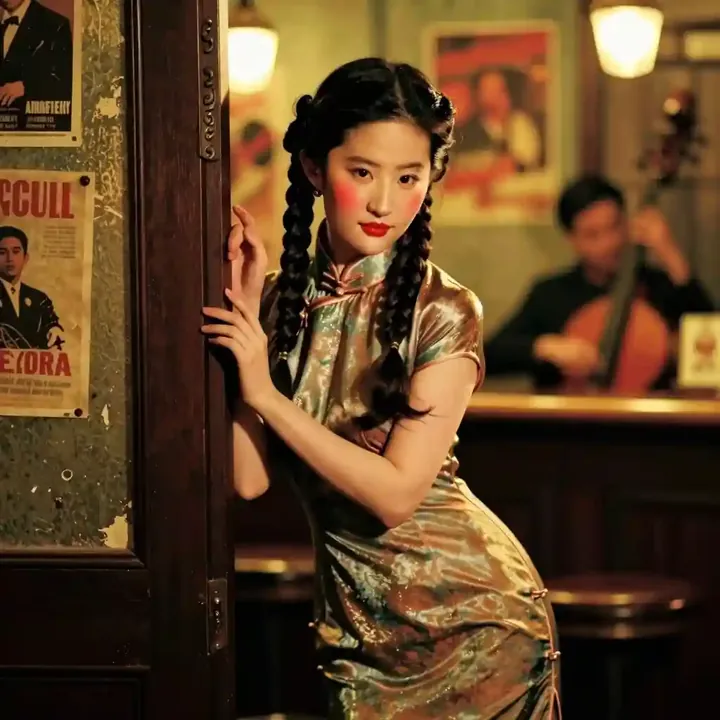
Sample image made with Z-Image Turbo
Z-Image Image Local Cloud Image input

Z-Image Turbo

Choose this when you need photorealistic images fast. Z-Image Turbo is Tongyi-MAI’s distilled model that follows instructions closely, renders English and Chinese text, and reaches quality in 8 steps. Run it on your GPU with Imference Desktop or call it in the cloud by API.

$0.005

per image in the cloud

$0

on your own GPU

Good at

  • Photorealistic shots of people, products, and scenes with clean edges and believable lighting.
  • Bilingual text rendering on signs, labels, and posters, works with English and Chinese.
  • Obedient to plain-language prompts, easy to steer for composition and style.
  • Image-to-image guidance: feed a reference photo to match layout or overall vibe.
Running it

  • Local: run free on your own GPU in Imference Desktop, no server costs.
  • Cloud: available by API, no download needed, good for batch jobs.
  • Family: Z-Image, official Tongyi-MAI distilled variant tuned for 8 steps.
  • Accepts image input in both local and API workflows.

Prompting it

  • Use plain sentences. Be explicit about subject, style, camera, and lighting.
  • Examples: "studio photo of a ceramic mug on white, soft light"; "rainy street at night, neon reflections, 35mm look".
  • For text, quote the words and note the language: "shop sign that reads '茶馆' in Chinese".
  • Defaults are set: steps 8 and guidance 1. In code or agents, set the model to z-image-turbo or keep the defaults.

Use it

Three ways to run Z-Image Turbo

Local · free

  1. Open Imference Desktop and stay on Local.
  2. In Local models, pick Z-Image Turbo. It downloads once.
  3. Write a prompt and press Generate. It runs on your GPU.

Cloud · $0.005 per image

  1. Open Imference Desktop and switch to Cloud.
  2. Buy credits by card: your Imference key is created for you.
  3. Pick Z-Image Turbo and press Generate. Nothing to download.

In your browser · $0.005 per image

  1. Open Imference Web. Nothing to install, no account.
  2. In Cloud model, pick Z-Image Turbo.
  3. Write a prompt and press Generate. Buy credits by card the first time, no account.
Make an image with Z-Image Turbo ("z-image-turbo"): a lighthouse on a cliff at dusk, cinematic light

Claude needs the MCP server.

Specs

The details

Price
$0.005 · 5 credits
$5 buys
1,000 images
Prompt style
Plain sentences
Runs
Local and cloud
Default steps
8
Default CFG
1
Reference images
Up to 1
Model code
z-image-turbo

Formats

Square

1024×1024

Portrait

896×1152

Landscape

1152×896

Portrait Large

832×1216

Landscape Large

1216×832

Portrait Wide

768×1344

Landscape Wide

1344×768

Portrait Ultra-Wide

640×1536

Landscape Ultra-Wide

1536×640

LoRAs

Styles that work with it

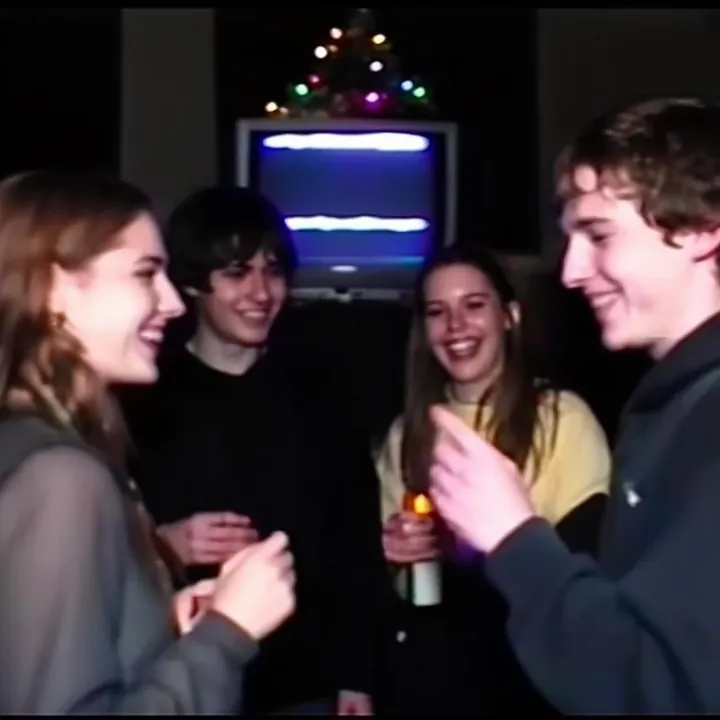
Sample of the 2000s Analog Core LoRA
2000s Analog Core
Sample of the Anime Flat Style LoRA
Anime Flat Style
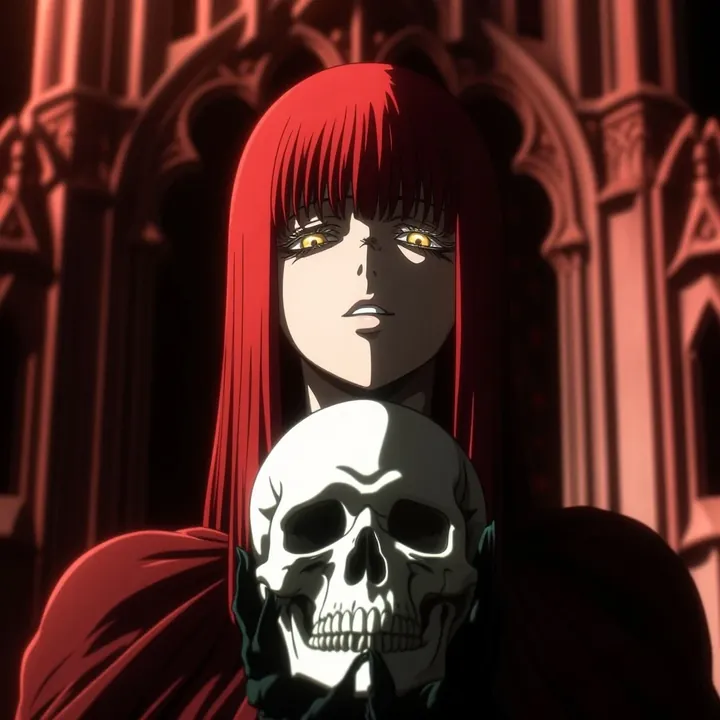
Sample of the Dark Art Style LoRA
Dark Art Style
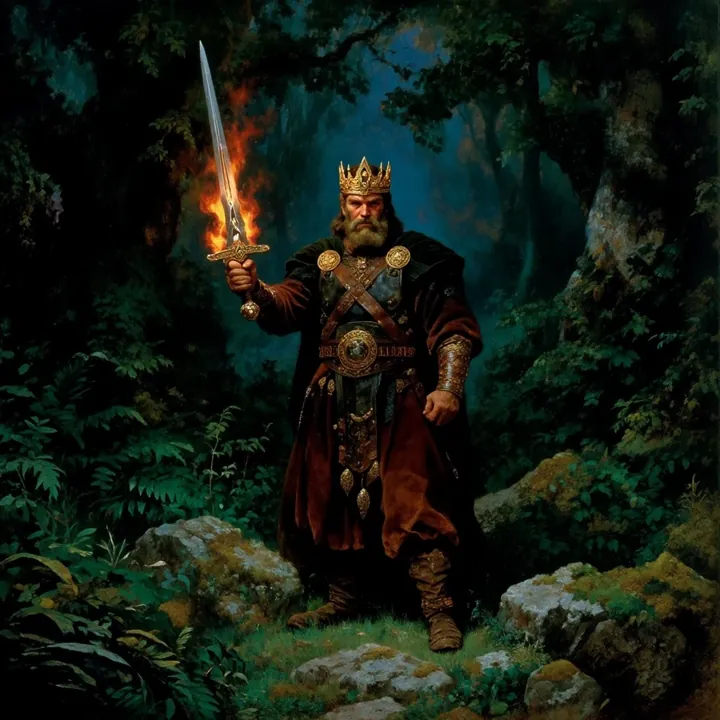
Sample of the DC Vivid Dark Fantas LoRA
DC Vivid Dark Fantas
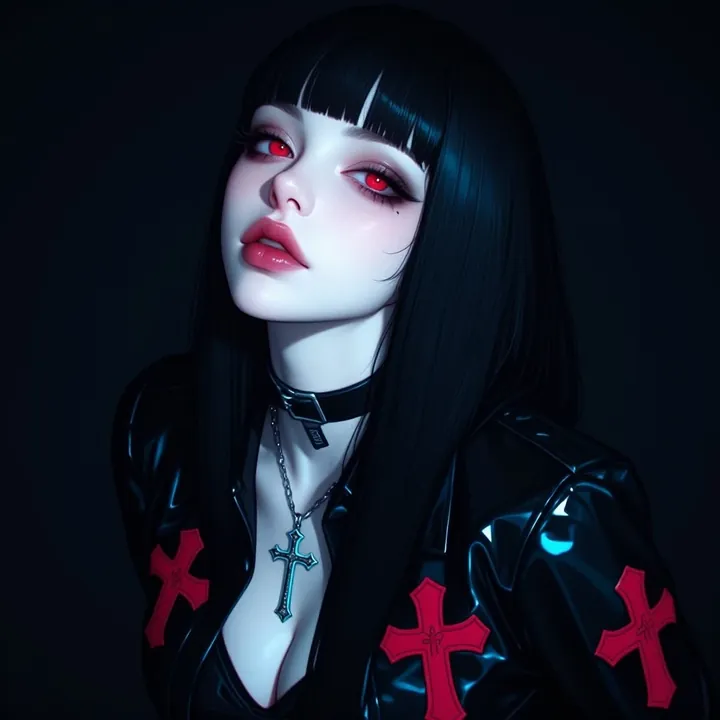
Sample of the MoriiMee Gothic Niji LoRA
MoriiMee Gothic Niji
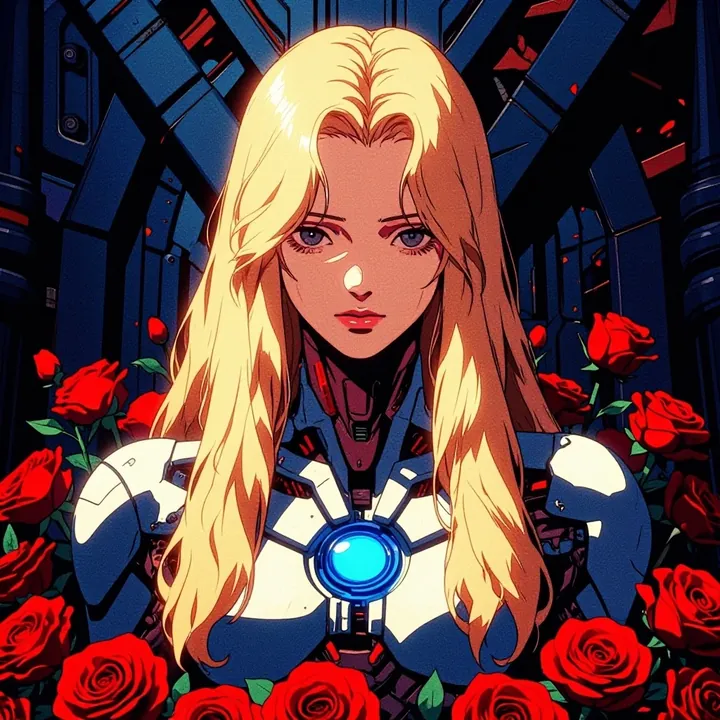
Sample of the Retro Sci-fi 90's an LoRA
Retro Sci-fi 90's an

Similar

You might also like

All 85 models

Try Z-Image Turbo tonight