Skip to content
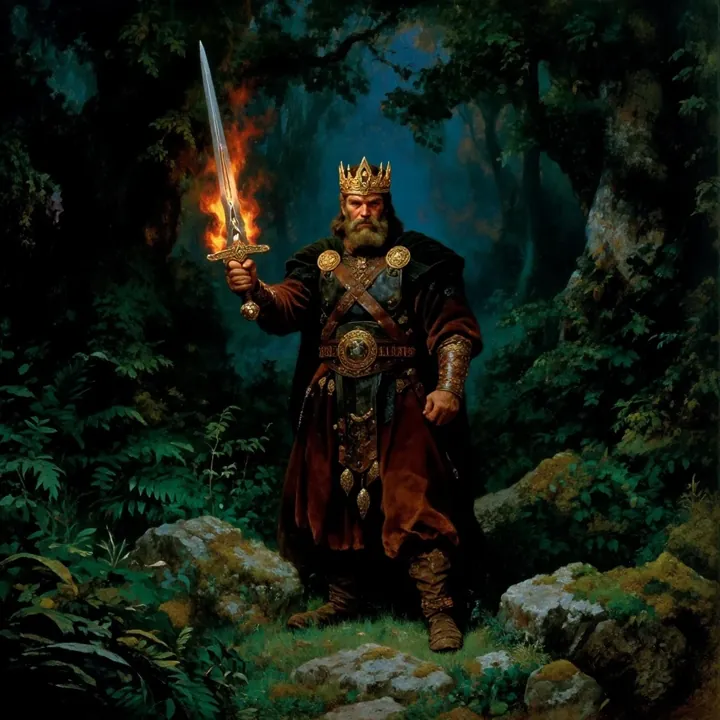
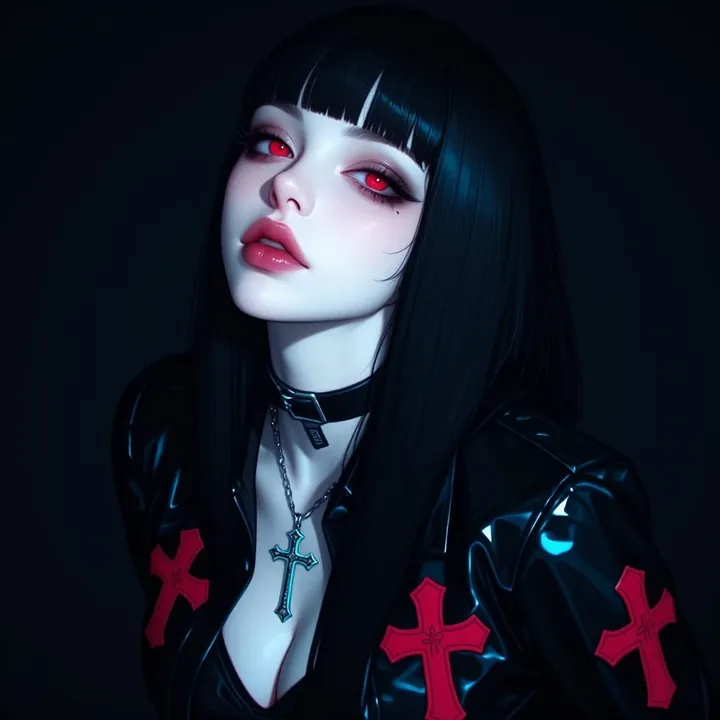
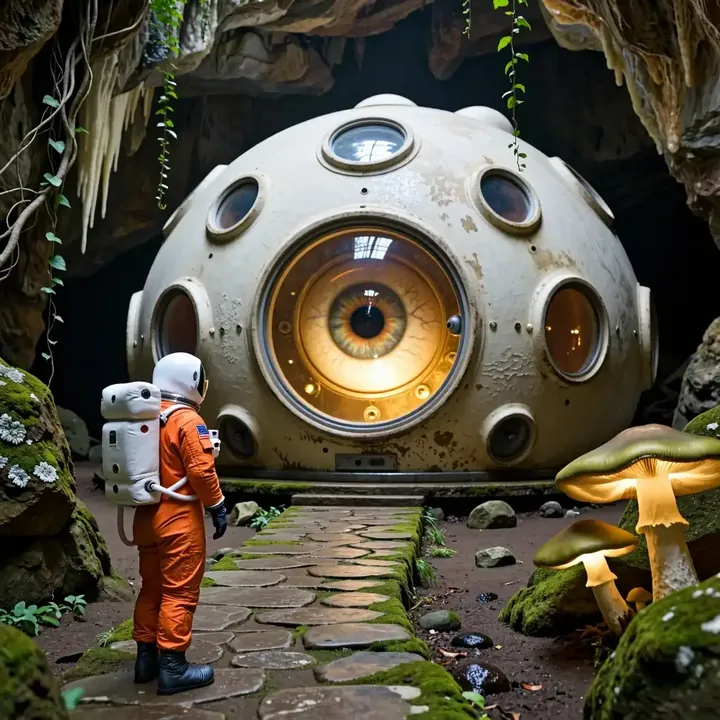
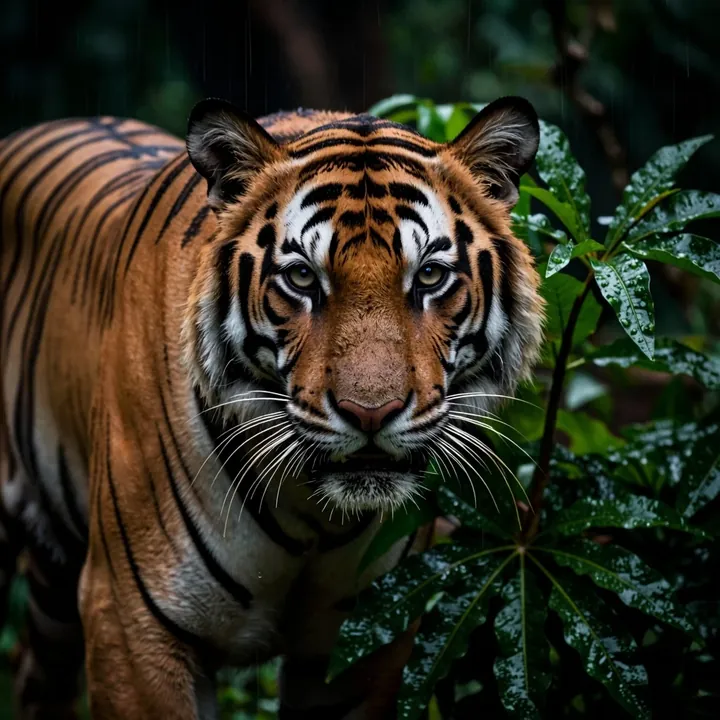
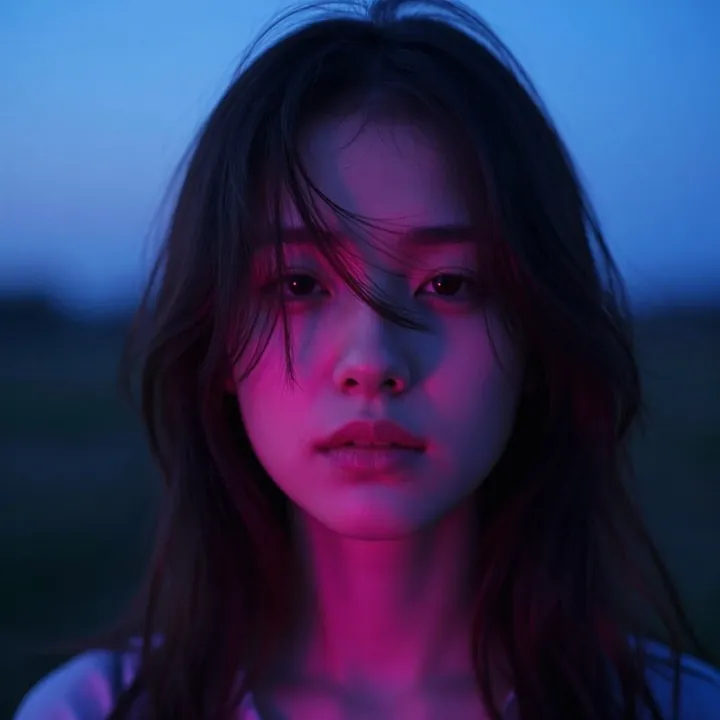
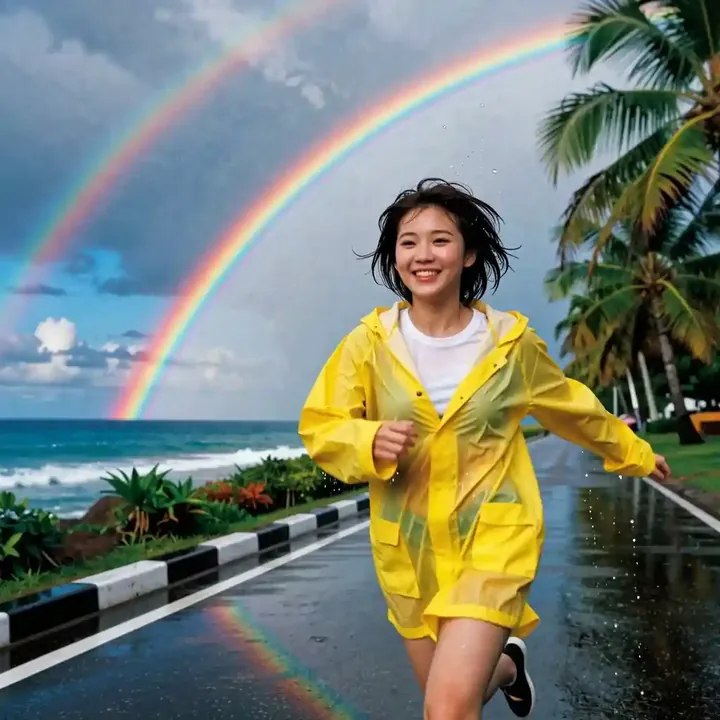
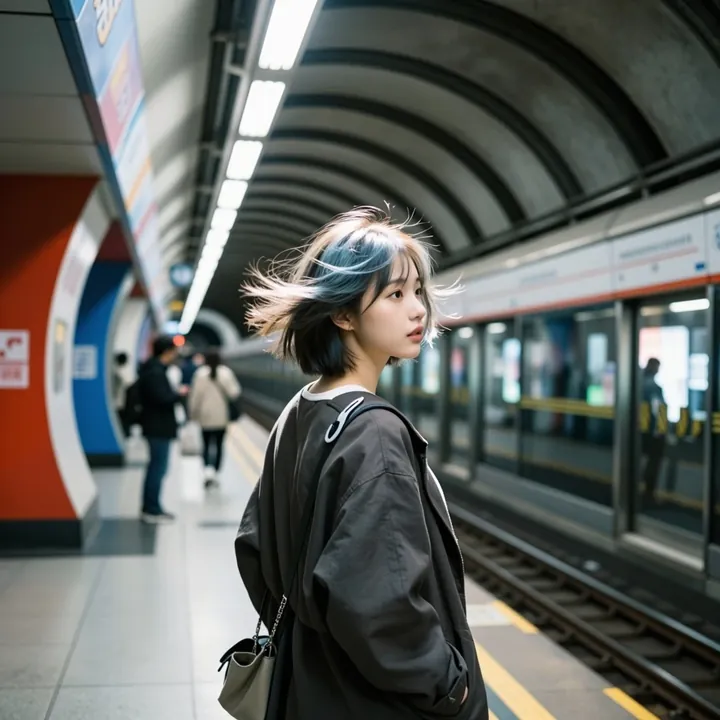
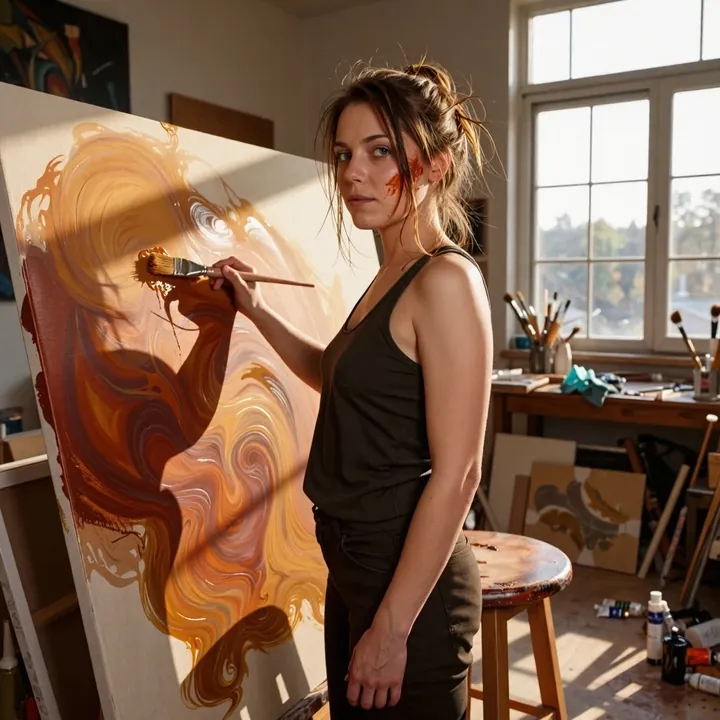
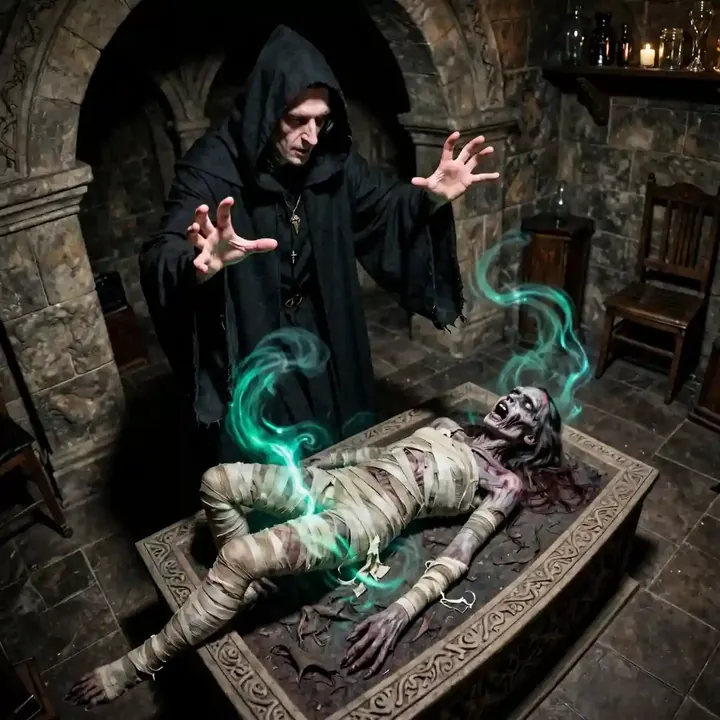
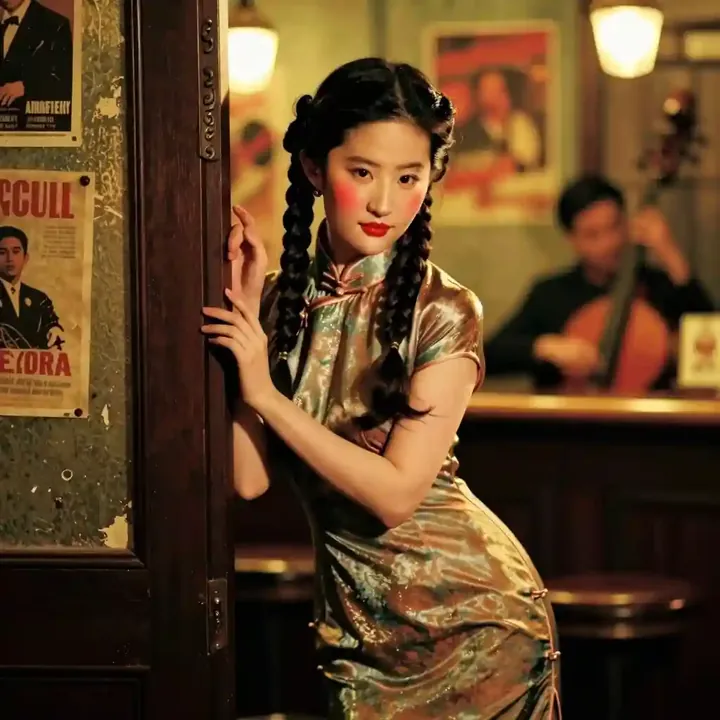
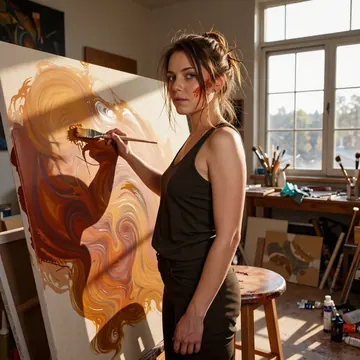
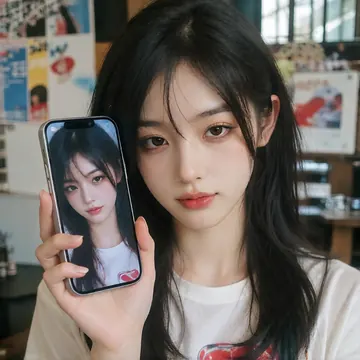
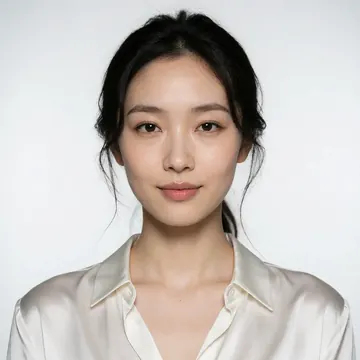
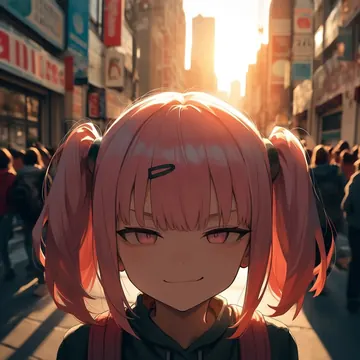
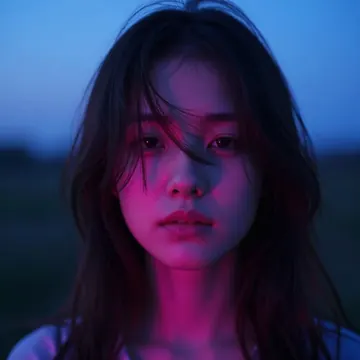
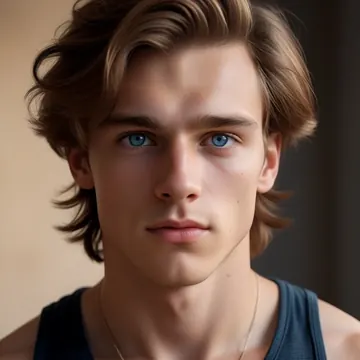
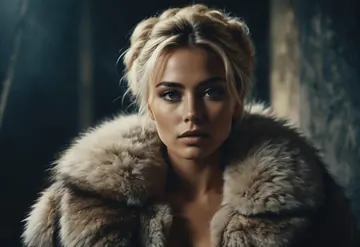
Sample image made with CyberRealistic Z-Image Turbo
Z-Image Image Local Cloud Image input

CyberRealistic Z-Image Turbo

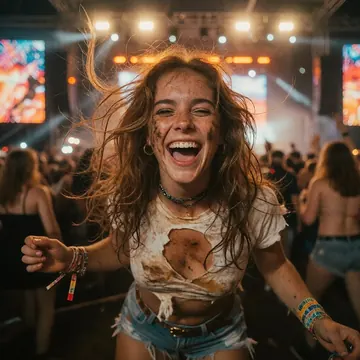
CyberRealistic Z-Image Turbo nails lifelike people with razor‑sharp detail, skin pores, lashes, fabric weave, and jewelry sparkle all pop. It shines for editorial beauty, fashion, and outdoor lifestyle: think macro eye close‑ups, wet‑hair studio shots, and sunlit pool scenes with creamy bokeh. If you want realistic faces with rich color and punchy contrast, this one’s an easy pick.

$0.005

per image in the cloud

$0

on your own GPU

Vibe

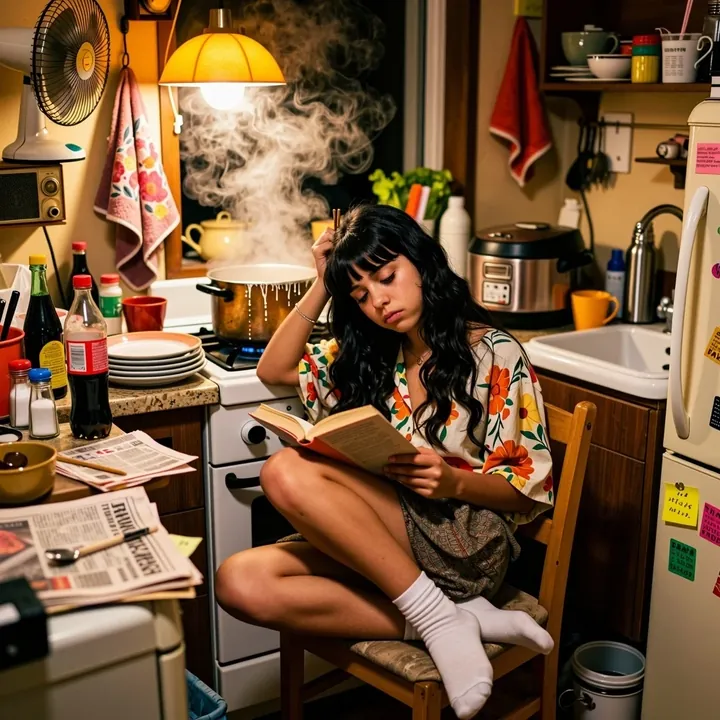
Clean, cinematic realism with a glossy editorial feel. Skin looks natural and textured (pores, fine hairs, freckles), eyes are tack‑sharp with bright catchlights, and fabrics read beautifully, from sheer veils to ornate lace. Lighting ranges from moody studio contrast to warm outdoor sun, with smooth background bokeh that keeps the subject front and center.

Best for

  • Beauty and portrait close‑ups where micro‑detail matters
  • Fashion/editorial looks with intricate textiles and statement jewelry
  • Lifestyle and travel vibes (sunlit poolside, palm‑blur backgrounds)
  • Character concepts that stay grounded in realistic photography
  • Product or accessory highlights that benefit from crisp texture

Prompting tips

Use aesthetic language like:

  • “extreme close‑up,” “macro eyes,” “dramatic catchlights,” “sheer veil,” “translucent fabric”
  • “wet hair,” “dewy skin,” “freckles,” “glossy lips,” “sparkle earrings,” “ornate lace”
  • “hard flash,” “rim light,” “soft window light,” “golden hour,” “moody shadows”
  • “cinematic bokeh,” “shallow focus,” “studio backdrop,” “editorial portrait”
  • “tropical poolside,” “sun‑kissed,” “backlit highlights,” “color pop”
  • For a stylized twist: “cyberreal color gels,” “neon accents,” “cool teal vs warm amber”

Keep prompts concise with a clear subject, a lighting mood, and a few texture words, this model rewards specificity without needing much extra description.

Use it

Three ways to run CyberRealistic Z-Image Turbo

  1. Download Imference Desktop and open it.
  2. In Local models, pick CyberRealistic Z-Image Turbo. It downloads once.
  3. Write a prompt and press Generate. Free, on your GPU.
Get the app
Make an image with CyberRealistic Z-Image Turbo ("cyberrealistic-z-image-turbo"): a lighthouse on a cliff at dusk, cinematic light
curl https://imference.com/generate \
  -H "Authorization: Bearer $IMFERENCE_API_KEY" \
  -H "Content-Type: application/json" \
  -d '{"model": "cyberrealistic-z-image-turbo",
       "format_code": "square",
       "prompt": "a lighthouse on a cliff at dusk, cinematic light"}'

Claude needs the MCP server. API details in the reference.

Specs

The details

Price
$0.005 · 5 credits
$5 buys
1,000 images
Prompt style
Plain sentences
Runs
Local and cloud
Default steps
8
Default CFG
1
Reference images
Up to 1
Model code
cyberrealistic-z-image-turbo

Formats

Square

1024×1024

Portrait

896×1152

Landscape

1152×896

Portrait Large

832×1216

Landscape Large

1216×832

Portrait Wide

768×1344

Landscape Wide

1344×768

Portrait Ultra-Wide

640×1536

Landscape Ultra-Wide

1536×640

LoRAs

Styles that work with it

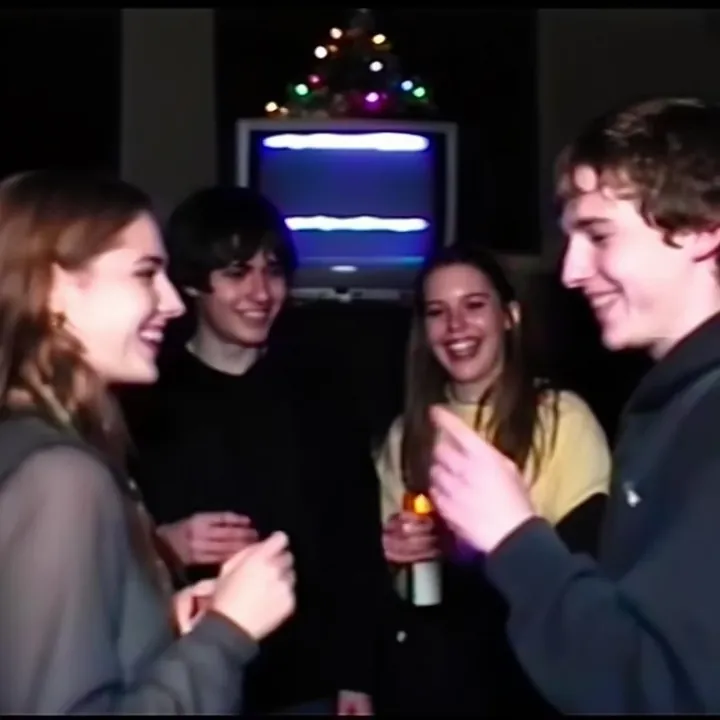
Sample of the 2000s Analog Core LoRA
2000s Analog Core
Sample of the Anime Flat Style LoRA
Anime Flat Style
Sample of the Dark Art Style LoRA
Dark Art Style
Sample of the DC Vivid Dark Fantas LoRA
DC Vivid Dark Fantas
Sample of the MoriiMee Gothic Niji LoRA
MoriiMee Gothic Niji
Sample of the Retro Sci-fi 90's an LoRA
Retro Sci-fi 90's an

Similar

You might also like

All 76 models

Try CyberRealistic Z-Image Turbo tonight