Skip to content
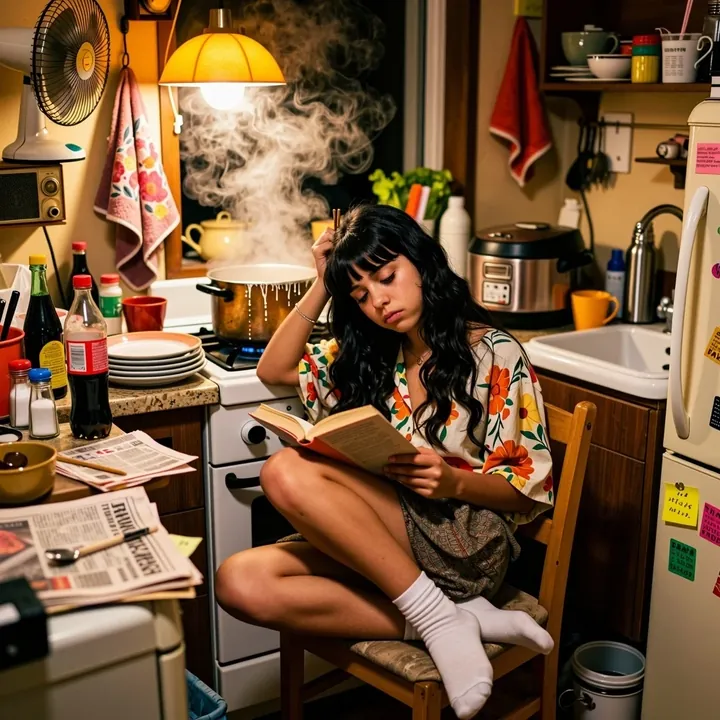
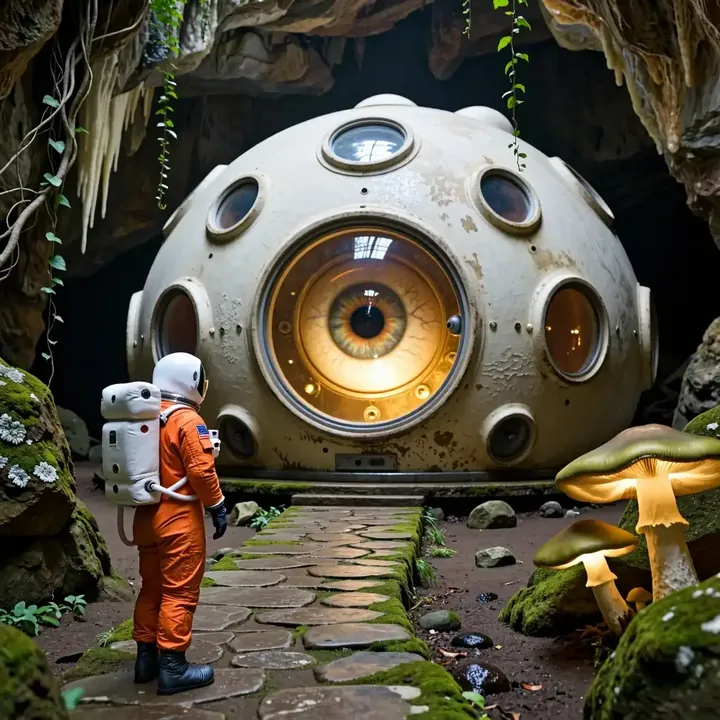
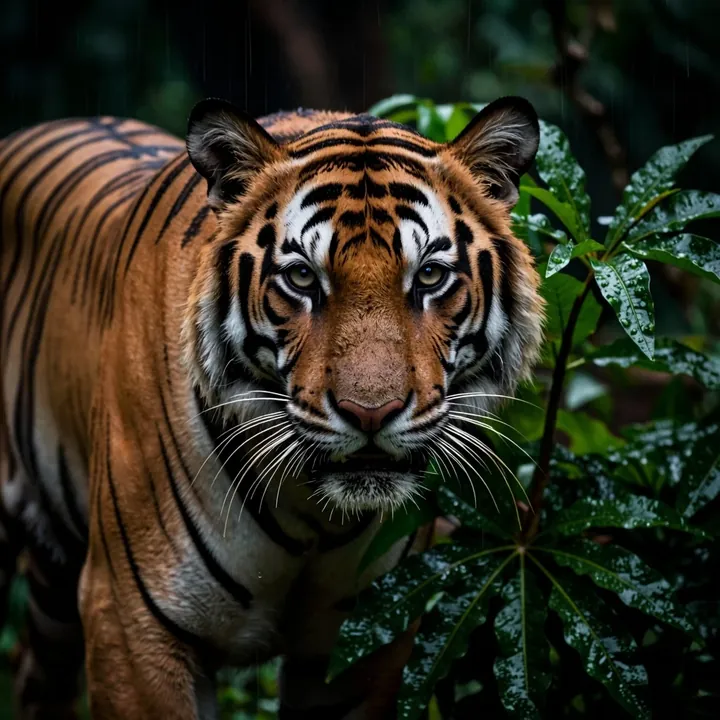
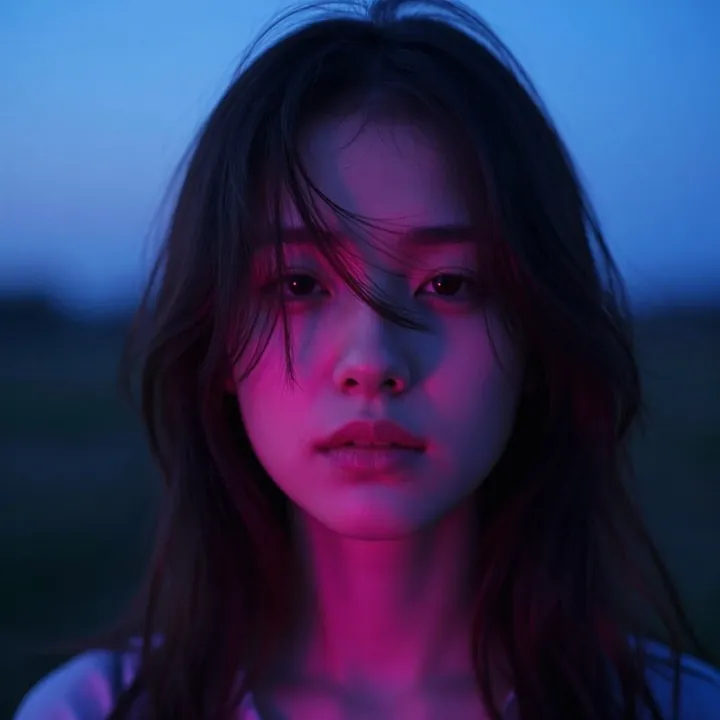
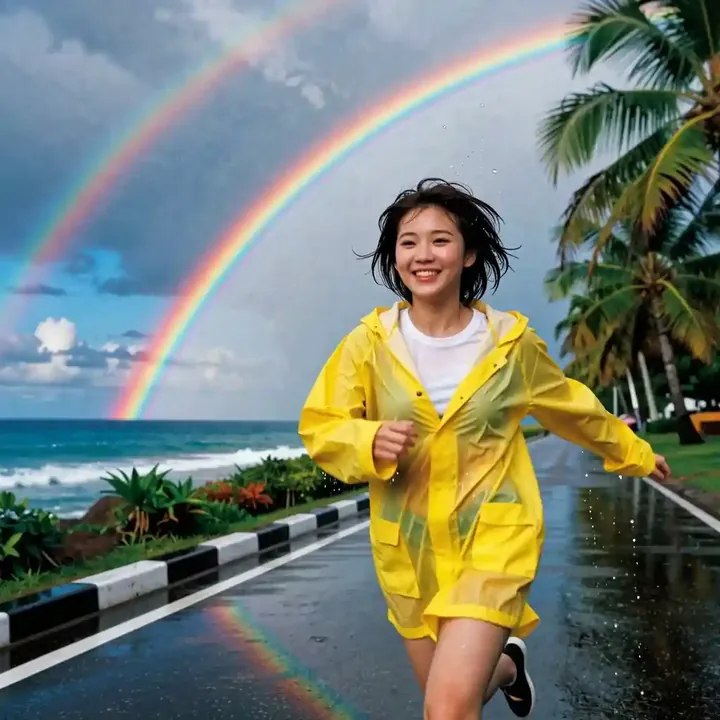
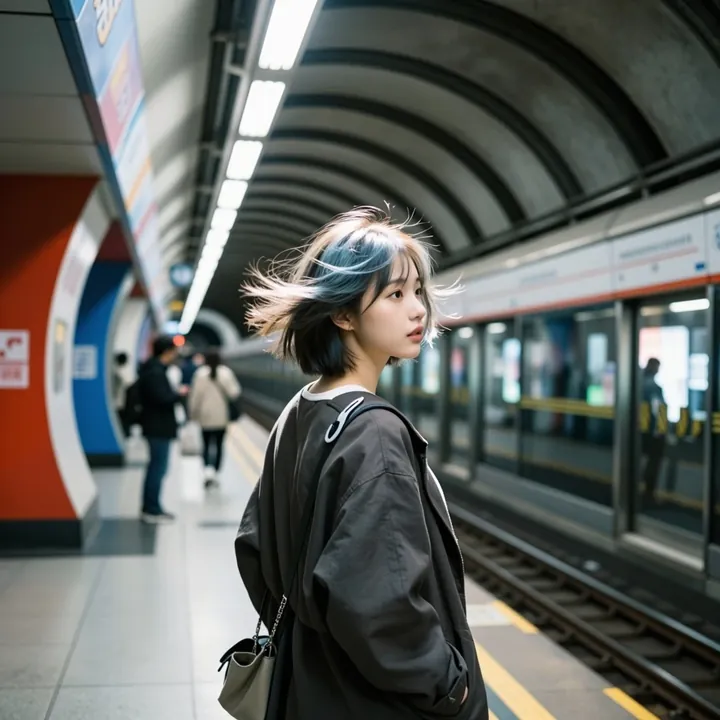
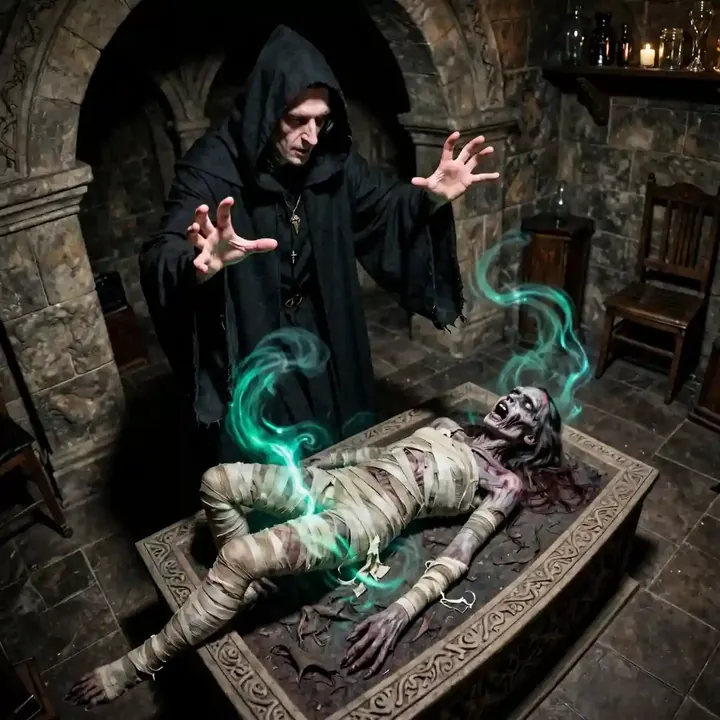
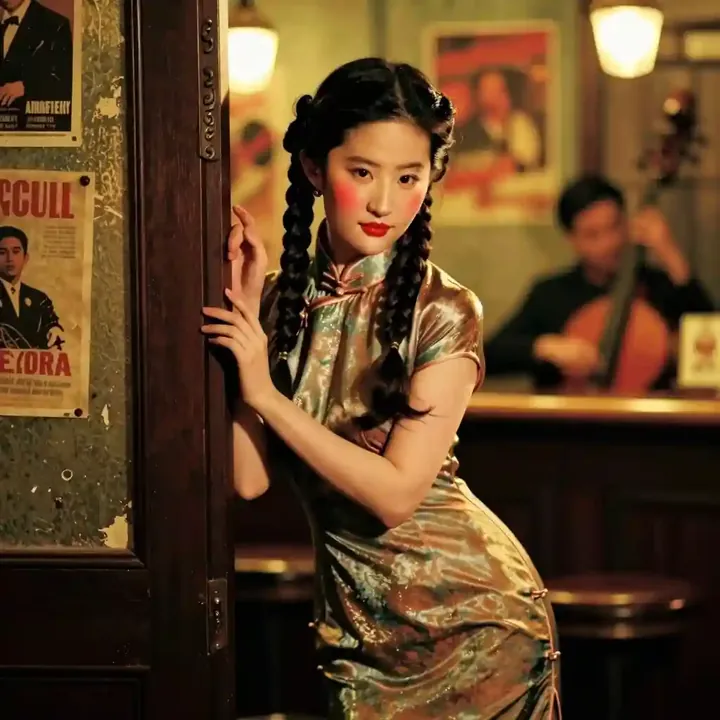
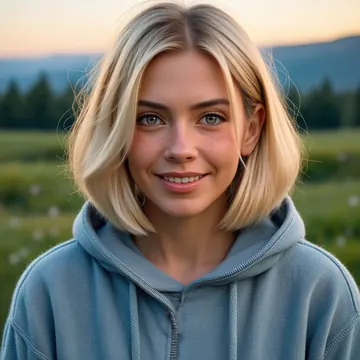
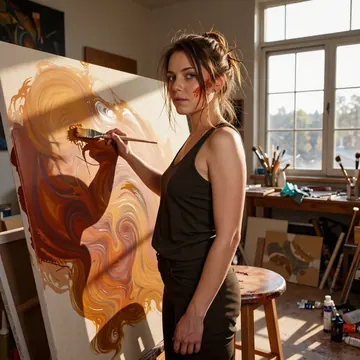
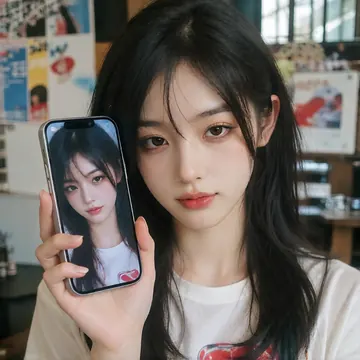
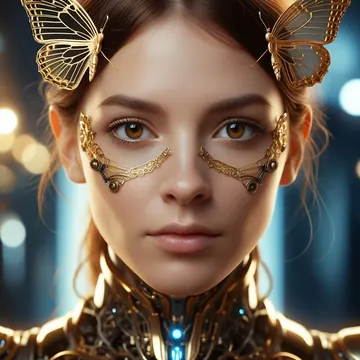
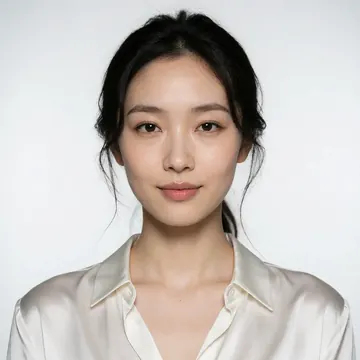
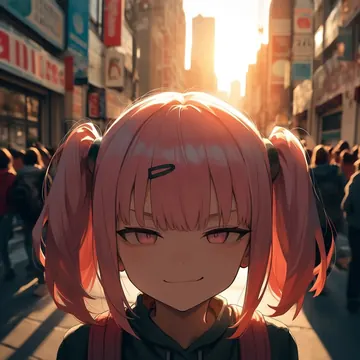
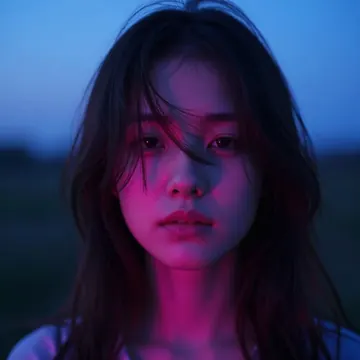
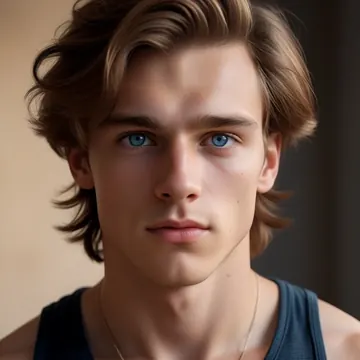
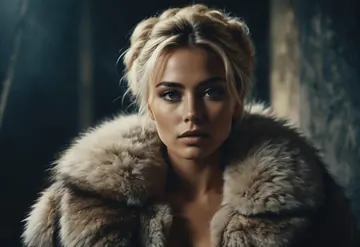
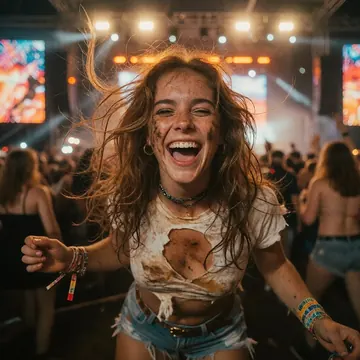
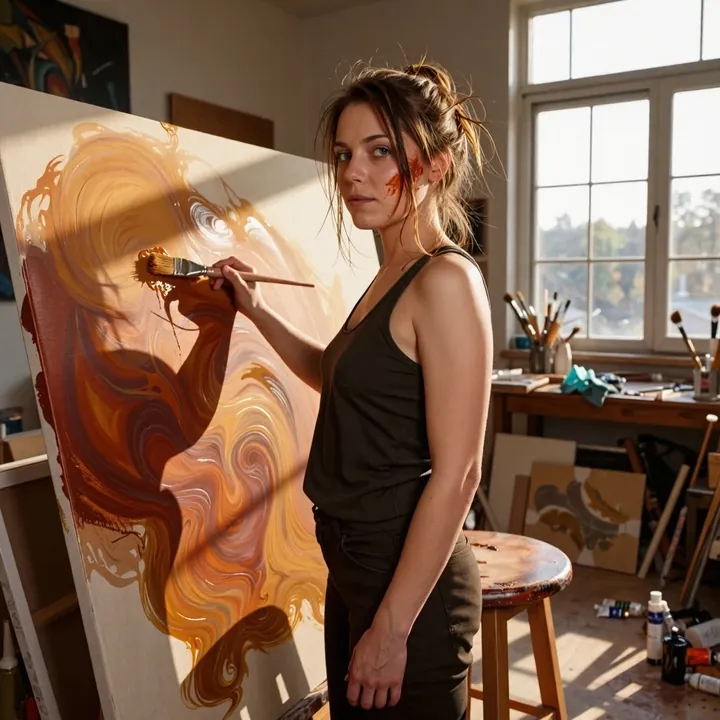
Sample image made with PsychoMix ZiT
Z-Image Image Local Cloud Image input

PsychoMix ZiT

PsychoMix ZiT specializes in lifelike portraiture with crisp textures and confident anatomy. It shines in atmospheric light, window‑blind shadows, soft daylight through sheer curtains, and teal‑magenta nightlife, while keeping hair, skin, fabric, and hands clean and believable. If you like cinematic lifestyle or fashion looks and want a base that plays nicely with Z‑Image/Turbo LoRAs, give it a try.

$0.005

per image in the cloud

$0

on your own GPU

Vibe

  • Photoreal portraits with an editorial, cinematic feel.
  • Filmic black‑and‑white tones and dramatic window‑blind shadow patterns.
  • Soft natural daylight filtered through gauzy curtains, subtle haze, gentle bokeh.
  • Night city interiors bathed in teal/magenta neon with reflective surfaces (satin, glass, chrome) and crisp highlights.
  • Fine detail on skin, hair, and textiles; believable hands and posing.
Best for

  • Realistic headshots and half‑body portraits.
  • Lifestyle and fashion concepts with strong mood lighting.
  • Interior scenes that mix practical lamps, window light, and city‑night color.
  • Building character shoots; pairs well with Z‑Image/Turbo‑trained character or style LoRAs.
  • Moodboards and reference studies where texture and lighting nuance matter.

Prompting tips

  • Use mood words: cinematic, editorial, intimate, low‑key, high‑contrast, monochrome.
  • Lighting cues: side light, rim light, window‑blind shadows, golden hour, soft backlight, chiaroscuro, practical lamp glow.
  • Atmosphere: haze, light dust motes, bokeh fairy lights, shallow depth of field, film grain.
  • Color styling: teal & magenta gels, neon skyline, cool/warm split lighting, color grade, tungsten accents.
  • Materials and detail: reflective satin, glossy highlights, glass reflections, textured fabric, flyaway hair, natural skin texture.
  • Composition hints: close‑up portrait, over‑the‑shoulder, looking through curtains, indoors by a window, city view in background.

Use it

Three ways to run PsychoMix ZiT

  1. Download Imference Desktop and open it.
  2. In Local models, pick PsychoMix ZiT. It downloads once.
  3. Write a prompt and press Generate. Free, on your GPU.
Get the app
Make an image with PsychoMix ZiT ("psychomix-zit"): a lighthouse on a cliff at dusk, cinematic light
curl https://imference.com/generate \
  -H "Authorization: Bearer $IMFERENCE_API_KEY" \
  -H "Content-Type: application/json" \
  -d '{"model": "psychomix-zit",
       "format_code": "square",
       "prompt": "a lighthouse on a cliff at dusk, cinematic light"}'

Claude needs the MCP server. API details in the reference.

Specs

The details

Price
$0.005 · 5 credits
$5 buys
1,000 images
Prompt style
Plain sentences
Runs
Local and cloud
Default steps
8
Default CFG
1
Reference images
Up to 1
Model code
psychomix-zit

Formats

Square

1024×1024

Portrait

896×1152

Landscape

1152×896

Portrait Large

832×1216

Landscape Large

1216×832

Portrait Wide

768×1344

Landscape Wide

1344×768

Portrait Ultra-Wide

640×1536

Landscape Ultra-Wide

1536×640

LoRAs

Styles that work with it

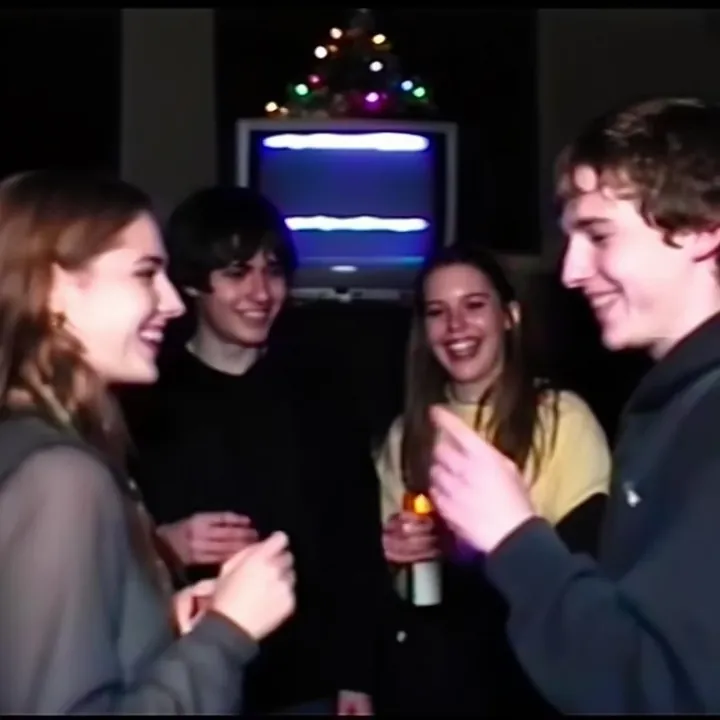
Sample of the 2000s Analog Core LoRA
2000s Analog Core
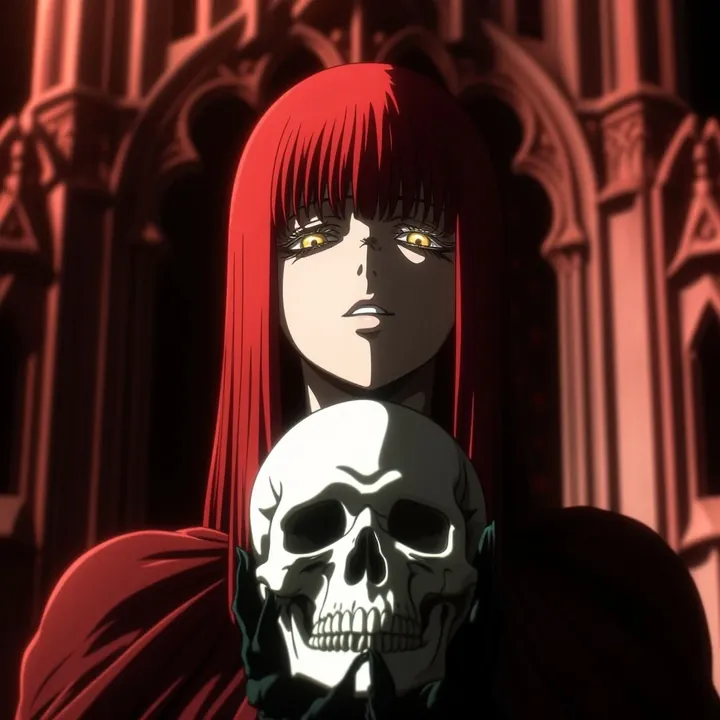
Sample of the Anime Flat Style LoRA
Anime Flat Style
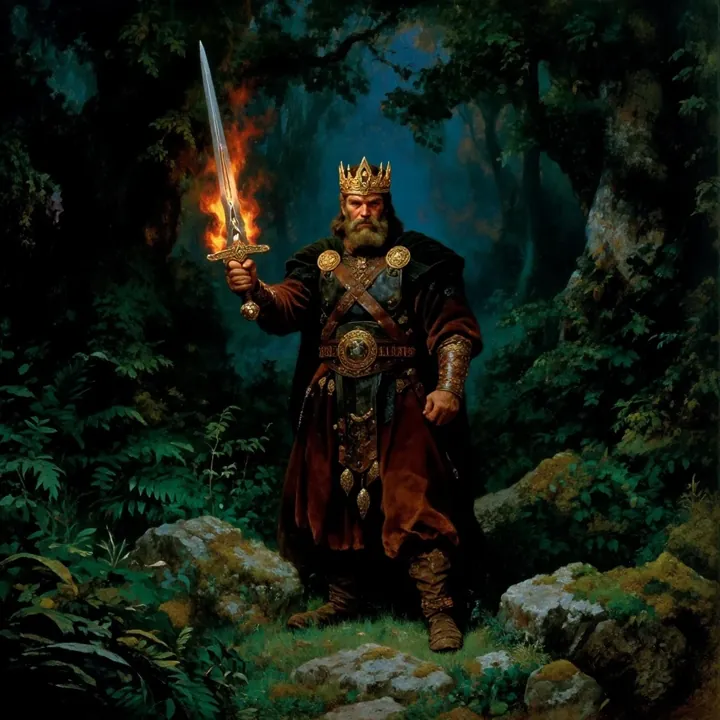
Sample of the Dark Art Style LoRA
Dark Art Style
Sample of the DC Vivid Dark Fantas LoRA
DC Vivid Dark Fantas
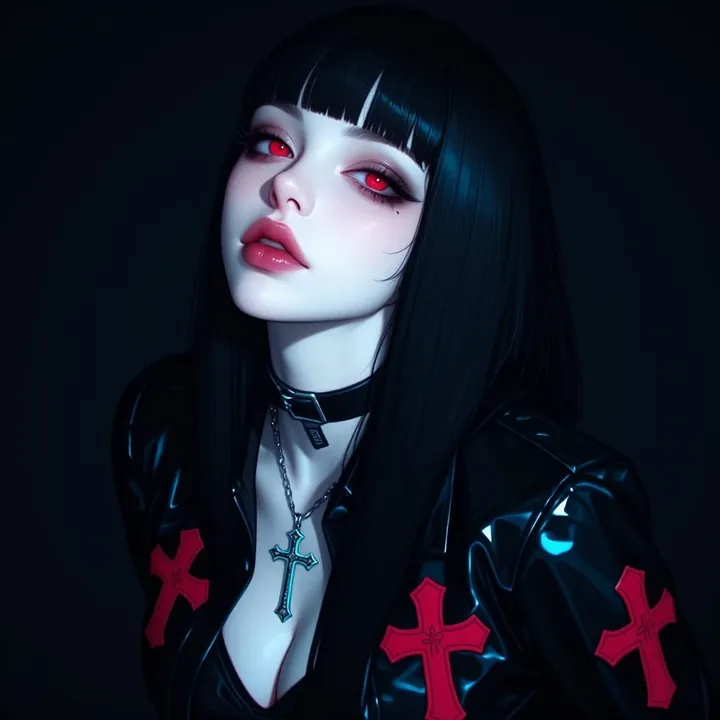
Sample of the MoriiMee Gothic Niji LoRA
MoriiMee Gothic Niji
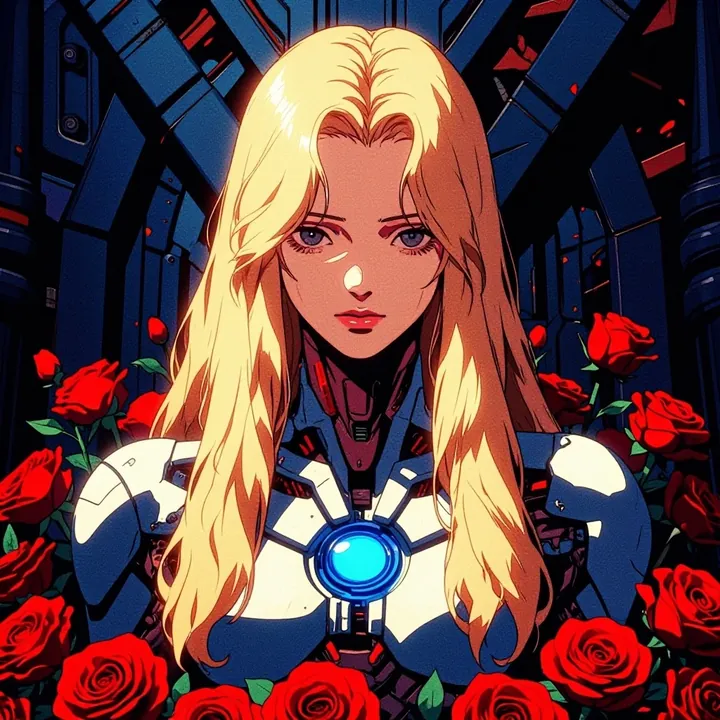
Sample of the Retro Sci-fi 90's an LoRA
Retro Sci-fi 90's an

Similar

You might also like

All 76 models

Try PsychoMix ZiT tonight