Skip to content
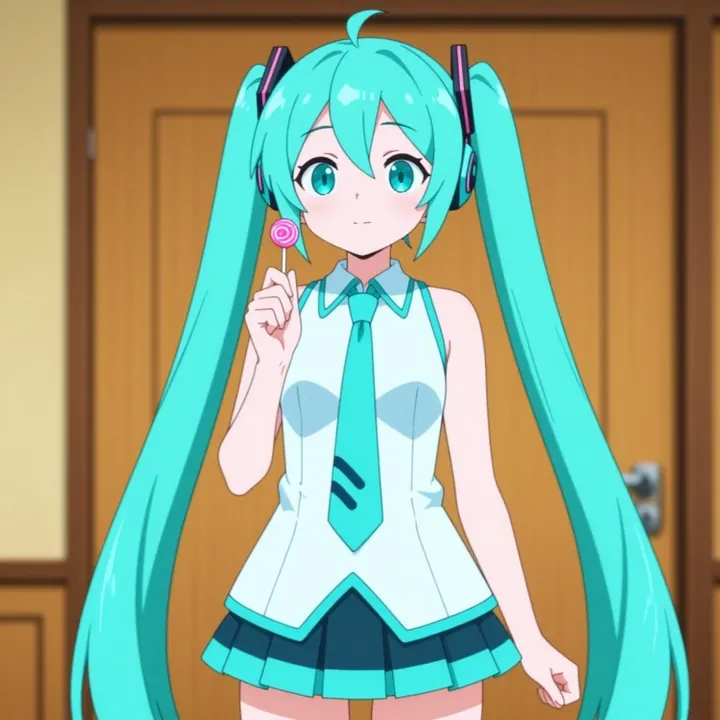
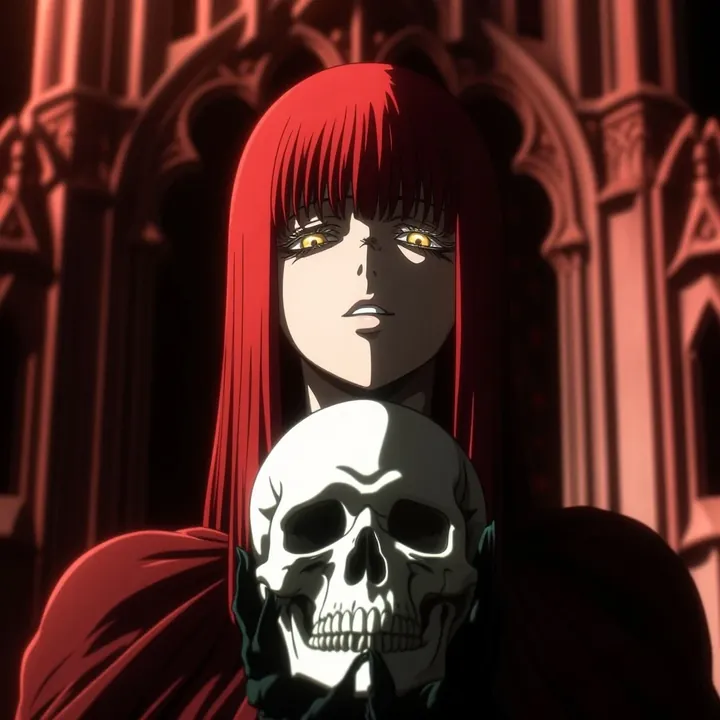
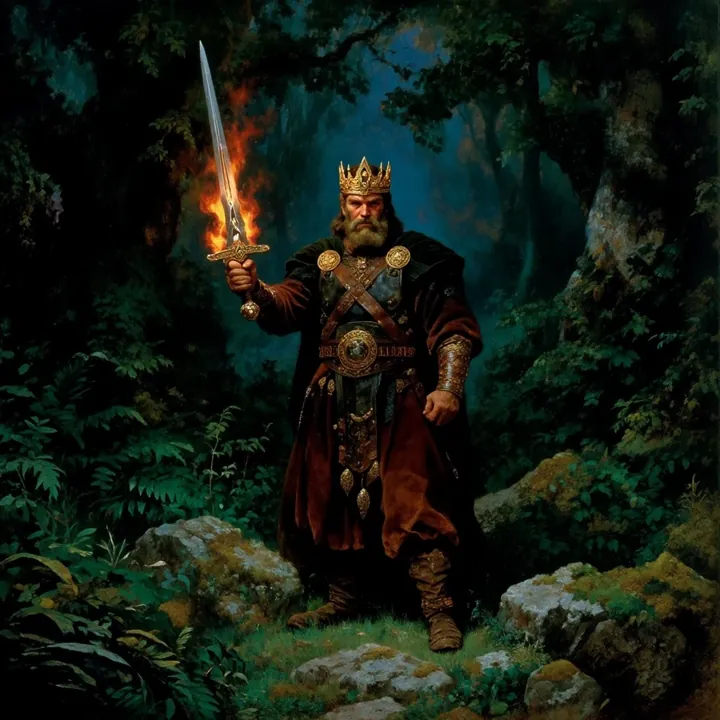
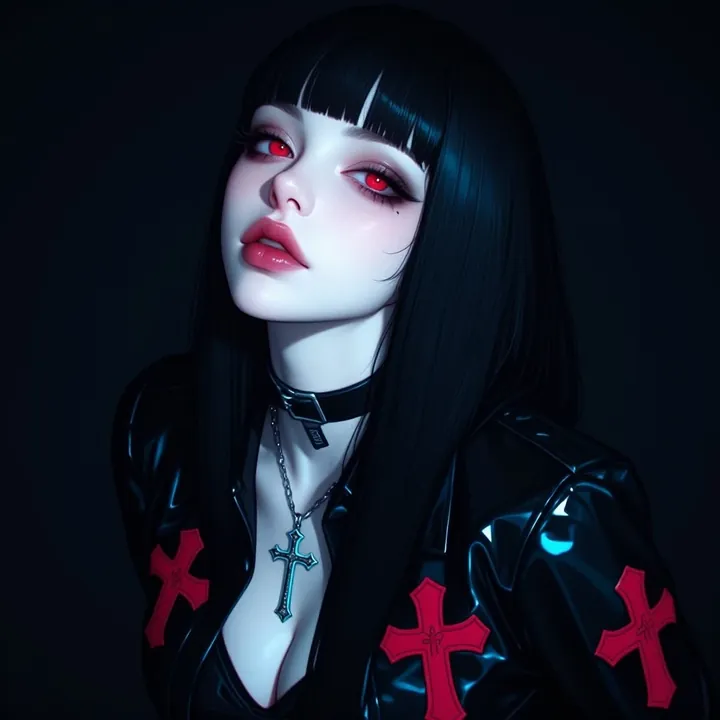
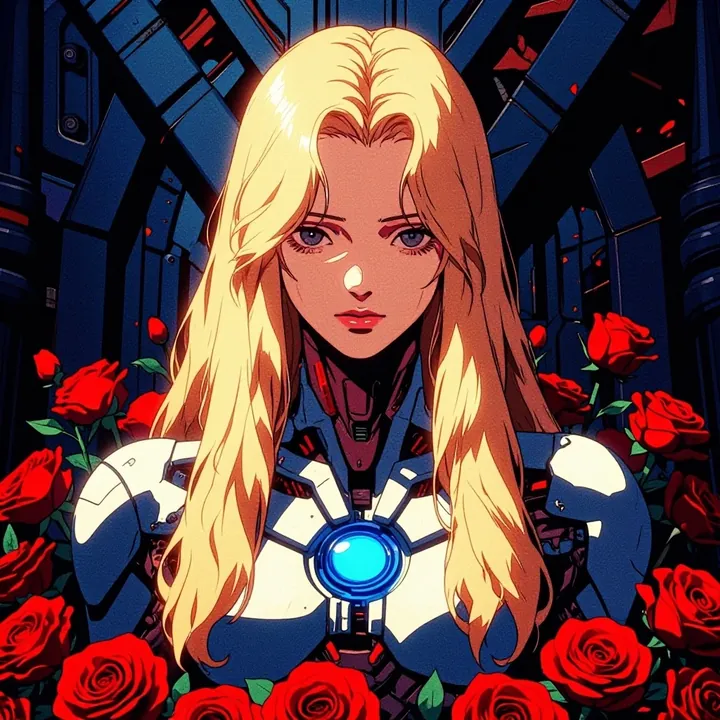
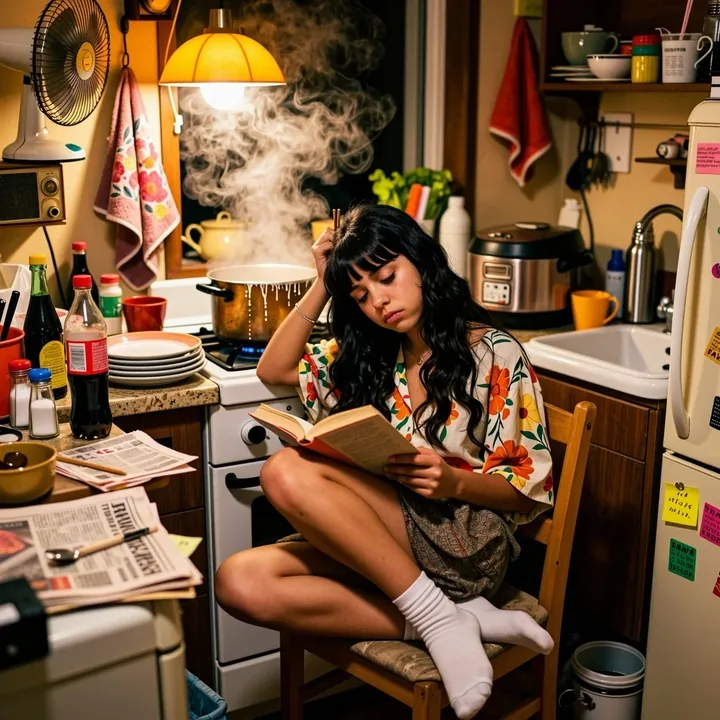
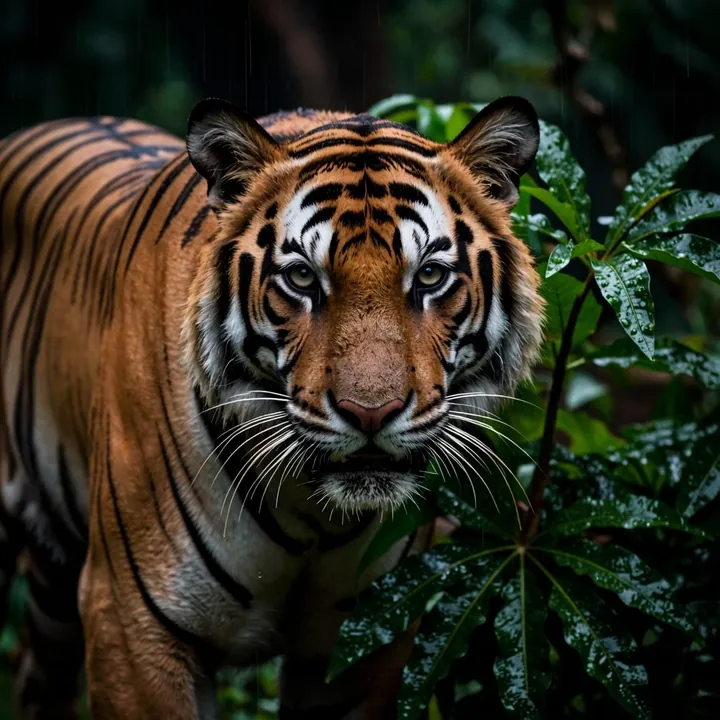
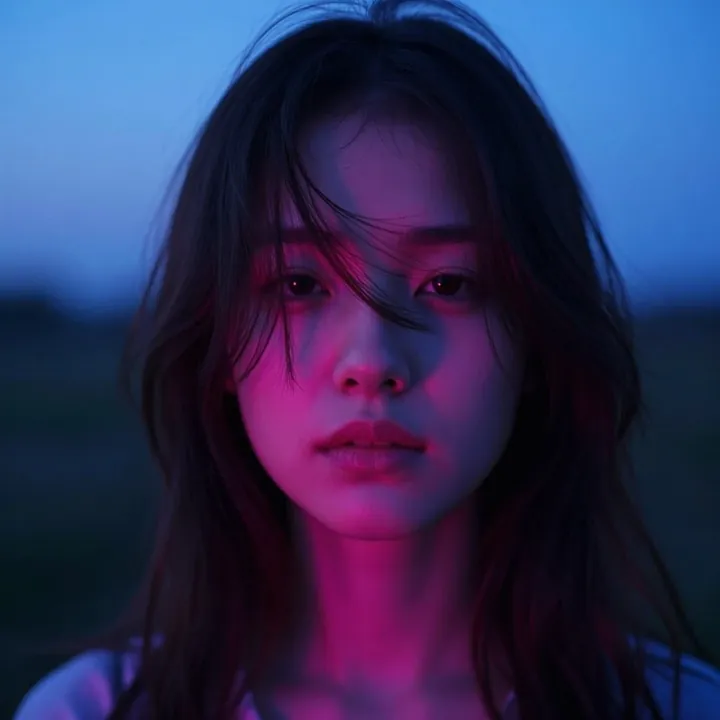
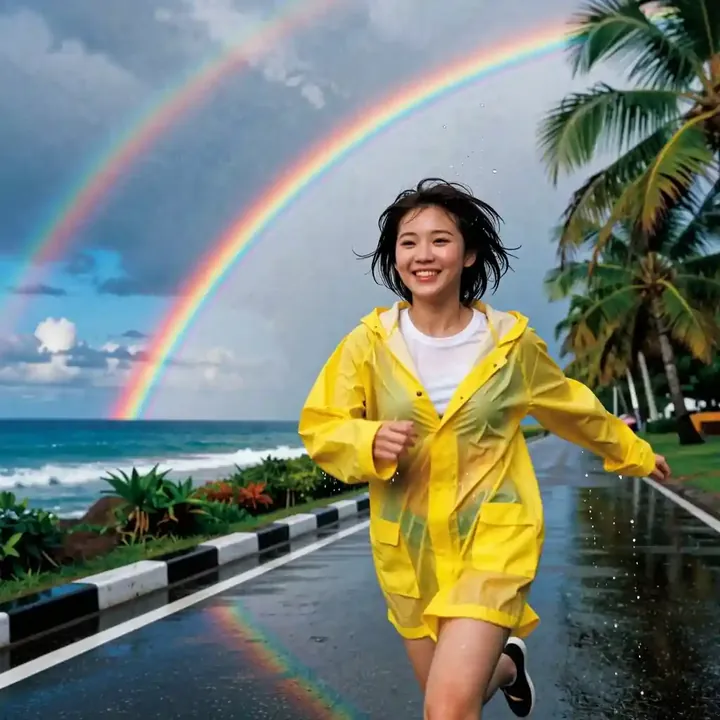
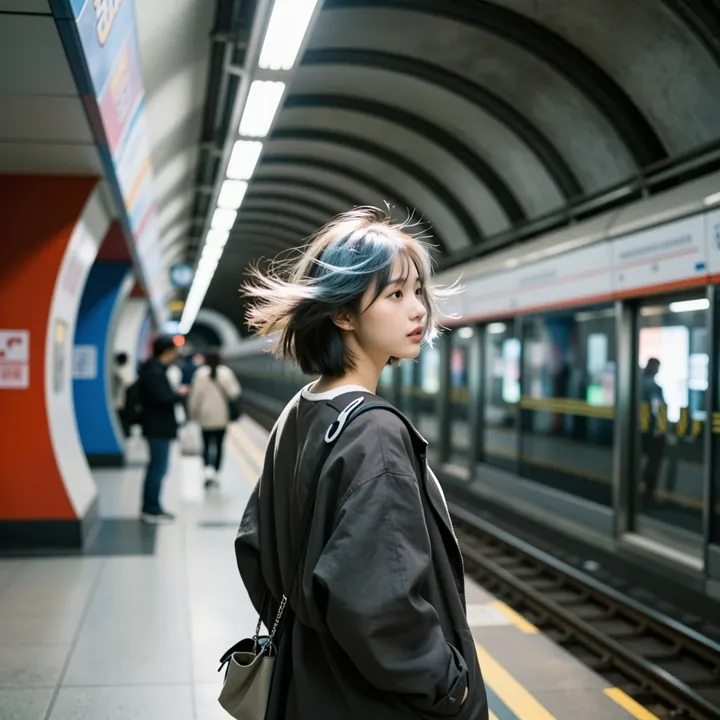
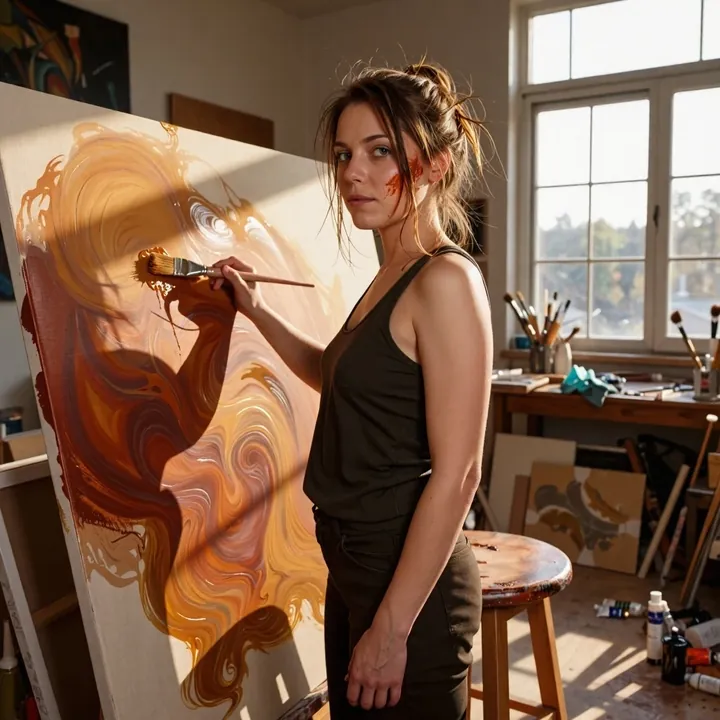
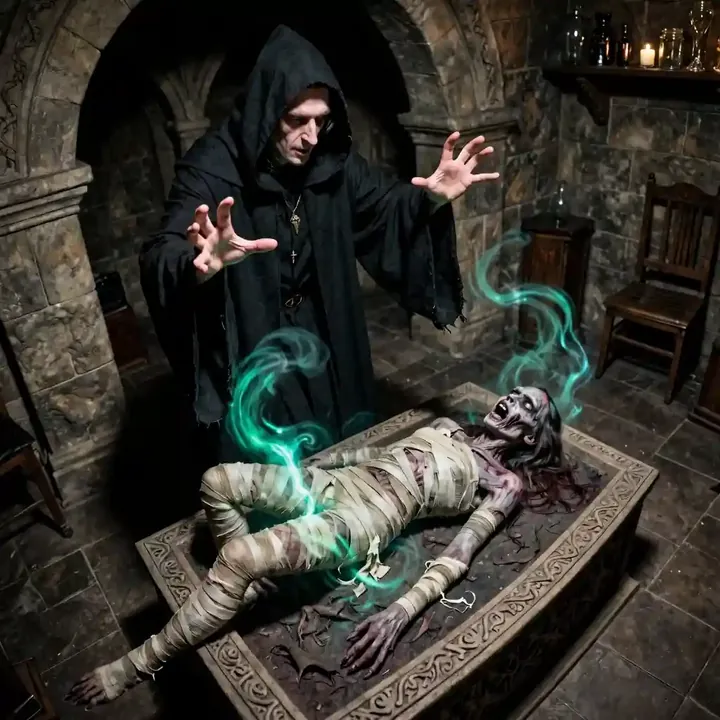
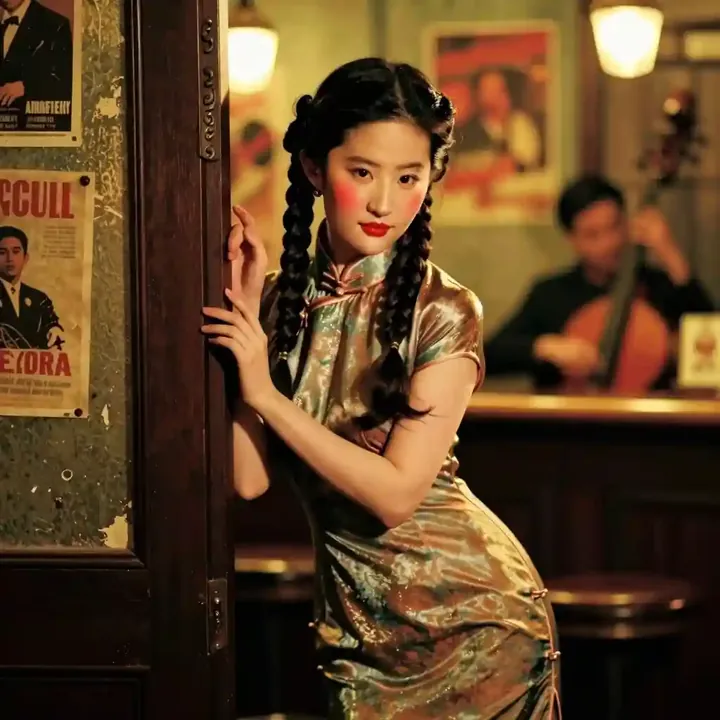
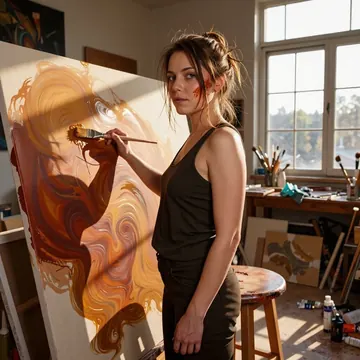
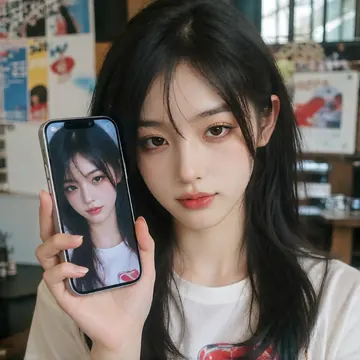
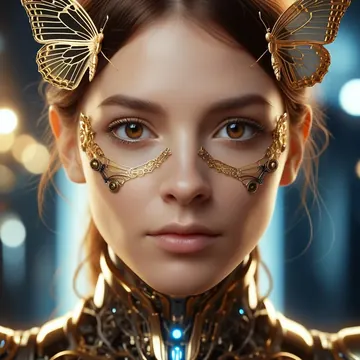
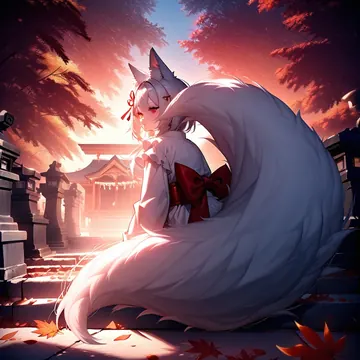
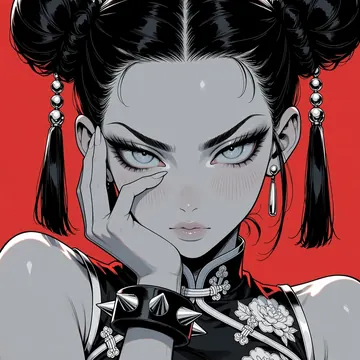
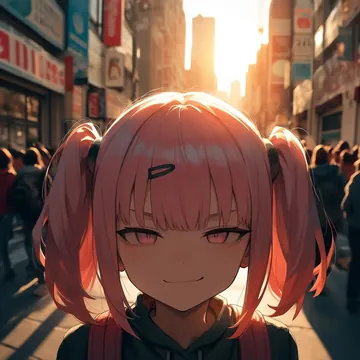
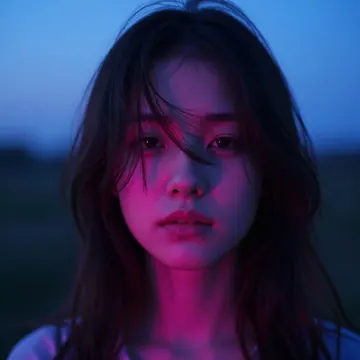
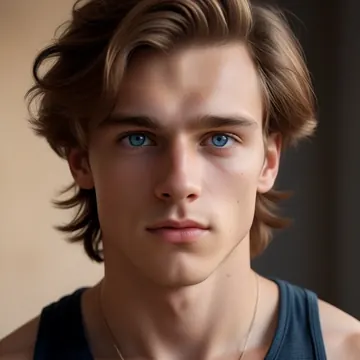
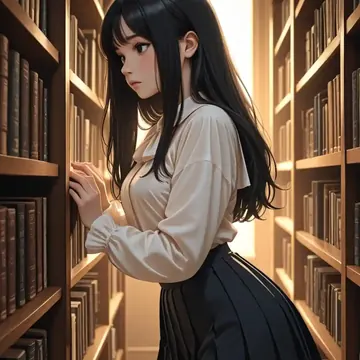
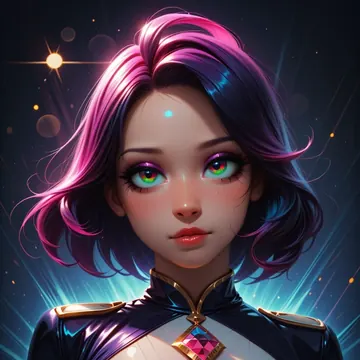
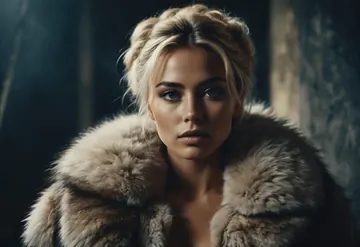
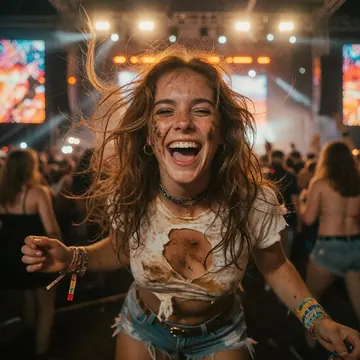
Sample image made with Dark Beast
Z-Image Image Local Cloud Image input

Dark Beast

Choose Dark Beast for vivid color, smooth gradients, and dramatic lighting across illustration, photo-style, and anime work. Run it on your own GPU in Imference Desktop or by API. Accepts an image as guidance. Defaults are set: 8 steps, CFG 1. Use `dark-beast-zit` from code or an MCP agent.

$0.005

per image in the cloud

$0

on your own GPU

Good at

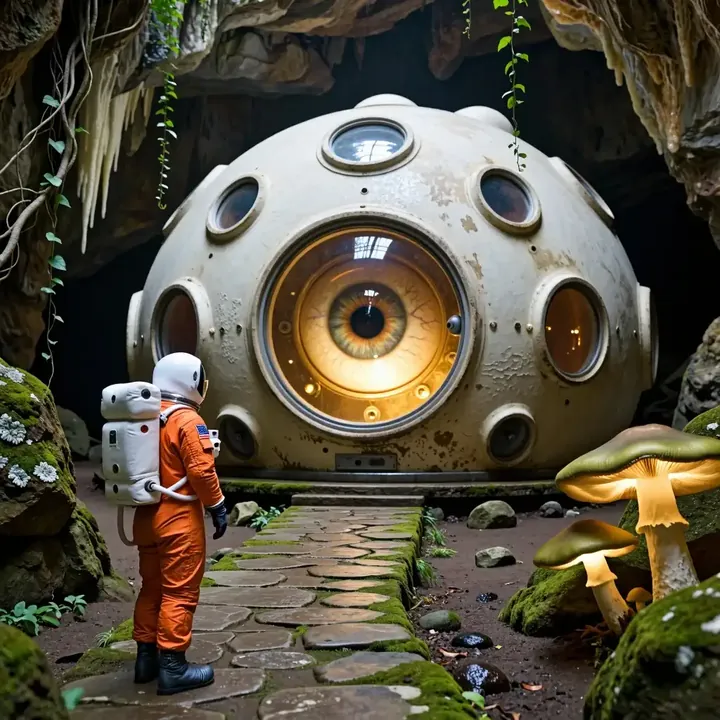
  • Vivid color, smooth gradients, and dramatic light with consistent tones.
  • Comfortable across styles: concept art, anime, painterly, semi-realistic portraits.
  • Strong pick for key art, thumbnails, and covers where color pop matters.
  • Image input can drive pose, palette, or layout.
Running it

  • Run it free on your GPU in Imference Desktop, or call it in the cloud by REST API.
  • Part of the Z-Image family, a good fit if you already use other Z-Image models.
  • Image input works the same in local and cloud modes.
  • Use code dark-beast-zit in Desktop, REST API, and MCP agents.

Prompting it

  • Write plain sentences, keep them short. No tags required.
  • Useful style terms: cinematic lighting, vibrant palette, anime linework, painterly brushwork, realistic skin.
  • Defaults are tuned: steps 8, guidance 1. You can set them in the API.
  • Add a reference image to control pose or color, then iterate with small prompt edits.

Use it

Three ways to run Dark Beast

Local · free

  1. Open Imference Desktop and stay on Local.
  2. In Local models, pick Dark Beast. It downloads once.
  3. Write a prompt and press Generate. It runs on your GPU.

Cloud · $0.005 per image

  1. Open Imference Desktop and switch to Cloud.
  2. Buy credits by card: your Imference key is created for you.
  3. Pick Dark Beast and press Generate. Nothing to download.

In your browser · $0.005 per image

  1. Open Imference Web. Nothing to install, no account.
  2. In Cloud model, pick Dark Beast.
  3. Write a prompt and press Generate. Buy credits by card the first time, no account.
Make an image with Dark Beast ("dark-beast-zit"): a lighthouse on a cliff at dusk, cinematic light

Claude needs the MCP server.

Specs

The details

Price
$0.005 · 5 credits
$5 buys
1,000 images
Prompt style
Plain sentences
Runs
Local and cloud
Default steps
8
Default CFG
1
Reference images
Up to 1
Model code
dark-beast-zit

Formats

Square

1024×1024

Portrait

896×1152

Landscape

1152×896

Portrait Large

832×1216

Landscape Large

1216×832

Portrait Wide

768×1344

Landscape Wide

1344×768

Portrait Ultra-Wide

640×1536

Landscape Ultra-Wide

1536×640

LoRAs

Styles that work with it

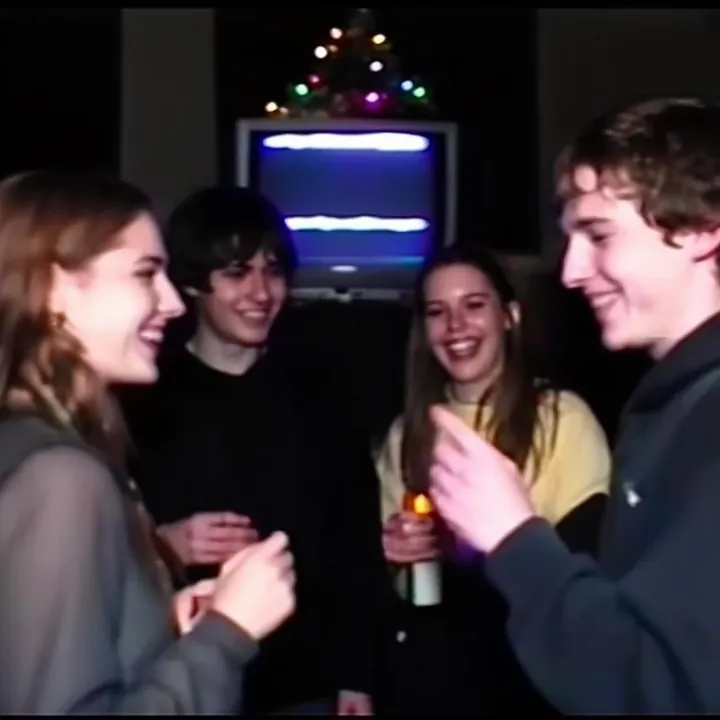
Sample of the 2000s Analog Core LoRA
2000s Analog Core
Sample of the Anime Flat Style LoRA
Anime Flat Style
Sample of the Dark Art Style LoRA
Dark Art Style
Sample of the DC Vivid Dark Fantas LoRA
DC Vivid Dark Fantas
Sample of the MoriiMee Gothic Niji LoRA
MoriiMee Gothic Niji
Sample of the Retro Sci-fi 90's an LoRA
Retro Sci-fi 90's an

Similar

You might also like

All 85 models

Try Dark Beast tonight