Skip to content
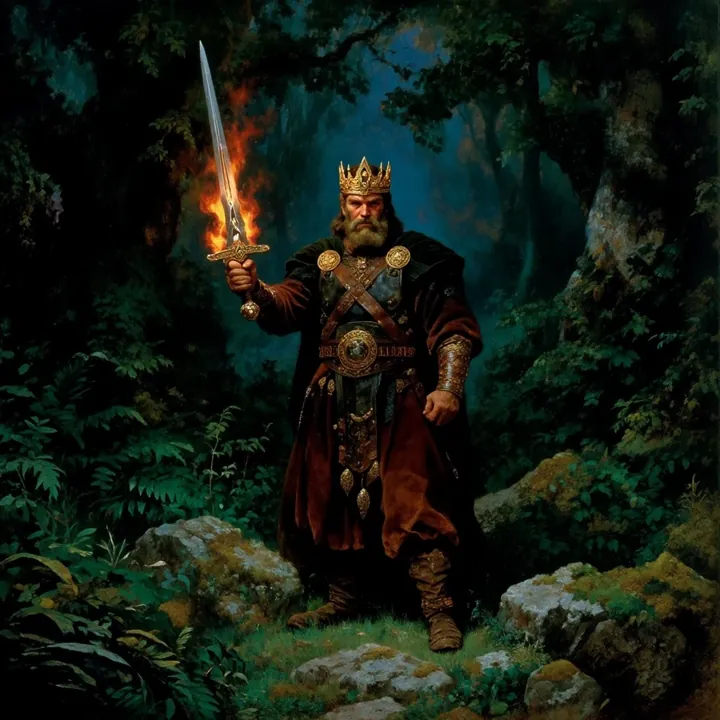
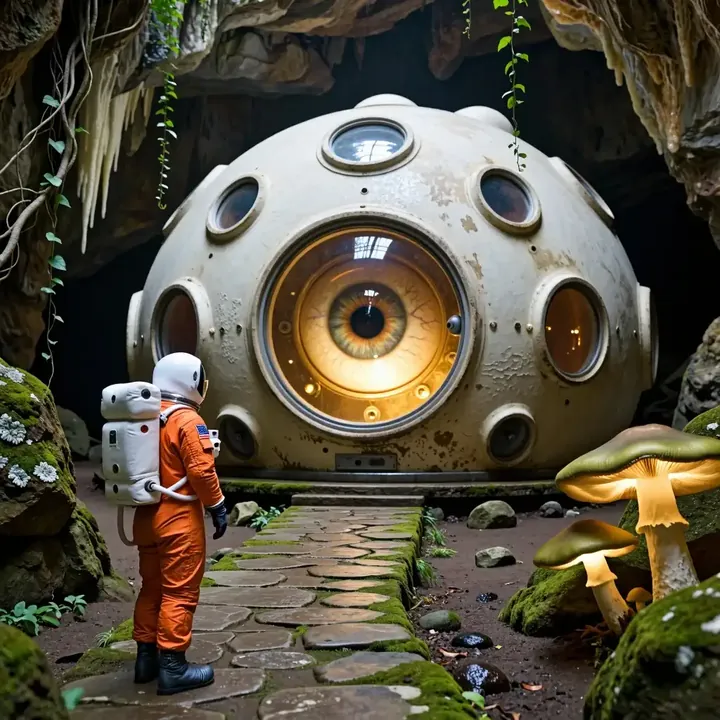
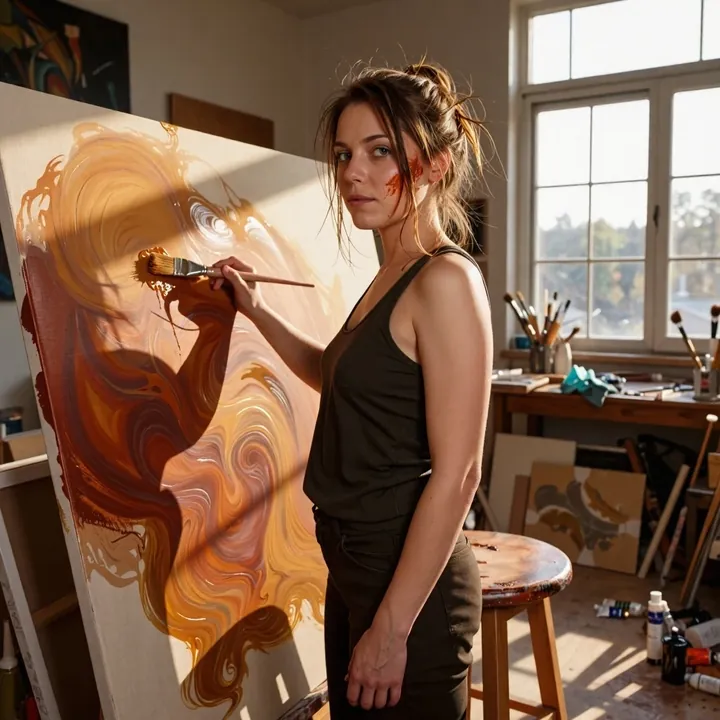
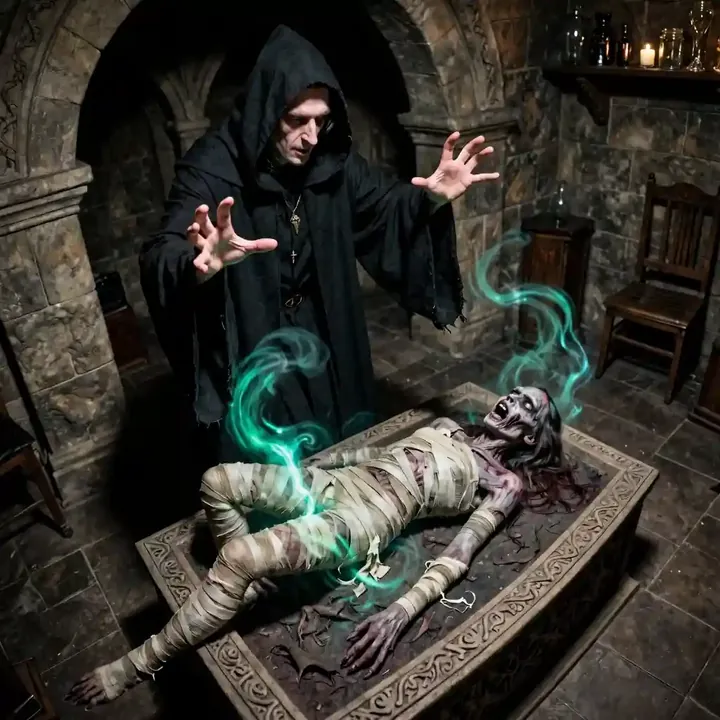
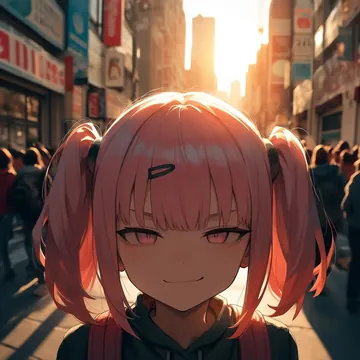
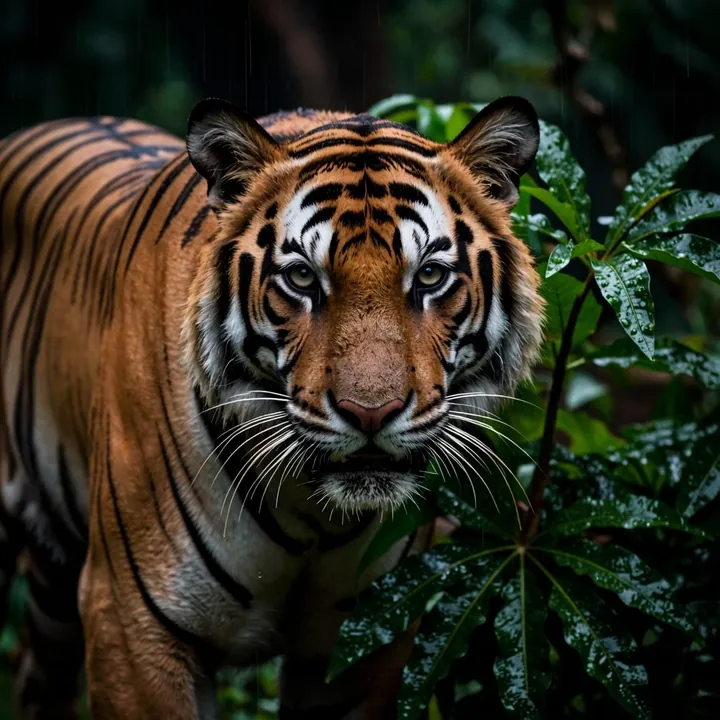
Sample image made with FasciumZ-Image turbo
Z-Image Image Local Cloud Image input

FasciumZ-Image turbo

Choose it for crisp photoreal work across people, products, and environments. It reads materials and lighting with care, from chrome and pastry layers to neon nights and underwater shots, and can shift to tidy 3D looks. Run it free on your GPU or call it by API, agents can pick it via MCP.

$0.005

per image in the cloud

$0

on your own GPU

Good at

  • Photoreal people with natural skin tone, steady studio moods, tight focus.
  • Products and food where materials separate cleanly: chrome, glass, wet stone, pastry crumb, fabric.
  • Macro and hero frames that stay crisp, from watch gears to ceramics.
  • Environments and stylized 3D too: neon nights, underwater scenes, storybook towns, gentle creatures.

Running it

  • Run on your GPU in Imference Desktop, 6.6 GB model download.
  • Or use the REST API in the cloud, no download required.
  • Part of the ZImageTurbo family, consistent look across local and cloud.
  • Agents can select it through the Imference MCP server.

Prompting it

  • Write plain sentences naming subject, materials, lighting, and any action.
  • Useful terms: brushed metal, frosted glass, wet stone, velvet, golden hour, neon glow, underwater caustics, macro, three-quarter portrait.
  • You can pass an input image to guide pose, palette, or framing, or for gentle edits.
  • Defaults are tuned, steps 8 and guidance 1.0, override by API if needed, set model to fasciumz-image-turbo.

Use it

Three ways to run FasciumZ-Image turbo

Local · free

  1. Open Imference Desktop and stay on Local.
  2. In Local models, pick FasciumZ-Image turbo. It downloads once.
  3. Write a prompt and press Generate. It runs on your GPU.

Cloud · $0.005 per image

  1. Open Imference Desktop and switch to Cloud.
  2. Buy credits by card: your Imference key is created for you.
  3. Pick FasciumZ-Image turbo and press Generate. Nothing to download.

In your browser · $0.005 per image

  1. Open Imference Web. Nothing to install, no account.
  2. In Cloud model, pick FasciumZ-Image turbo.
  3. Write a prompt and press Generate. Buy credits by card the first time, no account.
Make an image with FasciumZ-Image turbo ("fasciumz-image-turbo"): a lighthouse on a cliff at dusk, cinematic light

Claude needs the MCP server.

Specs

The details

Price
$0.005 · 5 credits
$5 buys
1,000 images
Prompt style
Plain sentences
Runs
Local and cloud
Default steps
8
Default CFG
1
Reference images
Up to 1
Model code
fasciumz-image-turbo

Formats

Square

1024×1024

Portrait

896×1152

Landscape

1152×896

Portrait Large

832×1216

Landscape Large

1216×832

Portrait Wide

768×1344

Landscape Wide

1344×768

Portrait Ultra-Wide

640×1536

Landscape Ultra-Wide

1536×640

LoRAs

Styles that work with it

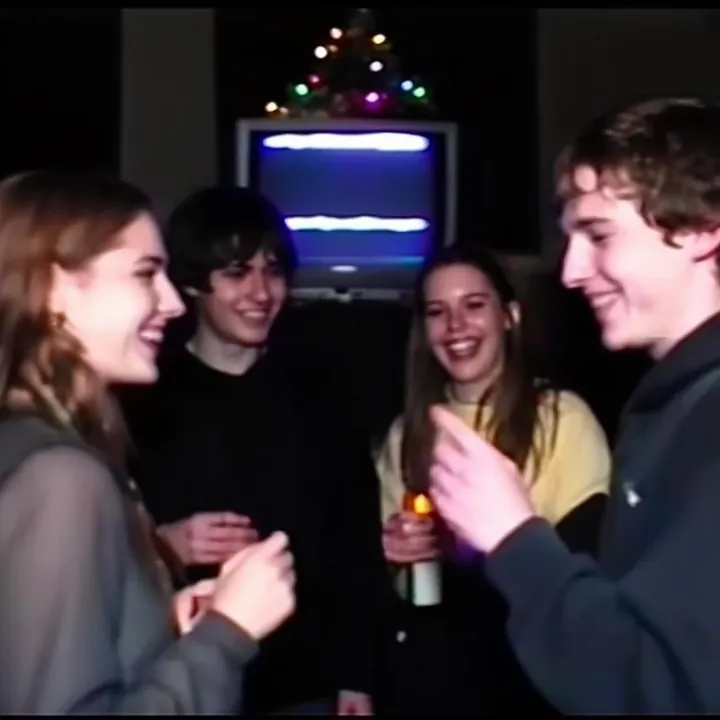
Sample of the 2000s Analog Core LoRA
2000s Analog Core
Sample of the Anime Flat Style LoRA
Anime Flat Style
Sample of the Dark Art Style LoRA
Dark Art Style
Sample of the DC Vivid Dark Fantas LoRA
DC Vivid Dark Fantas
Sample of the MoriiMee Gothic Niji LoRA
MoriiMee Gothic Niji
Sample of the Retro Sci-fi 90's an LoRA
Retro Sci-fi 90's an

Similar

You might also like

All 85 models

Try FasciumZ-Image turbo tonight