Skip to content
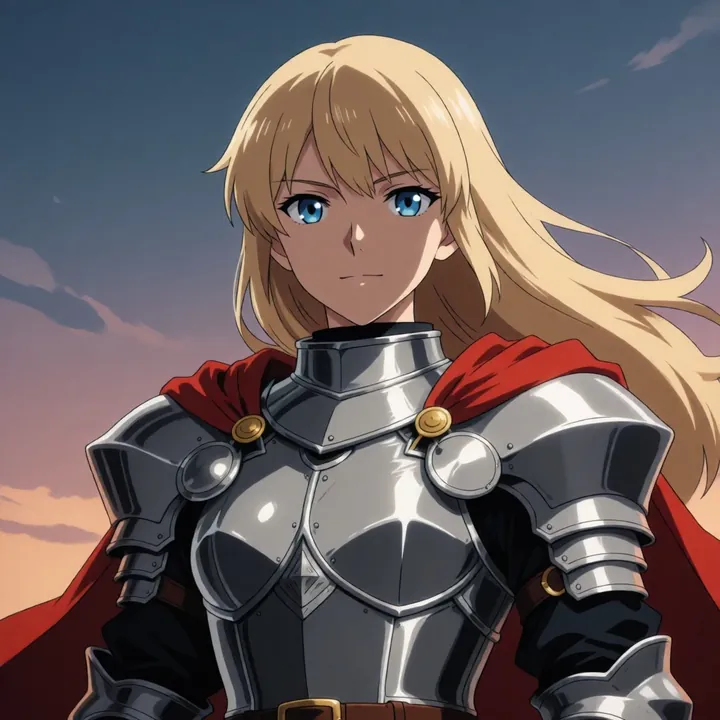
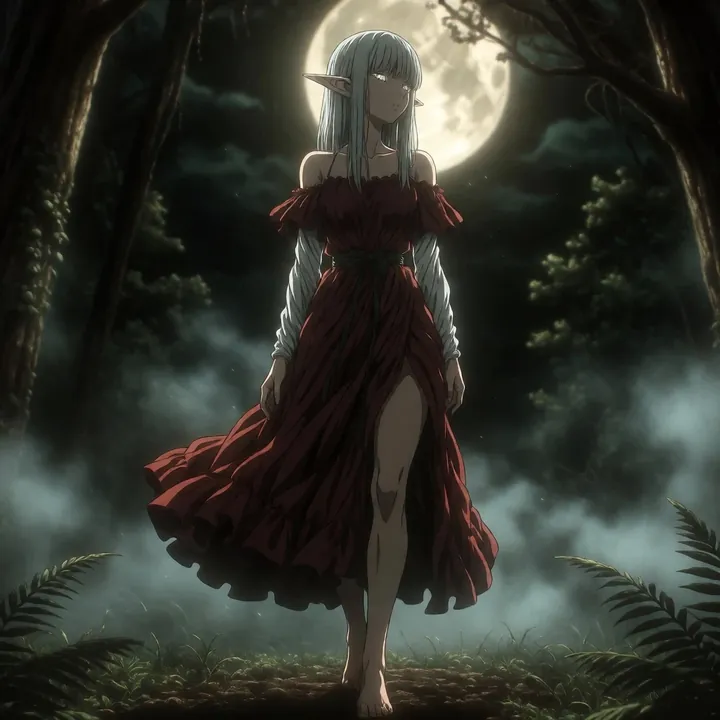
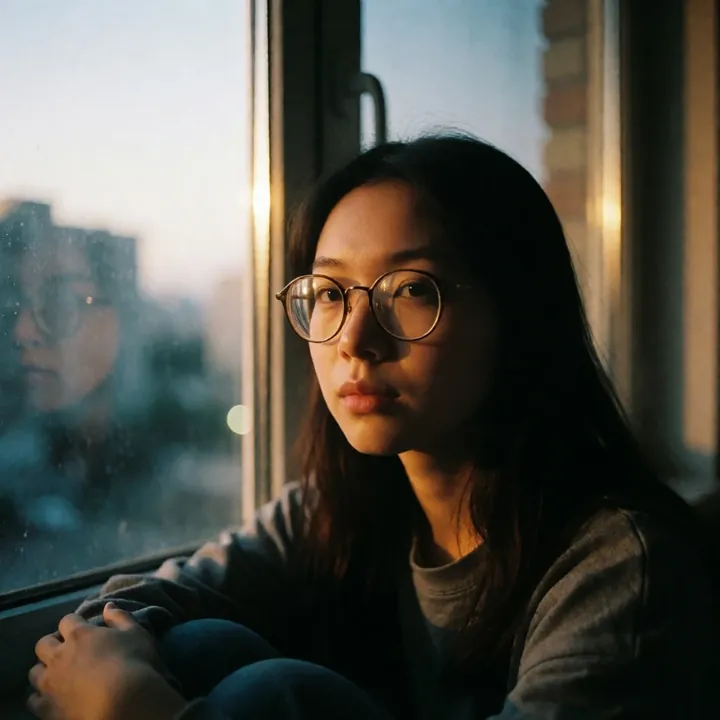
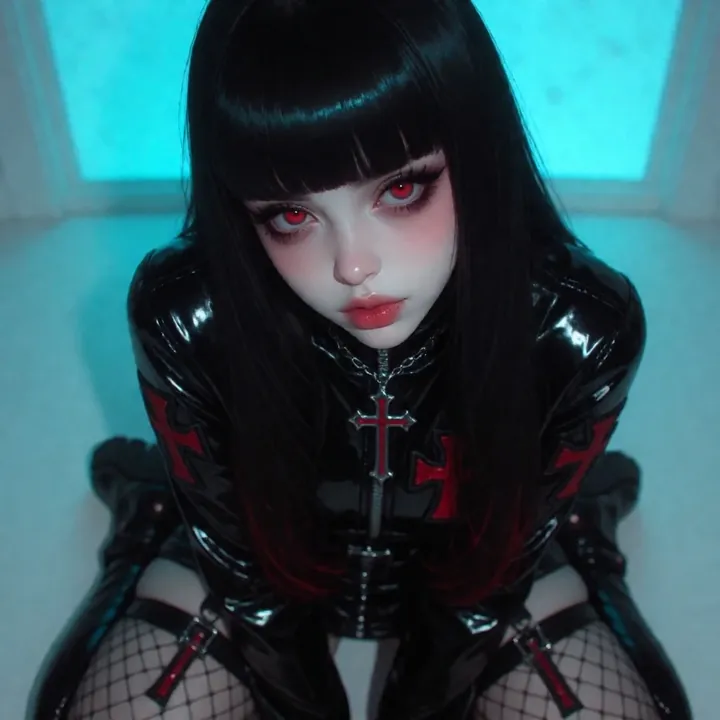
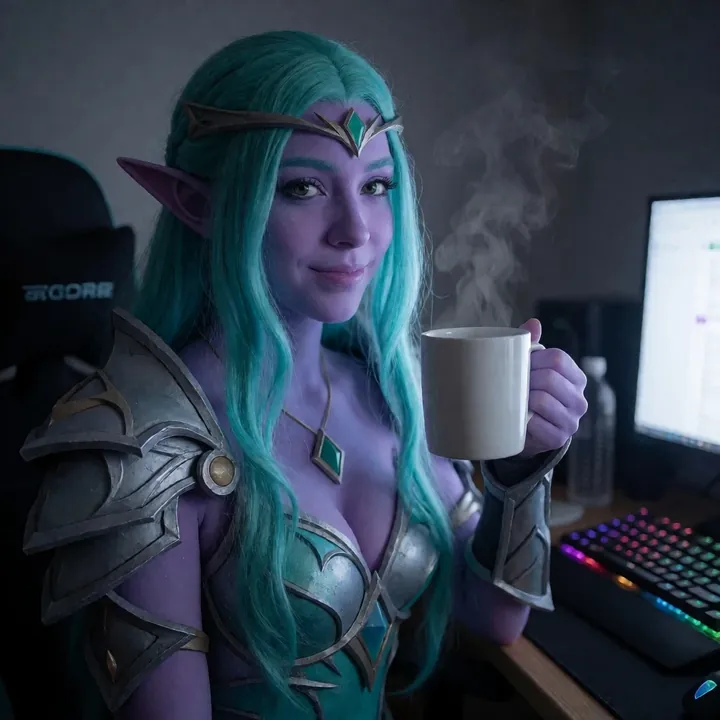
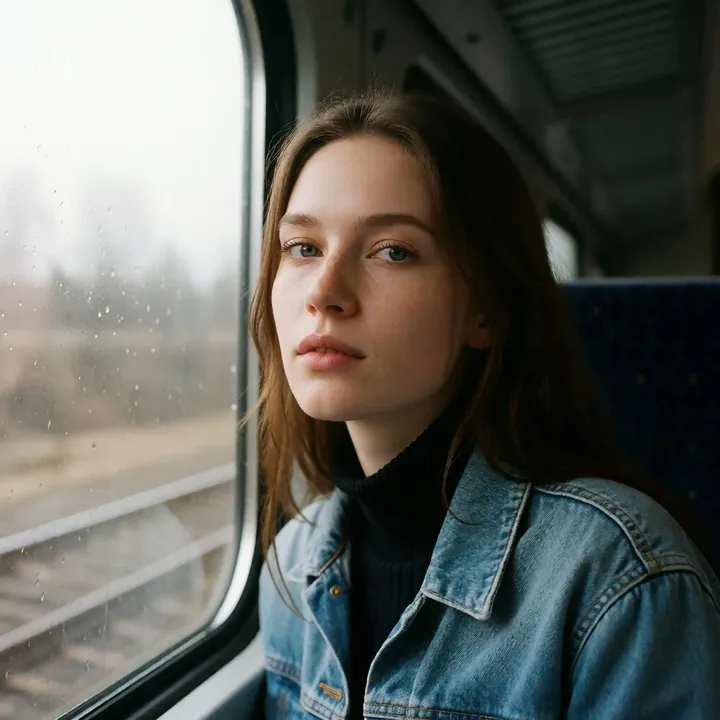
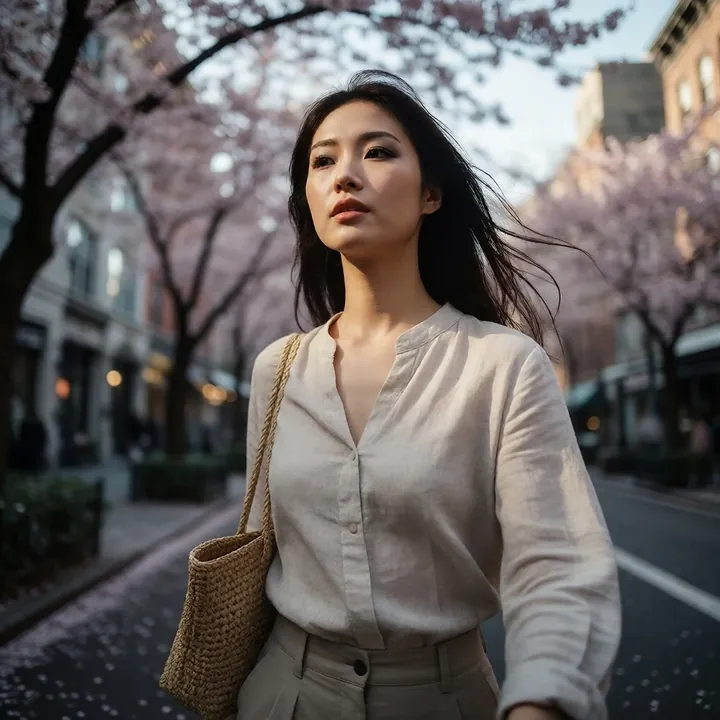
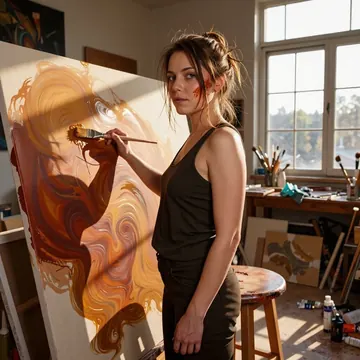
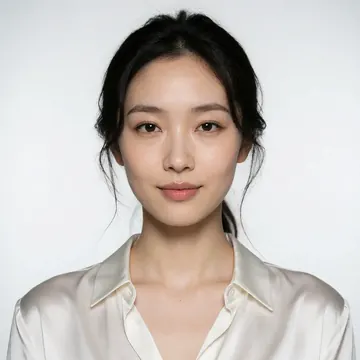
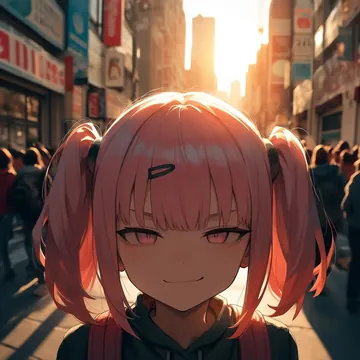
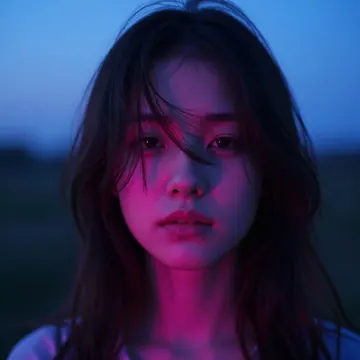
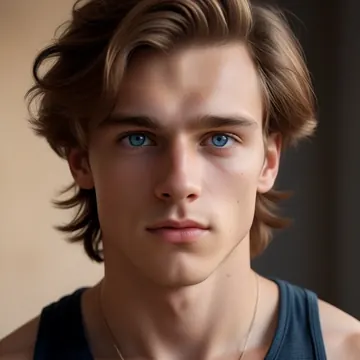
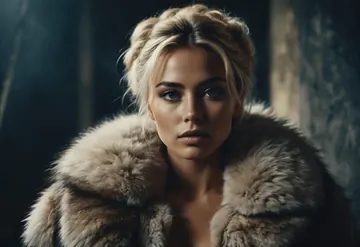
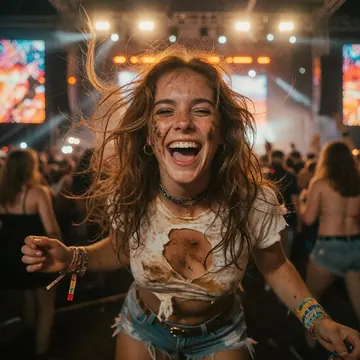
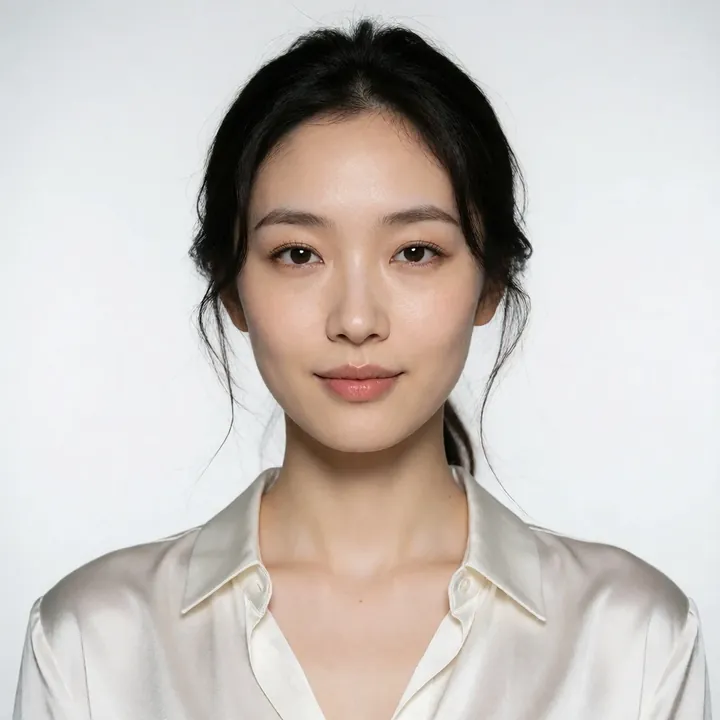
Sample image made with ULTRA
Krea 2 Image Local Cloud

ULTRA

Built for clean studio portraits, ULTRA delivers natural skin, sharp hair detail, and glossy fabrics with a direct-flash vibe. It suits headshots, fashion, and editorial profiles. Use it locally in Imference Desktop for free or call it by API. Part of the Krea 2 family.

$0.008

per image in the cloud

$0

on your own GPU

Good at

  • Studio portraits with clean backdrops, natural skin texture, sharp hair, and crisp edges.
  • Direct-flash aesthetic with balanced, neutral color, satin and silk show realistic highlights.
  • Headshots, half-body, lookbooks, profile images, and simple editorial compositions.
  • Leans toward expressive East Asian faces, steady eye contact, approachable mood.
Running it

  • Run locally in Imference Desktop on your GPU, download is 13.1 GB.
  • Or use the cloud REST API, identical outputs, no download.
  • Agents can reach it via the Imference MCP server for Claude or Cursor.
  • Text prompts only, no image input, Krea 2 family.

Prompting it

  • Write plain sentences: studio portrait, clean white background, direct flash, soft shadow, catchlights.
  • Wardrobe and texture: satin or silk blouse, pleated skirt, minimal jewelry, preppy styling.
  • Framing and pose: head-and-shoulders, three-quarter, half body, looking at camera, subtle smile. Specify ethnicity, hairstyle, hair color, and background color to steer.
  • In code select model ultra. Defaults are 8 steps and 0.0 guidance, already tuned, override in the API if needed.

Use it

Three ways to run ULTRA

Local · free

  1. Open Imference Desktop and stay on Local.
  2. In Local models, pick ULTRA. It downloads once.
  3. Write a prompt and press Generate. It runs on your GPU.

Cloud · $0.008 per image

  1. Open Imference Desktop and switch to Cloud.
  2. Buy credits by card: your Imference key is created for you.
  3. Pick ULTRA and press Generate. Nothing to download.

In your browser · $0.008 per image

  1. Open Imference Web. Nothing to install, no account.
  2. In Cloud model, pick ULTRA.
  3. Write a prompt and press Generate. Buy credits by card the first time, no account.
Make an image with ULTRA ("ultra"): a lighthouse on a cliff at dusk, cinematic light

Claude needs the MCP server.

Specs

The details

Price
$0.008 · 8 credits
$5 buys
625 images
Prompt style
Plain sentences
Runs
Local and cloud
Default steps
8
Default CFG
0
Model code
ultra

Formats

Square

1024×1024

Portrait

896×1152

Landscape

1152×896

Portrait Large

832×1216

Landscape Large

1216×832

Portrait Wide

768×1344

Landscape Wide

1344×768

Portrait Ultra-Wide

640×1536

Landscape Ultra-Wide

1536×640

LoRAs

Styles that work with it

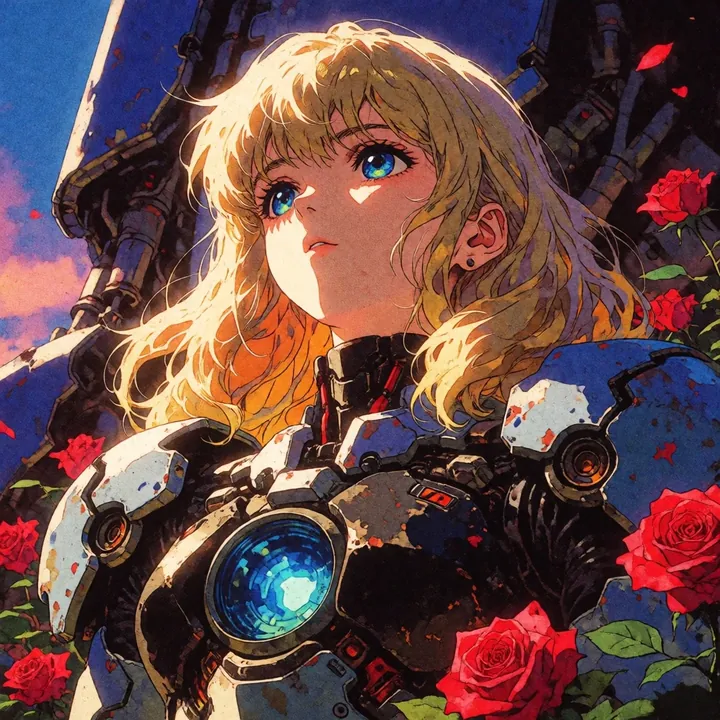
Sample of the Add Micro Details -  LoRA
Add Micro Details -
Sample of the Aesthetic Quality Mo LoRA
Aesthetic Quality Mo
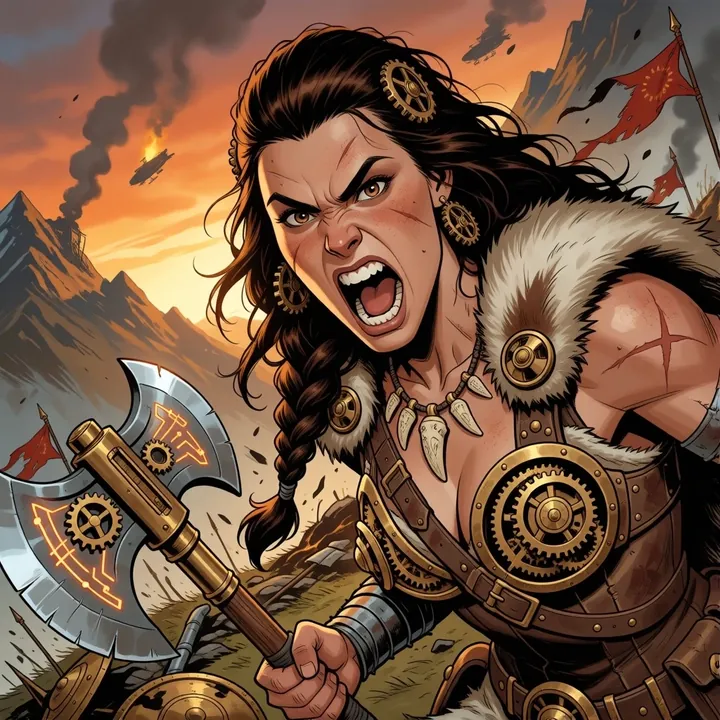
Sample of the Anime Flat Style LoRA
Anime Flat Style
Sample of the Dark Art Style LoRA
Dark Art Style
Sample of the Lenovo UltraReal LoRA
Lenovo UltraReal
Sample of the MoriiMee Gothic Niji LoRA
MoriiMee Gothic Niji
Sample of the NSFW V4 LoRA
NSFW V4
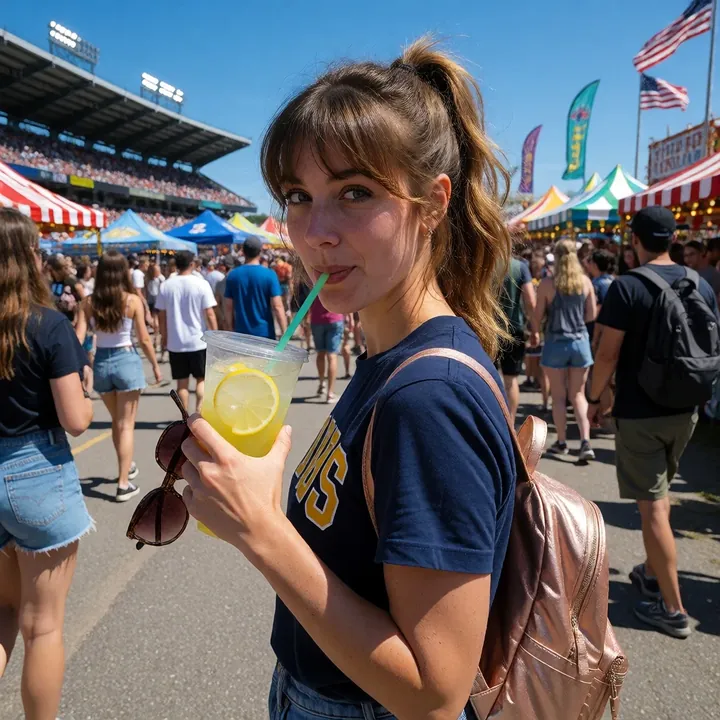
Sample of the Realistic Snapshot LoRA
Realistic Snapshot
Sample of the Retro Sci-fi 90's an LoRA
Retro Sci-fi 90's an

Similar

You might also like

All 85 models

Try ULTRA tonight