Skip to content
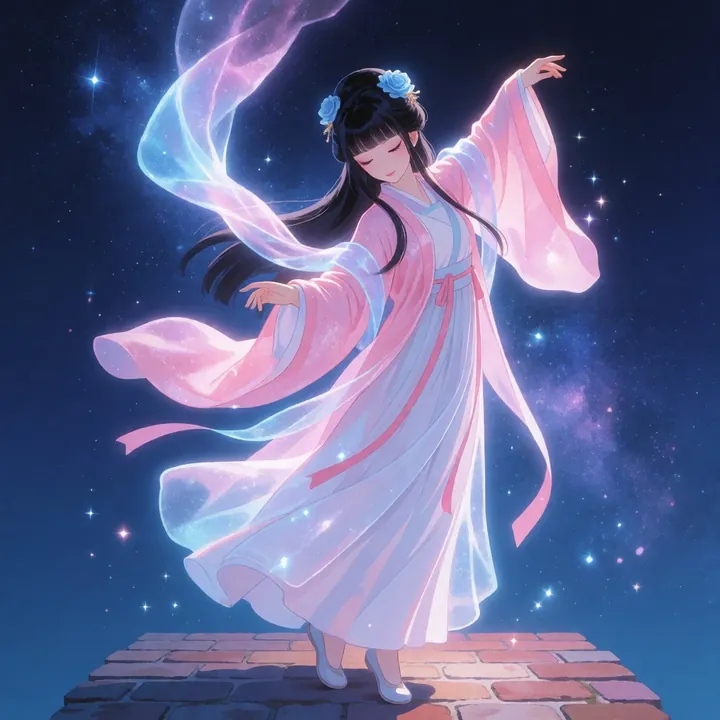
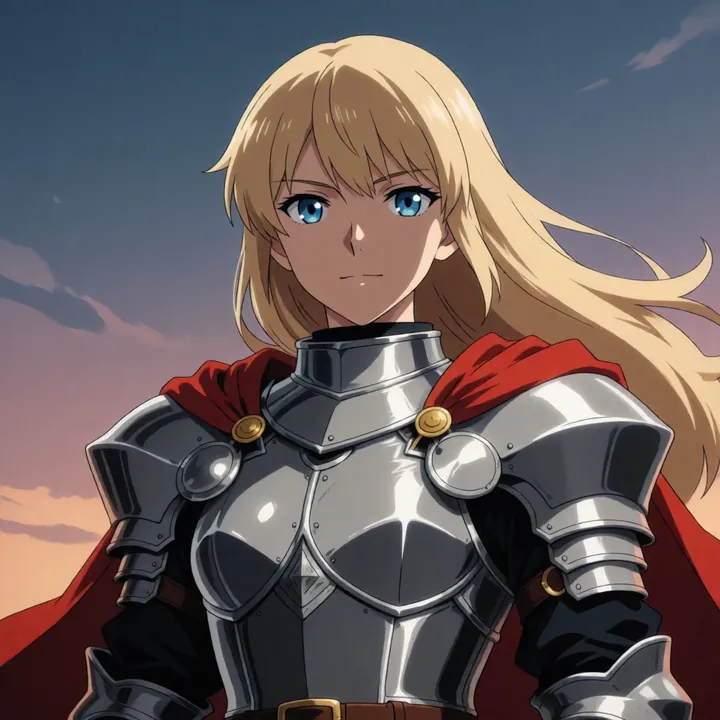
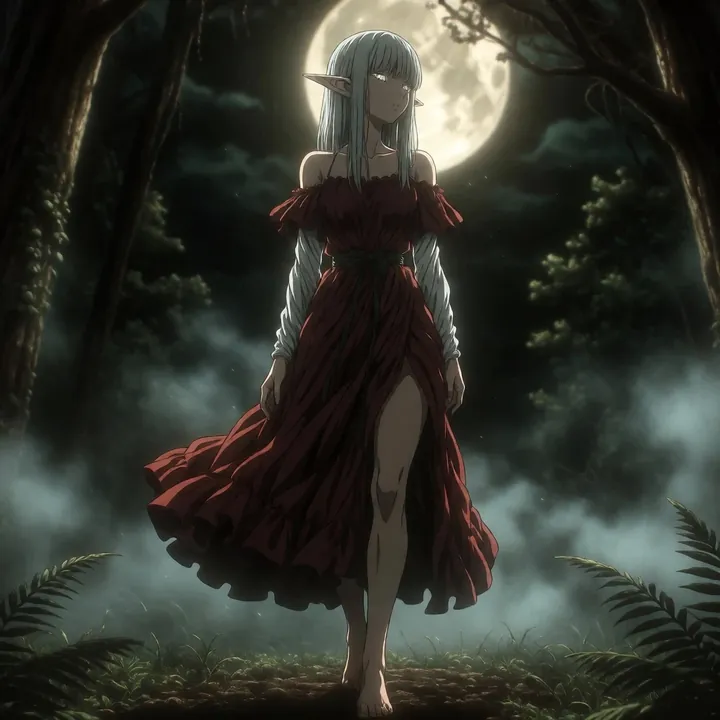
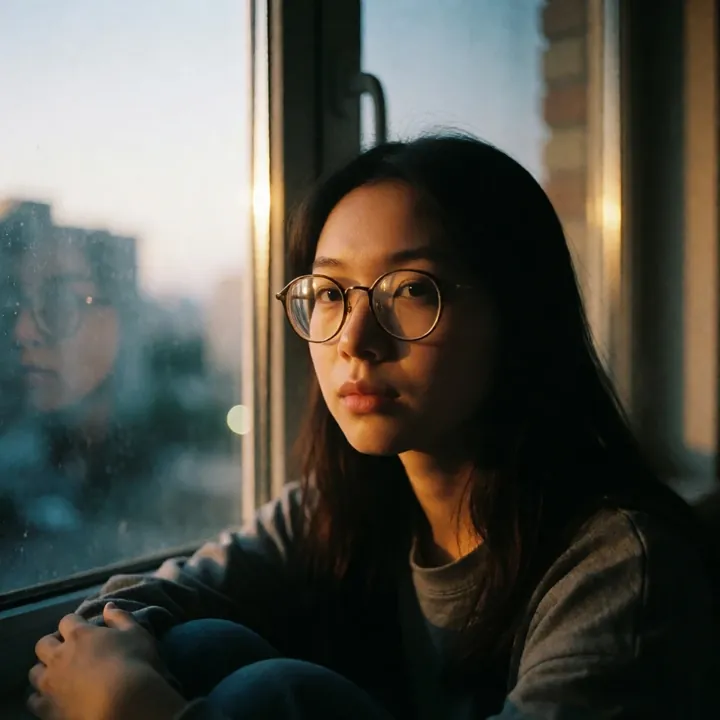
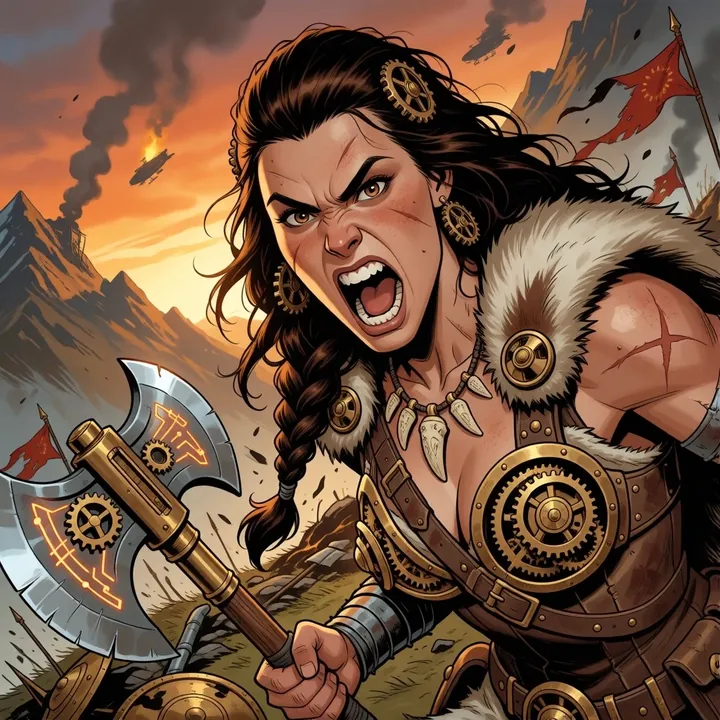
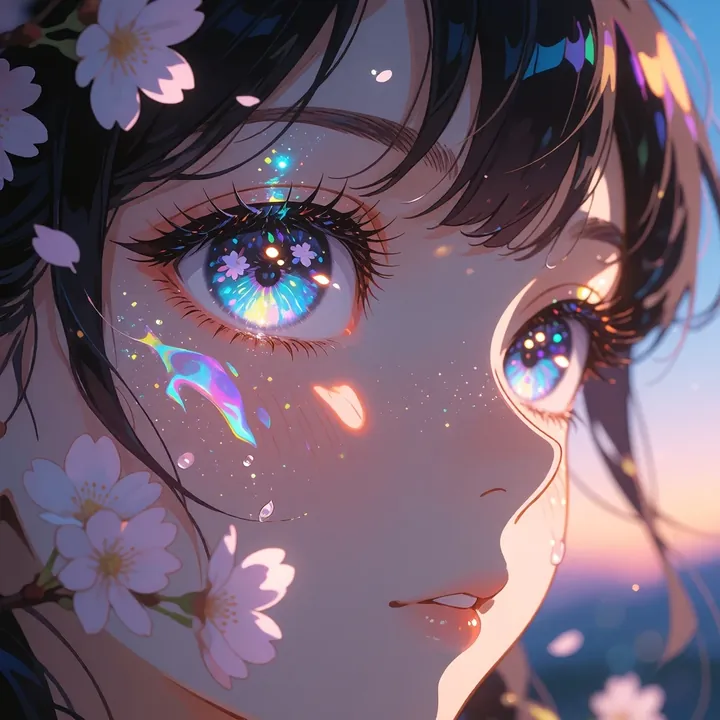
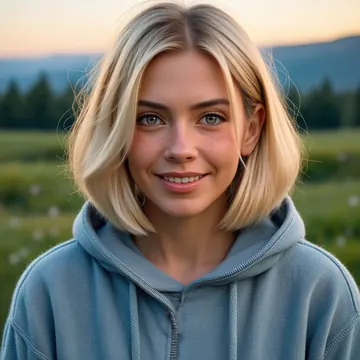
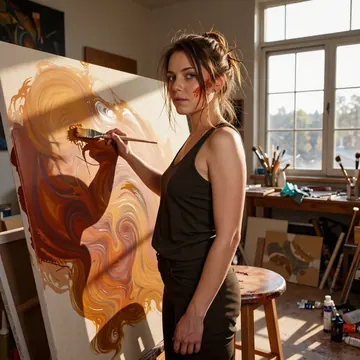
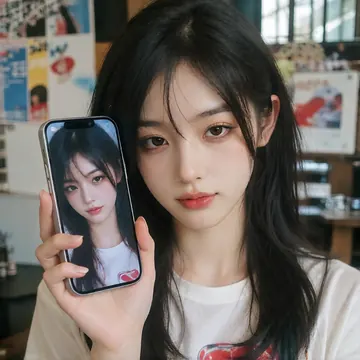
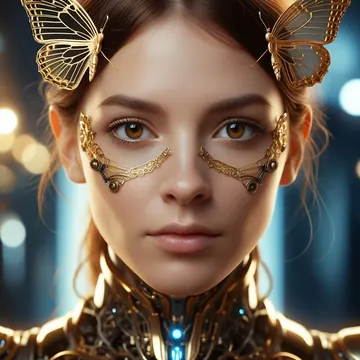
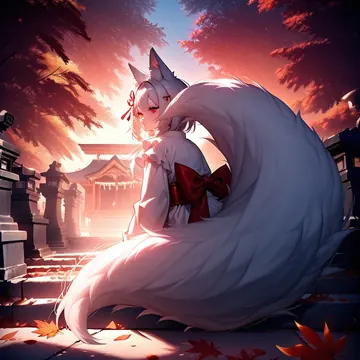
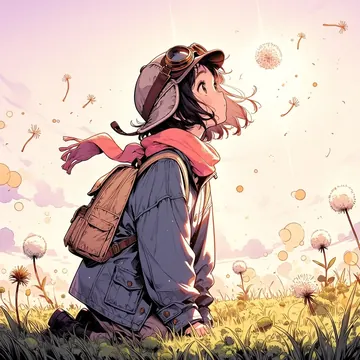
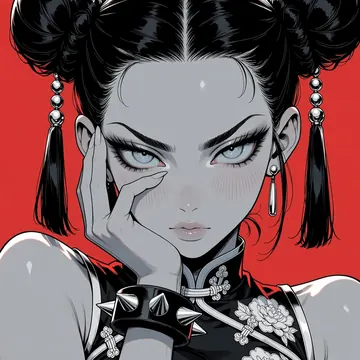
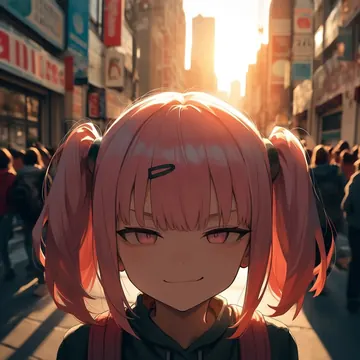
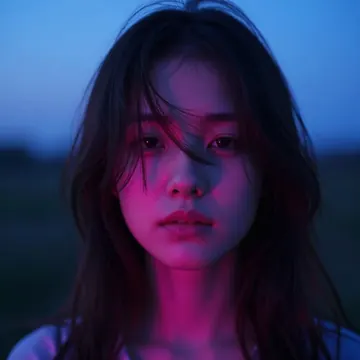
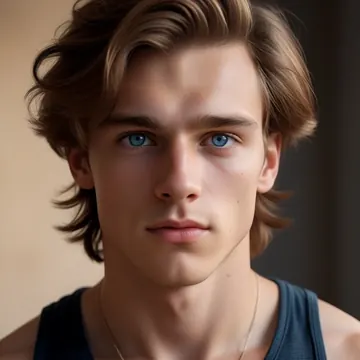
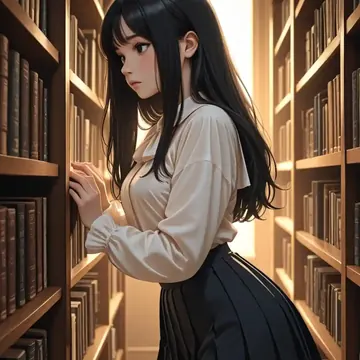
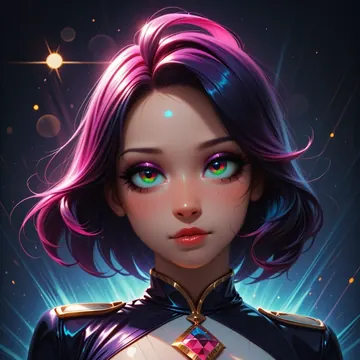
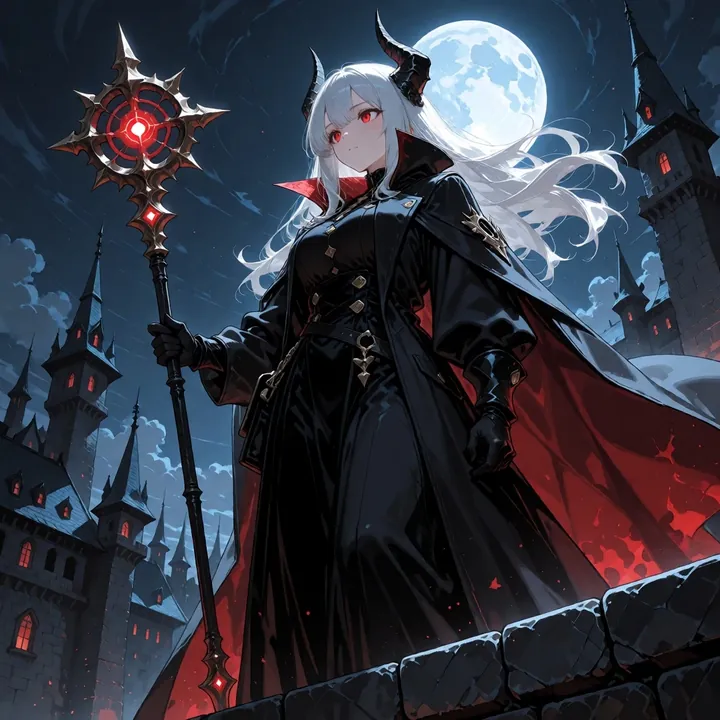
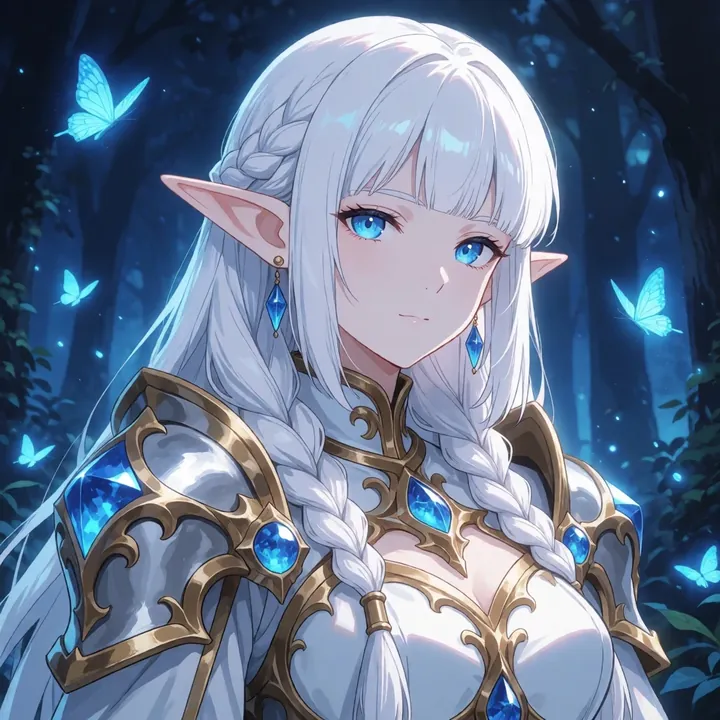
Sample image made with Krea2-Anime
Krea 2 Image Local Cloud

Krea2-Anime

Slick, semi-realistic anime with crisp lines, luminous eyes, and dramatic lighting. This model shines at character-focused art, moody moonlit fantasy, sunlit classroom vibes, or clean white backdrops with shiny fabrics and fine hair detail. You’ll get the most from it with descriptive prompts that spell out scene, outfit, lighting, and mood.

$0.008

per image in the cloud

$0

on your own GPU

Vibe

  • Semi-realistic anime with crisp linework and glossy highlights
  • Luminous eyes, silky hair strands (often with cool cyan/blue accents)
  • Dramatic light: moonlit nights with hard rim light, or warm backlit interiors with dust motes and soft bloom
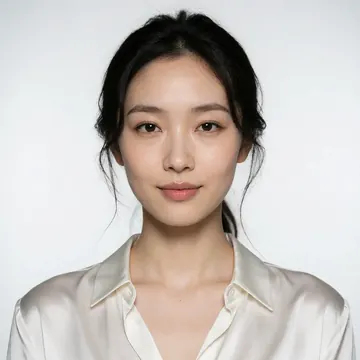
  • Clean, minimalist white backgrounds for poster-style shots
  • Color palettes lean toward cool blues and silvers, balanced by warm golden beams
Best for

  • Single-character portraits and fashion looks
  • Dark-fantasy heroines with horns, staffs, and castle spires under a full moon
  • Slice-of-life scenes by a window with cinematic depth of field
  • Studio-style character art on white for thumbnails, covers, or key art

Prompting tips

  • Be specific about subject, outfit, and accessories (e.g., ribbon, headband, coat, ornate staff).
  • Call out lighting: moonlit, backlit, rim light, volumetric glow, soft bloom, dust particles.
  • Add composition cues: low-angle, three-quarter view, close-up portrait, negative space, shallow depth of field, bokeh.
  • Texture words help: glossy fabric, satin, polished metal, rain-wet surfaces, water droplets, stone, lace.
  • Color direction: cool blues/cyan with silver highlights, or warm golden-hour orange with soft shadows.
  • Mix natural language with short tags if you like (e.g., 1girl, long hair, looking at viewer, castle spires, classroom window) to keep the style anchored.

Use it

Three ways to run Krea2-Anime

  1. Download Imference Desktop and open it.
  2. In Local models, pick Krea2-Anime. It downloads once.
  3. Write a prompt and press Generate. Free, on your GPU.
Get the app
Make an image with Krea2-Anime ("krea2-anime"): a lighthouse on a cliff at dusk, cinematic light
curl https://imference.com/generate \
  -H "Authorization: Bearer $IMFERENCE_API_KEY" \
  -H "Content-Type: application/json" \
  -d '{"model": "krea2-anime",
       "format_code": "square",
       "prompt": "a lighthouse on a cliff at dusk, cinematic light"}'

Claude needs the MCP server. API details in the reference.

Specs

The details

Price
$0.008 · 8 credits
$5 buys
625 images
Prompt style
Plain sentences
Runs
Local and cloud
Default steps
8
Default CFG
0
Model code
krea2-anime

Formats

Square

1024×1024

Portrait

896×1152

Landscape

1152×896

Portrait Large

832×1216

Landscape Large

1216×832

Portrait Wide

768×1344

Landscape Wide

1344×768

Portrait Ultra-Wide

640×1536

Landscape Ultra-Wide

1536×640

LoRAs

Styles that work with it

Sample of the Add Micro Details -  LoRA
Add Micro Details -
Sample of the Aesthetic Quality Mo LoRA
Aesthetic Quality Mo
Sample of the Anime Flat Style LoRA
Anime Flat Style
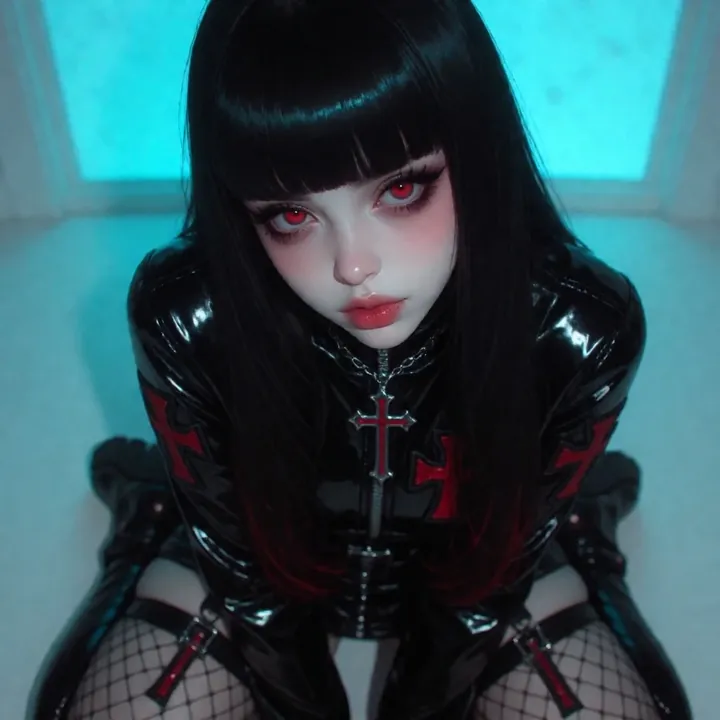
Sample of the Dark Art Style LoRA
Dark Art Style
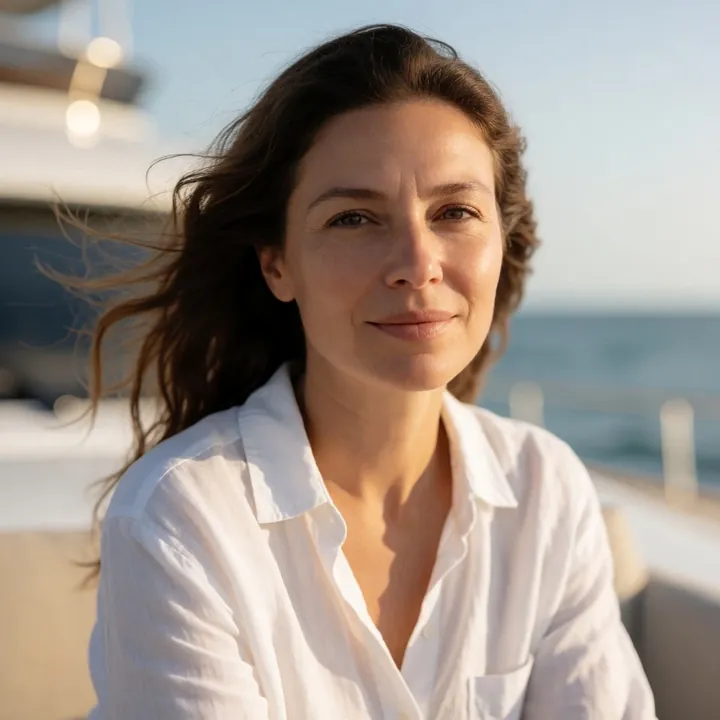
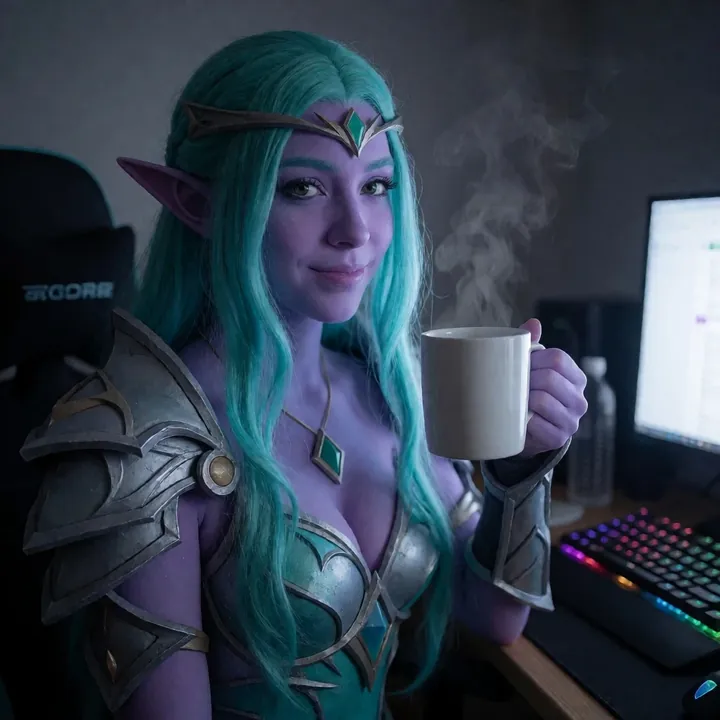
Sample of the Lenovo UltraReal LoRA
Lenovo UltraReal
Sample of the MoriiMee Gothic Niji LoRA
MoriiMee Gothic Niji
Sample of the NSFW V4 LoRA
NSFW V4
Sample of the Realistic Snapshot LoRA
Realistic Snapshot
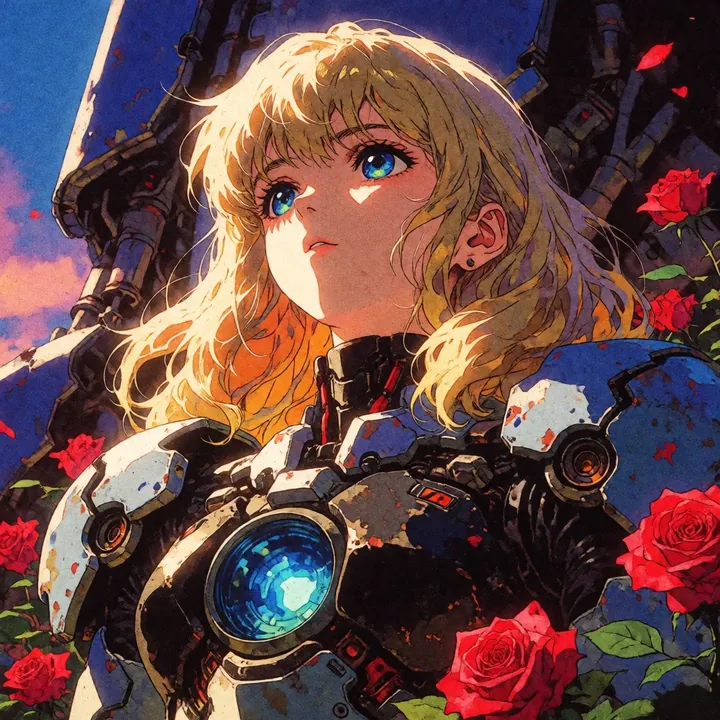
Sample of the Retro Sci-fi 90's an LoRA
Retro Sci-fi 90's an

Similar

You might also like

All 76 models

Try Krea2-Anime tonight