Skip to content
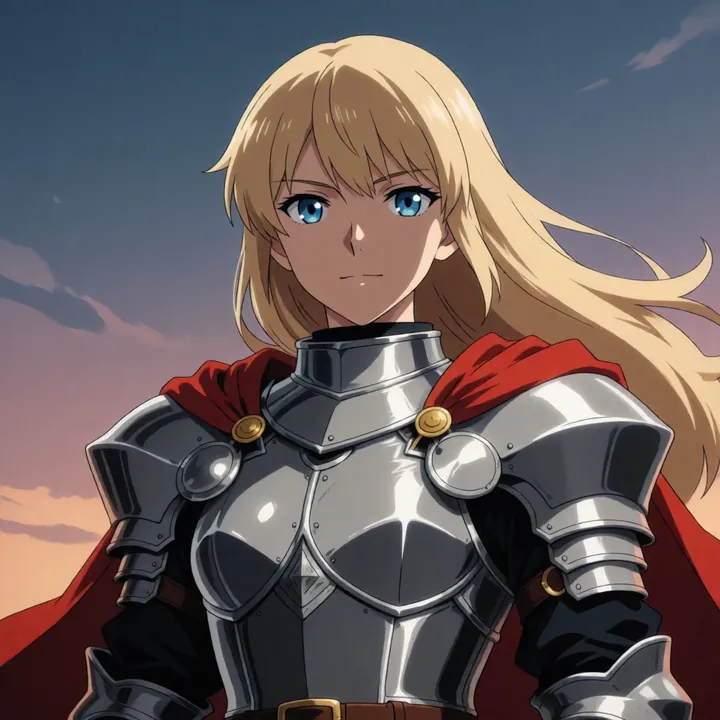
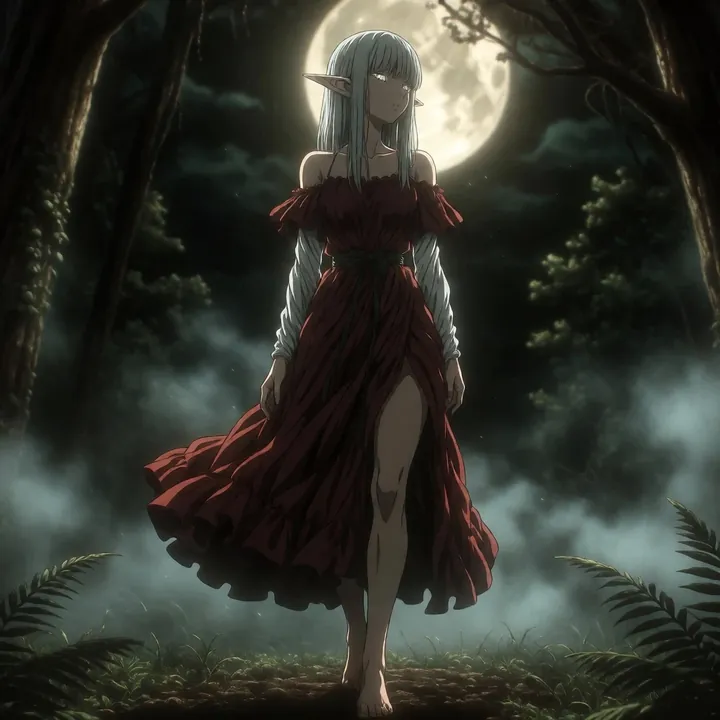
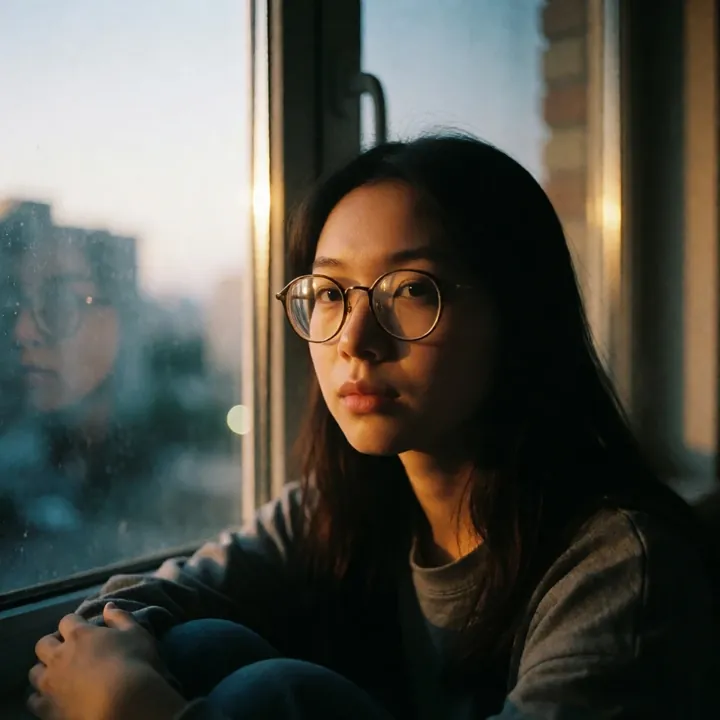
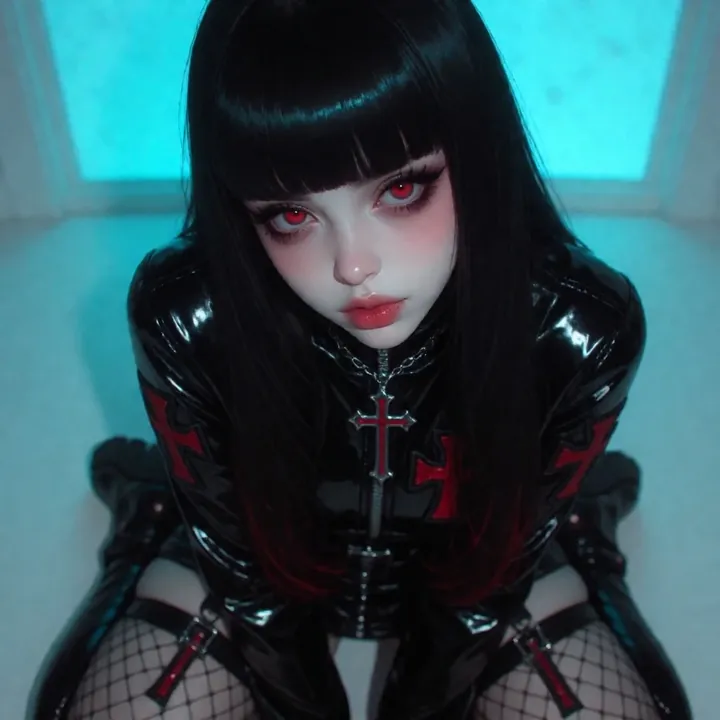
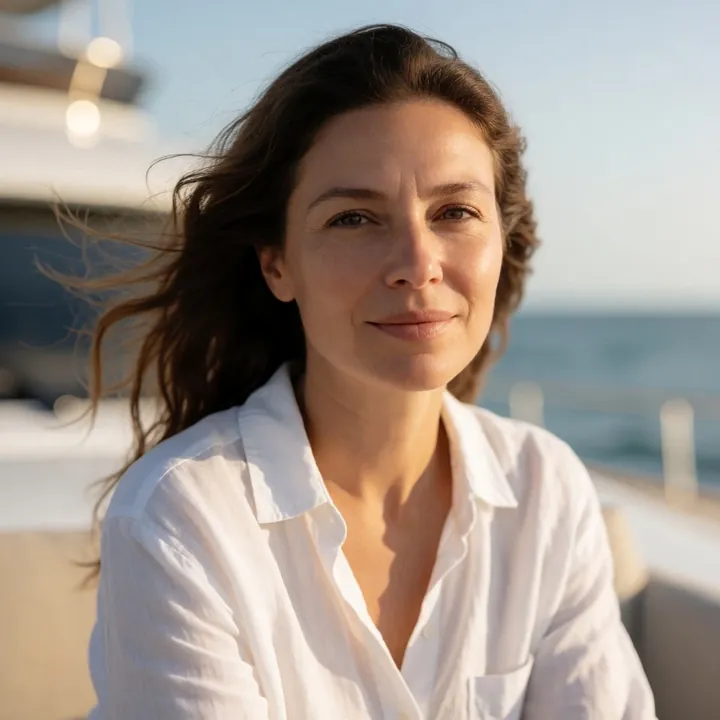
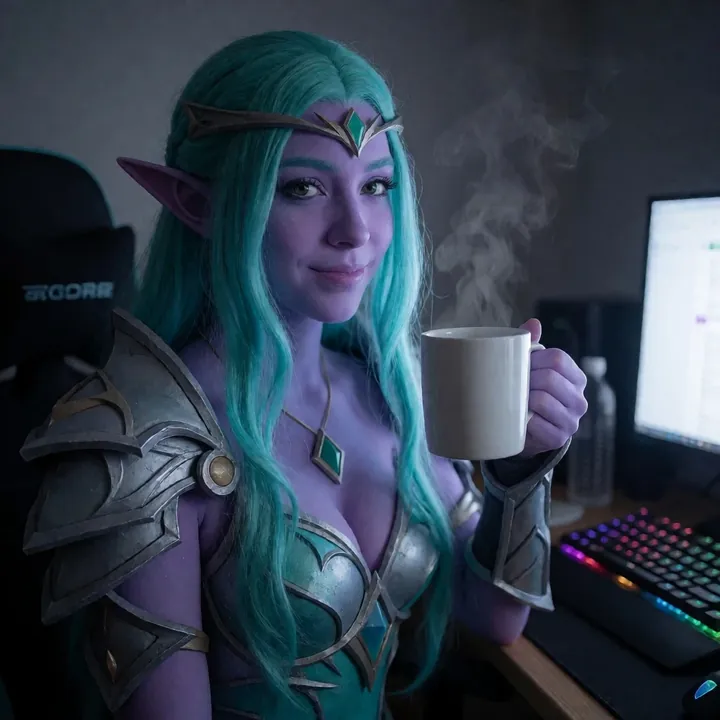
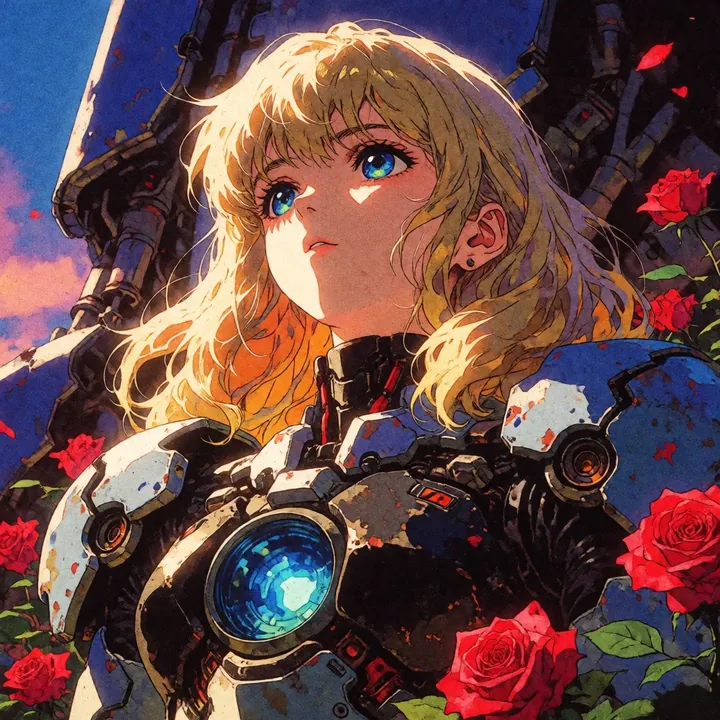
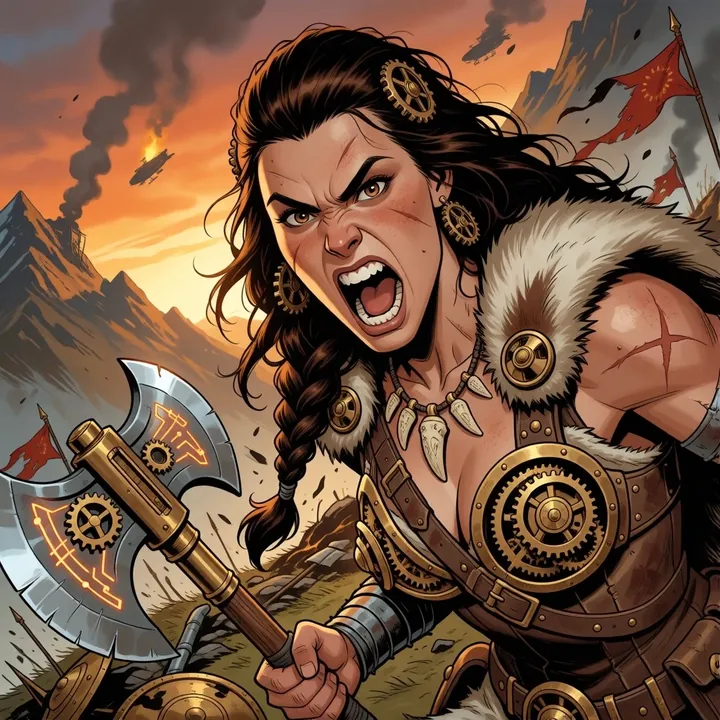
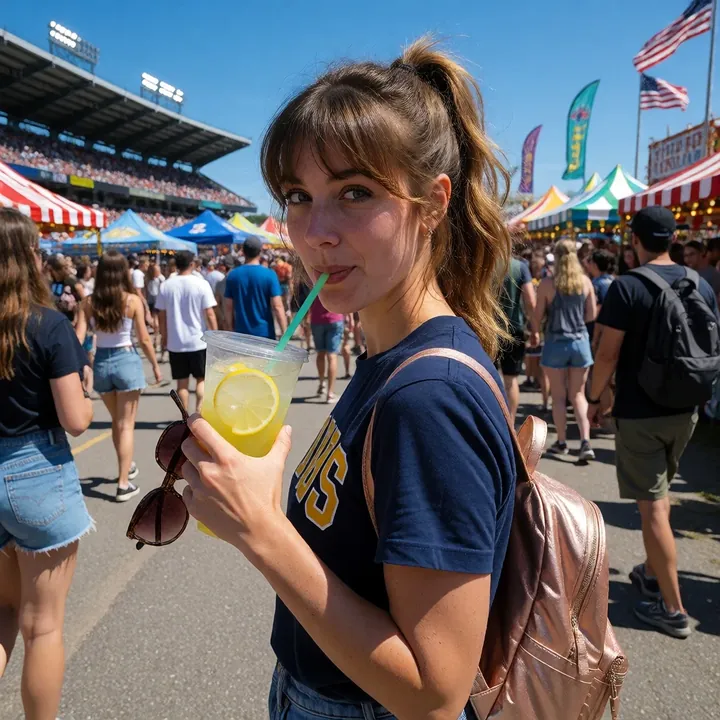
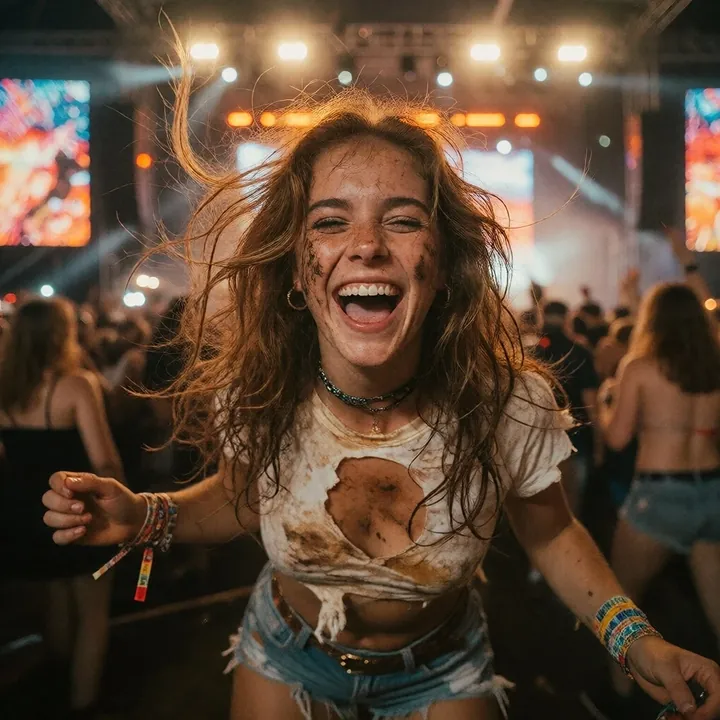
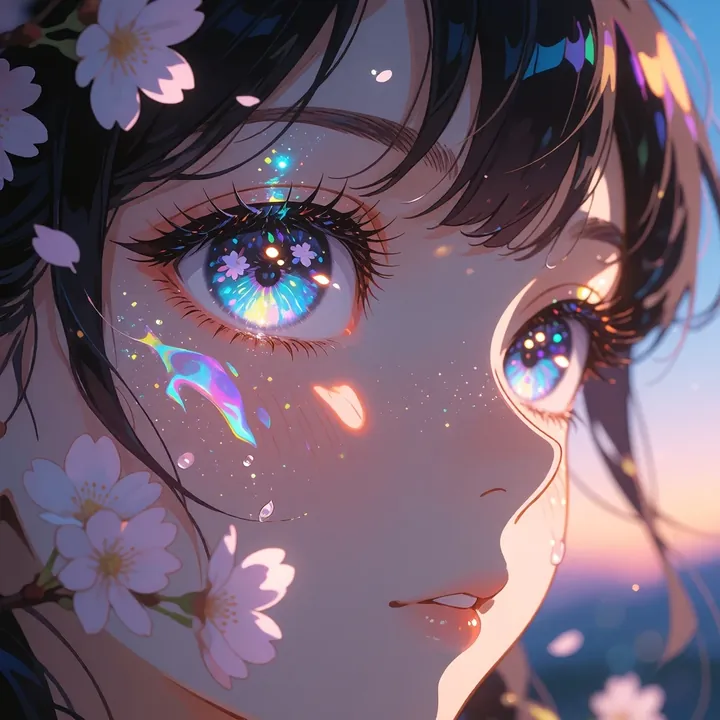
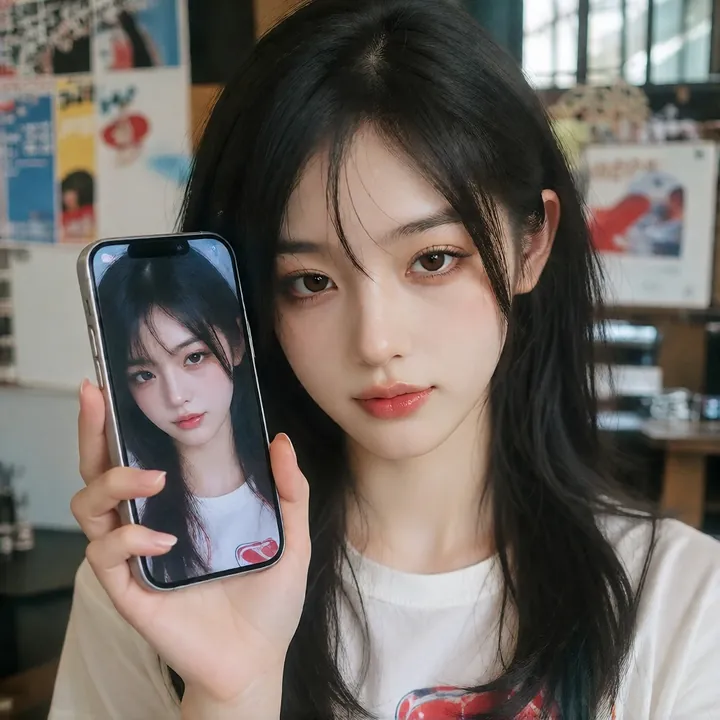
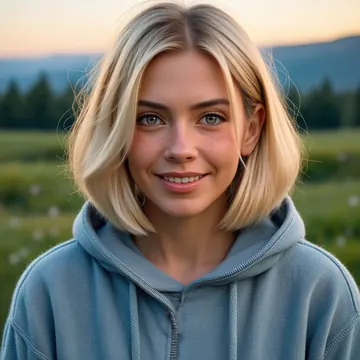
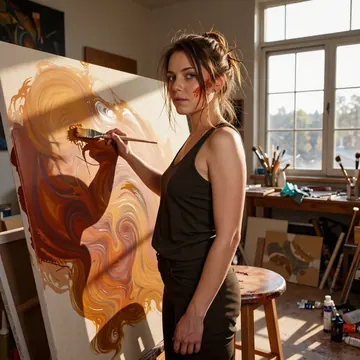
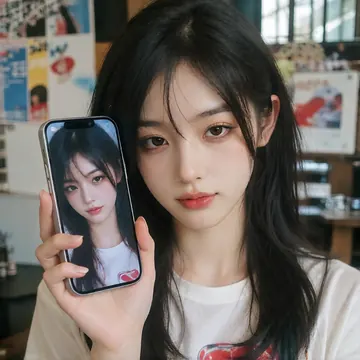
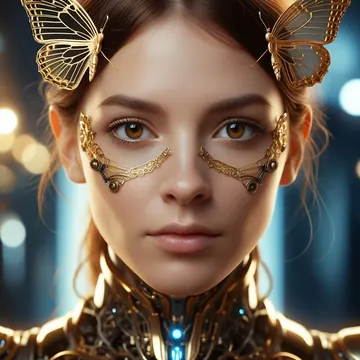
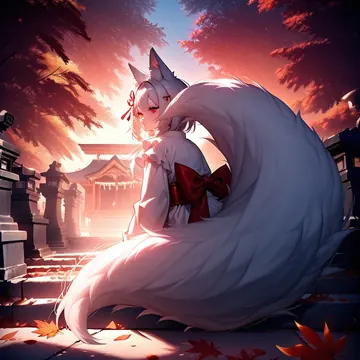
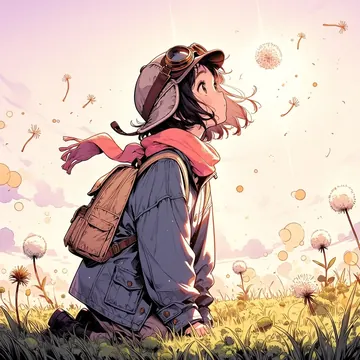
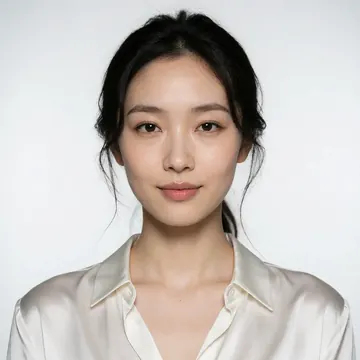
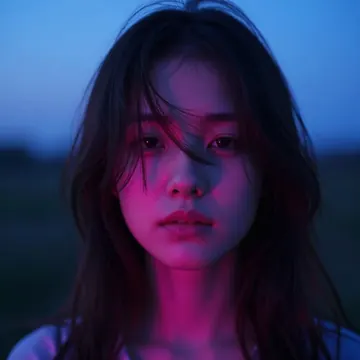
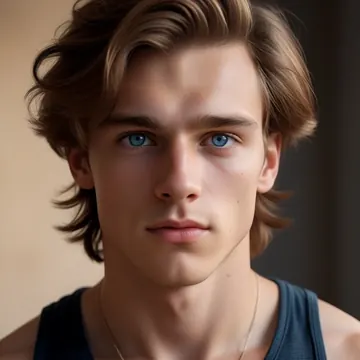
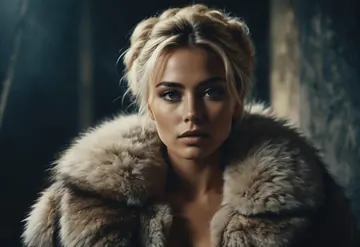
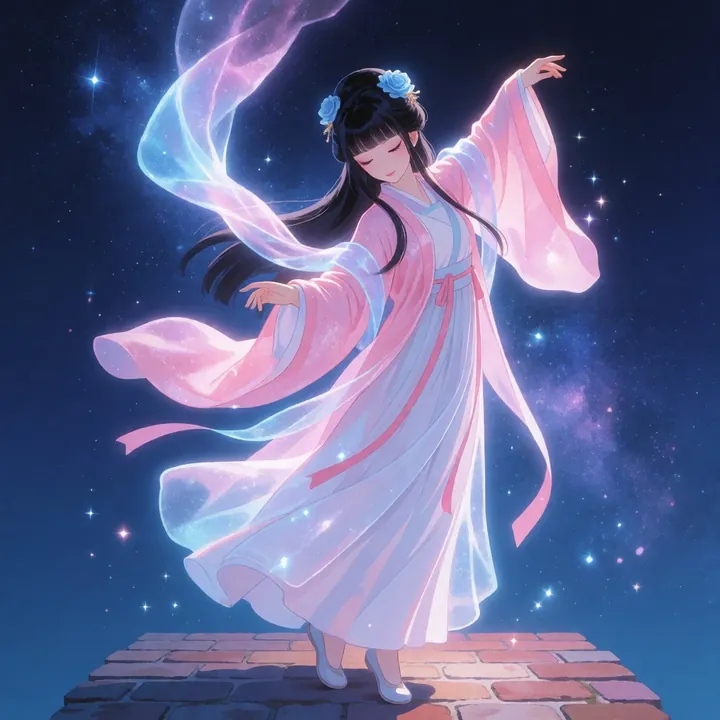
Sample image made with RedCraft Krea 2
Krea 2 Image Local Cloud

RedCraft Krea 2

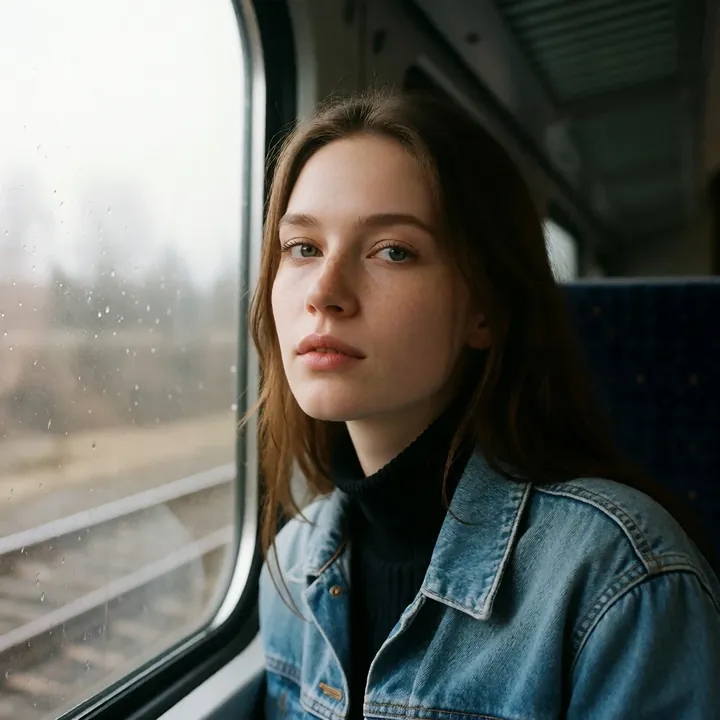
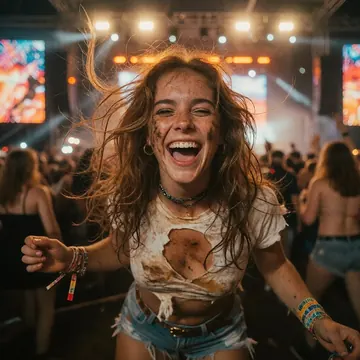
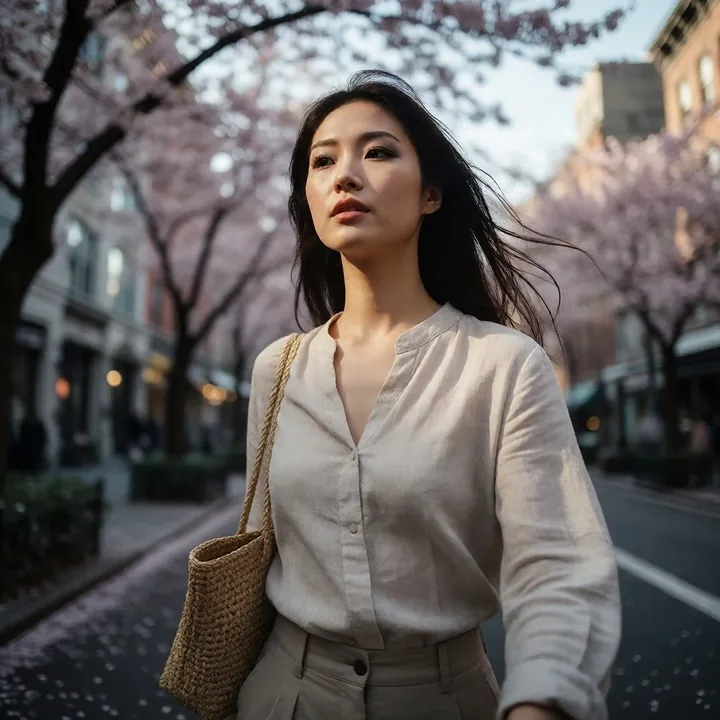
RedCraft leans photoreal, with clean skin detail, natural color, and beautiful highlight rolloff. It nails close-up selfies, lace-and-linen fashion looks, cozy indoor scenes with window-blind shadows, and studio group shots with lively expressions. If you’re after beauty, lifestyle, and NSFW‑friendly sets that feel sunlit and polished, you’ll like this model.

$0.008

per image in the cloud

$0

on your own GPU

Vibe

Bright, clean, and lifelike. Think golden-hour warmth, soft window light, and dewy complexions with subtle gloss. You’ll see playful expressions (winks, peace signs), cozy wood-and-linen interiors, and high-key studio setups. Skin tones are smooth yet detailed, with gentle shine and flattering color.
Best for

  • Beauty portraits and close-up selfies
  • Lifestyle and fashion looks in natural light
  • Lace, linen, and soft fabrics with fine texture
  • Window-blind shadows and sunlit rooms
  • High-key studio shots, including coordinated group scenes
  • SFW to NSFW photo sets with a polished, editorial feel

Prompting tips

  • Lighting and mood: “golden hour glow,” “soft window light,” “sunbeams through blinds,” “backlit rim light,” “high-key studio.”
  • Subject and styling: “glossy lips,” “dewy skin,” “subtle blush,” “lace bonnet,” “silky camisole,” “linen dress,” “pearl earrings.”
  • Setting and palette: “warm wood tones,” “cream whites,” “honey highlights,” “clean backdrop,” “cozy bedroom,” “sunlit corner.”
  • Composition and expression: “close-up beauty shot,” “selfie angle,” “framed by hands,” “centered portrait,” “playful wink,” “peace sign,” “group portrait, lively expressions.”

Keep prompts simple and descriptive, name the light, the fabric or setting, and the expression you want. This model responds well to clear styling cues and natural-light language.

Use it

Three ways to run RedCraft Krea 2

  1. Download Imference Desktop and open it.
  2. In Local models, pick RedCraft Krea 2. It downloads once.
  3. Write a prompt and press Generate. Free, on your GPU.
Get the app
Make an image with RedCraft Krea 2 ("redcraft-krea2"): a lighthouse on a cliff at dusk, cinematic light
curl https://imference.com/generate \
  -H "Authorization: Bearer $IMFERENCE_API_KEY" \
  -H "Content-Type: application/json" \
  -d '{"model": "redcraft-krea2",
       "format_code": "square",
       "prompt": "a lighthouse on a cliff at dusk, cinematic light"}'

Claude needs the MCP server. API details in the reference.

Specs

The details

Price
$0.008 · 8 credits
$5 buys
625 images
Prompt style
Plain sentences
Runs
Local and cloud
Default steps
8
Default CFG
0
Model code
redcraft-krea2

Formats

Square

1024×1024

Portrait

896×1152

Landscape

1152×896

Portrait Large

832×1216

Landscape Large

1216×832

Portrait Wide

768×1344

Landscape Wide

1344×768

Portrait Ultra-Wide

640×1536

Landscape Ultra-Wide

1536×640

LoRAs

Styles that work with it

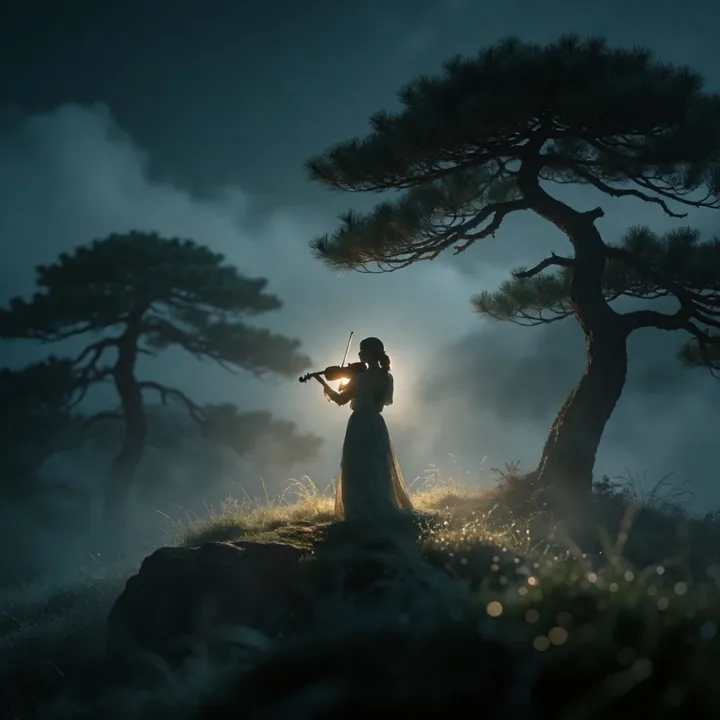
Sample of the Add Micro Details -  LoRA
Add Micro Details -
Sample of the Aesthetic Quality Mo LoRA
Aesthetic Quality Mo
Sample of the Anime Flat Style LoRA
Anime Flat Style
Sample of the Dark Art Style LoRA
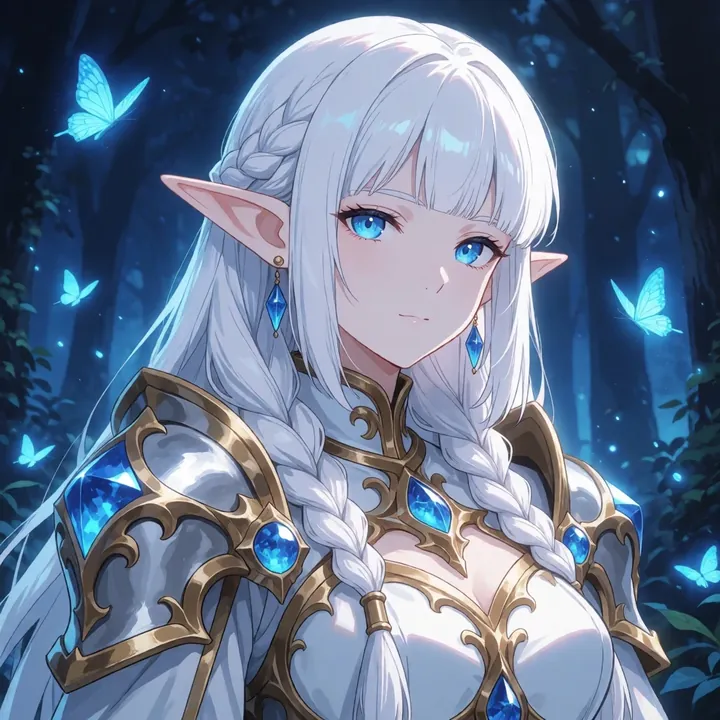
Dark Art Style
Sample of the Lenovo UltraReal LoRA
Lenovo UltraReal
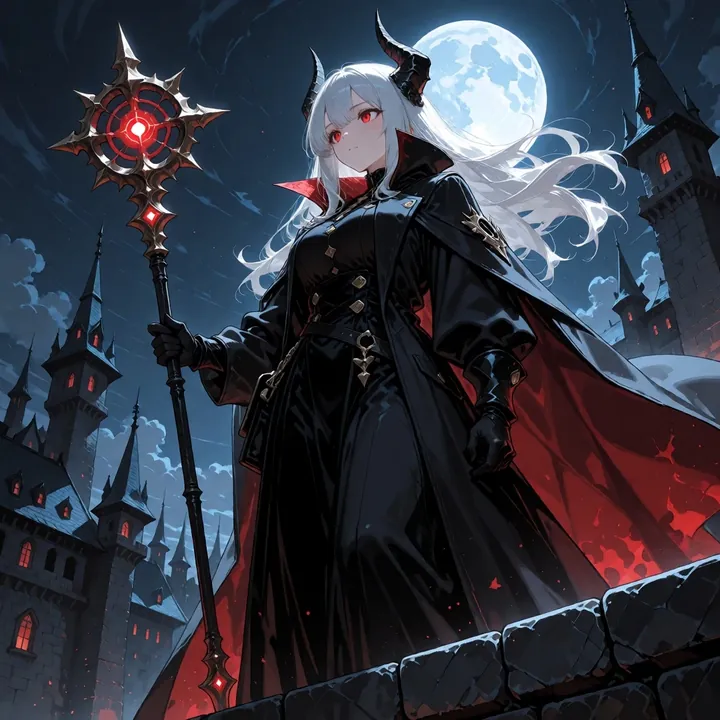
Sample of the MoriiMee Gothic Niji LoRA
MoriiMee Gothic Niji
Sample of the NSFW V4 LoRA
NSFW V4
Sample of the Realistic Snapshot LoRA
Realistic Snapshot
Sample of the Retro Sci-fi 90's an LoRA
Retro Sci-fi 90's an

Similar

You might also like

All 76 models

Try RedCraft Krea 2 tonight