Skip to content
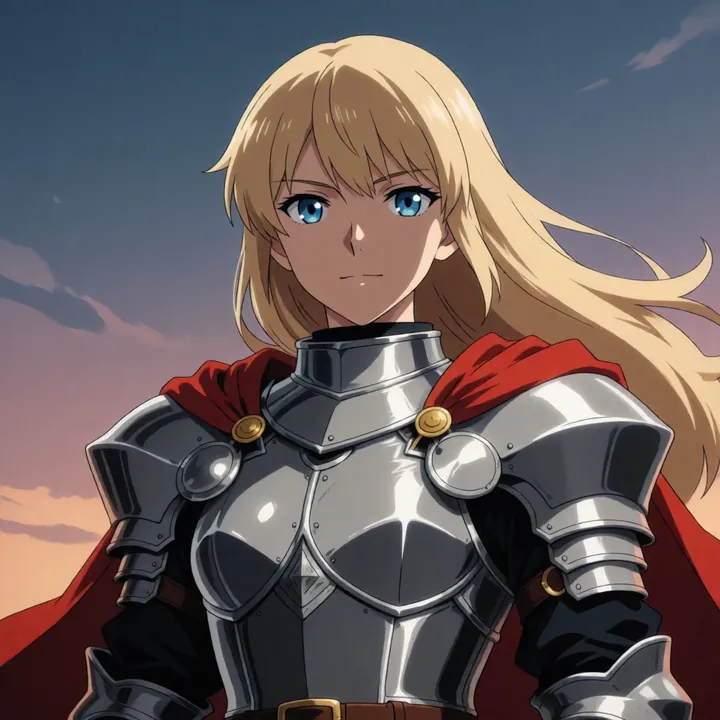
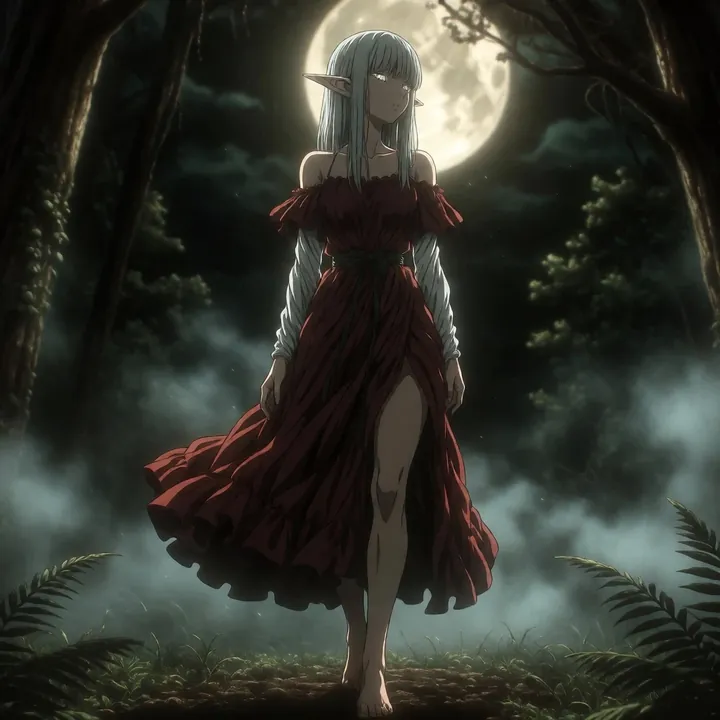
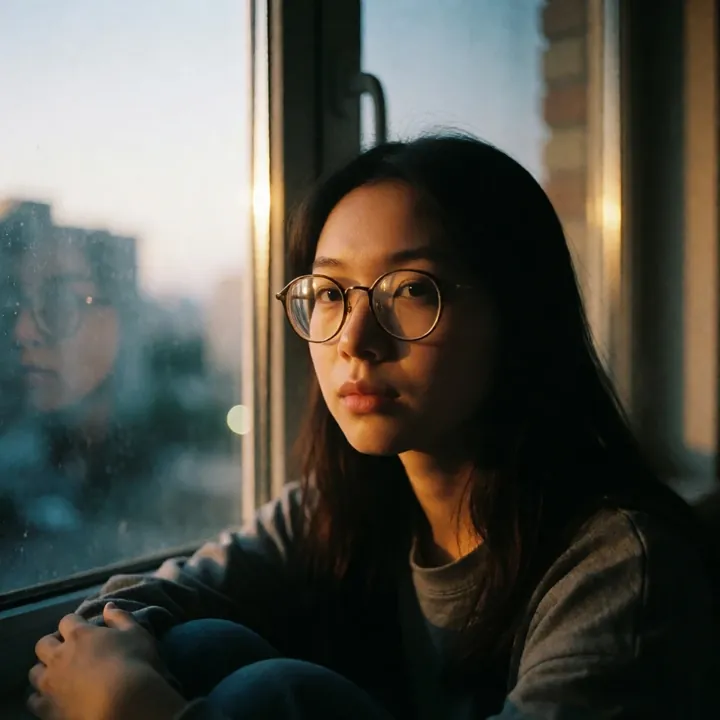
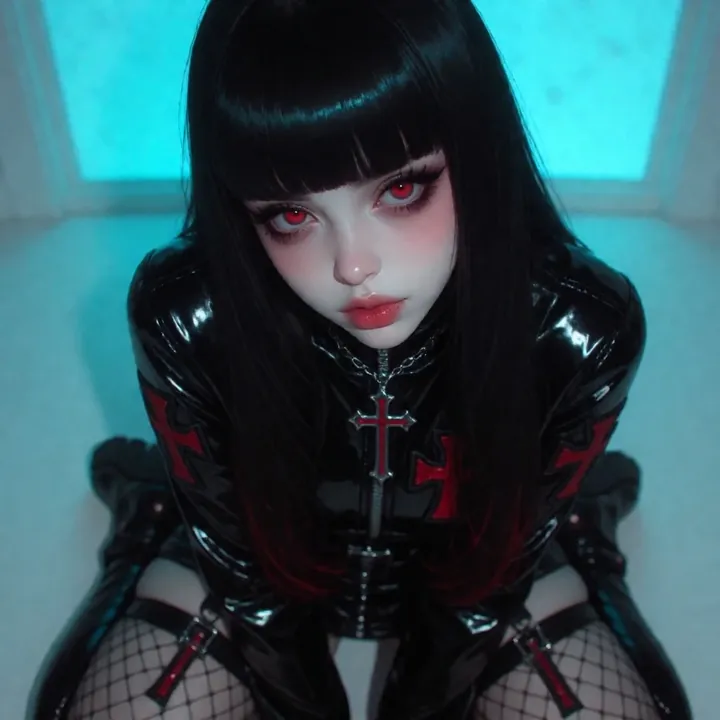
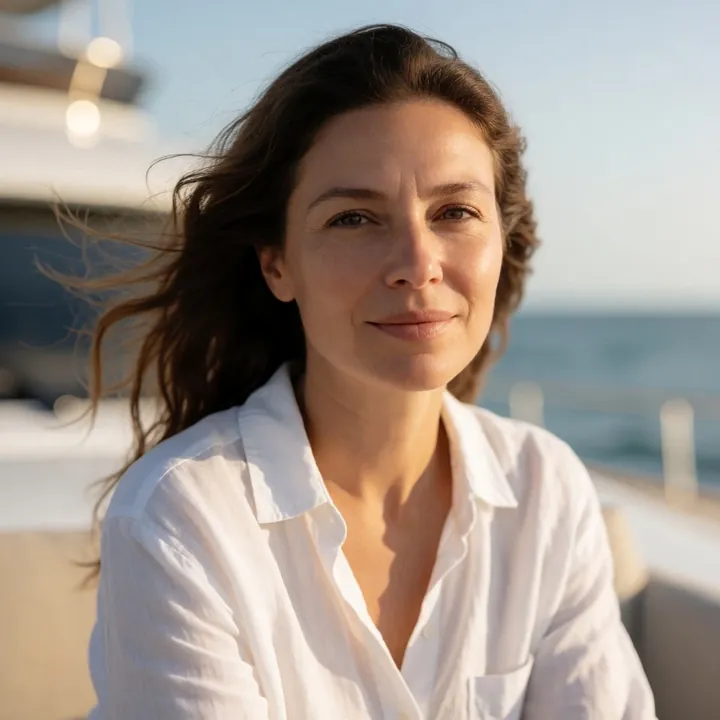
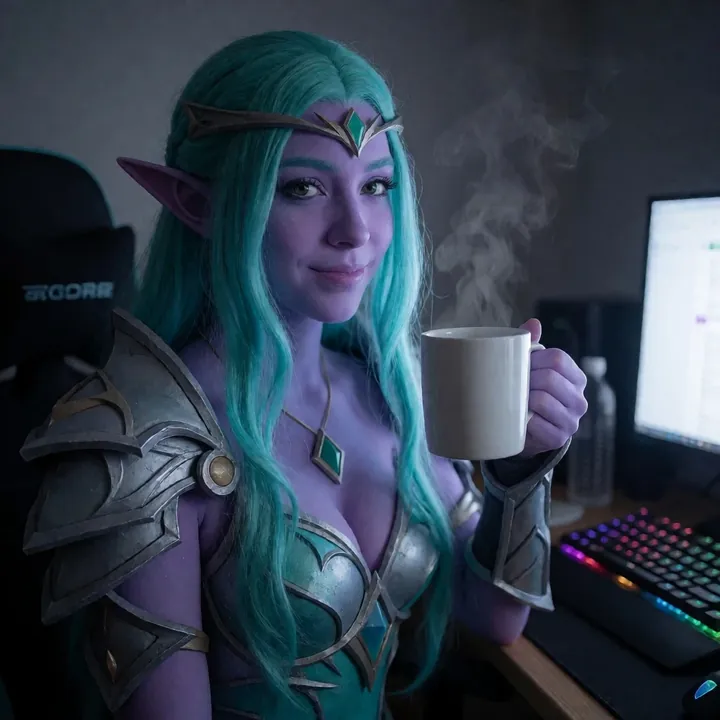
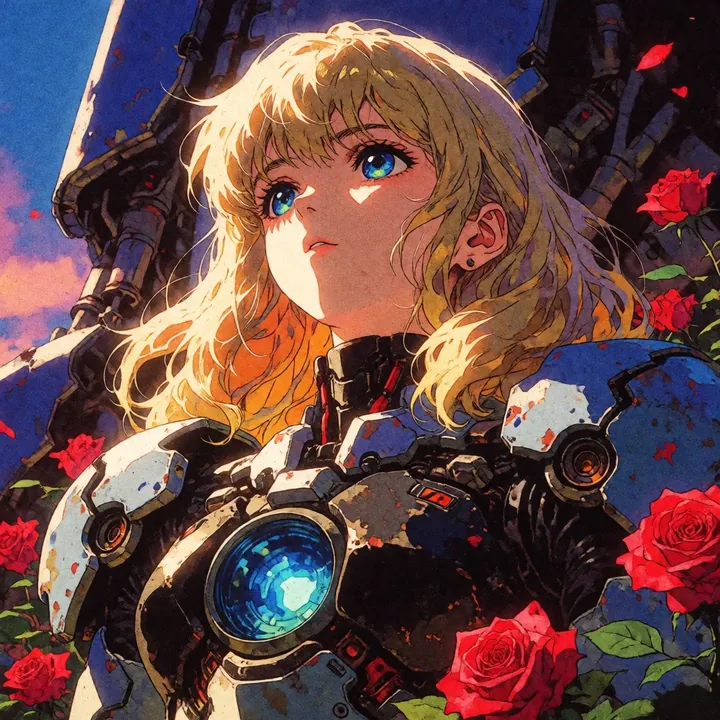
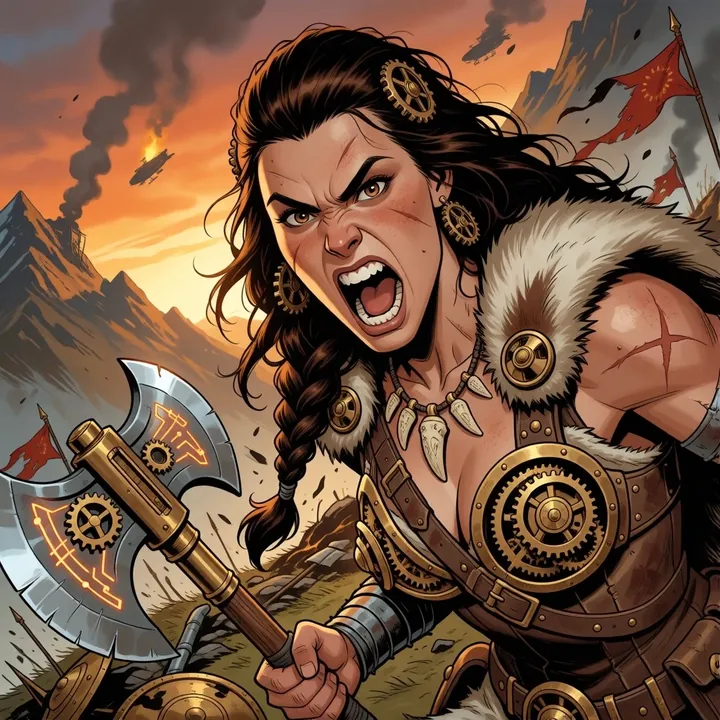
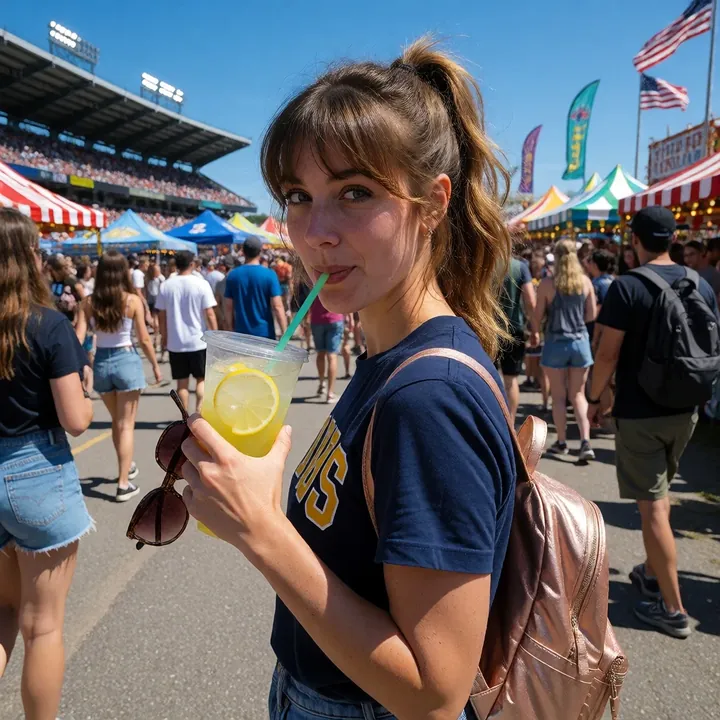
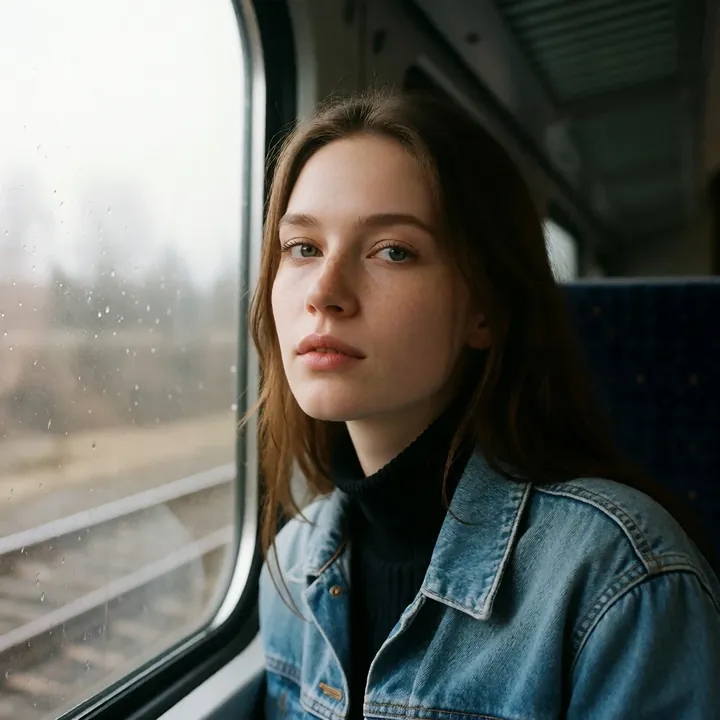
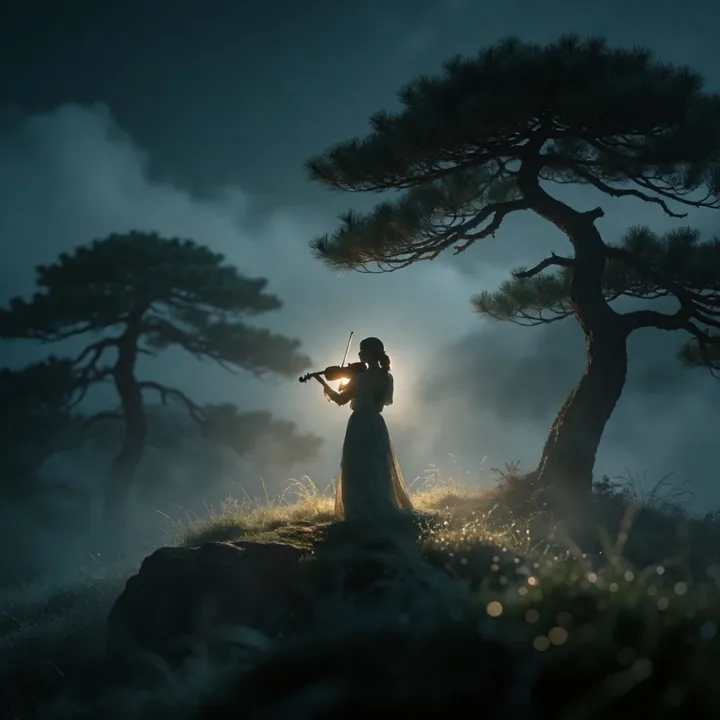
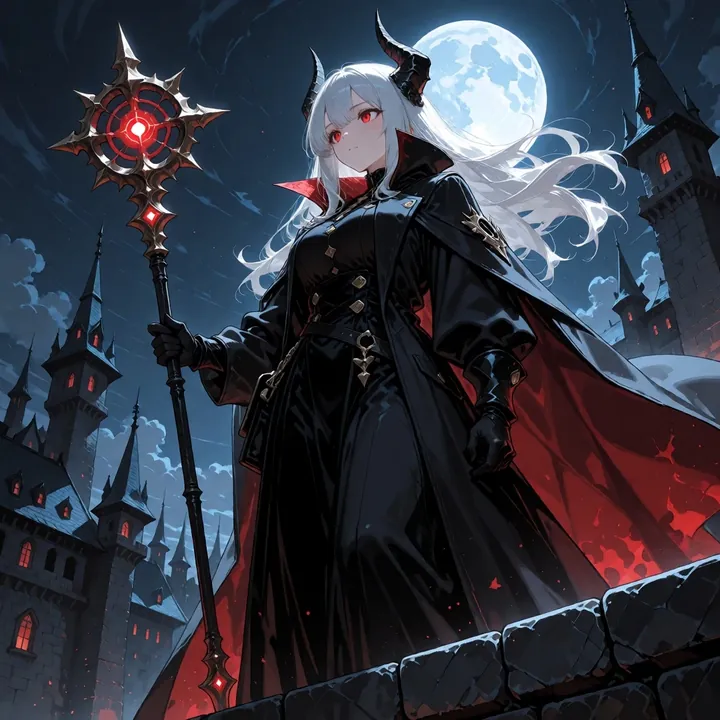
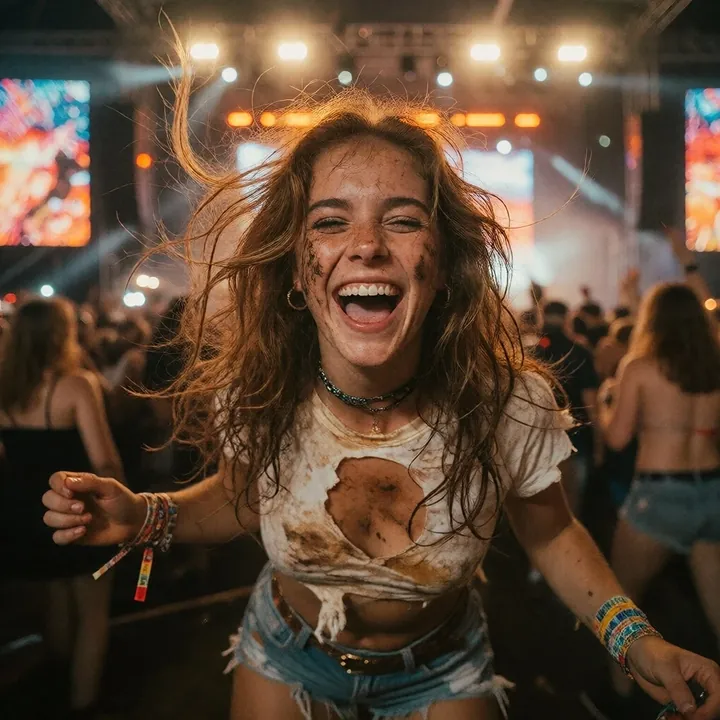
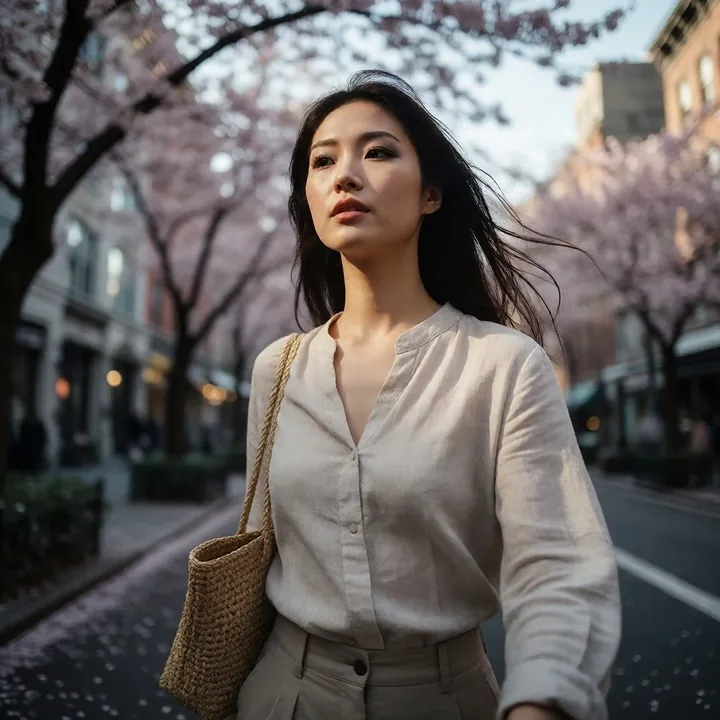
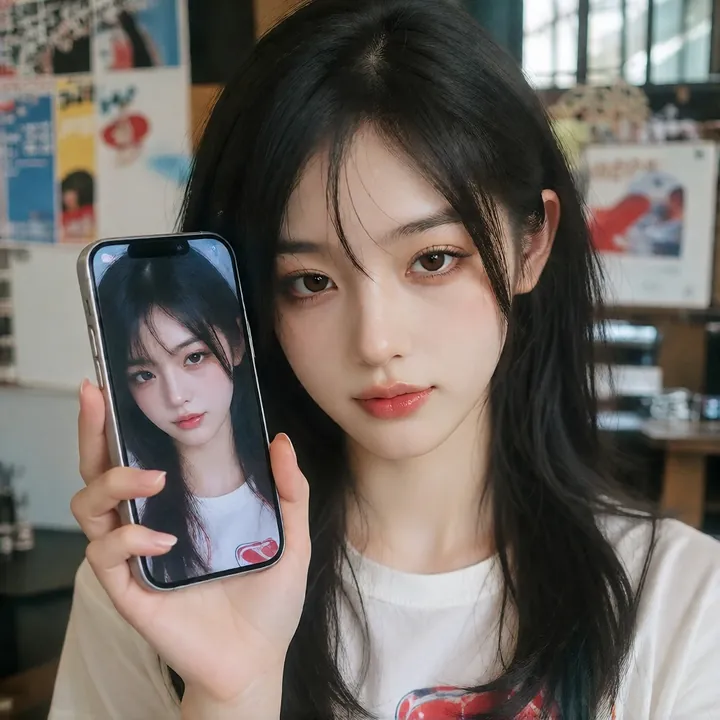
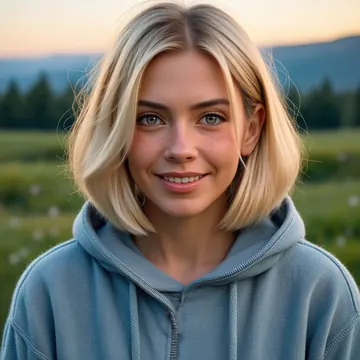
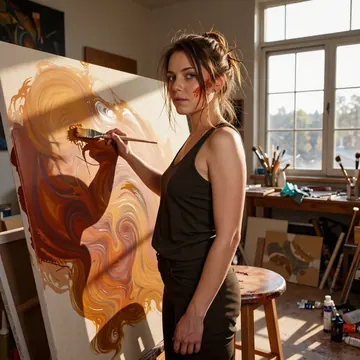
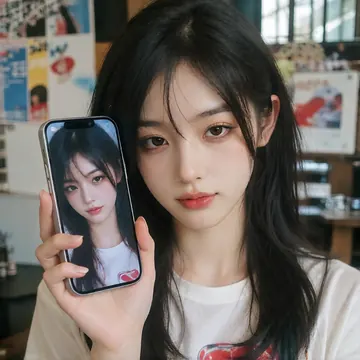
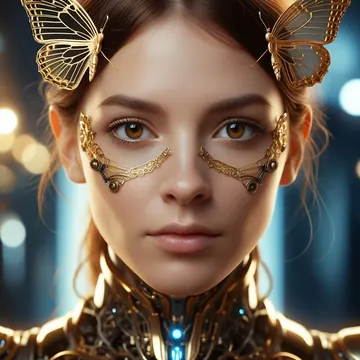
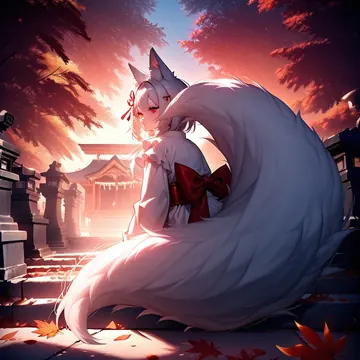
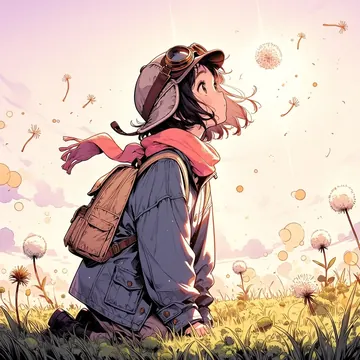
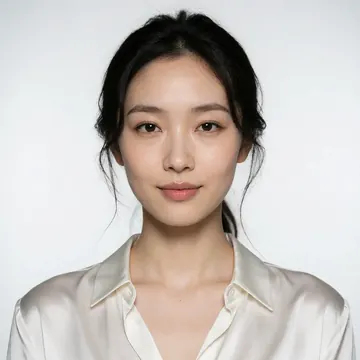
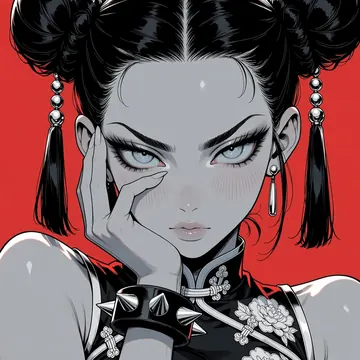
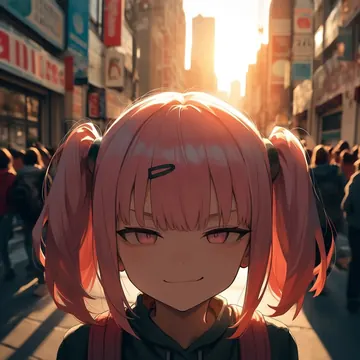
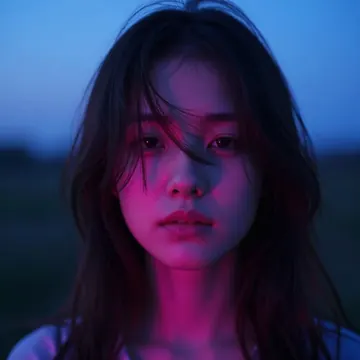
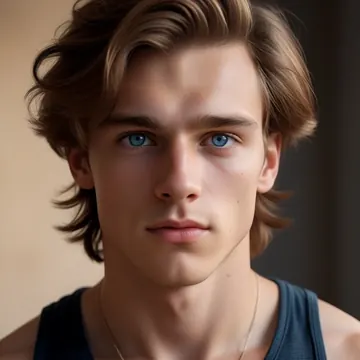
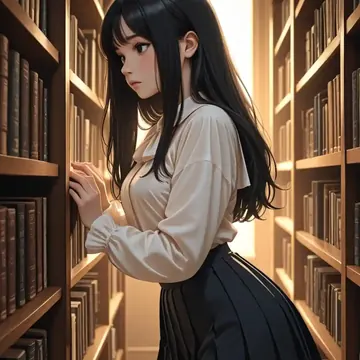
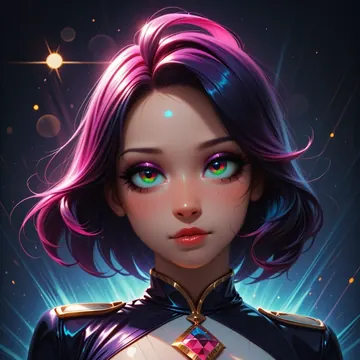
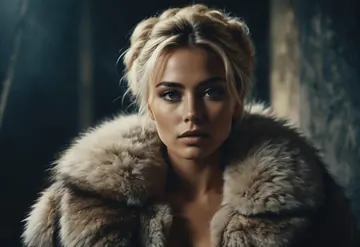
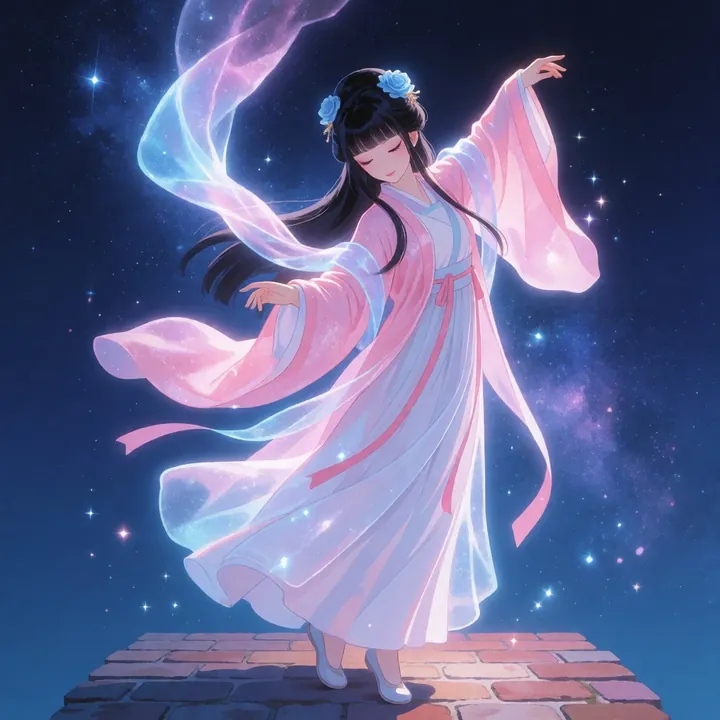
Sample image made with Ray Artshoot
Krea 2 Image Local Cloud

Ray Artshoot

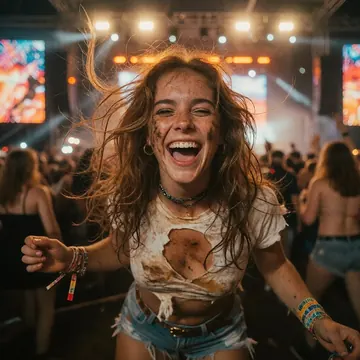
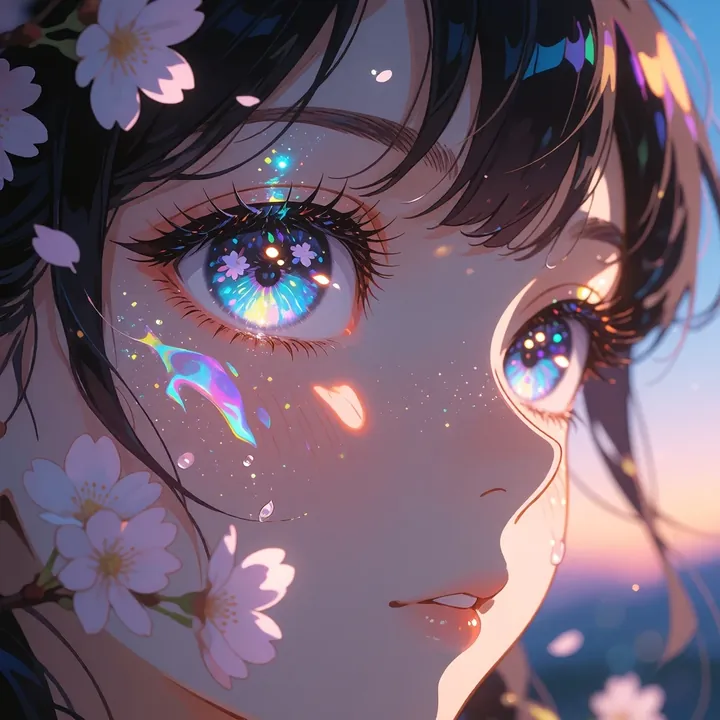
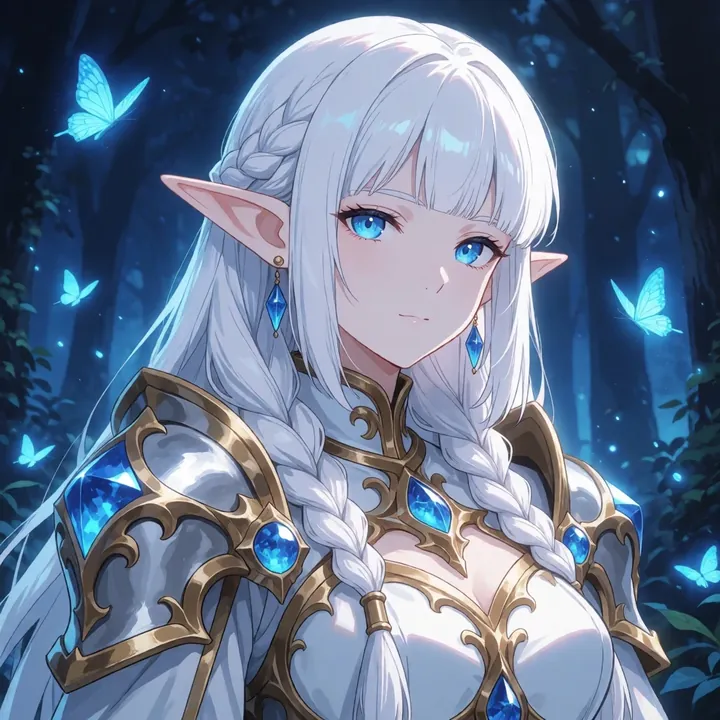
Ray Artshoot blends crisp, realistic portraits with dreamy, prismatic anime flair. It nails skin texture, tattoos, and gleaming metal under moody light, and it also shines at close-up, floral-and-glitter eye candy. If you want editorial shots, fantasy heroes, or luminous anime moments, this model’s a fun, reliable pick.

$0.008

per image in the cloud

$0

on your own GPU

Vibe

Cinematic realism with editorial polish and soft, natural light. Expect clean skin texture and fine details (freckles, pores, fine-line tattoos), dramatic highlights on etched metal armor, and moody teal-green backgrounds. Flip to its stylized side and you get luminous anime close-ups: oversized eyes sparkling with prismatic reflections, sakura petals, holographic dust, and dreamy bokeh.
Best for

  • Fashion/editorial portraits with natural makeup and tactile skin
  • Character art: knights, adventurers, and armor with ornate engravings
  • Lifestyle indoors (bedroom, mirror, window light) without looking overly glossy
  • Stylized anime close-ups featuring floral motifs, glitter, and rainbow refractions

Prompting tips

  • Lighting/mood: soft window light, golden hour rim light, overcast daylight, cinematic bokeh, dust motes, lens flare, shallow depth of field
  • Realistic portrait cues: freckles, fine-line tattoos, natural skin texture, subtle film grain, soft background blur
  • Fantasy metalwork: ornate plate armor, etched steel, weathered metal, specular highlights, forest mist, backlight glow
  • Anime sparkle: luminous eyes, double-exposure flowers, holographic petals, prism glow, sakura shower, glitter dust
  • Color language: teal and orange, rose gold, pastel lavender, cool greens with warm skin tones
  • Composition: close-up or half-body, centered framing, clean background, minimal props

Use it

Three ways to run Ray Artshoot

  1. Download Imference Desktop and open it.
  2. In Local models, pick Ray Artshoot. It downloads once.
  3. Write a prompt and press Generate. Free, on your GPU.
Get the app
Make an image with Ray Artshoot ("ray-artshoot"): a lighthouse on a cliff at dusk, cinematic light
curl https://imference.com/generate \
  -H "Authorization: Bearer $IMFERENCE_API_KEY" \
  -H "Content-Type: application/json" \
  -d '{"model": "ray-artshoot",
       "format_code": "square",
       "prompt": "a lighthouse on a cliff at dusk, cinematic light"}'

Claude needs the MCP server. API details in the reference.

Specs

The details

Price
$0.008 · 8 credits
$5 buys
625 images
Prompt style
Plain sentences
Runs
Local and cloud
Default steps
8
Default CFG
0
Model code
ray-artshoot

Formats

Square

1024×1024

Portrait

896×1152

Landscape

1152×896

Portrait Large

832×1216

Landscape Large

1216×832

Portrait Wide

768×1344

Landscape Wide

1344×768

Portrait Ultra-Wide

640×1536

Landscape Ultra-Wide

1536×640

LoRAs

Styles that work with it

Sample of the Add Micro Details -  LoRA
Add Micro Details -
Sample of the Aesthetic Quality Mo LoRA
Aesthetic Quality Mo
Sample of the Anime Flat Style LoRA
Anime Flat Style
Sample of the Dark Art Style LoRA
Dark Art Style
Sample of the Lenovo UltraReal LoRA
Lenovo UltraReal
Sample of the MoriiMee Gothic Niji LoRA
MoriiMee Gothic Niji
Sample of the NSFW V4 LoRA
NSFW V4
Sample of the Realistic Snapshot LoRA
Realistic Snapshot
Sample of the Retro Sci-fi 90's an LoRA
Retro Sci-fi 90's an

Similar

You might also like

All 76 models

Try Ray Artshoot tonight