Skip to content
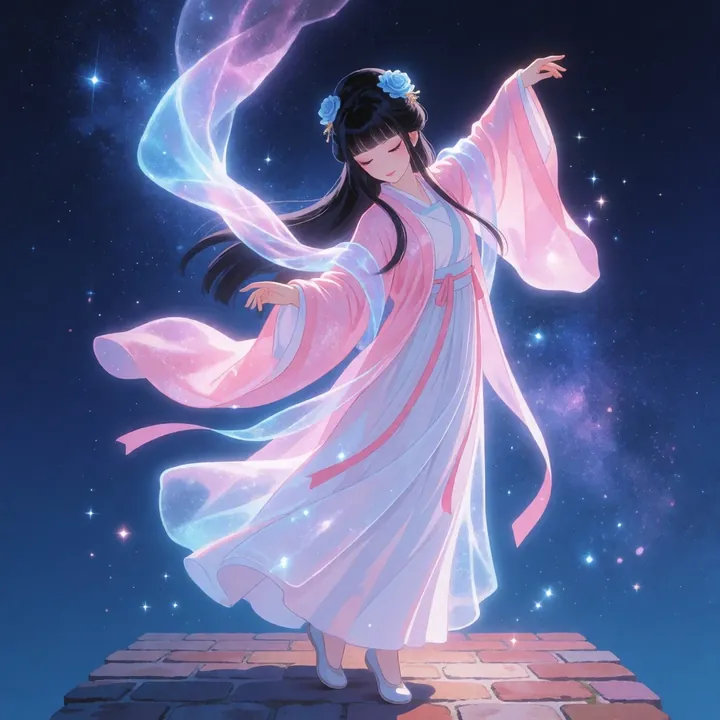
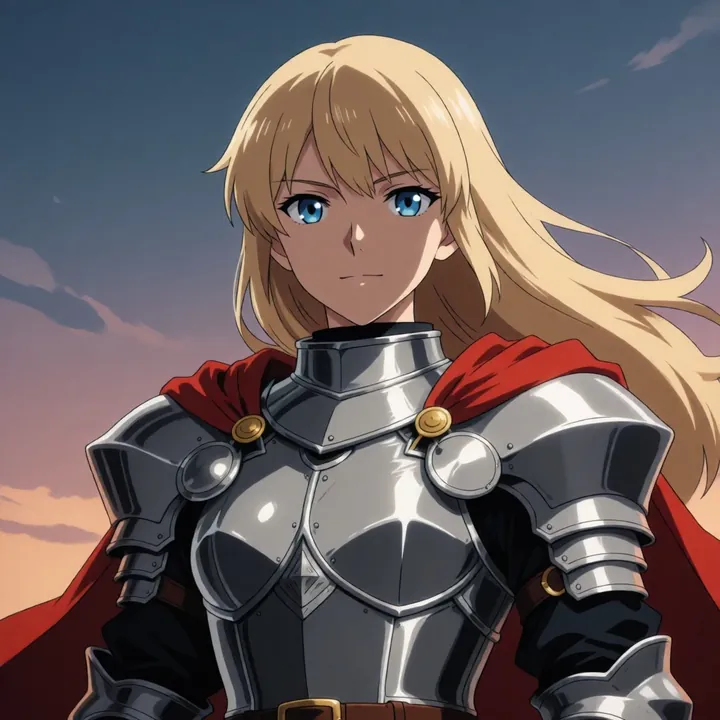
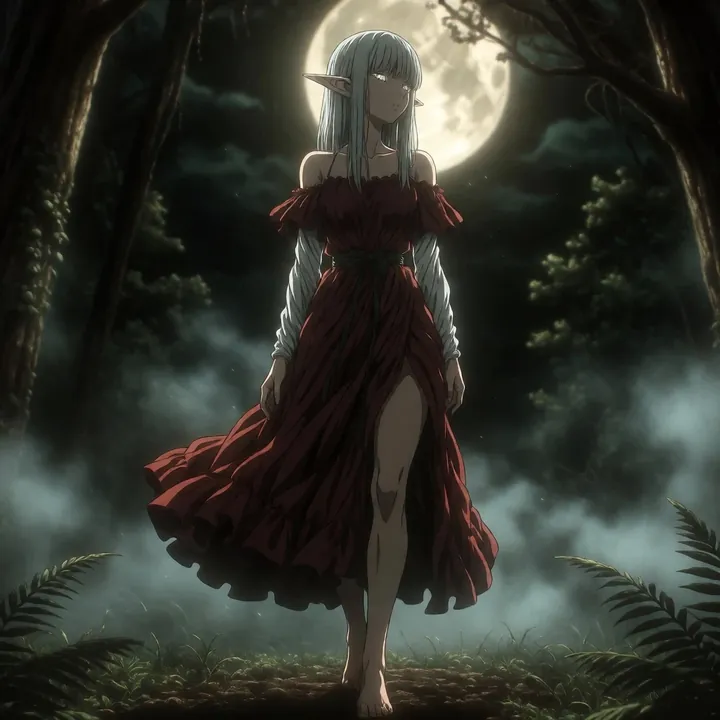
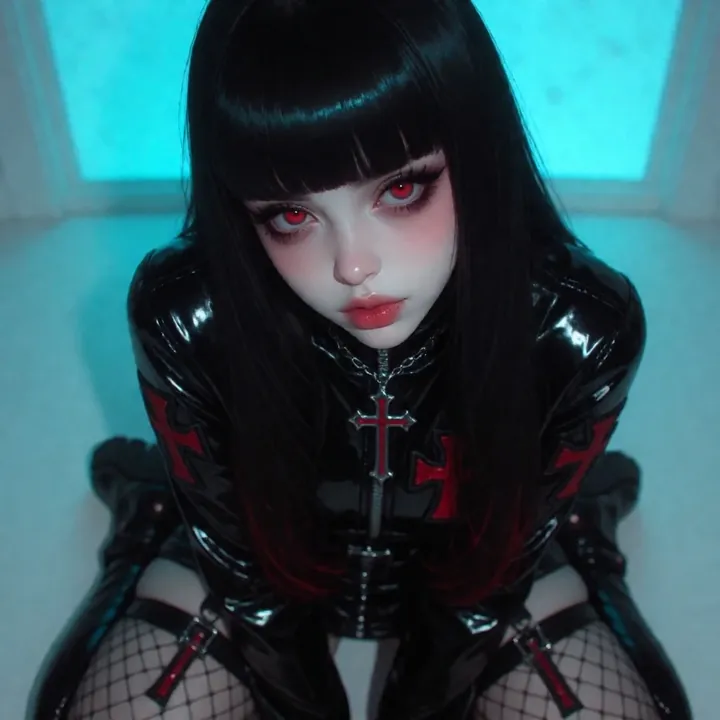
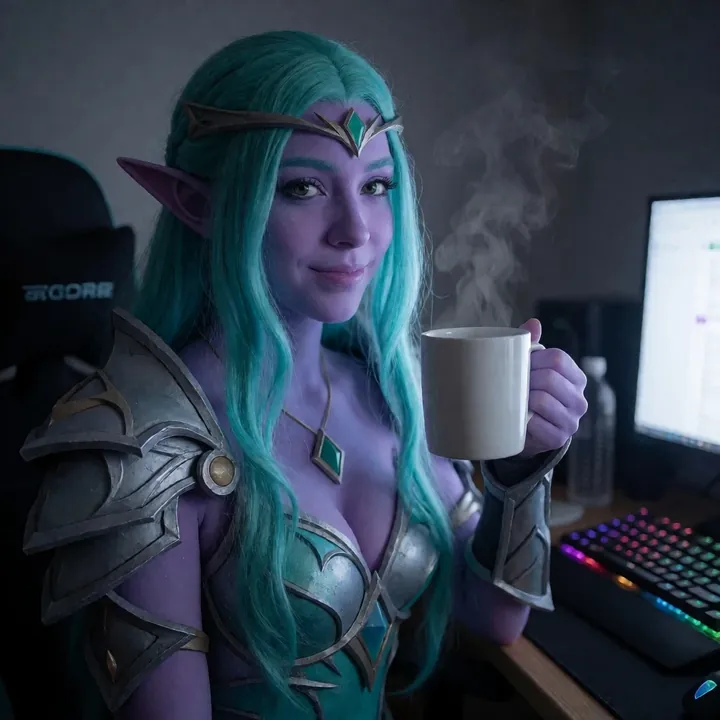
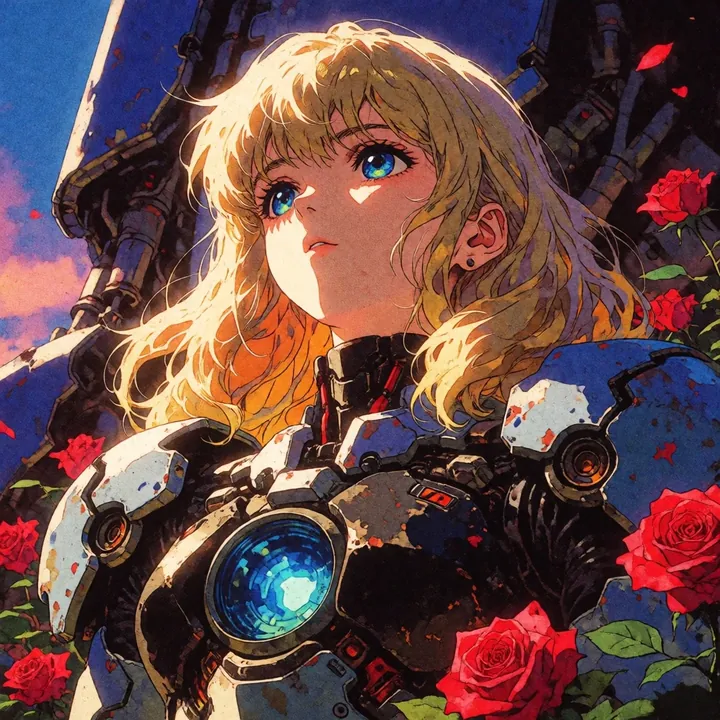
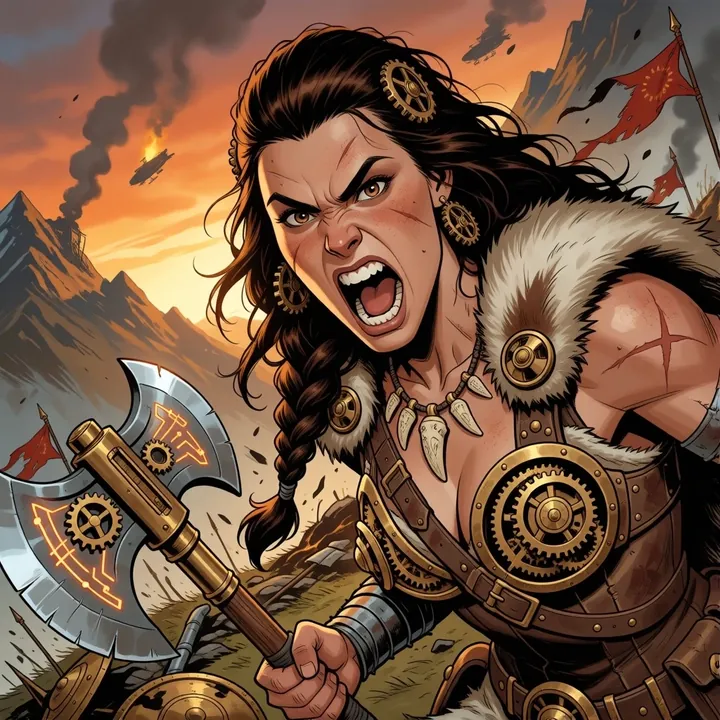
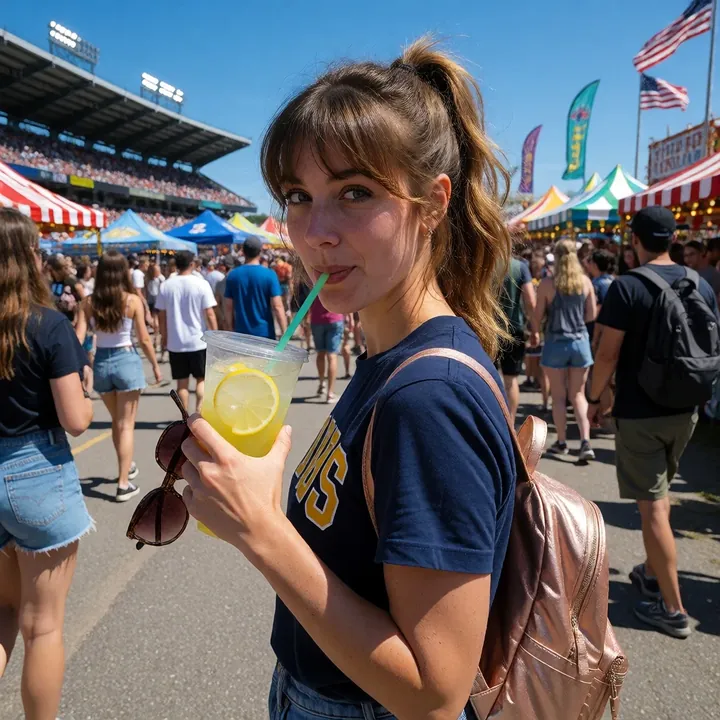
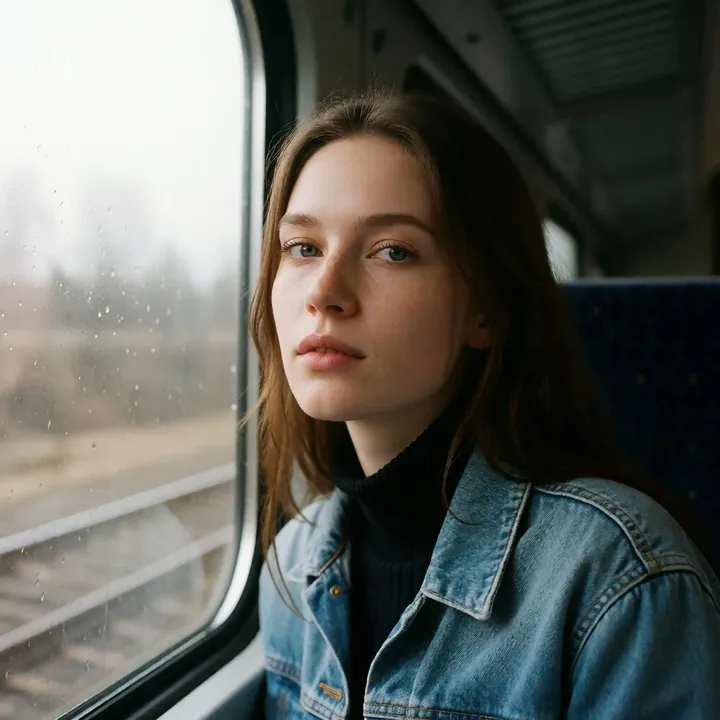
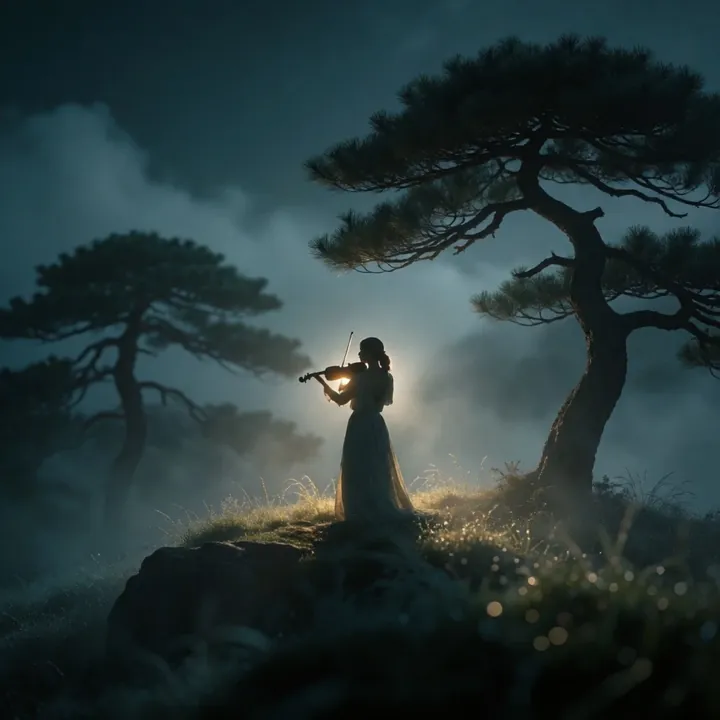
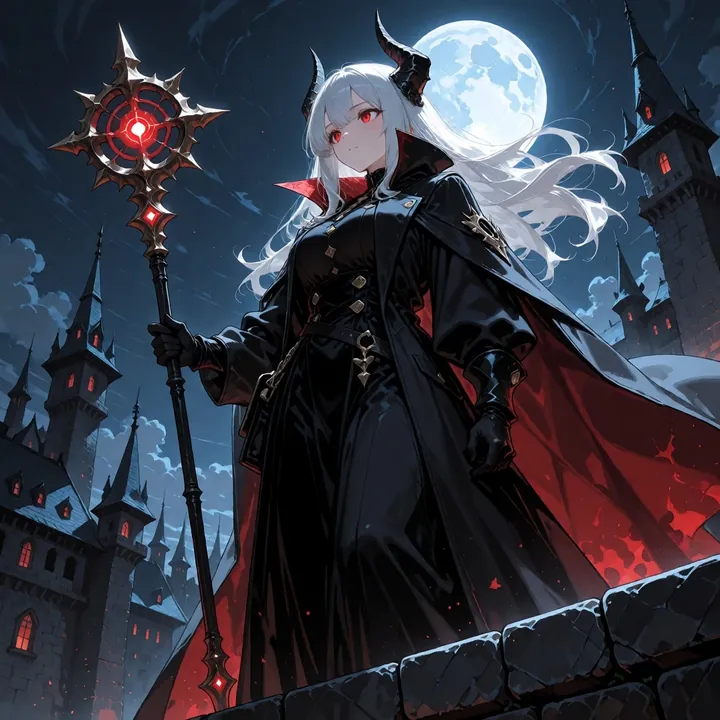
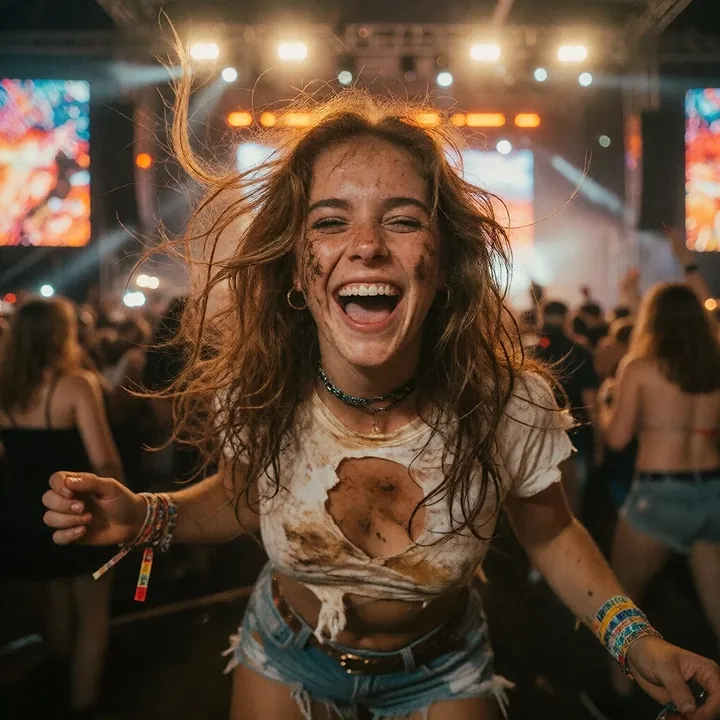
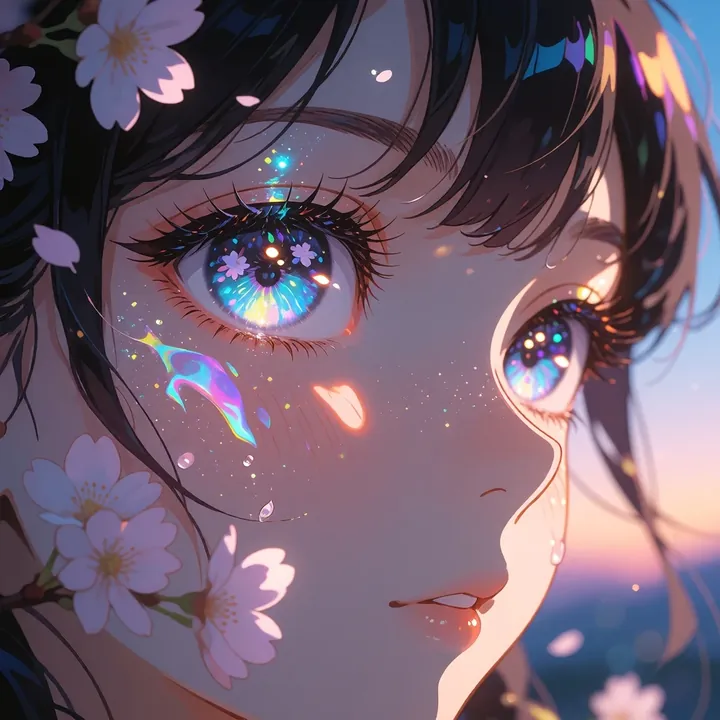
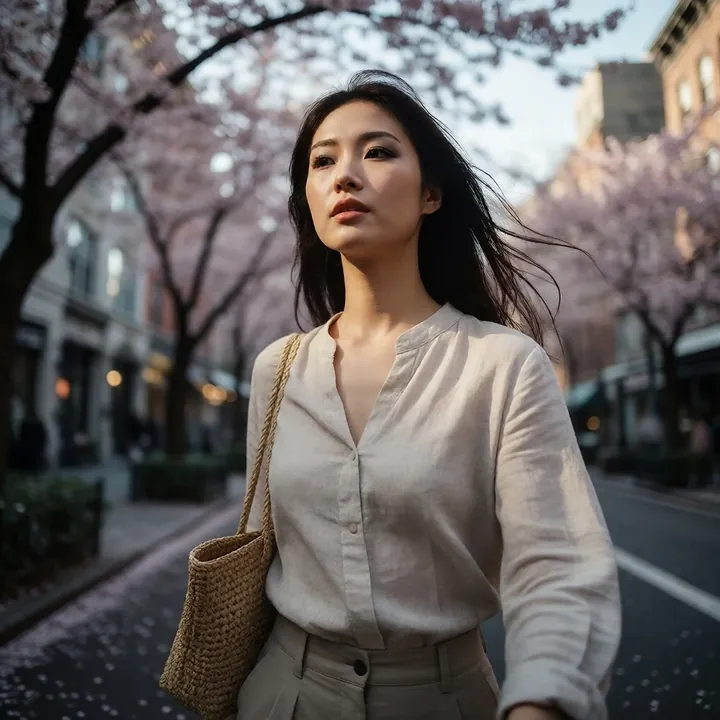
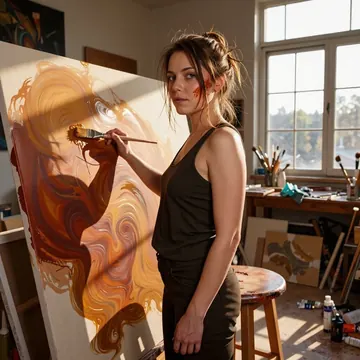
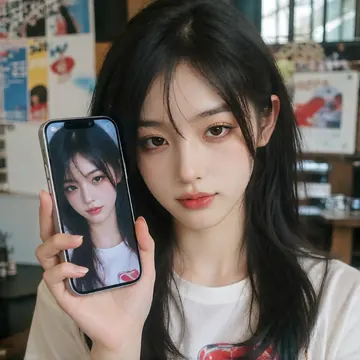
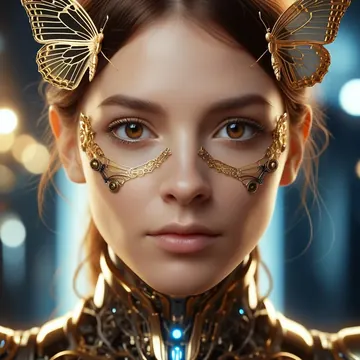
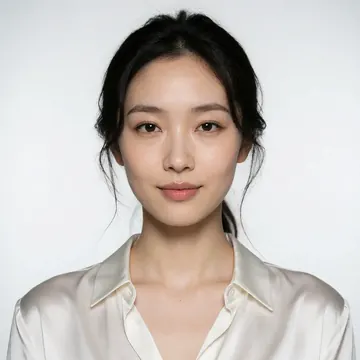
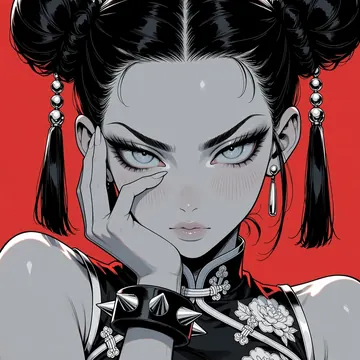
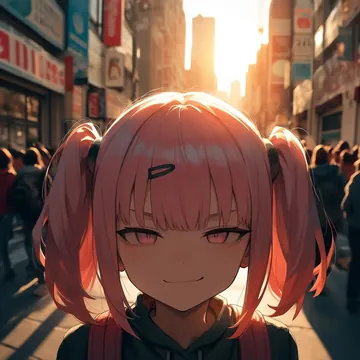
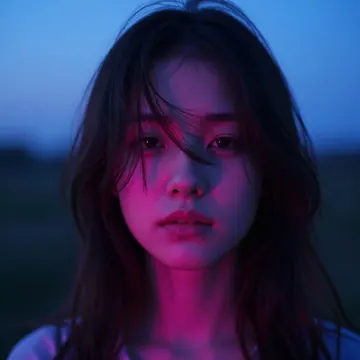
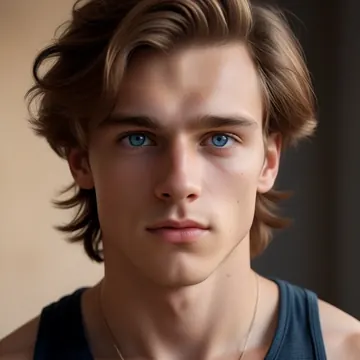
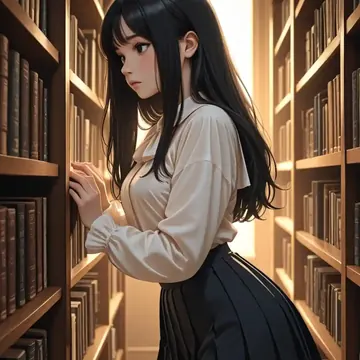
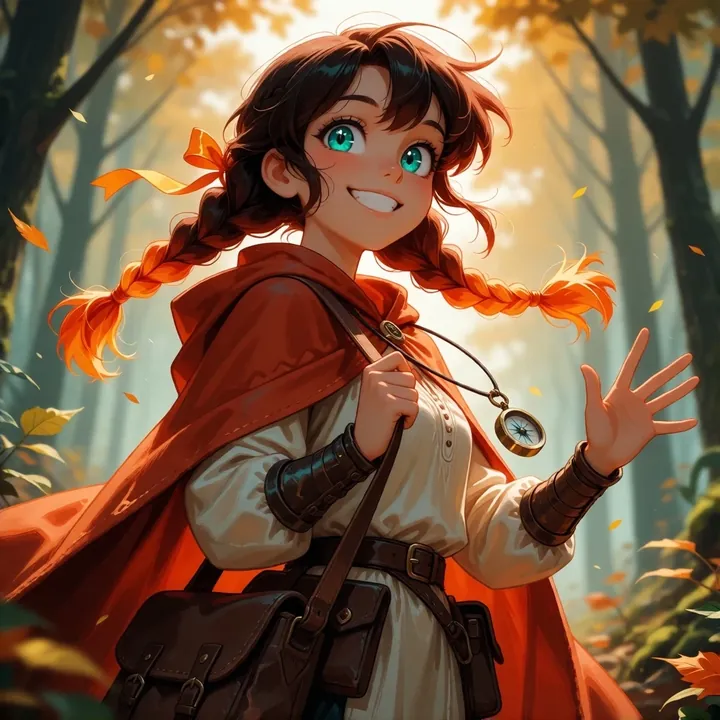
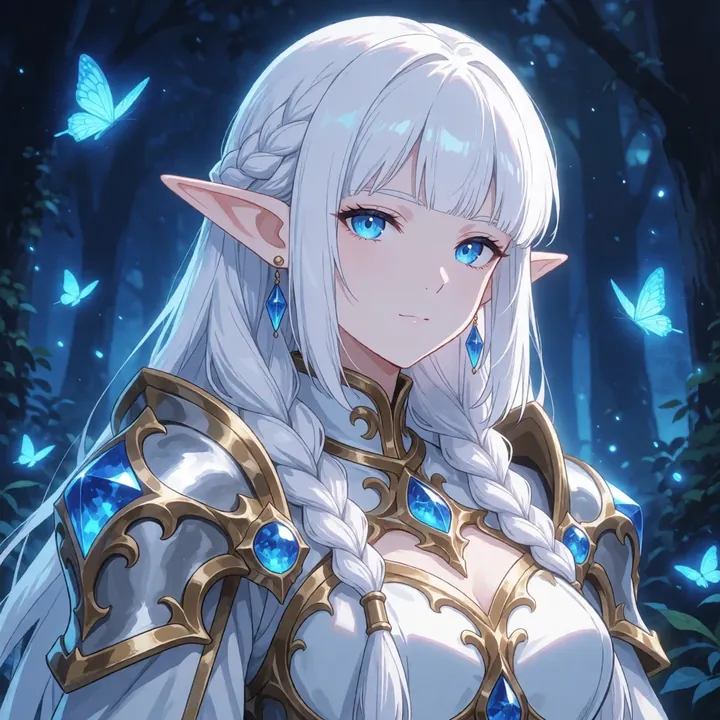
Sample image made with See-Krea2
Krea 2 Image Local Cloud

See-Krea2

Need clean anime illustration with sharp eyes and glossy surfaces, easy to steer? See-Krea2 delivers consistent character portraits, fantasy pin-ups, posters, and grayscale shots with a single red accent. Run it free on your GPU in Imference Desktop, or call it by API when you prefer the cloud.

$0.008

per image in the cloud

$0

on your own GPU

Good at

  • Crisp anime linework, smooth skin tones, bright highlights on metal, leather, and silk.
  • Character portraits and OC sheets, poster layouts, banner crops that read at a glance.
  • Warm interiors: candles, wood, gothic outfits, expressive eyes with tidy detailing.
  • Hot fantasy scenes: demons, scales, sparks, molten backlight, dramatic rim lighting.
Running it

  • Use it locally in Imference Desktop, free download, 13.1 GB, part of the Krea 2 family.
  • Or run it in the cloud via REST API or the Imference MCP server for agents, use see-krea2.
  • Text prompts only, no image input, straightforward to automate from code.
  • Defaults are tuned: 8 steps and guidance 0.0, override in the API only if you need to.

Prompting it

  • Write plain sentences: subject, setting, lighting, finish. Short and specific beats long.
  • Atmosphere and fashion: gothic library, warm candles, wood paneling, lace sleeves, corset.
  • Fantasy energy: demon girl, dragon-scale armor, lava sparks, backlight, rim light, smoke.
  • Monochrome punch: grayscale portrait, glossy black hood, cat ears, red eyes, soft bloom.

Use it

Three ways to run See-Krea2

Local · free

  1. Open Imference Desktop and stay on Local.
  2. In Local models, pick See-Krea2. It downloads once.
  3. Write a prompt and press Generate. It runs on your GPU.

Cloud · $0.008 per image

  1. Open Imference Desktop and switch to Cloud.
  2. Buy credits by card: your Imference key is created for you.
  3. Pick See-Krea2 and press Generate. Nothing to download.

In your browser · $0.008 per image

  1. Open Imference Web. Nothing to install, no account.
  2. In Cloud model, pick See-Krea2.
  3. Write a prompt and press Generate. Buy credits by card the first time, no account.
Make an image with See-Krea2 ("see-krea2"): a lighthouse on a cliff at dusk, cinematic light

Claude needs the MCP server.

Specs

The details

Price
$0.008 · 8 credits
$5 buys
625 images
Prompt style
Plain sentences
Runs
Local and cloud
Default steps
8
Default CFG
0
Model code
see-krea2

Formats

Square

1024×1024

Portrait

896×1152

Landscape

1152×896

Portrait Large

832×1216

Landscape Large

1216×832

Portrait Wide

768×1344

Landscape Wide

1344×768

Portrait Ultra-Wide

640×1536

Landscape Ultra-Wide

1536×640

LoRAs

Styles that work with it

Sample of the Add Micro Details -  LoRA
Add Micro Details -
Sample of the Aesthetic Quality Mo LoRA
Aesthetic Quality Mo
Sample of the Anime Flat Style LoRA
Anime Flat Style
Sample of the Dark Art Style LoRA
Dark Art Style
Sample of the Lenovo UltraReal LoRA
Lenovo UltraReal
Sample of the MoriiMee Gothic Niji LoRA
MoriiMee Gothic Niji
Sample of the NSFW V4 LoRA
NSFW V4
Sample of the Realistic Snapshot LoRA
Realistic Snapshot
Sample of the Retro Sci-fi 90's an LoRA
Retro Sci-fi 90's an

Similar

You might also like

All 85 models

Try See-Krea2 tonight