Skip to content
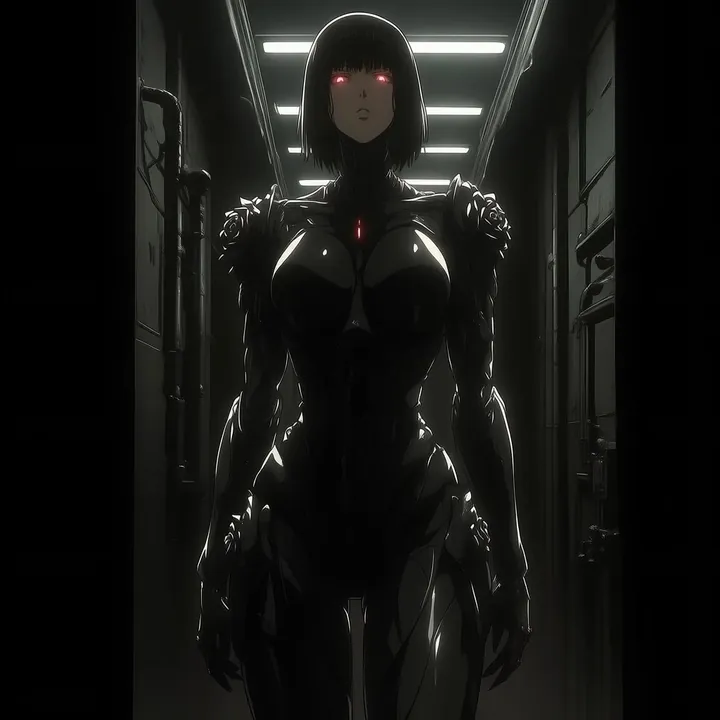
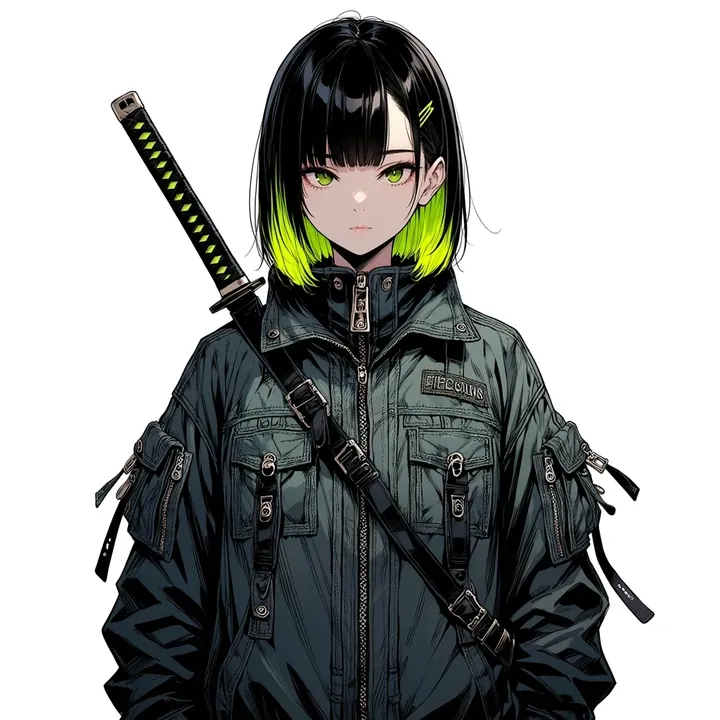
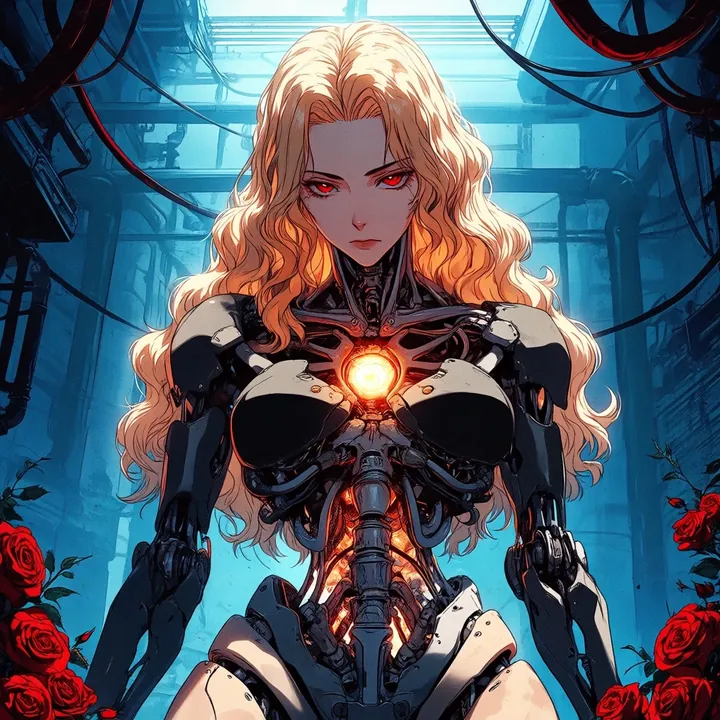
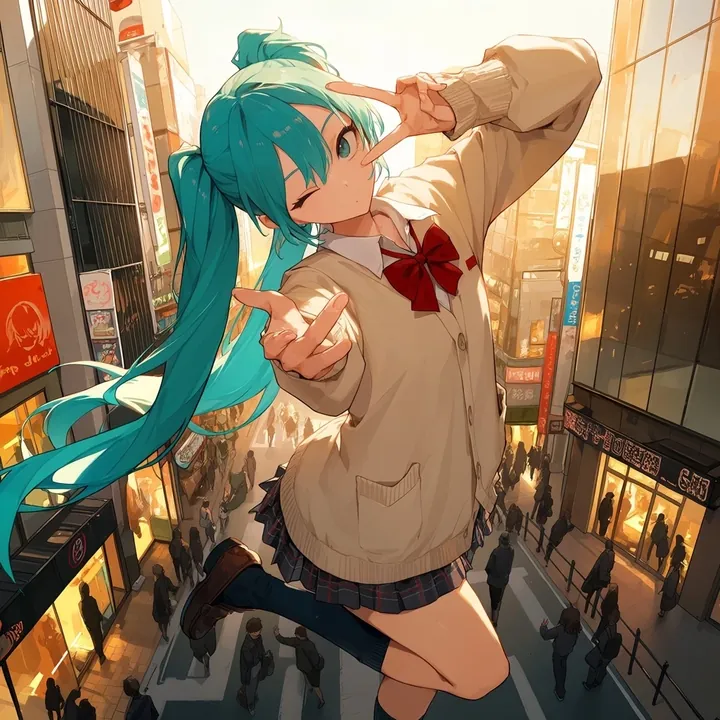
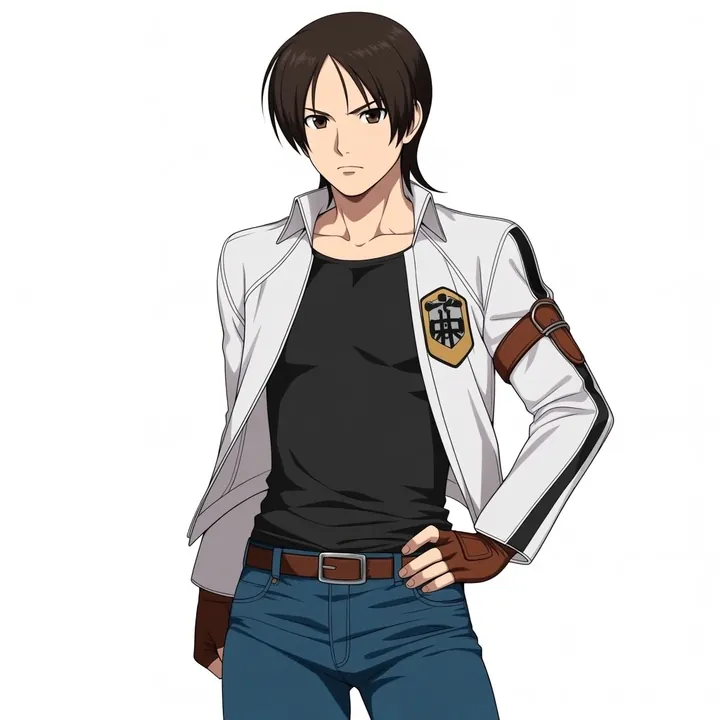
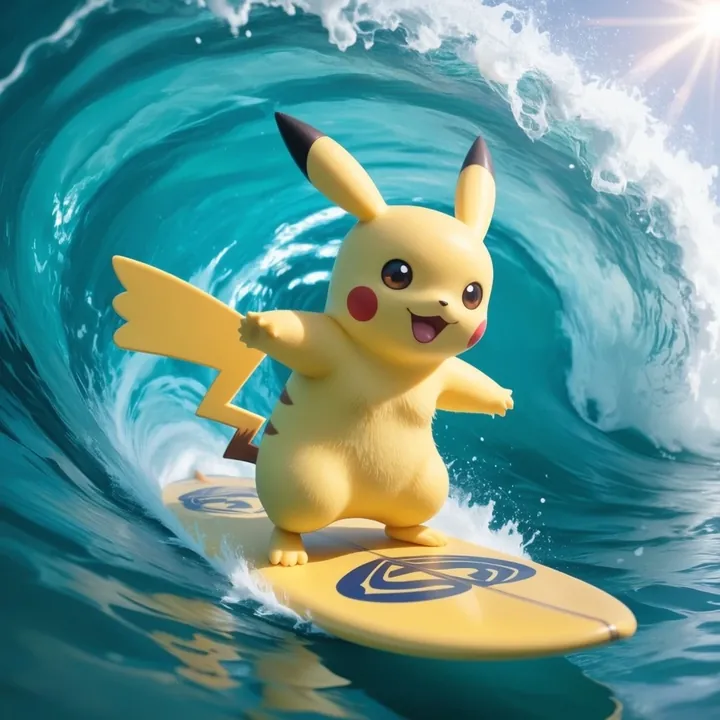
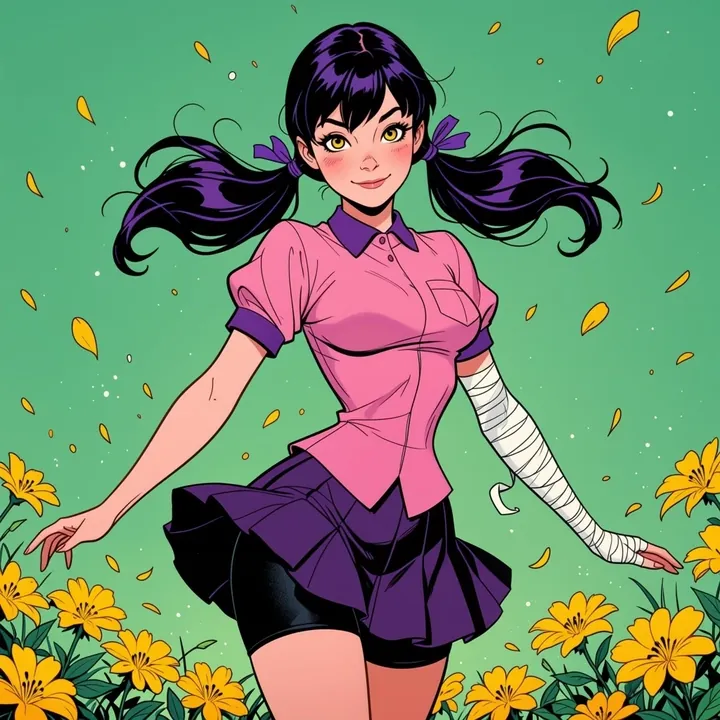
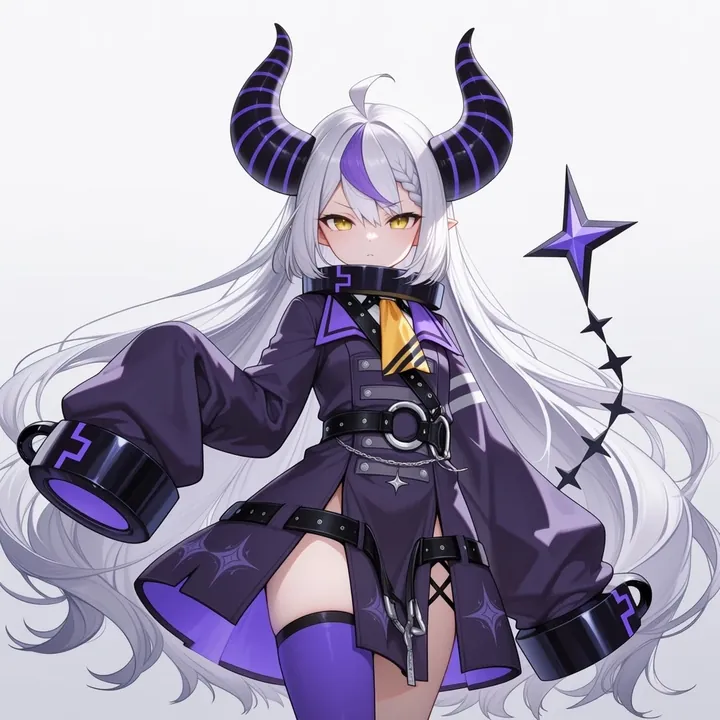
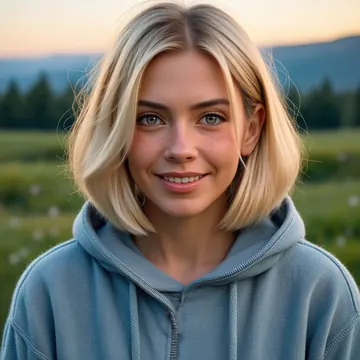
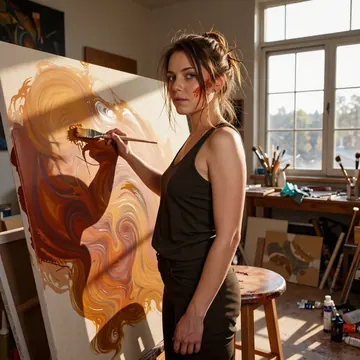
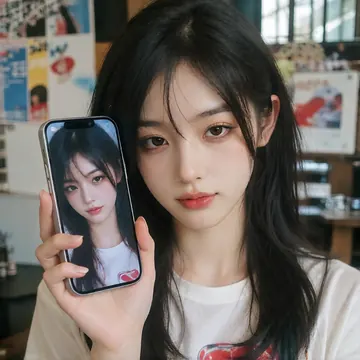
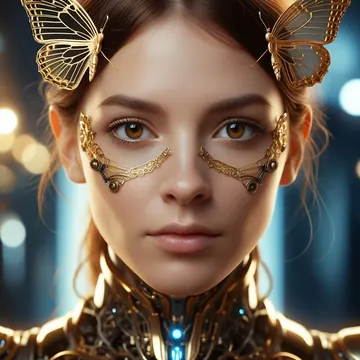
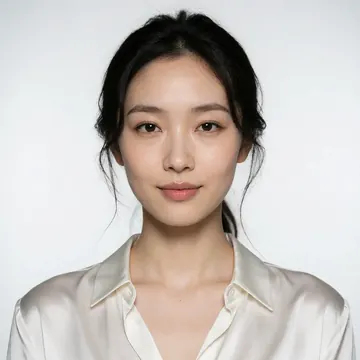
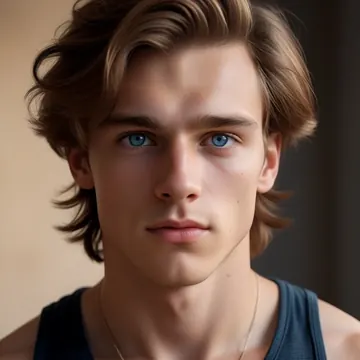
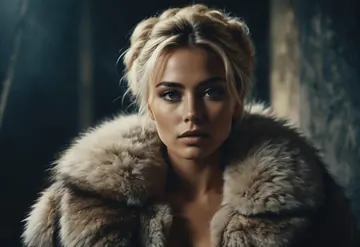
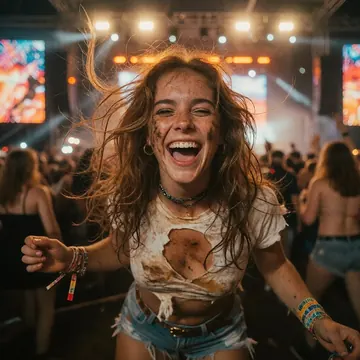
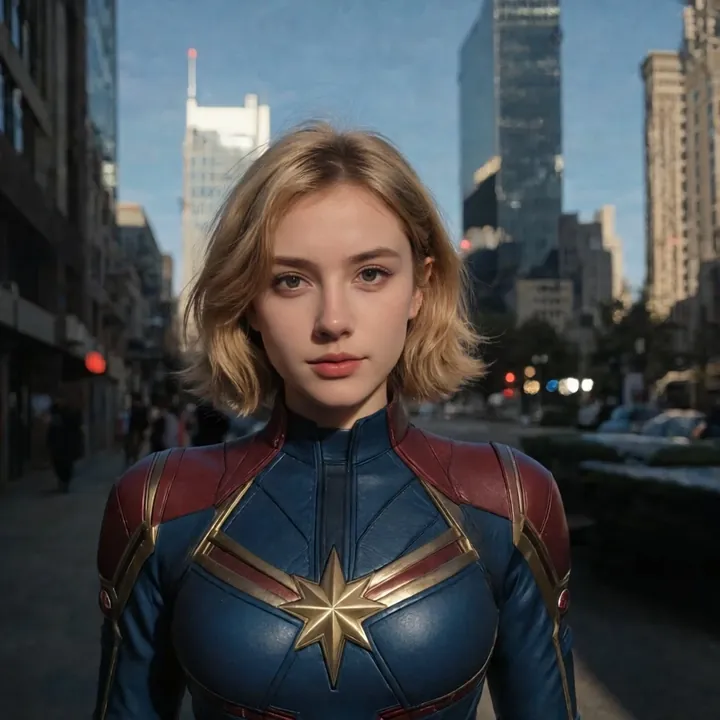
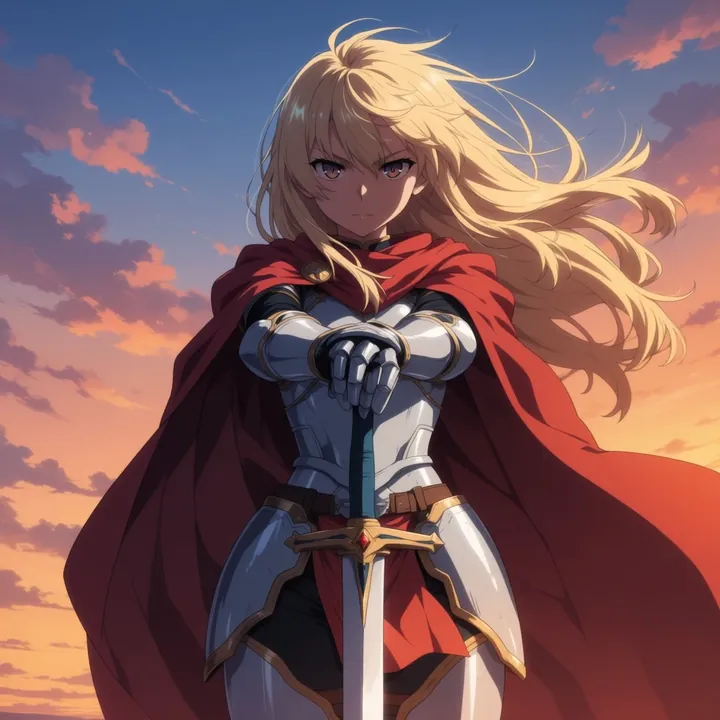
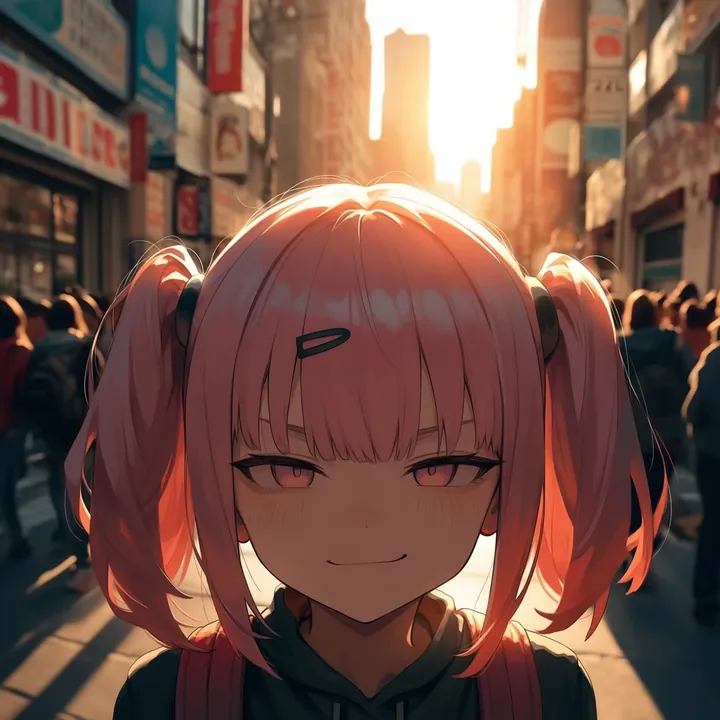
Sample image made with Real Dream
Anima Image Local Cloud Image input

Real Dream

Real Dream nails lifelike people with clean skin detail, expressive eyes, and natural color. It shines for cosplay and character work, think superheroes, adventurers, and elves rendered like real photos, across daylight parks, ancient ruins, or neon city nights. Great for thumbnails, posters, and fashion-style portraits.

$0.005

per image in the cloud

$0

on your own GPU

Vibe

  • Ultra-clean, photoreal portraits with soft, natural skin and crisp eyes
  • Real-world textures pop: leather straps, denim, embroidered gowns, glossy suits
  • Natural grading: warm sunlit highlights, balanced neutrals, cool night city bokeh
  • Cinematic framing and shallow depth of field; looks like real camera flash at night or soft daylight outdoors
Best for

  • Cosplay that feels photographed in the real world (superheroes, adventurers, fantasy elves)
  • Lifestyle and fashion-style portraits, character posters, thumbnails, profile shots
  • Outdoor scenes in parks, ivy-covered ruins, rooftops at night with skyline lights
  • Close-ups and three-quarter portraits where skin texture and fabric detail matter

Prompting tips

  • Subjects: “cosplay heroine in fitted suit,” “fantasy elf princess in ornate gown,” “outdoor adventurer with holster,” “urban night portrait on rooftop”
  • Lighting: “golden hour backlight,” “soft overcast daylight,” “night city with neon bokeh,” “on‑camera flash,” “subtle rim light”
  • Looks: “natural makeup,” “glossy lips,” “freckles,” “windswept hair,” “striking eyes,” “fine skin texture”
  • Mood & framing: “candid glance over shoulder,” “cinematic close-up,” “rule‑of‑thirds,” “shallow depth of field,” “clean background separation”
  • Environments: “stone archway ruins with ivy,” “grassy park,” “city skyline at night,” “rooftop ledge with distant lights”

If you want character portraits that read like real photos, cosplay, fantasy, or modern style, this model is a solid pick.

Use it

Three ways to run Real Dream

  1. Download Imference Desktop and open it.
  2. In Local models, pick Real Dream. It downloads once.
  3. Write a prompt and press Generate. Free, on your GPU.
Get the app
Make an image with Real Dream ("real-dream"): a lighthouse on a cliff at dusk, cinematic light
curl https://imference.com/generate \
  -H "Authorization: Bearer $IMFERENCE_API_KEY" \
  -H "Content-Type: application/json" \
  -d '{"model": "real-dream",
       "format_code": "square",
       "prompt": "a lighthouse on a cliff at dusk, cinematic light"}'

Claude needs the MCP server. API details in the reference.

Specs

The details

Price
$0.005 · 5 credits
$5 buys
1,000 images
Prompt style
Tags
Runs
Local and cloud
Default steps
23
Default CFG
4
Reference images
Up to 1
Model code
real-dream

Formats

Square

1024×1024

Portrait

896×1152

Landscape

1152×896

Portrait Large

832×1216

Landscape Large

1216×832

Portrait Wide

768×1344

Landscape Wide

1344×768

Portrait Ultra-Wide

640×1536

Landscape Ultra-Wide

1536×640

LoRAs

Styles that work with it

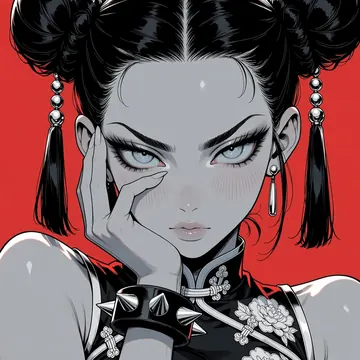
Sample of the Anime Flat Style LoRA
Anime Flat Style
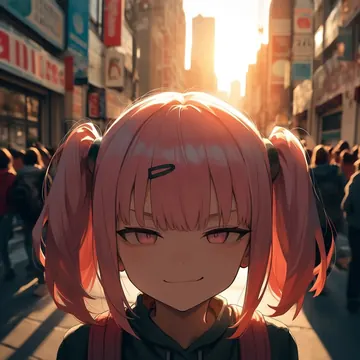
Sample of the Anime in real LoRA
Anime in real
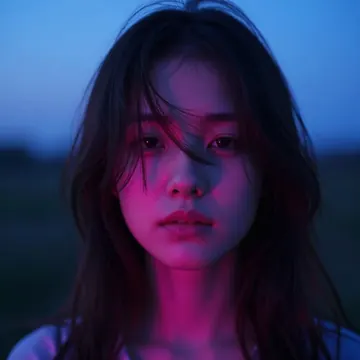
Sample of the Dark Art Style LoRA
Dark Art Style
Sample of the Detail Tweaker LoRA
Detail Tweaker
Sample of the Retro Sci-fi 90's an LoRA
Retro Sci-fi 90's an
Sample of the Velvet's Mythic Fant LoRA
Velvet's Mythic Fant

Similar

You might also like

All 76 models

Try Real Dream tonight