Skip to content
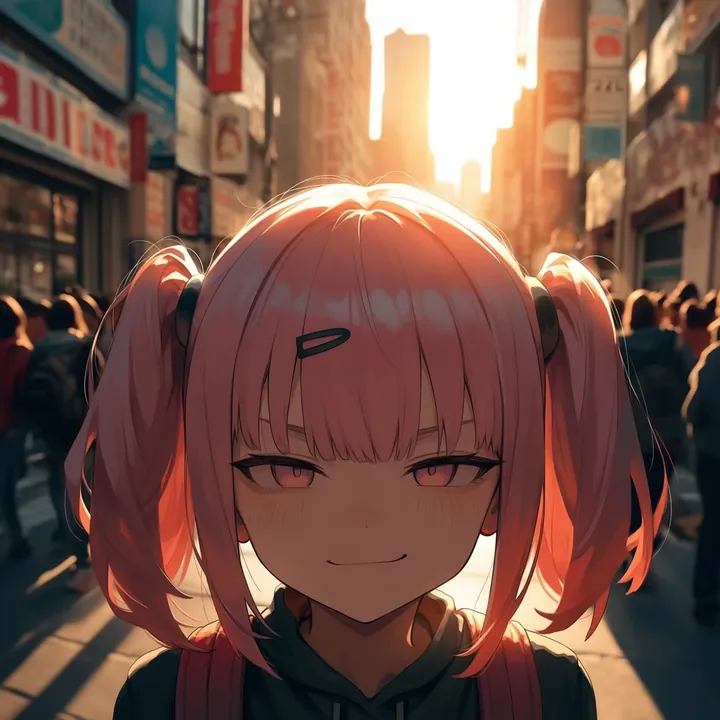
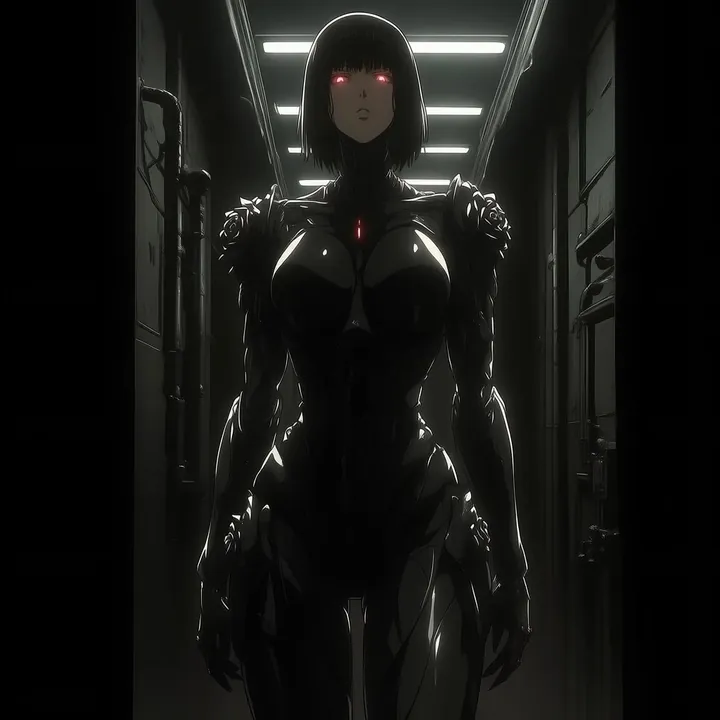
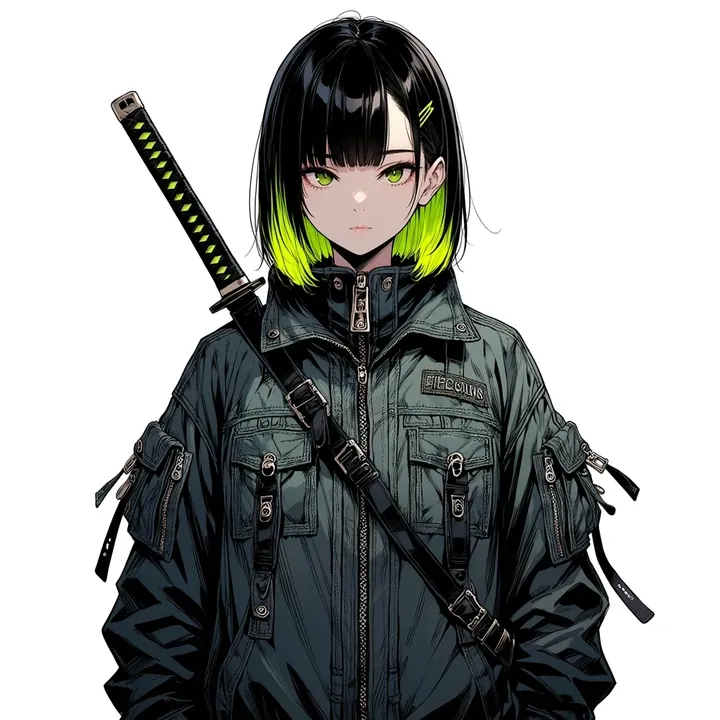
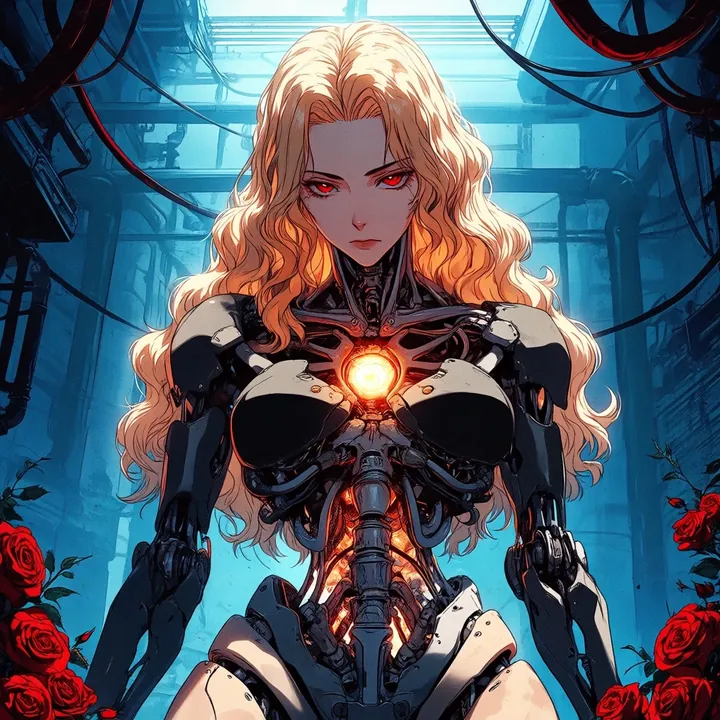
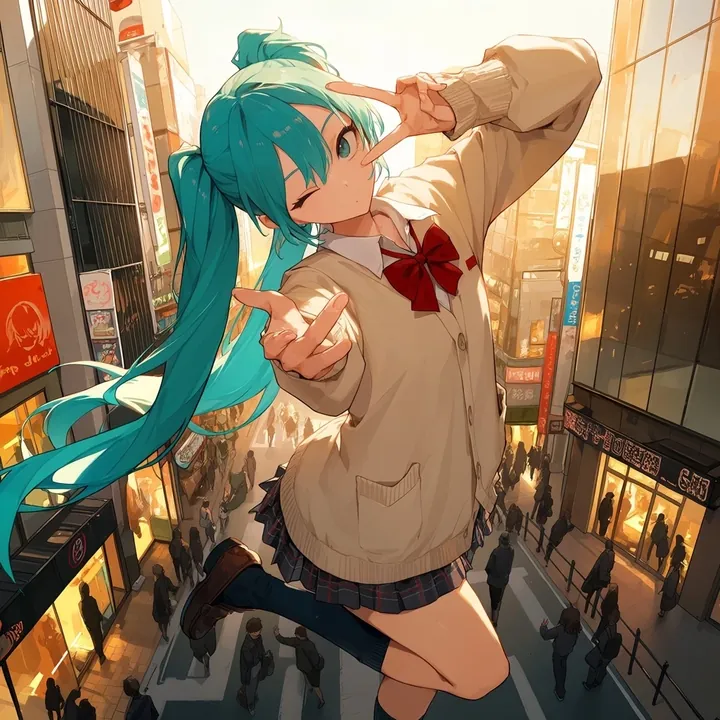
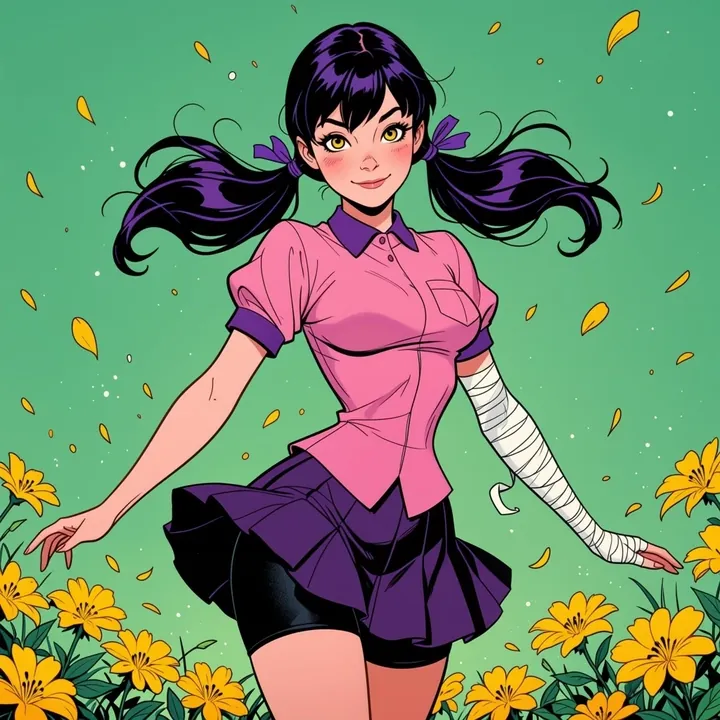
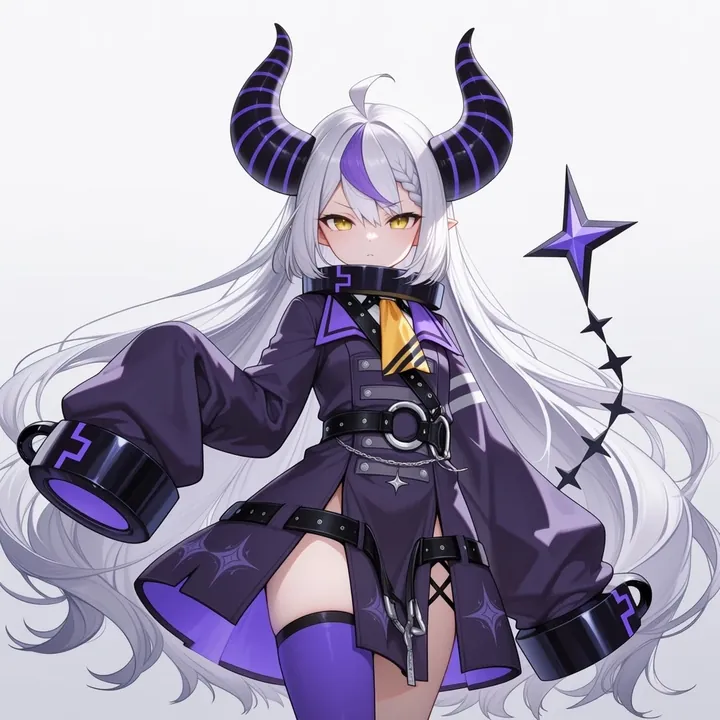
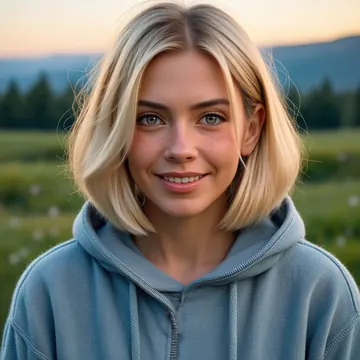
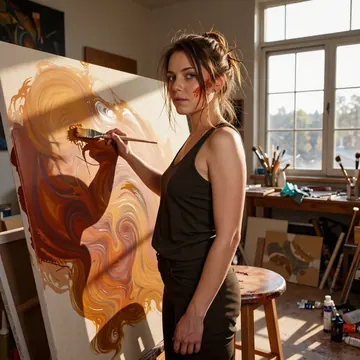
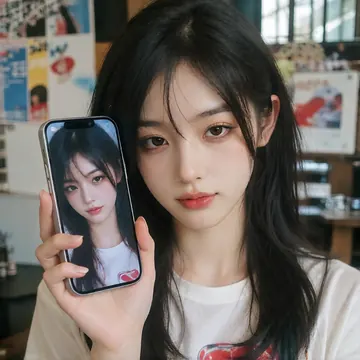
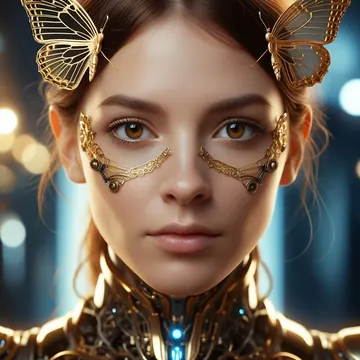
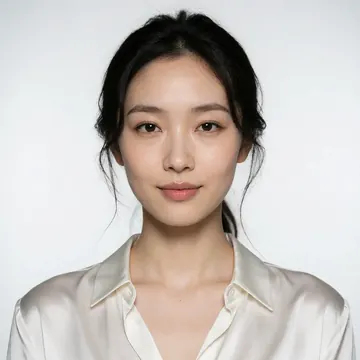
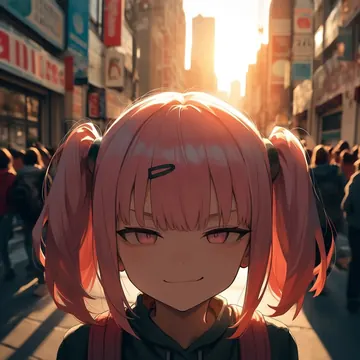
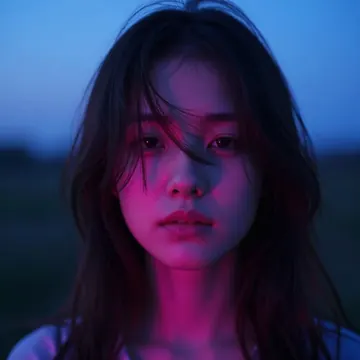
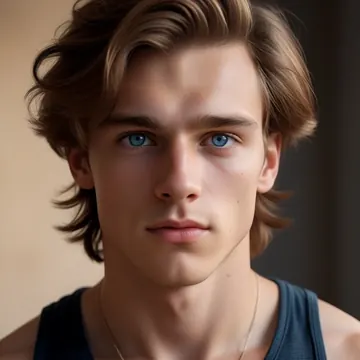
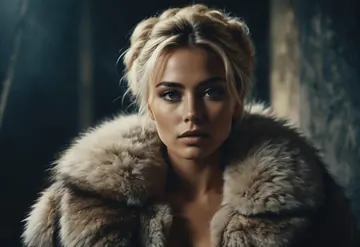
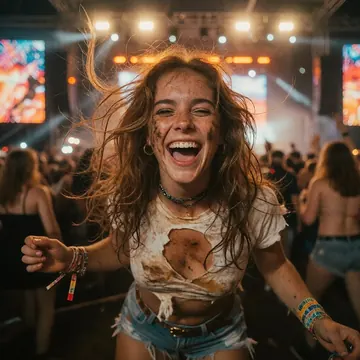
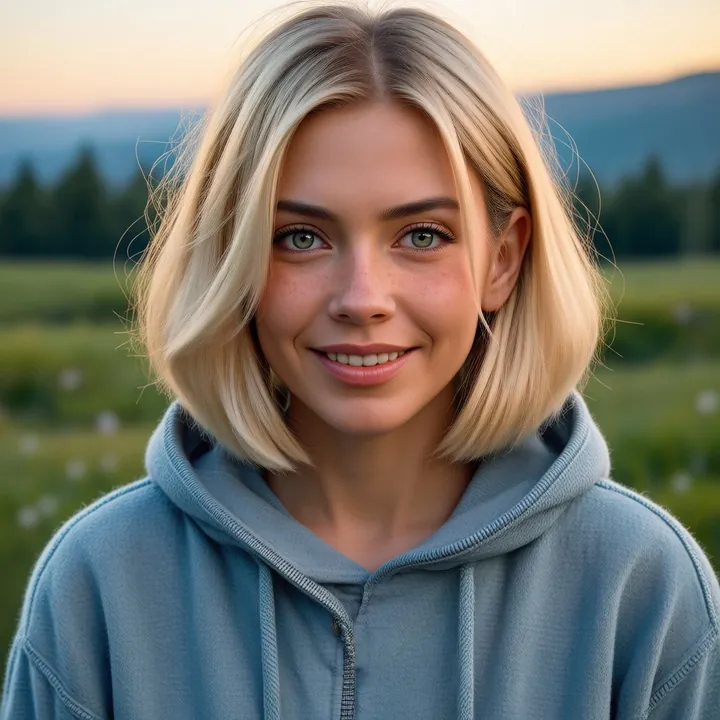
Sample image made with Photanima
Anima Image Local Cloud Image input

Photanima

Photanima turns Anima into a camera‑ready base for realistic photography. Expect natural skin texture, crisp fabric detail, lush greenery, and convincing depth of field, great in golden hour, studio backdrops, or rainy jungle scenes. It handles faces and hands well and keeps colors clean, making it a solid pick for portraits, lifestyle, fashion, pets, and wildlife.

$0.005

per image in the cloud

$0

on your own GPU

Vibe

  • Clean, modern photo look with true‑to‑life color.
  • Natural skin detail (pores, fine hair) and tactile fabrics.
  • Smooth, creamy bokeh that isolates the subject.
  • Works from warm sunset exteriors to saturated studio backdrops.
  • Lush, moody greens and rain detail pop in nature/wildlife shots.
  • Faces and hands stay coherent; expressions feel candid.

Best for

  • Portraits and headshots (candid smiles, peace‑sign poses, beauty close‑ups).
  • Fashion/editorial against solid color backdrops.
  • Lifestyle and travel scenes at golden hour.
  • Wildlife and pets, especially close‑ups with foliage and droplets.
  • Product or food with glossy textures and controlled lighting.

Prompting tips

Use descriptive, photo‑centric language:

  • Lighting: natural light, golden hour, soft overcast, diffused window light, softbox, beauty dish, rim light, backlit, studio lighting, rainy day sparkle.
  • Composition: shallow depth of field, subject isolation, close‑up, macro detail, center framing, rule of thirds, eye‑level portrait, tight crop.
  • Color & mood: warm sunset hues, pastel sky, moody greens, saturated red backdrop, neutral tones, high micro‑contrast.
  • Detail cues: freckles, subtle makeup, catchlights, crisp eyelashes, fabric texture, water droplets, whiskers.
  • Environment cues: misty jungle, dewy leaves, mountains at dusk, clean studio sweep.

Keep prompts clear and photographic, describe the scene, light, and mood you want, and Photanima tends to deliver vivid, camera‑like results straight away.

Use it

Three ways to run Photanima

  1. Download Imference Desktop and open it.
  2. In Local models, pick Photanima. It downloads once.
  3. Write a prompt and press Generate. Free, on your GPU.
Get the app
Make an image with Photanima ("photanima"): a lighthouse on a cliff at dusk, cinematic light
curl https://imference.com/generate \
  -H "Authorization: Bearer $IMFERENCE_API_KEY" \
  -H "Content-Type: application/json" \
  -d '{"model": "photanima",
       "format_code": "square",
       "prompt": "a lighthouse on a cliff at dusk, cinematic light"}'

Claude needs the MCP server. API details in the reference.

Specs

The details

Price
$0.005 · 5 credits
$5 buys
1,000 images
Prompt style
Tags
Runs
Local and cloud
Default steps
8
Default CFG
1
Reference images
Up to 1
Model code
photanima

Formats

Square

1024×1024

Portrait

896×1152

Landscape

1152×896

Portrait Large

832×1216

Landscape Large

1216×832

Portrait Wide

768×1344

Landscape Wide

1344×768

Portrait Ultra-Wide

640×1536

Landscape Ultra-Wide

1536×640

LoRAs

Styles that work with it

Sample of the Anime Flat Style LoRA
Anime Flat Style
Sample of the Anime in real LoRA
Anime in real
Sample of the Dark Art Style LoRA
Dark Art Style
Sample of the Detail Tweaker LoRA
Detail Tweaker
Sample of the Retro Sci-fi 90's an LoRA
Retro Sci-fi 90's an
Sample of the Velvet's Mythic Fant LoRA
Velvet's Mythic Fant

Similar

You might also like

All 76 models

Try Photanima tonight