Skip to content
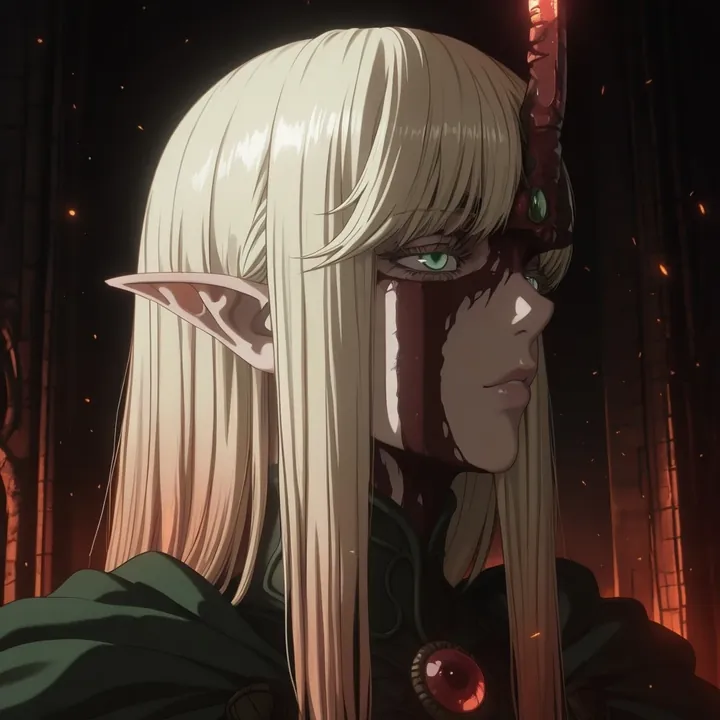
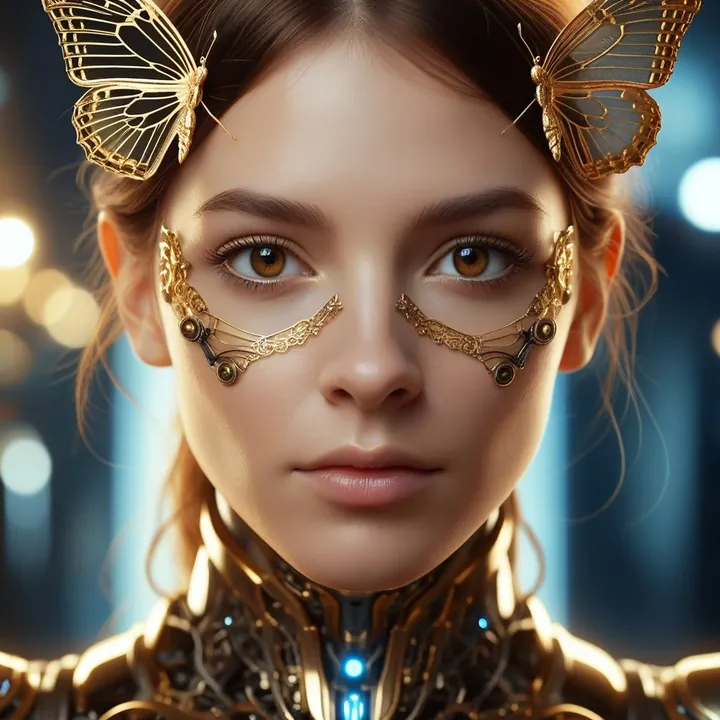
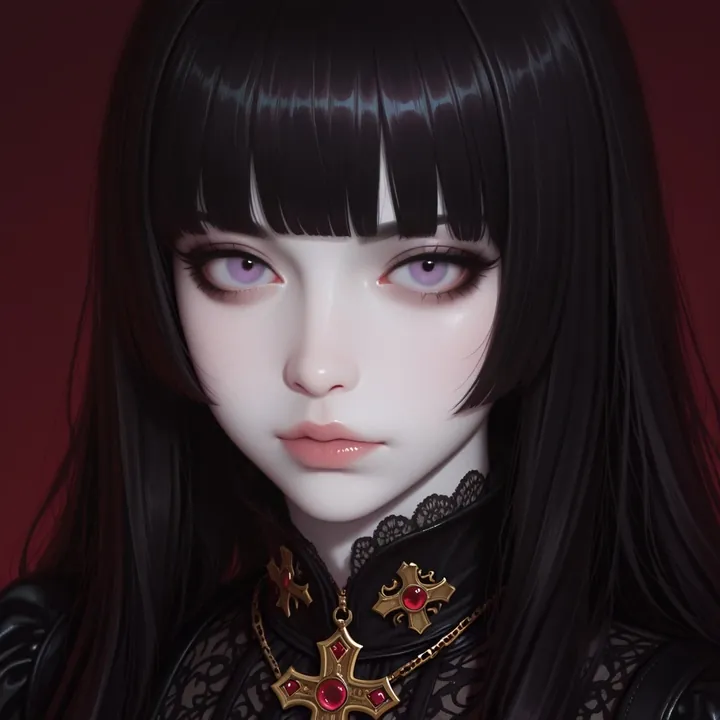
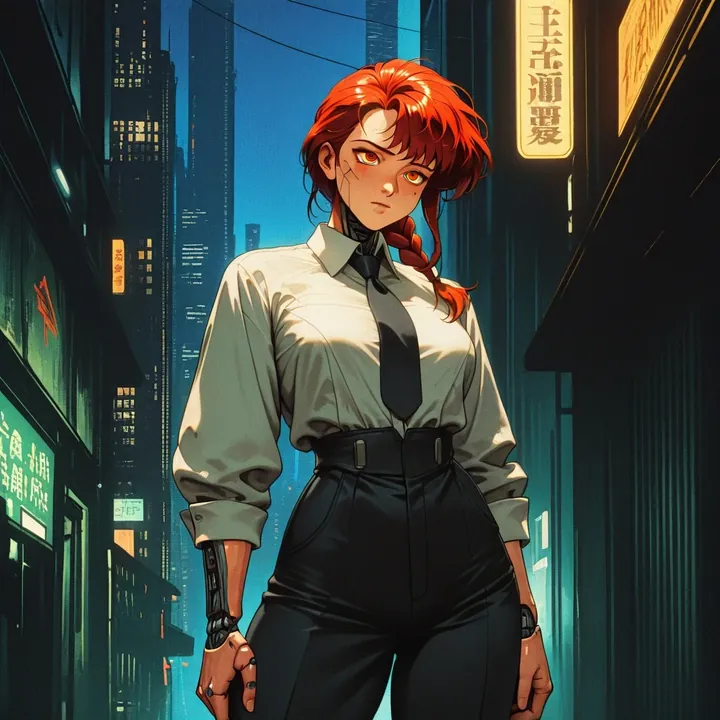
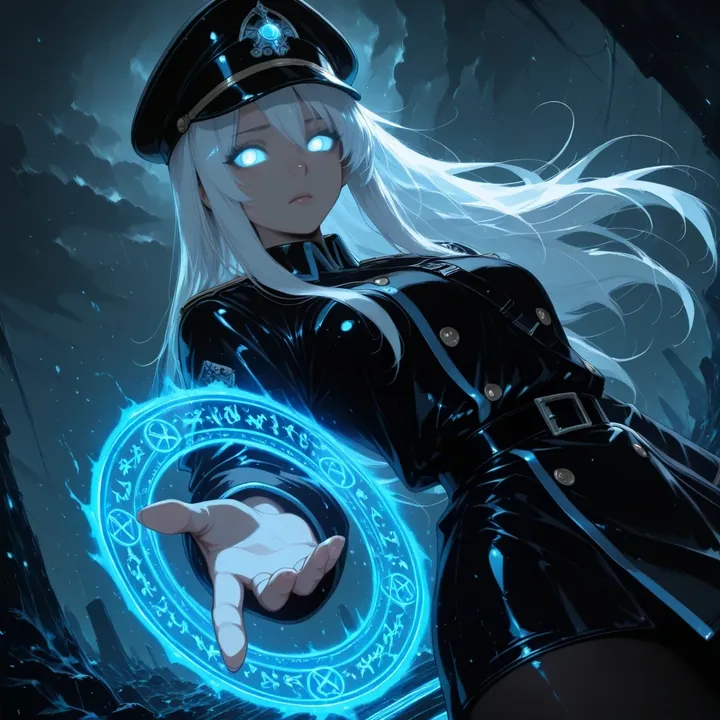
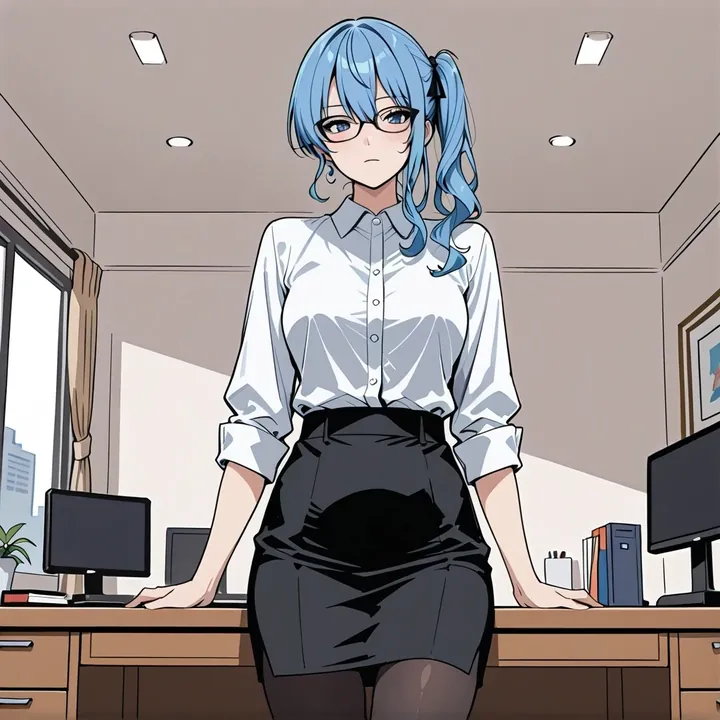
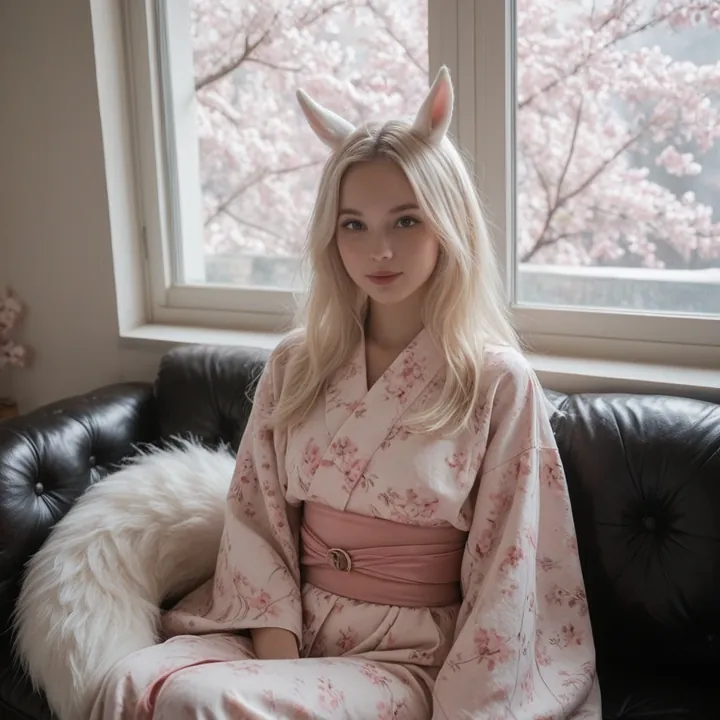
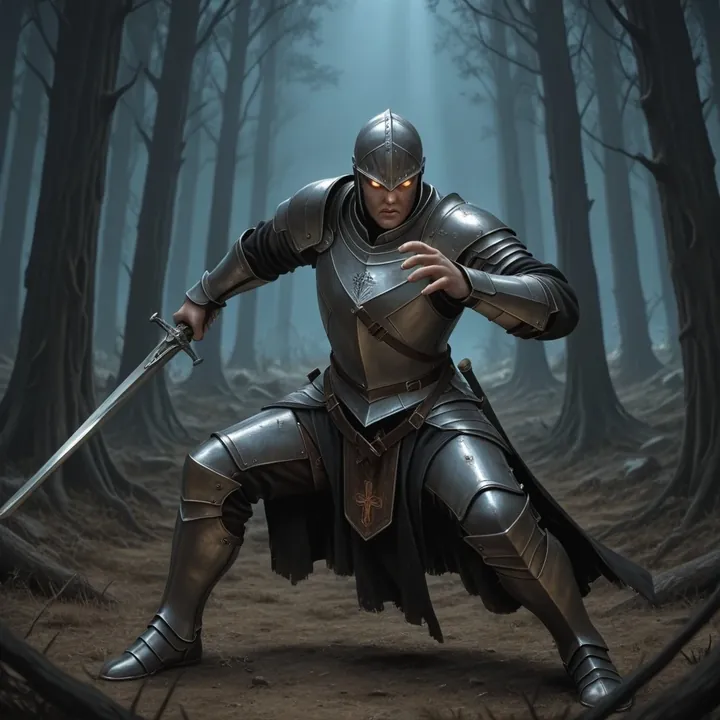
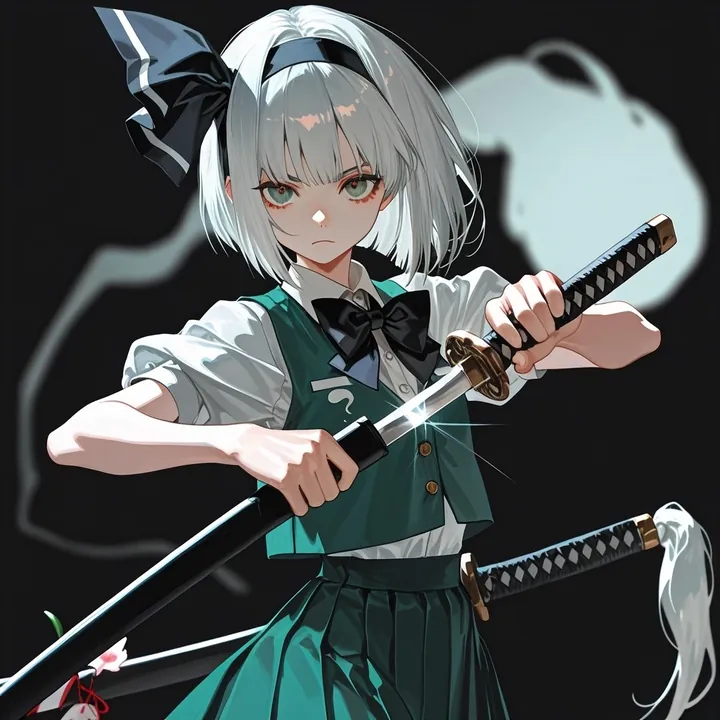
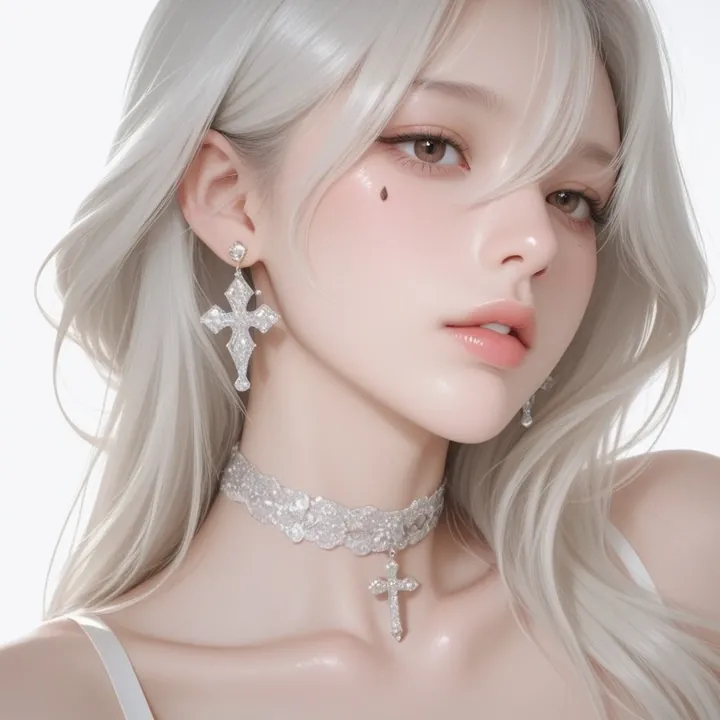
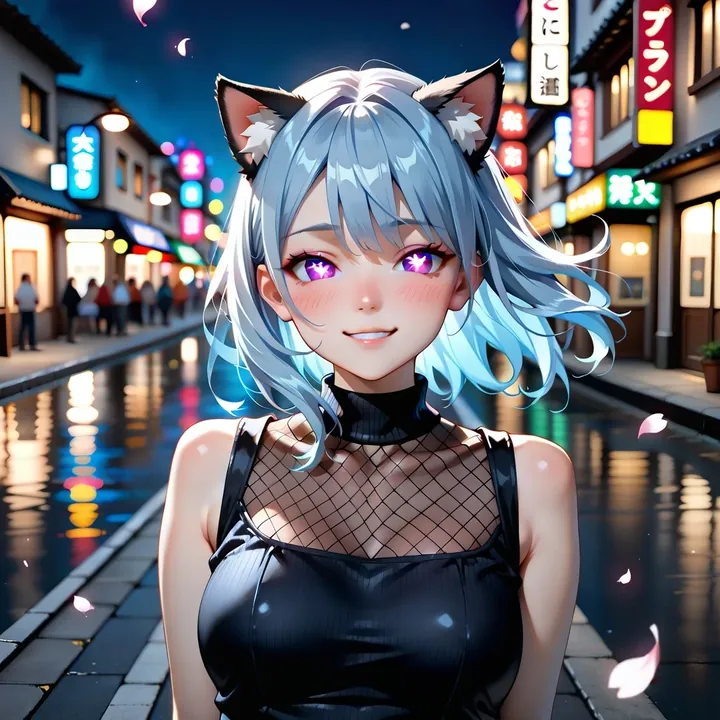
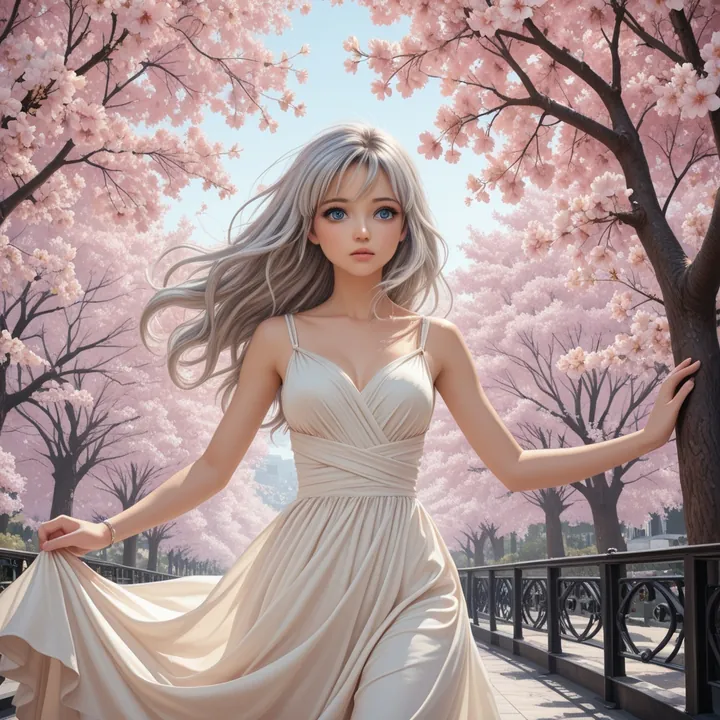
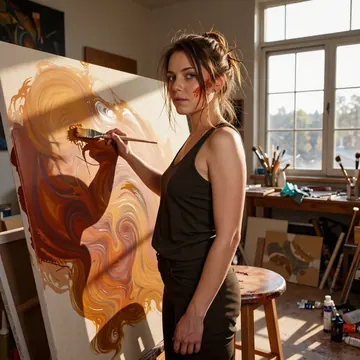
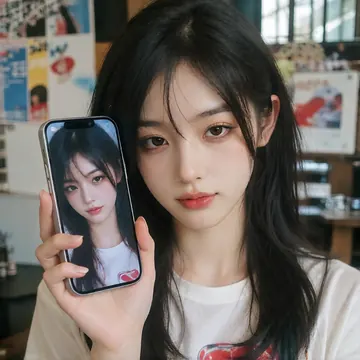
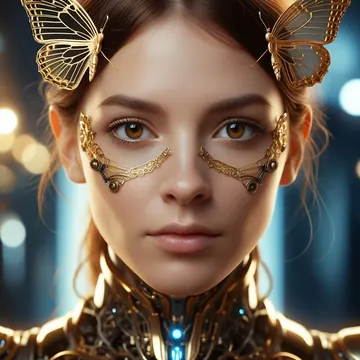
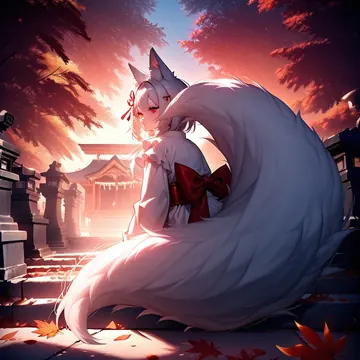
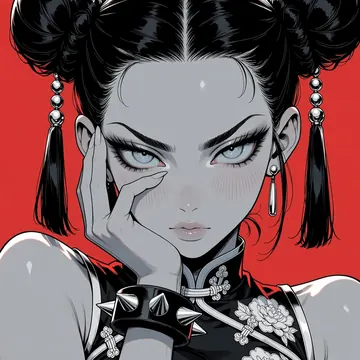
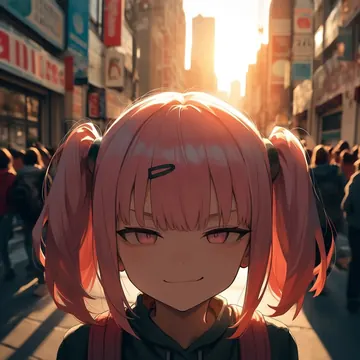
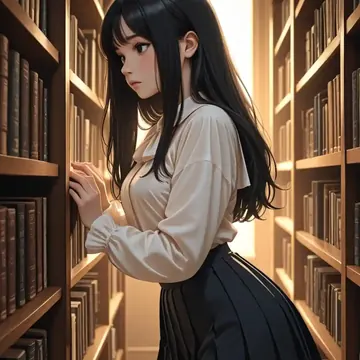
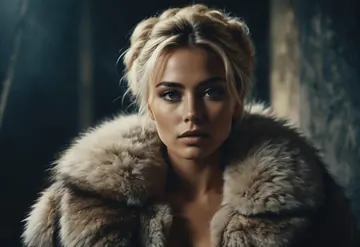
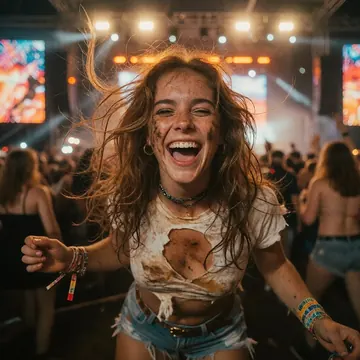
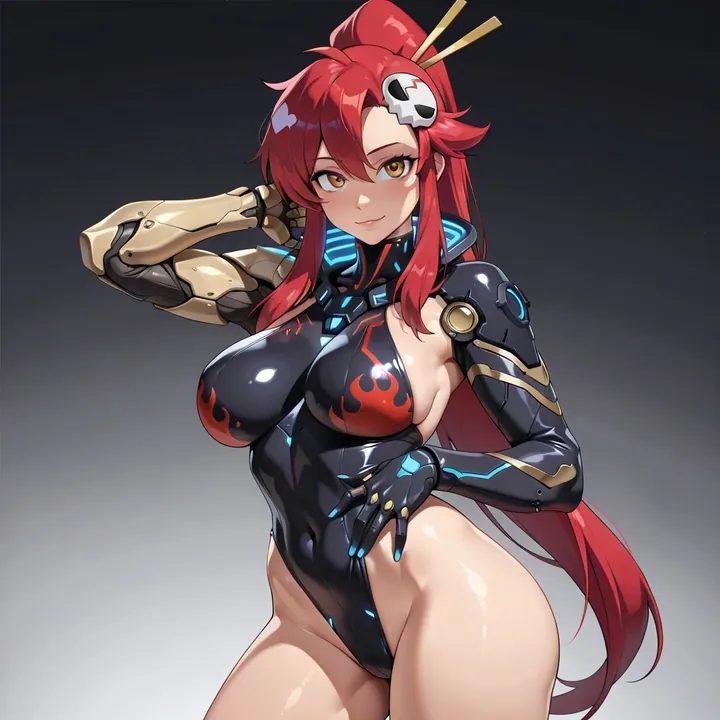
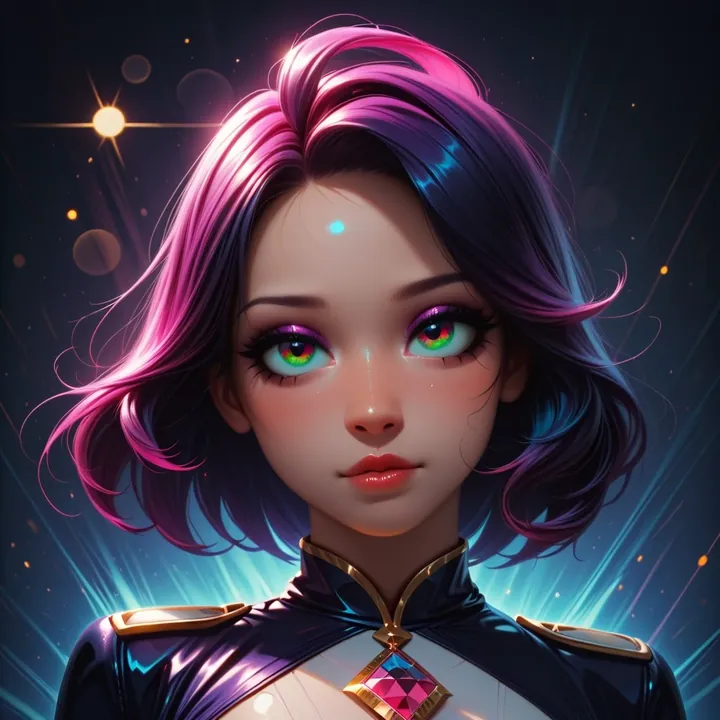
Sample image made with SteinIllustrious
Illustrious Image Local Cloud Image input

SteinIllustrious

An SDXL Illustrious merge tuned for stylish character art. You’ll get glossy pinups, sci‑fi suits, and fantasy mages with crisp lines, luminous eyes, and smooth highlights; it also does bright slice‑of‑life scenes like beach shots. Works for SFW or NSFW. Suggested settings: 50 steps, CFG 4.8, DDPM scheduler.

$0.003

per image in the cloud

$0

on your own GPU

Vibe

  • Clean, high-contrast anime with sharp linework and bright, glassy eyes.
  • Loves glossy surfaces: latex-like bodysuits, polished metal prosthetics, wet skin highlights, gemstones.
  • Color pops: saturated reds, magentas, and purples against dark or gradient backdrops; also sunny blues for seaside scenes.
  • Framing tends toward portrait and medium-full body with confident, expressive poses.
Best for

  • Sci‑fi heroines and mecha‑tinged pinups (shiny suits, cyber arms, emblem details).
  • Dark fantasy queens/sorceresses with skull motifs, capes, and purple aura lighting.
  • Summer slice‑of‑life: beachside portraits, sundresses, backlit skies, reflective water.
  • Character design sheets and poster-style key art where you want clean shapes and specular sheen.
  • Both SFW and NSFW workflows.

Prompting tips

  • Works great with tag-style prompts (Danbooru-like) but also reads short natural sentences.
  • Example tags:
  • "1girl, solo, portrait, detailed eyes, glossy bodysuit, mechanical arm, red hair, flame motif, dark background, dramatic lighting"
  • "pink hair, tiara, skulls, cape, dark fantasy, purple glow, jeweled accessories, medium shot"
  • "beach, sundress, braid, drinking juice, sunny sky, ocean, rim lighting, soft shadows"
  • Keep prompts focused on 1–2 style anchors (e.g., "glossy bodysuit" + "dramatic lighting") for the cleanest outputs.
  • Negative prompt suggestions: "extra limbs, deformed hands, text watermark, logo".
  • Recommended settings: steps 50, CFG 4.8, scheduler DDPM. Low CFG preserves the smooth Illustrious look; bump slightly for more contrast if needed.
  • Start with portrait aspect ratios and simple backgrounds; add props and scenery once you like the pose.

Use it

Three ways to run SteinIllustrious

  1. Download Imference Desktop and open it.
  2. In Local models, pick SteinIllustrious. It downloads once.
  3. Write a prompt and press Generate. Free, on your GPU.
Get the app
Make an image with SteinIllustrious ("steinillustrious"): a lighthouse on a cliff at dusk, cinematic light
curl https://imference.com/generate \
  -H "Authorization: Bearer $IMFERENCE_API_KEY" \
  -H "Content-Type: application/json" \
  -d '{"model": "steinillustrious",
       "format_code": "square",
       "prompt": "a lighthouse on a cliff at dusk, cinematic light"}'

Claude needs the MCP server. API details in the reference.

Specs

The details

Price
$0.003 · 3 credits
$5 buys
1,666 images
Prompt style
Tags
Runs
Local and cloud
Default steps
50
Default CFG
4.8
Reference images
Up to 1
Model code
steinillustrious

Formats

Square

1024×1024

Portrait

896×1152

Landscape

1152×896

Portrait Large

832×1216

Landscape Large

1216×832

Portrait Wide

768×1344

Landscape Wide

1344×768

Portrait Ultra-Wide

640×1536

Landscape Ultra-Wide

1536×640

LoRAs

Styles that work with it

Sample of the CAT - Citron Styles LoRA
CAT - Citron Styles
Sample of the Dark Art Style LoRA
Dark Art Style
Sample of the Detail Tweaker XL LoRA
Detail Tweaker XL
Sample of the MoriiMee Gothic Niji LoRA
MoriiMee Gothic Niji
Sample of the Retro Sci-fi 90's an LoRA
Retro Sci-fi 90's an
Sample of the Velvet's Mythic Fant ill LoRA
Velvet's Mythic Fant ill

Similar

You might also like

All 76 models

Try SteinIllustrious tonight